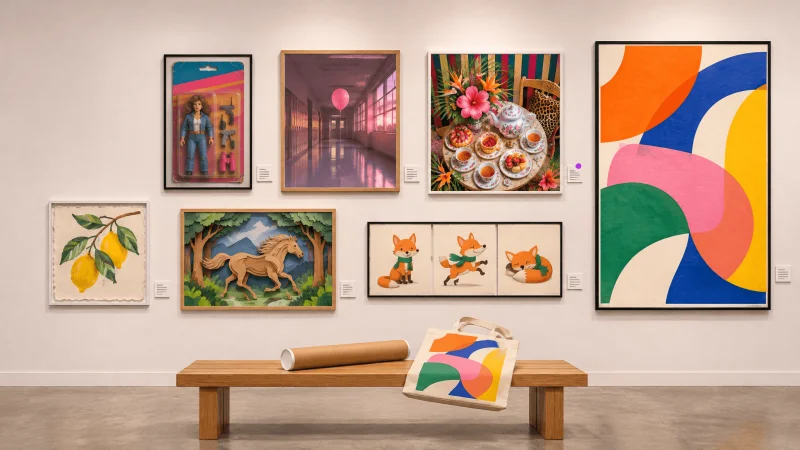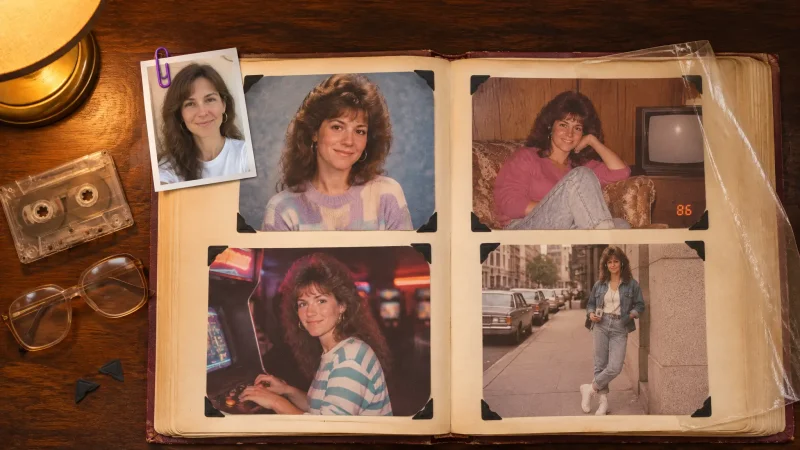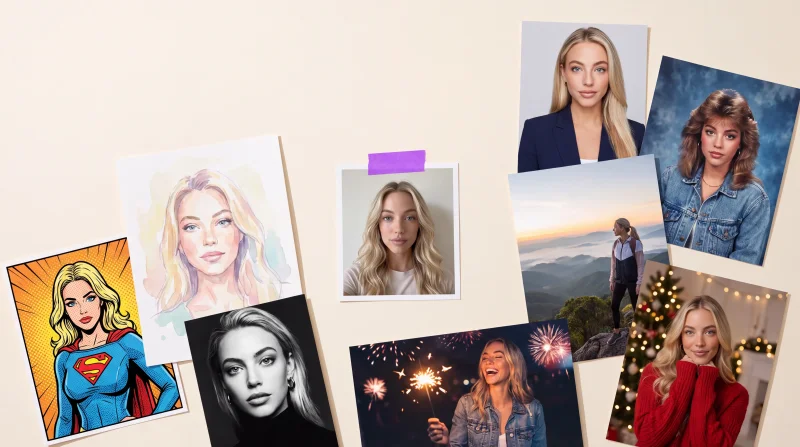
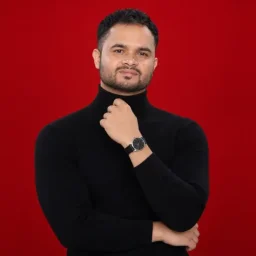
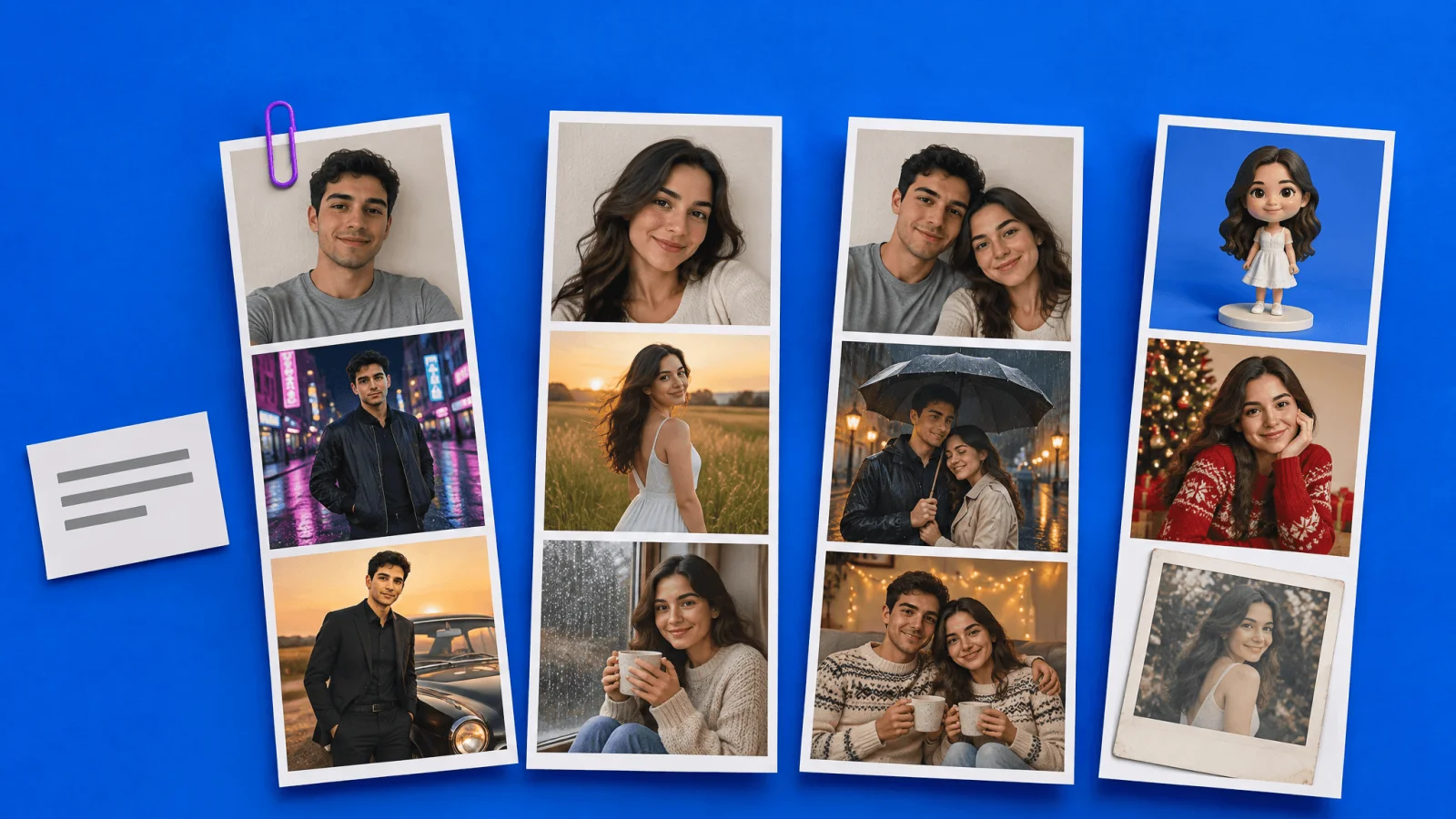
A Gemini AI photo prompt is a short instruction you paste into Google Gemini along with your photo. Gemini then edits the picture: new clothes, a new place, different light, while your face stays the same. Below are 30 prompts you can copy and paste, grouped the way people search for them: boys, girls, couples, childhood and family photos, and festivals.
How to use a photo prompt in Gemini
Open the Gemini app or go to gemini.google.com and sign in.
Choose the image tool. Google's own guide says to select "Create images" from the tools menu.
Upload your photo, paste a prompt from this page, and send it. Google's help page confirms you can upload an image and ask Gemini to make edits, or upload several images to combine them.
If something is off, reply with a small correction such as "make the light warmer". You do not need to start again.
Two limits to know. Google states that image editing is not available to users under 18. And the free plan has a daily cap on images, so test with your best photo first.
Why some results change your face
Most bad results come from the prompt, not the tool. If you do not say what to keep, the model is free to redraw everything, including you. Every prompt below starts with a keep-my-face line for that reason. Three more habits help: use a sharp, front-facing photo with even light; avoid photos with heavy filters; and ask for one scene at a time.
30 Gemini AI photo prompts to copy and paste
Trending Gemini photo prompts for boys
Edit my photo into a cinematic street portrait. Keep my face, hairstyle and skin tone exactly the same. Black bomber jacket, hands in pockets, wet city road at night, neon signs reflected on the ground, shallow depth of field.
Turn my photo into a classic black suit portrait. Do not change my face. Standing beside a vintage car, golden hour light, confident look, 85mm lens.
Make a rooftop portrait from my photo. Same face. White shirt with sleeves rolled up, sunset behind me, wind in my hair, warm rim light.
Create a traveller photo of me. Keep my identity. Leather jacket, motorcycle parked on a mountain road, morning mist, cool tones.
Turn my selfie into a fitness magazine portrait. Preserve my face and keep my build realistic. Grey T-shirt, plain dark background, one light from the side.
Edit my photo into a traditional look. Same face. Cream kurta, old courtyard with carved pillars, soft evening light, calm expression.
Trending Gemini photo prompts for girls
Edit my photo into a retro saree portrait. Keep my face and skin tone exactly the same. Flowing chiffon saree in mustard yellow, a flower in my hair, warm brown studio backdrop, soft film grain.
Turn my photo into a golden hour field portrait. Do not change my face. Long white dress, tall grass, sun behind me, soft glow.
Make a rainy window portrait from my photo. Same face. Oversized sweater, cup of tea in hand, raindrops on the glass, cool blue tones with warm lamp light.
Create a magazine cover style portrait of me. Keep my identity. Tailored blazer, plain pastel background, soft studio light, confident look.
Edit my photo into a festive traditional look. Same face. Embroidered lehenga in deep green, jhumka earrings, courtyard with string lights, warm evening glow.
Turn my selfie into a beach sunset photo. Preserve my features. Light linen dress, hair moving in the wind, waves behind, orange sky.
Gemini couple photo prompts
Using both photos, create a retro style couple portrait. Keep both faces exactly as they are. 1970s outfits, a polka-dot saree and a wide-collar shirt, a scooter beside us, warm faded colours.
Turn our photo into a rainy street couple portrait. Same faces. Sharing one umbrella, street lamps glowing, reflections on the wet road.
Create a pre-wedding style photo of us. Do not change our faces. Old fort steps, pastel traditional outfits, soft morning light.
Make a winter evening photo of us at home. Keep both faces. Matching sweaters, mugs in hand, fairy lights, sitting on a sofa.
Edit our photo into a black and white film still. Same faces. Standing close, soft window light, fine grain.
Childhood and family photo prompts
Using my current photo and my childhood photo, create one picture of me today sitting beside my younger self on a park bench. Keep both faces exactly as in the photos. Soft afternoon light, both smiling.
Combine my photo and my childhood photo into one frame: me as an adult holding hands with me as a child, walking down a quiet village road, seen from the front, warm evening light.
Using these photos of my family members, create one group portrait. Keep every face unchanged. Sitting together on a sofa, festive clothes, warm living room light.
Add my grandparent from the second photo into my photo so we stand side by side. Keep both faces exactly as they are. Garden background, soft daylight.
Festival prompts
Edit my photo into a Christmas portrait. Same face. Red sweater, decorated tree, warm fairy lights, snow outside the window.
Create a Holi photo of me. Keep my face recognisable. White kurta covered in colour powder, clouds of pink and yellow in the air, big laugh, sunny courtyard.
Make a Diwali portrait from my photo. Same face. Traditional outfit in deep red, rows of oil lamps, warm glow, soft blurred lights behind.
Create an Eid portrait from my photo. Keep my face the same. Elegant traditional clothing, crescent lanterns, soft evening light.
Turn my photo into a New Year night picture. Preserve my features. Dark evening outfit, sparkler in hand, city fireworks in the distance.
Profile and creative prompts
Make a passport-style photo from my picture for a profile or resume. Keep my face completely unchanged. Front-facing, neutral expression, plain white background, even light, shoulders visible.
Turn my selfie into a LinkedIn headshot. Same face. Navy blazer, light grey background, soft window light.
Turn my photo into a small collectible figurine of me standing on a desk. Realistic plastic texture, round base, softly blurred room behind.
Turn my photo into a Polaroid-style print held in a hand. Keep my face. White border, slightly faded colours, soft focus.
A warning about passport photos
Prompt 27 gives you a clean passport-style picture for a resume or profile. Do not submit an AI-edited photo for a real passport, visa or ID. Most authorities reject digitally altered images, and an edit can change small facial details even when it looks identical to you.
If Gemini does not give you the look
Face still changes. Add "do not alter facial structure, eye shape, nose or skin tone" and try a clearer source photo.
Result looks too smooth. Add "natural skin texture, no beauty filter".
Two people merge or swap. Upload each person as a separate photo and say who stands on the left and who on the right.
You hit the daily limit. The same prompts work in other tools. In MagicShot's image editing tool you can run one prompt through several image models and keep the result that holds your face best.
More prompts
For looks beyond this list, see our 40 copy-paste AI photo prompts for headshots, travel and art styles, and the 1980s AI photo prompts for the retro album trend.
Use your own photos
Edit pictures of yourself, or of people who have agreed. That includes couple and family prompts. A realistic edited image of someone who has not consented can hurt them and may break the law where you live.