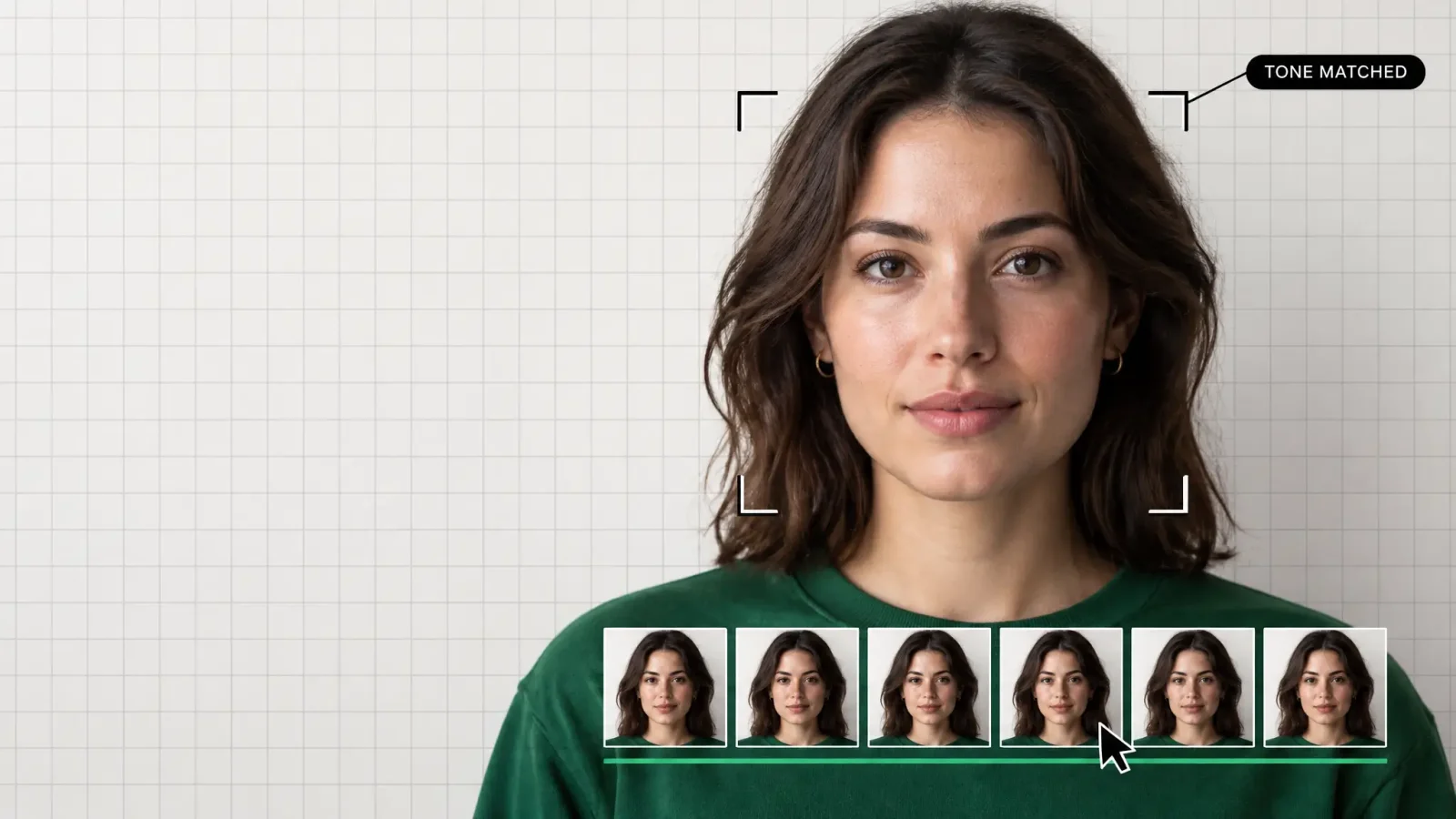
The best AI face swap tools in 2026 are the ones that blend a new face into the original lighting and skin tone without a pasted-on look, hold that face steady across every frame of a video, and hand you a finished file without a logo stamped in the corner. That's a shorter list than the app store makes it look. Most "face swap" apps still fumble at least one of those three things, usually the moment you stop testing with the sample photo and drop in your own.
To put together this list, I spent time in each of these apps and sites, uploading the same handful of everyday photos and a couple of short clips filmed on a phone, then comparing how the results held up on skin tone, edge blending, and frame-to-frame consistency in video. I also looked at what happens after the first swap: what's locked behind a paywall, what gets watermarked, and how each tool handles your uploaded photos.
Here's the short version: some of these are built for a quick meme, some are built for a marketing shoot, and one runs entirely on your own hardware if privacy is the whole point. Below are the eight that are actually worth your time, for photos, video, and group shots.
Key takeaways
The best single account for both photo and video face swaps is MagicShot, which pairs a Face Swapper with a dedicated Video Face Swapper on one shared credit balance.
Reface is the strongest pick if you mainly want fast, template-driven meme videos on your phone rather than custom footage.
DeepSwap and Akool are the two options built around multi-face and group video swaps, which matters if your source clip has more than one person in it.
FaceFusion is the only tool on this list that runs locally on your own computer, so nothing you upload ever leaves your machine, but it requires a capable GPU and some technical setup.
Every tool here has at least one real trade-off worth knowing before you commit a subscription or a shoot to it.
What's the best AI face swap tool right now?
There isn't a single best AI face swap tool for everyone, because "best" depends on whether you're swapping a photo, a video, or a whole cast of people in a group shot. For a single workflow that handles both photos and video without switching apps, MagicShot's Face Swapper and Video Face Swapper are the strongest combination on this list. For a quick meme on your phone, Reface still wins. For fully local, private processing, FaceFusion is the only real option.
MagicShot: best for one account covering photo and video swaps, paid plans for access to all features with limited free usage on some features, commercial license included for all generations, web and iOS.
Reface: best mobile app for meme-style templates, full library needs a subscription, watermark on lower tiers.
DeepSwap: best for multi-face video swaps, subscription pricing, browser-based.
Remaker: best browser option for quick single-photo swaps, broad file format support.
Magic Hour: best for developers who want API access alongside video and multi-face swaps.
FaceMagic: best for fast, TikTok-style photo edits, video features more limited.
Akool: best for marketing and brand campaigns that need group swaps at scale.
FaceFusion: best for privacy, an open-source tool you run on your own hardware.
How I picked these tools
I judged every tool on the same handful of things: how well the swapped face matches the original skin tone and lighting, whether video swaps hold steady frame to frame instead of flickering, how generous or restrictive the entry-level access is, whether the output carries a watermark, whether the tool supports more than one face in a single shot, and how each one describes what happens to the photos you upload. One honest disclosure: MagicShot is our own product, and it's listed first because it genuinely covers the most ground, photo and video in one place, but every other tool below earned its spot and is a better fit than MagicShot for at least one specific use case.
The 8 best AI face swap tools in 2026
1. MagicShot Face Swapper and Video Face Swapper, best for one account covering both
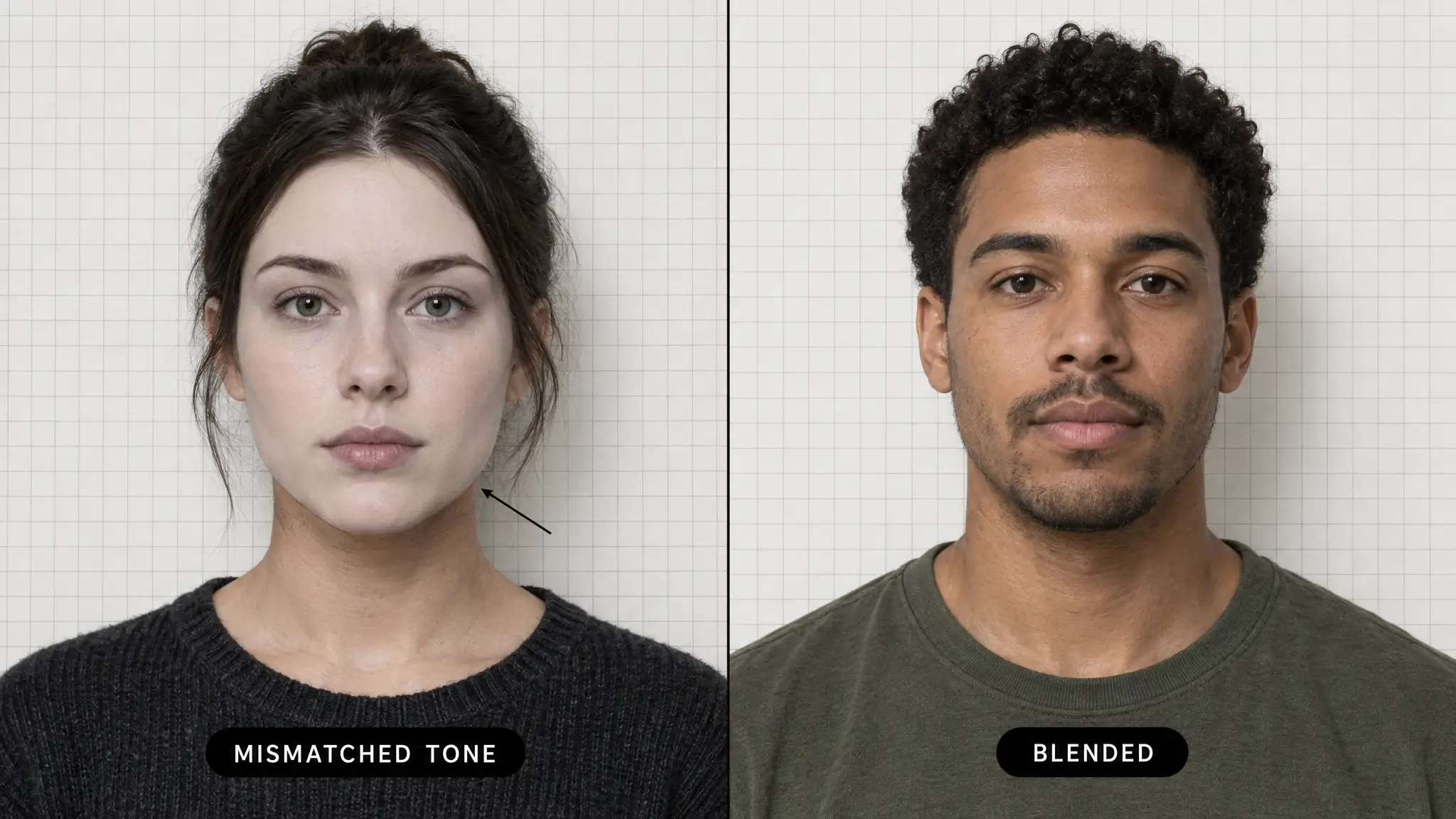
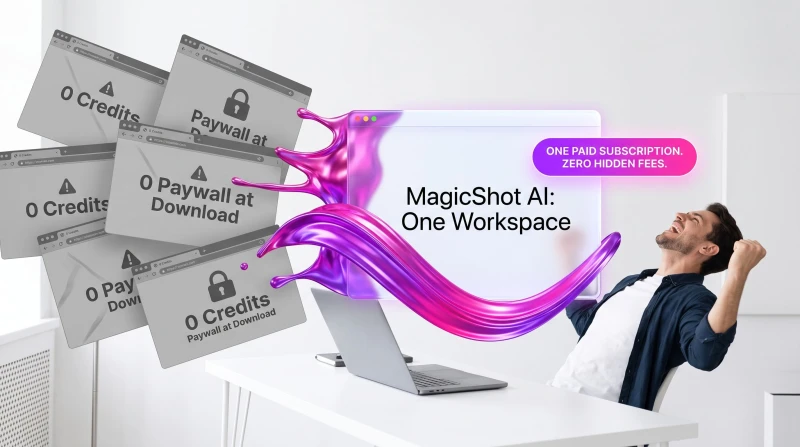
MagicShot handles photo swaps through its Face Swapper and video swaps through a separate Video Face Swapper, both sitting inside the same account alongside MagicShot's wider set of image, video, and voice tools. You upload the photo or clip you want to edit, upload or select the face you want swapped in, and generate the result, then pull the finished file straight out of your account. Because it runs on the same credit balance as MagicShot's other generators, you're not juggling a separate subscription just for face swapping the way you would with a single-purpose app.
The honest trade-off: MagicShot is built as a broad creative suite rather than a one-tap meme app, so a video swap on a longer clip takes more waiting than the near-instant, template-based swaps you get from an app like Reface that's optimized for one job. If your priority is speed on a 5-second meme clip, that's worth knowing going in. Every plan is paid from the start and comes with a commercial license, so results can go straight into client work or ads without a separate licensing step.
2. Reface, best mobile app for meme templates
Reface built its reputation on fast, template-based face swap videos, the kind that plug your face into a movie clip, a dance, or a viral sound in seconds. Tracking on those templates is genuinely good, which is why it still shows up constantly on social feeds. The trade-off is control: you're mostly limited to Reface's own template library rather than swapping faces into your own custom footage, and the app is built mobile-first, so it's a poor fit if your workflow lives on a desktop.
3. DeepSwap, best for multi-face video swaps
DeepSwap is a browser-based tool built around video, and it's one of the few on this list that's genuinely comfortable with more than one face in the same clip, which matters if your source footage has a group of people rather than a solo shot. Processing runs in batches rather than one file at a time. The catch is that it runs on subscription pricing with tiered access, so casual users doing a single swap end up paying for a plan built around recurring use.
4. Remaker, best browser option for quick photo swaps
Remaker is a browser-based AI photo suite that includes face swapping alongside its other editing tools, and it supports a wide range of file formats without asking you to install anything. It's a reasonable pick for a one-off photo swap you want done in a browser tab. The trade-off shows up on tricky angles: profile shots, extreme close-ups, or partially obscured faces produce noticeably softer, less convincing results than a straight-on portrait.
5. Magic Hour, best for developers who want API access
Magic Hour positions itself as a creator and developer platform, with face swap sitting alongside broader video generation features and an API you can build into your own product or pipeline. That API access is the real differentiator if you need face swapping as a feature inside something you're shipping, not just a one-off edit. The trade-off is cost at volume: usage-based, credit-style pricing is fine for light use but adds up quickly once you're running it through an automated pipeline at scale.
6. FaceMagic, best for TikTok-style quick edits
FaceMagic leans into fast, casual photo edits built for the kind of quick-turnaround content people post to TikTok and Instagram, swapping a face into a template photo in a few taps. It's fine for that narrow job. Video is the weak point here, it's noticeably more limited than the photo side, and lower-tier access comes with a watermark stamped across the output, which rules it out for anything you'd want to post looking finished.
7. Akool, best for marketing and brand campaigns
Akool is pitched squarely at business use, marketing teams and agencies running campaigns that need group face swaps across multiple assets at once, and it markets itself with enterprise features and support to match. If you're producing a batch of branded content with several people in frame, it's built for exactly that. The trade-off is price and complexity: it's priced and packaged for business budgets, and a solo creator doing one occasional swap is paying for far more infrastructure than they need.
8. FaceFusion, best for privacy and local processing
FaceFusion is the open-source option on this list, and it's the only one where your photos and video never touch someone else's server, because you install it and run it on your own computer's GPU. For anyone whose main concern is where their uploaded face data ends up, that's a meaningful difference from every cloud-based tool above it. The trade-off is obvious: it requires a technical setup process and a genuinely capable graphics card, so it's not an option for anyone who wants to open an app and swap a face in thirty seconds.
How to face swap a photo in 3 steps
Face swapping a photo comes down to three steps in almost every tool on this list, MagicShot's Face Swapper included: upload the photo you want to edit, upload or choose the face you want swapped in, then generate and download the result. People reach for this for all kinds of reasons, from swapping a face into a Halloween costume mockup to building out a face for a UGC-style product video.
Upload your target photo. This is the base image, the scene, pose, and lighting you want to keep. Choose a photo where the face is clearly visible and not at a sharp angle for the cleanest blend.
Upload the face you want to swap in. A clear, front-facing photo with good lighting gives the tool the most detail to work with, which shows up directly in how natural the final skin tone and shading look.
Generate and export. Run the swap, review the result, and download the file. If you're working on a video instead of a still photo, the same three-step logic applies through a video-specific tool like MagicShot's Video Face Swapper, just with a clip in place of a photo.
If you want to layer in extra polish after the swap, cleaning up the background with a background remover or sharpening a low-resolution source photo with an image upscaler both help the finished face swap look more intentional.
Is face swapping safe and legal?
Face swapping itself isn't illegal, but how you use it can cross into impersonation, harassment, or fraud depending on consent and context. The safe baseline is simple: only swap faces of people who've agreed to it, or use your own face, never use a swap to impersonate someone in a way meant to deceive, defraud, or damage their reputation, and check the platform you're posting to, since most major social platforms have their own policies on manipulated media and synthetic content. Laws on deepfakes and digital likeness vary by country and by state, so when in doubt, treat consent as the line that matters most.
If you're weighing all eight, the short version holds up: MagicShot for one account that covers photo and video, Reface for a fast meme, and FaceFusion if privacy is non-negotiable and you've got the hardware for it. For most people who want a face swap that actually looks finished and comes with a license to use it, MagicShot's Face Swapper is the one to start with, and it's worth pairing a good swap with an AI video effect if you're posting the result as a short clip.