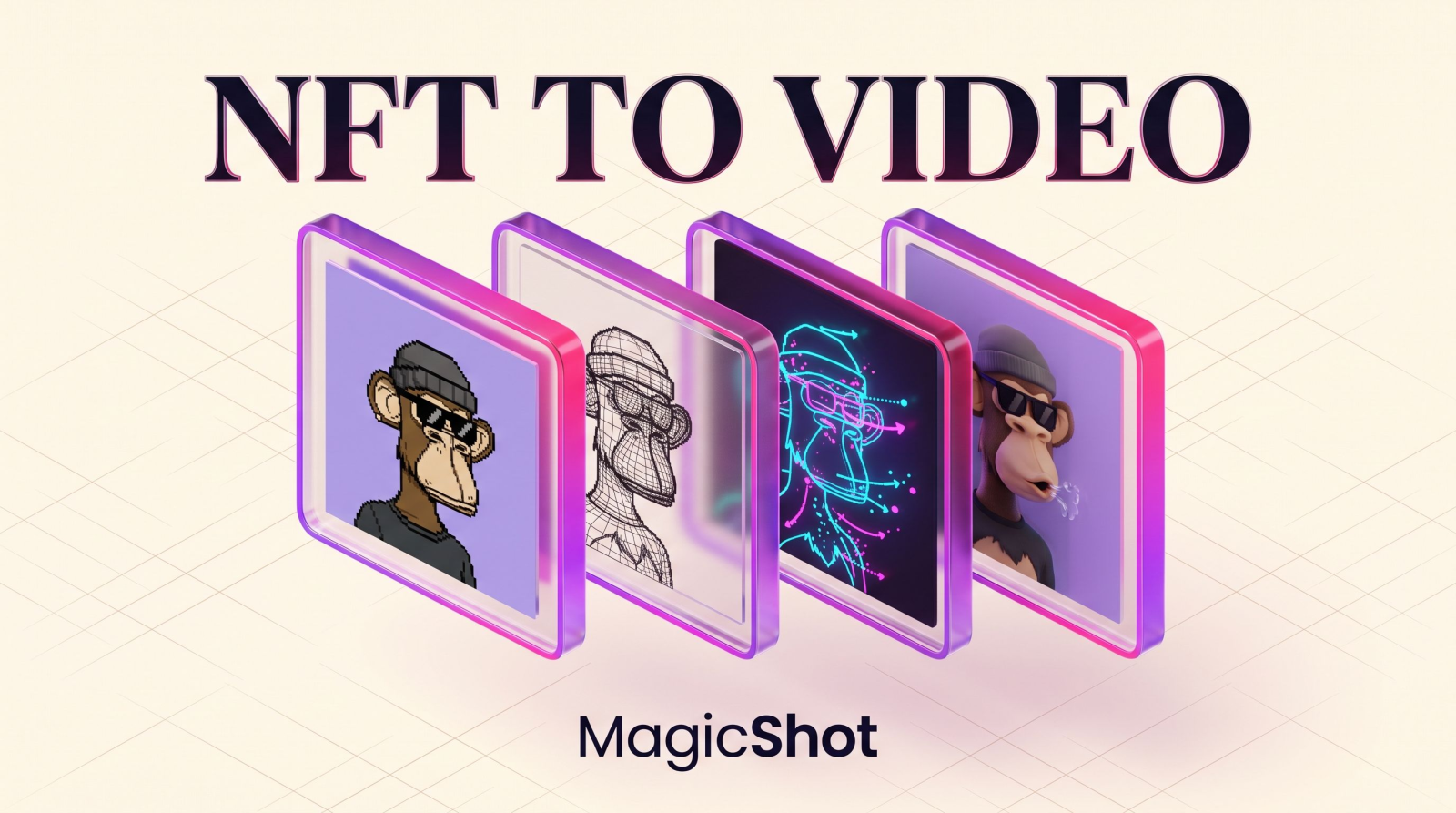
A still PFP is easy to ignore. It sits in a profile picture slot, earns a polite like, then vanishes in the feed. A three-second loop of that same character blinking, exhaling smoke, or slowly tilting its head stops the scroll. That gap between static and moving art is exactly what animating NFT and PFP collections with AI closes, and you no longer need a motion designer, a $2,000 animation invoice, or a week buried in After Effects to cross it.
This guide walks through how NFT animation actually works, what source art gives you clean results, and a repeatable workflow for turning a 10,000-piece collection into scroll-stopping clips. Whether you run a Web3 project, flip pieces on secondary markets, or just want your own avatar to move, here is the version that ships.
What animating NFT and PFP collections with AI actually means
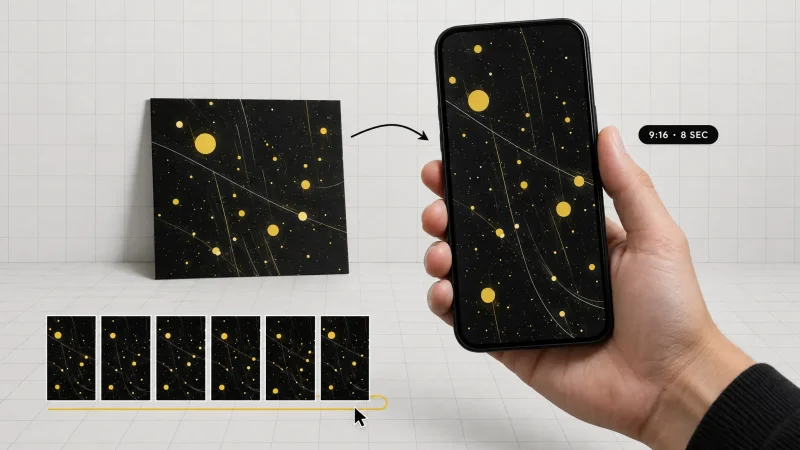
NFT animation with AI is the process of feeding a static image, your PFP art, a set of trait layers, or a finished 1/1, into a video model that infers motion and returns a short clip. You hand it one still frame. It gives back a looping video where the character moves, the background shifts, or an effect plays over the art. No frame-by-frame drawing. No rigging. No timeline.
The important distinction is that this is image to video, not text to video. You are not describing a brand-new scene from a blank prompt. You are animating art you already own, so the output preserves the exact linework, palette, and traits your collectors recognize. That fidelity is the whole point. Holders paid for a specific look, and the animation has to respect it down to the pixel.
Think of it as the difference between commissioning a new painting and asking a photographer to shoot the one on your wall from a better angle. The subject does not change. Only the presentation does.
Why animate a PFP collection at all?
Motion earns attention that a flat JPEG cannot. Here are the concrete reasons projects invest in it.
Feeds reward video. X, TikTok, and Reels push moving content harder than a static image. An animated PFP posted as a launch teaser or a holder reward reaches more people than the same art posted flat.
Animated 1/1s can list higher. A moving rare reads as a premium artifact. It signals effort, and it gives a buyer a reason to remember the piece a day after they close the tab.
Roadmap fuel on a real budget. Promising "animated versions of every holder's PFP" used to mean a studio contract and a timeline. AI turns that promise into a batch job you finish in an afternoon.
Holder delight. Sending each holder a short loop of their exact piece is the kind of small gesture that gets screenshotted, quote-posted, and remembered at the next mint.
The enemy here is the animation studio quote. A single animated character loop from a contract motion designer often runs into the hundreds of dollars plus days of revisions. Multiply that across a collection and it becomes a non-starter for anyone without a treasury. AI removes the per-clip cost math entirely, which is what makes collection-wide animation possible for a two-person team.
How to animate your NFT: the core workflow
The dependable path is image to video. You start with the art you already have and let the model add movement on top of it. Three steps carry most of the work.
Step 1: Prep the source art
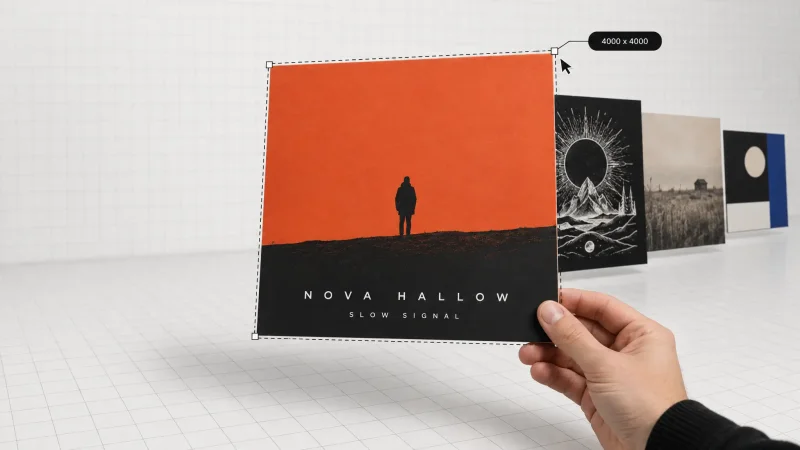
Clean input equals clean output. Use the highest-resolution export you own, ideally the original master file, not a compressed marketplace thumbnail. This is the step most people skip, and it is the one that decides whether the final clip looks crisp or mushy. If your art was minted years ago at a small size, or you only have the marketplace version left, upscale it first with an image upscaler so the model has real detail to animate. A blurry input can only produce blurry motion.
Step 2: Choose the motion
Decide what should move before you generate anything. For a character PFP, subtle beats read best. A blink. A slow head turn. Hair or smoke drifting. A gentle background parallax that adds depth without touching the face. Big, chaotic motion is where things go wrong. It warps eyes, smears mouths, and breaks the traits collectors care about. With a dedicated NFT animation tool, you upload the piece, steer the movement, and generate a short loop that leaves the original art intact. Restraint is a feature here, not a limitation.
Step 3: Generate, review, and loop
Run the clip and watch it at full speed with your eyes on the details. Did the pupils stay symmetrical? Did the hat, the chain, the cigarette hold its shape from the first frame to the last? If a frame drifts, regenerate or trim down to the seconds that stayed clean. Aim for a clean loop of roughly two to five seconds that repeats without a visible jump. That window is long enough to register and short enough to sit in a profile slot or a feed post without dragging.
Preparing generative and layered PFP art
Most PFP collections are assembled from trait layers stacked programmatically: a background, a body, eyes, headwear, an accessory. That structure works in your favor when you plan the animation. Two habits pay off.
Isolate the subject when you want a moving background. If you intend to animate the character and the backdrop with different motion, lift the character off its flat trait background with a background remover. Now you can give the character a blink and the background a slow drift, then recombine them, instead of forcing one motion across the whole frame.
Fix artifacts before you animate, not after. A stray pixel, a misaligned trait edge, or a compression halo is invisible on a still. The moment the frame moves, the model amplifies it. Clear those small blemishes first so the animation stays clean.
Older collections come with a specific headache: the high-res masters are gone, and all that survives is a low-quality export. In that case, rebuild the detail before you go to video so the upscaled input has something real to work from. It is slower than starting with a clean master, but far better than animating a smear.
Adding effects, sound, and text to your NFT videos
Motion is the base layer. Effects and audio are what turn a quiet loop into a post people actually share.
Video effects
Beyond natural movement, a stylized effect gives a collection a signature it can own. A glitch pass, a light flare, drifting weather, a slow cinematic zoom: applied consistently, any of these becomes part of your brand rather than a one-off. The AI video effects generator lays these treatments over your animated PFP so every piece in a drop shares the same visual language. Consistency is what separates a collection from a folder of random clips.
Sound and voice
A silent loop works, but sound lands harder in a scrolling feed where autoplay is doing the pitching for you. Drop a short original track behind a mint teaser with an AI music generator, or give your mascot an actual voice line for a launch announcement or a thank-you message to holders. Audio is the cheapest upgrade in the whole pipeline and one of the most noticeable.
Talking mascots and promos
If your project has a face and a story to tell, you can make a character speak straight to camera for a mint-day update or a roadmap reveal. For community-style promos that feel native to TikTok and Reels instead of like an ad, short vertical clips built around your collection ride the formats the algorithm already favors. The animated PFP becomes a recurring character across every post, not a logo people forget.
Batching an entire collection with AI
Animating one PFP is a fun afternoon. Animating a whole collection is a deliverable your holders will judge you on. A workable batch process keeps it from turning into chaos.
Standardize your inputs. Export every piece at the same resolution and aspect ratio before you start. Ten minutes of prep here saves hours of cleanup later, and it is the single biggest lever on consistency.
Pick one or two motion presets. Choose a house style, say a slow blink plus a background drift, and apply it across the board. A collection where every piece moves differently reads as sloppy, not creative.
Run in waves. Process a small test set first. Confirm the traits survive across genuinely different pieces, a plain body versus a heavily accessorized rare, before you commit the full run. Catch the failure modes early.
Hand-check the rares. Your 1/1s and top-trait pieces deserve individual review and, if needed, a bespoke motion. These are the pieces that end up in listings and screenshots, so they carry the most weight.
This is exactly how a small project ships "an animated edition for every holder" without hiring a studio. The cost that used to scale with your collection size simply does not anymore. A 10,000-piece drop and a 100-piece drop cost roughly the same amount of human attention: mostly QC time, not production time.
Common mistakes when animating PFPs
A few predictable errors show up again and again. Knowing them saves you a round of regenerations.
Over-animating faces. Big head movement warps eyes and mouths fast. Keep the motion small and let the loop do the work.
Starting from a compressed thumbnail. Low-resolution input cannot produce crisp motion. Upscale the master first, every time.
Ignoring the loop point. A clip that jumps at the seam looks broken sitting in a profile slot. Trim to a clean loop that restarts without a visible cut before you publish.
Mixing styles across the drop. Ten different motion treatments in one collection reads as a mistake. Lock a preset and hold the line.
Skipping QC on rares. The pieces most likely to sell are the ones most likely to get scrutinized frame by frame. Give them the attention.
Beyond the collection: the rest of a project's assets
The same approach that animates your PFPs covers the rest of a Web3 project's visual load. You can generate concept art and key visuals for a reveal, build promo cuts from a script, or produce marketing images for the whole campaign without stitching together five separate subscriptions. One studio, one workflow, running from the mint art through the launch feed. When the animation, the effects, and the audio all live in the same place, the collection stays coherent and you stop paying the tool-sprawl tax.
Wrap-up
Animating NFT and PFP collections with AI turns static art into motion that competes in a video-first feed, and it does it without the studio quote or the week of production. Start with clean, high-resolution source art. Keep the motion subtle so the traits survive. Batch the collection around one house style, hand-check your rares, and layer in effects and sound where they earn the attention. The flat-JPEG era of PFPs is closing fast. Moving art is the new floor, and the projects that treat it that way are the ones people remember.