An AI product photo generator turns a plain snapshot of your item into a polished, studio-grade image in seconds, no lightbox, no photographer, no reshoots. Instead of booking a set and staging props, you describe the scene you want, and the model builds clean lighting, realistic shadows, and a background that sells. For anyone running a store, a shop listing, or a brand page, that shift is enormous: the bottleneck between "I have a product" and "I have scroll-stopping photos" all but disappears.
This guide walks through how the technology actually works, what separates a convincing result from an obviously fake one, and how to get consistent, catalog-ready shots using the MagicShot product photo generator. You'll leave with a repeatable workflow you can run for a single hero image or an entire seasonal collection.
What an AI product photo generator does
At its core, an AI product photo generator takes an input, either a text prompt or an existing photo of your product, and renders a new, high-resolution image where the item sits in a designed environment. Think of it as replacing the physical studio with a described one. You keep the product accurate and swap everything around it: the surface, the backdrop, the light source, the mood.
The best modern systems do three things well at once. They preserve the product's real shape, color, and label so buyers recognize exactly what they'll receive. They generate physically plausible lighting and contact shadows so the item looks grounded rather than pasted. And they hold a consistent style across a batch, which is what makes a storefront look like it came from one coherent shoot instead of a dozen mismatched ones.
Text-to-image versus photo-to-photo
There are two common paths. With text-to-image, you generate a product concept and its scene entirely from a written description, useful for mockups, packaging concepts, or hero visuals before a product even exists. With photo-to-photo, you upload a real product shot and the AI relights it, replaces the background, or drops it into a new setting while keeping the object itself faithful. Ecommerce sellers lean on the second path because accuracy to the physical item is non-negotiable.
Why AI product photography is worth the switch
Traditional product shoots are slow and expensive by nature. You pay for a studio, a photographer, styling, and then editing, and every variation (new color, new angle, new season) means doing it again. AI collapses that cycle.
Speed: Generate a finished, high-resolution shot in seconds rather than waiting days for a shoot and an edit pass.
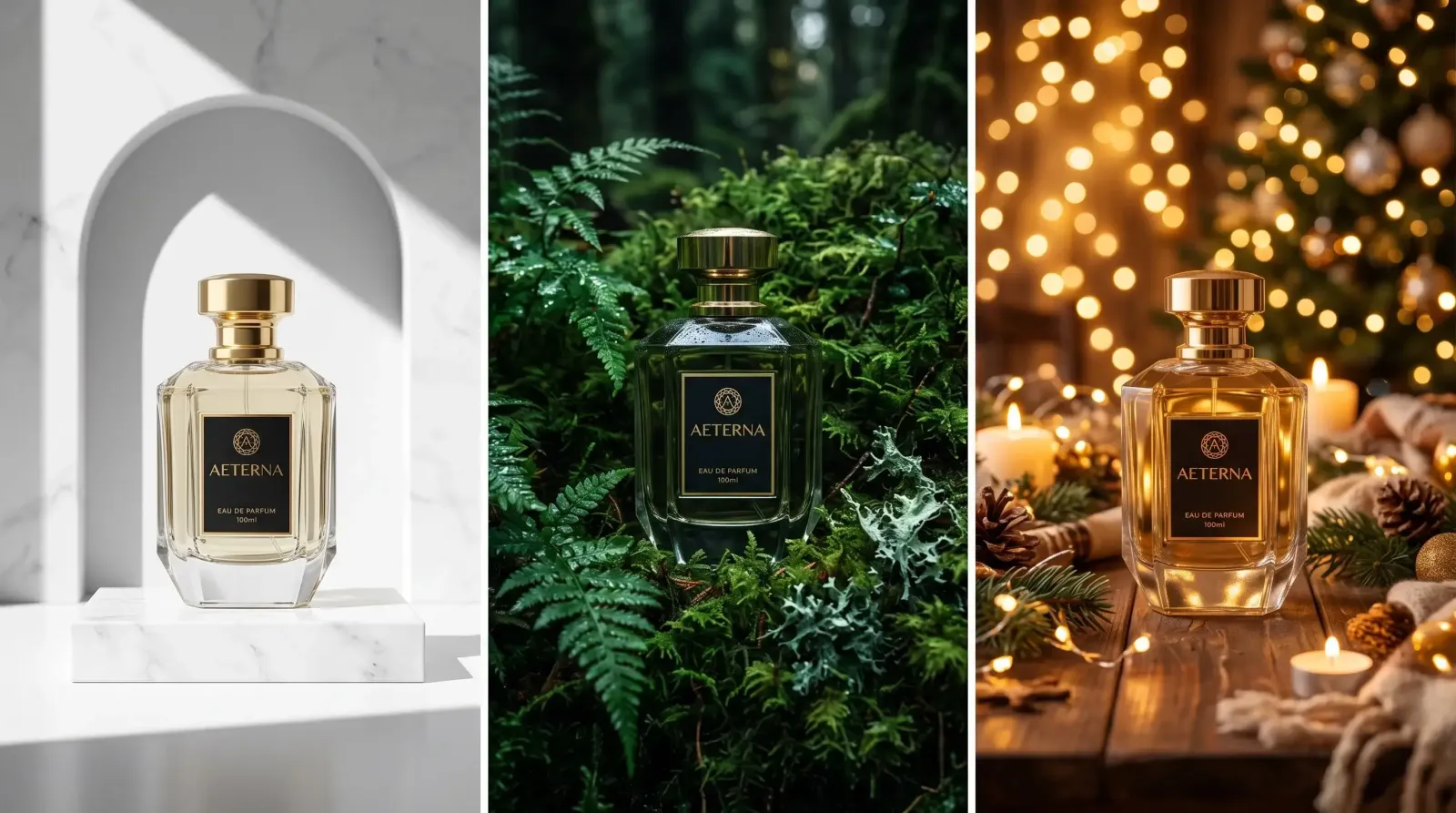
Volume: Produce dozens of on-brand variations, marble surface, morning light, holiday set, minimalist white, from a single source image.
Consistency: Lock a look and reuse it across an entire catalog so your listings feel deliberate and premium.
Testing: Try five backgrounds for the same product and see which one converts before you commit ad spend.
Reach: Localize scenes for different markets or seasons without flying anywhere or restocking props.
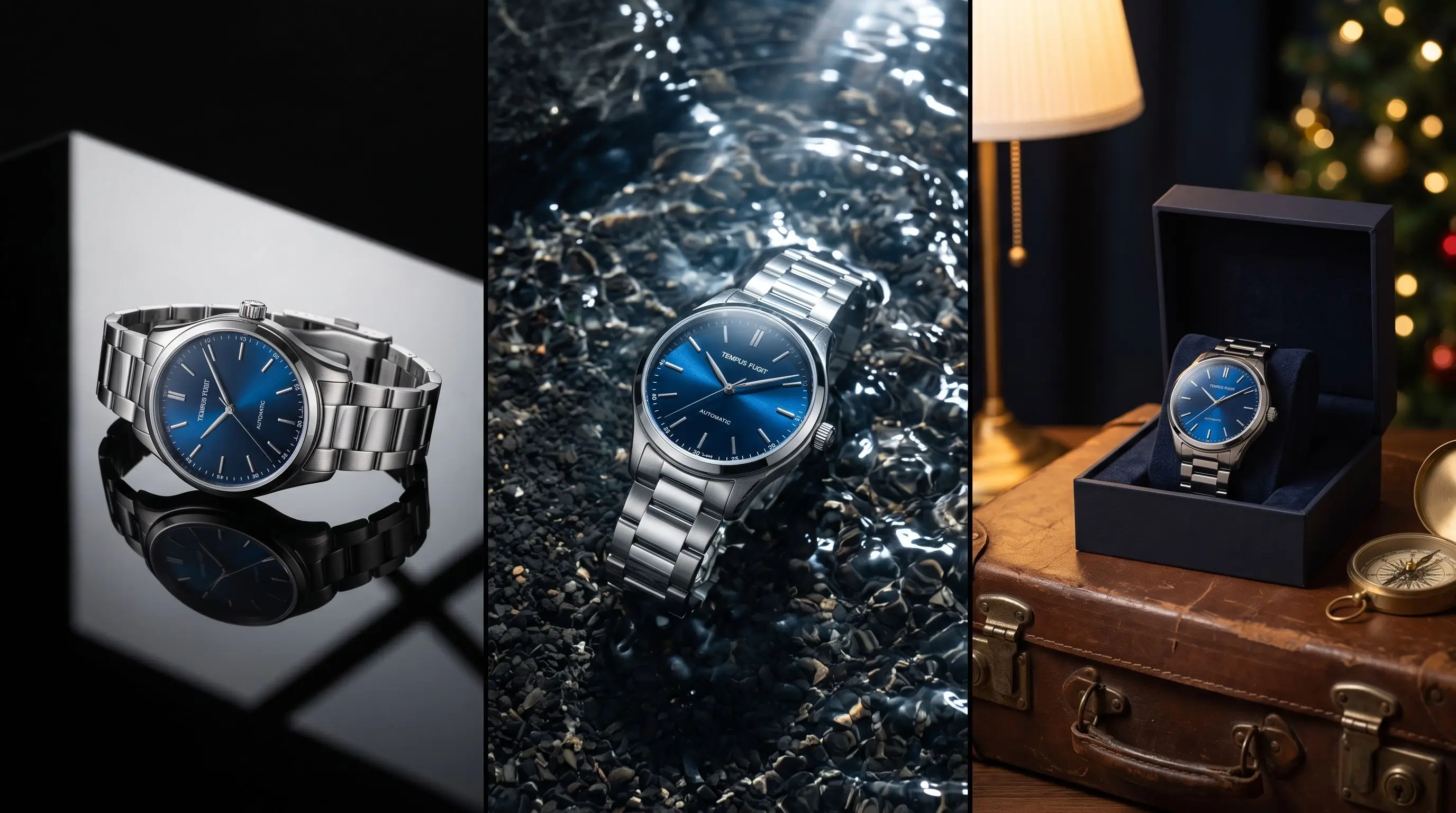
The practical result is that a solo founder can produce imagery that used to require a small agency, and a larger brand can refresh an entire line in an afternoon instead of a quarter.
The models that power professional results on MagicShot
Output quality depends heavily on the underlying model, and MagicShot is built around a lineup tuned for commercial photography rather than generic art. Choosing the right one for the job is half the battle.
Riverflow v2.5
Riverflow v2.5 is the workhorse for realistic scenes. It's strong at natural lighting, believable material rendering, glass, metal, fabric, matte plastic, and the soft, directional shadows that make a product feel like it's genuinely sitting on a surface. Reach for it when you want lifestyle context: a candle on a linen table, a skincare bottle on wet stone, a sneaker on textured concrete.
MagicUltra Pro
MagicUltra Pro is the detail-and-sharpness specialist. It excels at crisp edges, fine label text, and the clean, evenly lit look that catalog and marketplace listings demand. If your priority is a pristine white-background hero image where the product is razor-sharp and true to color, this is the model to lean on.
Choosing between them
A simple rule: use MagicUltra Pro for clean commercial hero shots and packshots where precision matters most, and Riverflow v2.5 for atmospheric lifestyle imagery where mood and realistic environment carry the sale. Many sellers generate both, a clean packshot for the listing thumbnail and a lifestyle set for ads and social. MagicShot's model roster keeps expanding, so it's worth testing a couple of options on the same product to see which handles your specific material and lighting best.
How to create professional product photos with AI, step by step
Here's the workflow I use to go from a rough phone photo to a listing-ready image with the AI product photo generator.
Start with a clean source. Shoot your product on a plain background in even light. Fill the frame, avoid heavy shadows, and make sure labels are readable. The AI has more to work with when the input is sharp and uncluttered.
Pick the model to match the goal. Packshot and catalog work? Choose MagicUltra Pro. Lifestyle and ad creative? Choose Riverflow v2.5.
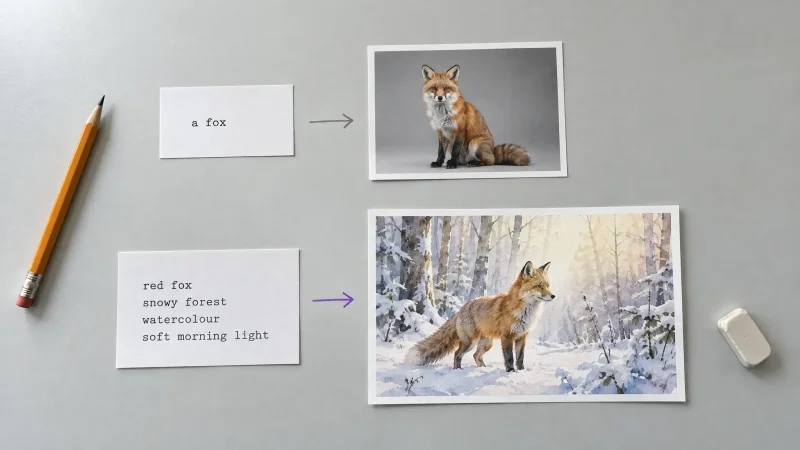
Write a specific prompt. Describe the surface, the background, the light direction, and the mood. "White ceramic mug on a light oak table, soft morning window light from the left, shallow depth of field, minimalist" beats "nice photo of a mug" every time.
Generate variations. Create several options at once and compare. Small prompt tweaks, changing the surface or the light angle, often produce dramatically better results.
Check the details. Confirm the color, logo, and proportions still match the real product. Accuracy protects your return rate as much as your conversion rate.
Upscale and export. Finalize at high resolution so the image stays crisp on retina displays and in print.
Prompt ideas that convert
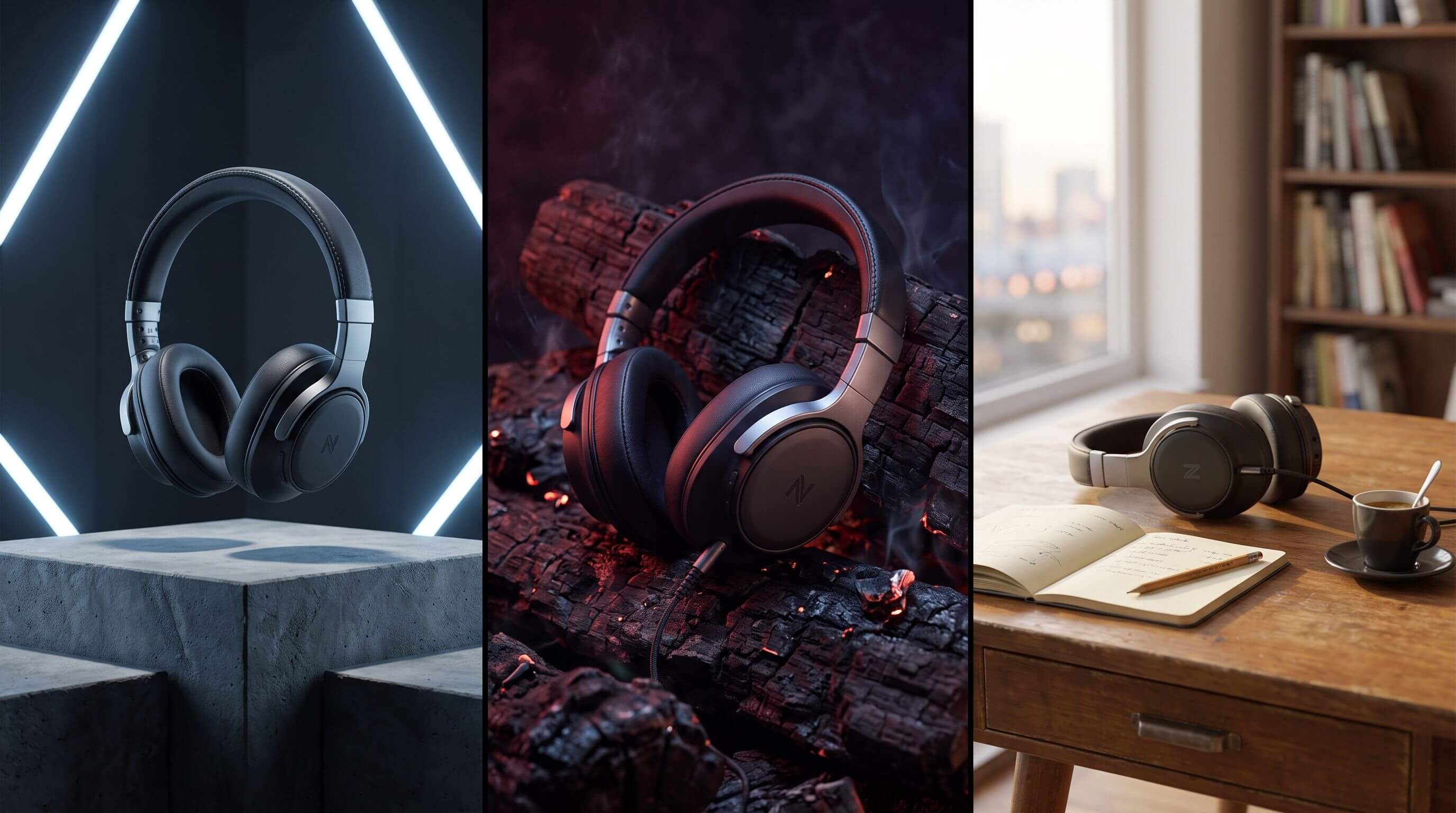
Clean marketplace: pure white seamless background, soft even lighting, subtle contact shadow, centered composition.
Premium lifestyle: product on natural stone, warm side light, blurred plant in the background, editorial feel.
Seasonal: cozy holiday table with soft bokeh lights, warm tones, festive but uncluttered.
Bold and modern: vibrant solid-color backdrop, hard directional light, strong geometric shadow, high contrast.
Mistakes that make AI product photos look fake
The gap between "clearly generated" and "clearly professional" usually comes down to a handful of fixable issues.
The most convincing AI product photos are the ones where nothing calls attention to the AI, the shadows fall correctly, the label reads clearly, and the product looks exactly like what ships to the customer.
Floating products: If there's no contact shadow where the item meets the surface, it looks pasted. Prompt for a grounded shadow.
Warped labels or text: Start from a sharp source image and verify branding after generation; regenerate if the logo distorts.
Impossible reflections: Glossy and metallic items need consistent light direction. Keep your lighting description simple and singular.
Over-styled scenes: Busy backgrounds pull focus off the product. Negative space sells.
Color drift: AI can subtly shift a color; always compare against the real item before publishing.
Where AI product photos actually get used
These images aren't just for one channel. A single generation session can feed an entire marketing stack: marketplace and store listings, Instagram and other social posts, paid ad creative, email headers, banner ads, and print collateral. Because you can produce matching variations quickly, you can keep visual consistency across all of them, the kind of cohesion that used to require a dedicated content team.
For fast-moving stores, the biggest win is iteration. You can test which background or mood drives the most clicks, then roll the winner out across every touchpoint without scheduling a reshoot.
Getting started
You don't need a studio, a photographer, or design experience to produce commercial-grade imagery anymore. With a clean source photo, the right model, and a specific prompt, the MagicShot product photo generator can deliver professional, on-brand shots in seconds. Start with one hero product, dial in a prompt you love, then scale that look across your whole catalog.
Ready to try it? Head to the MagicShot product photo generator and turn your next snapshot into a shot that sells.