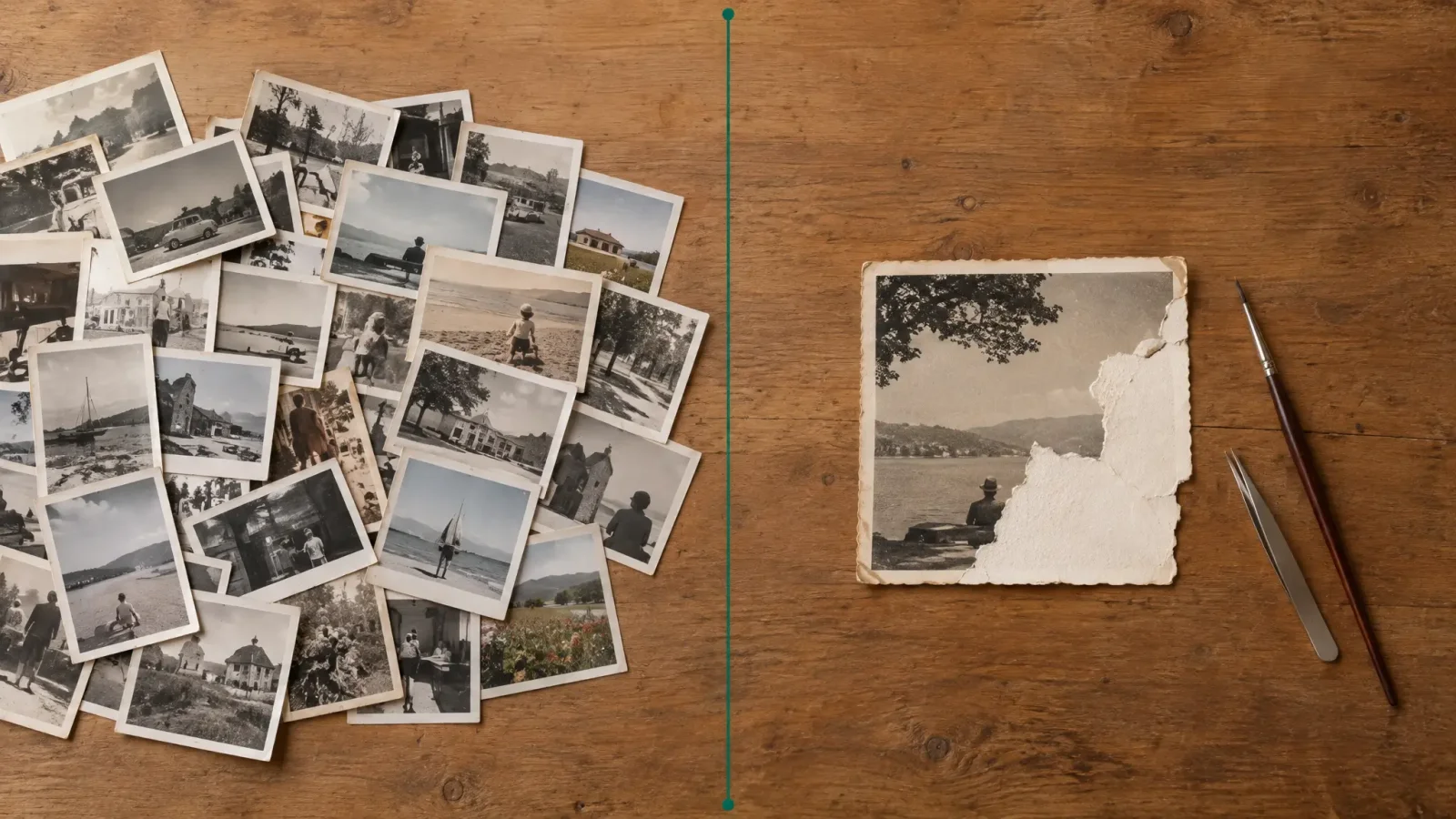
You have a shoebox of damaged family photos. Do you run them through an AI tool, or pay a retoucher? For most people the answer is both, in the right order. AI is quick enough to try on every photo. A human is worth paying for on the few that matter most and that AI cannot fully fix. Here is how to decide, photo by photo.
Where AI restoration wins
Speed and volume. AI photo restoration tools handle the common problems in the time it takes to upload and generate: creases, fading, dust, scratches, small tears and washed-out colour. If you have dozens or hundreds of prints with ordinary damage, AI is the only realistic way to get through the whole archive on a normal budget.
Where a human retoucher still wins
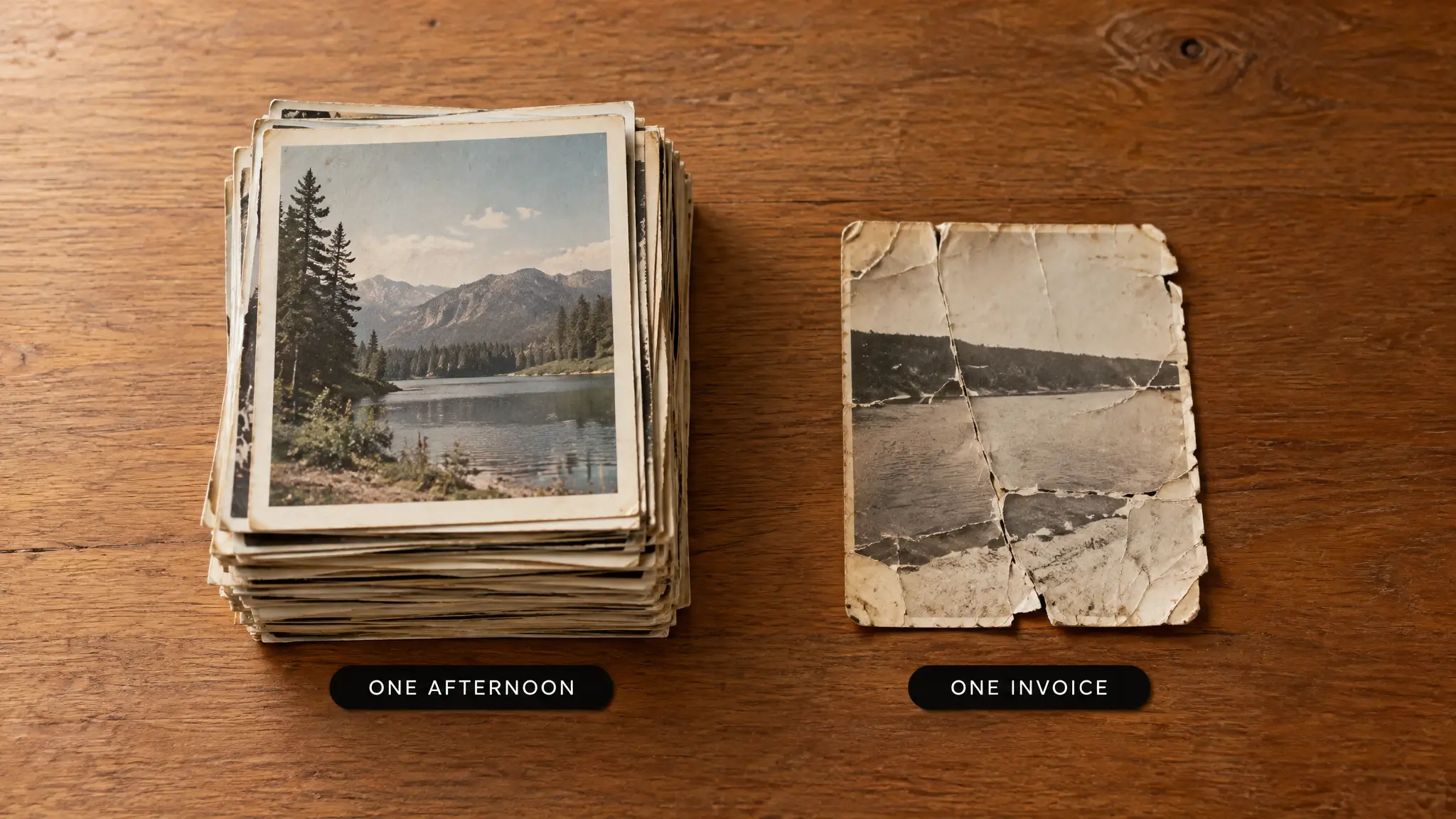
The dividing line is how much of the picture is simply gone.
Large missing areas. A torn-off corner or a face destroyed by water damage. AI will fill the gap with something plausible, which is not the same as what was really there.
Outside knowledge. A person can ask a relative what the dress looked like or what was written on the sign, then restore it accurately. A model only knows patterns.
Archival or exhibition prints. When the result must be faithful and signed off, a professional controls every change and can document it.
Faces that matter. Models can subtly change a face while cleaning it. For a one-of-a-kind portrait of someone who has passed away, a careful human pass is worth it.
What it costs
Retouchers usually price per photo or per hour, and heavily damaged prints can take hours of detailed work. Rates vary widely by person and region, so ask for a quote on a sample before assuming a number. AI restoration with MagicShot's image editing tools runs on your plan's credits, so check the current plan details for how many photos that covers.
A workflow for a shoebox of photos
1. Scan first. Scan prints flat at 600 dots per inch for small photos, 300 for larger ones, and save as TIFF or high-quality JPEG. Do not photograph them at an angle with a phone if you can avoid it.
2. Sort into three piles. Light damage, heavy damage, and irreplaceable.
3. Run the whole first pile through AI. Compare each result to the original and keep both.
4. Retry the second pile with different settings. Lower the strength if faces look too smooth.
5. Send only the third pile, and any AI failures, to a professional. Show them your AI result so they know what already works.
Using both together
The cheapest good outcome is a hybrid. Let AI fix everything it can, then pay a retoucher for just the part it could not handle, such as a missing section or a damaged face, instead of a full restoration from scratch. Many retouchers will quote lower for a targeted fix.
Always keep the original
Whatever you choose, keep the untouched scan. Restoration is interpretation. If a better tool or a better retoucher comes along, you want to start from the real thing. Our guide to restoring old, damaged photos with AI walks through the AI side step by step.
The short answer
Start with AI. If the result is good enough to print and share, you are done. If a specific photo is missing something important, that is your cue to call a human.