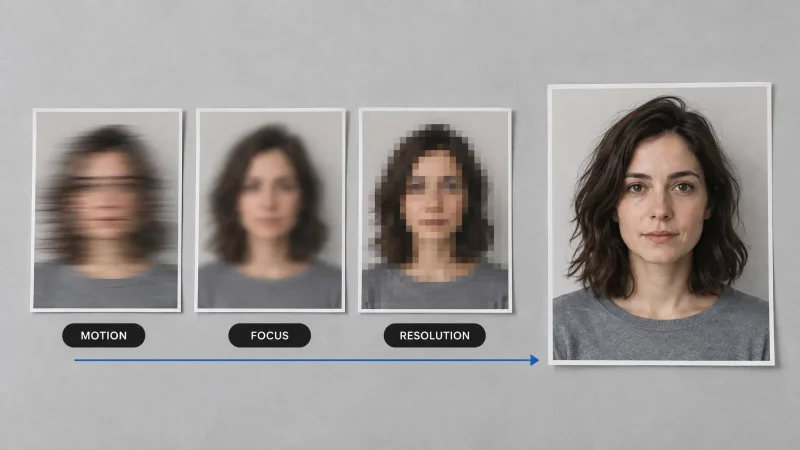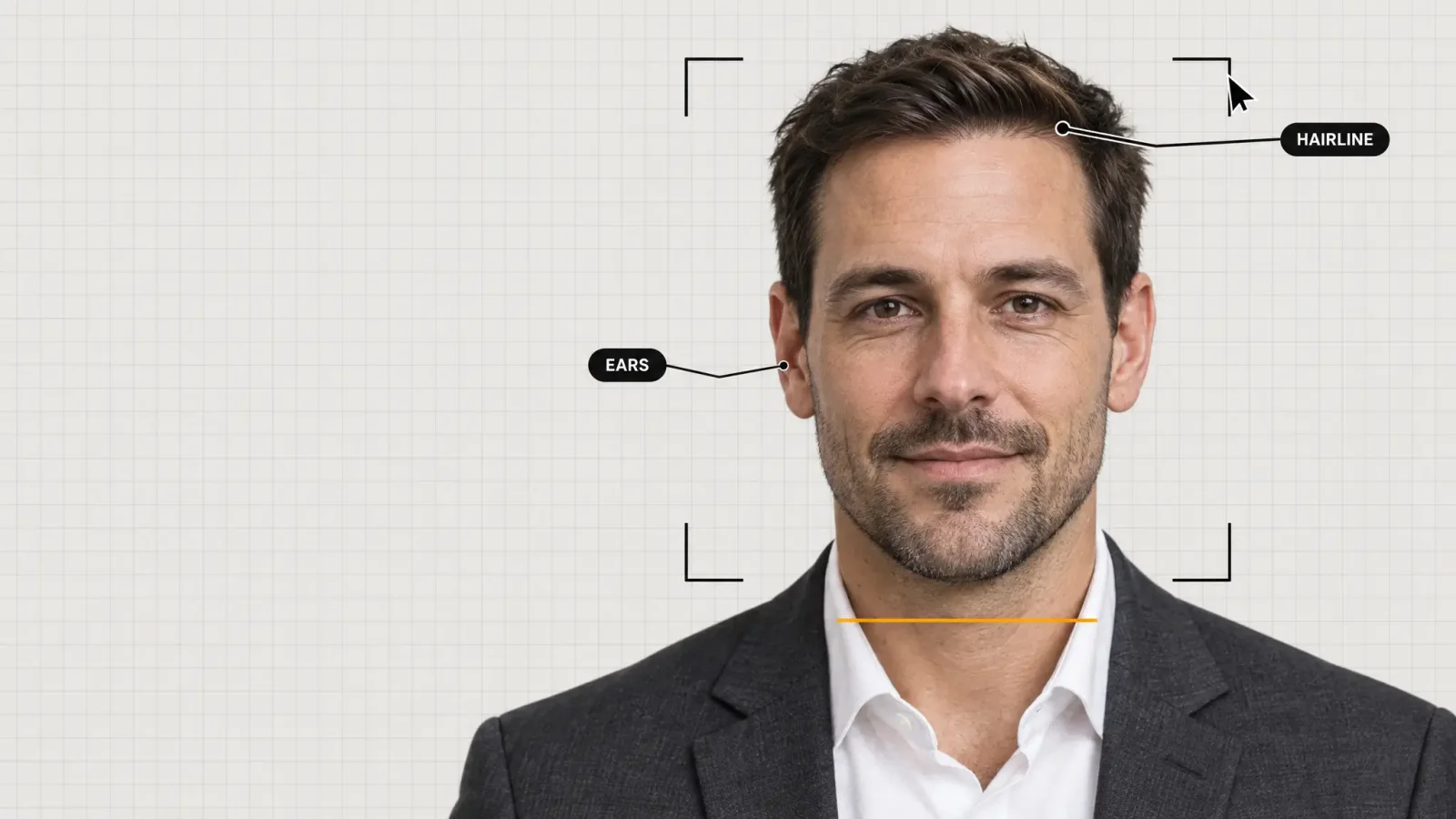
For a LinkedIn photo, a company page or a CV, AI headshots are now good enough in most cases. Lighting, background and clothing come out clean. What still trips them up is small detail: hands, ears, glasses and skin that has been smoothed until it looks like a filter. This post covers what to expect, how to check a result before you post it, and when you should still book a real photographer.
What AI headshots get right
Generators such as the Professional Headshot Generator are trained on large sets of portrait photography, so the basics of a good portrait are built in.
Lighting. Even, studio-style light across the face, which is the hardest thing to fake with a phone at home.
Background. Solid colours, soft gradients and blurred office scenes without the halo edges that gave away older tools.
Clothing. Suits, blazers and smart-casual outfits with consistent texture, including areas your original photo did not show.
What still gives an AI headshot away
The face is rarely the tell. Look here instead:
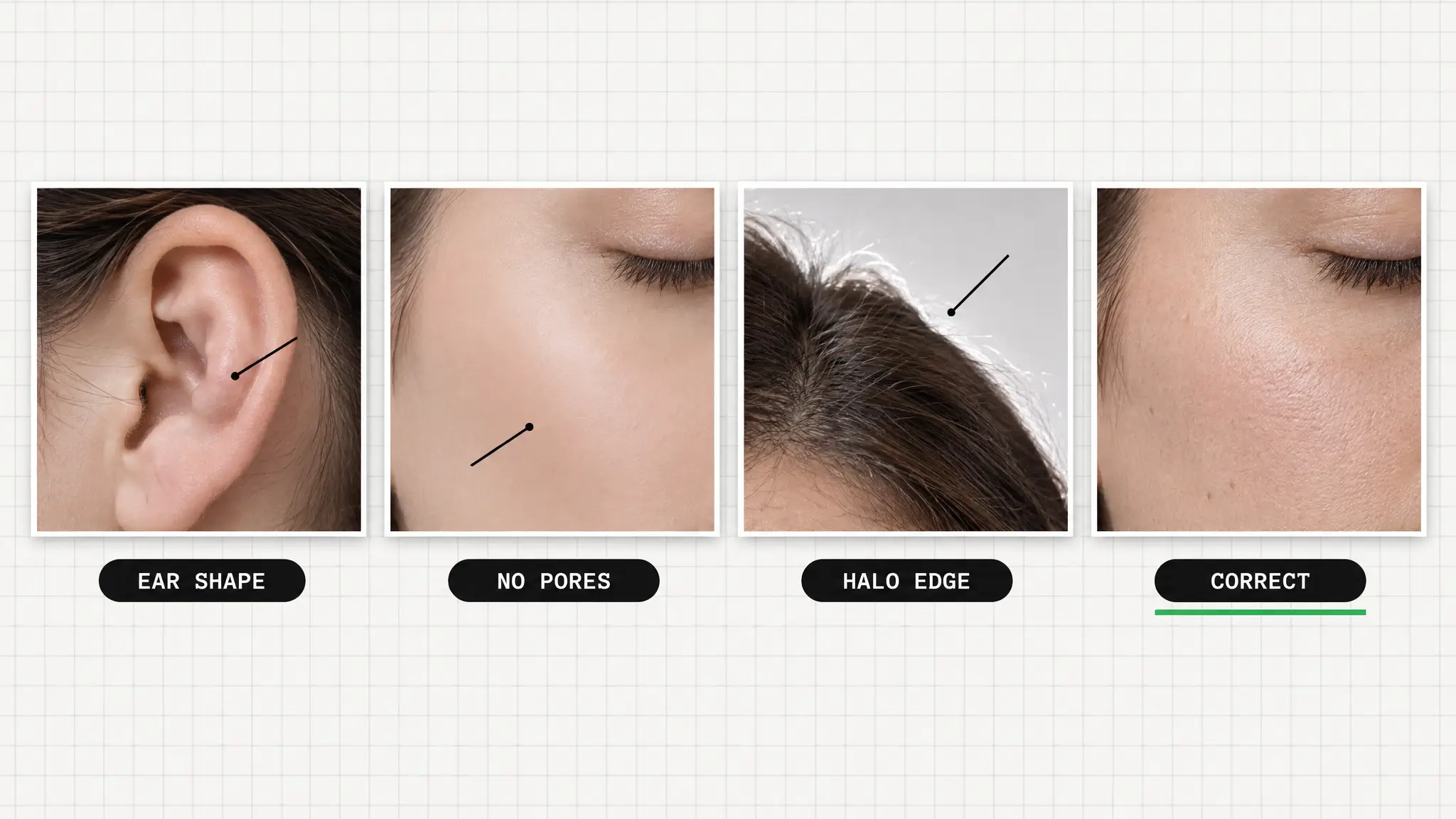
Hands. Any hand near the jaw or hair deserves a second look. Extra or fused fingers are the most common failure.
Ears. Earring backs, cartilage folds and left-right asymmetry show up on close inspection.
Over-smoothed skin. Pores and fine texture can vanish, leaving skin that looks airbrushed. Choose results that keep some texture.
Glasses. Reflections and frame edges are better than before, but they are still the hardest accessory to get right.
Teeth and hairline. Hairlines against the background and slightly odd teeth are the other places to zoom in.
Your input photos matter more than the style
Most disappointing results come from weak source photos, not a weak model. Use several clear, recent shots with your face fully visible, in daylight or soft indoor light, with different angles and expressions. Avoid sunglasses, heavy filters, group shots and anything where you are tiny in the frame. If the generator sees a version of you that does not look like you, it will produce a polished stranger.
A 60-second checklist before you post
1. View the image at 100 percent, not as a thumbnail.
2. Check hands, ears, glasses and hairline edges.
3. Look at the skin under the brightest area. Is there any texture left?
4. Ask someone who knows you whether it looks like you.
5. If two or more things look off, regenerate from a different source photo instead of patching it.
Where AI headshots fit, and where they do not
They suit LinkedIn, team pages, speaker bios, email signatures and portfolio sites, where you want a clean, professional look quickly. They are a poor fit when a platform, employer or document requires an unedited photo, such as ID photos, passports and some official forms. Honesty matters too: a headshot should still look like you today, because the point of a profile photo is that people recognise you when they meet.
How to make one in MagicShot
Upload one or more source photos, choose a style preset such as corporate, creative, tech or healthcare, and generate. The current presets are listed on the Professional Headshot Generator page. For the full step-by-step upload flow, read how to turn a regular photo into a professional headshot.
The realistic expectation
Treat the output as a strong draft, not a guaranteed result. Generate a few options, run the checklist, and pick the one that holds up when you zoom in, not just at thumbnail size.