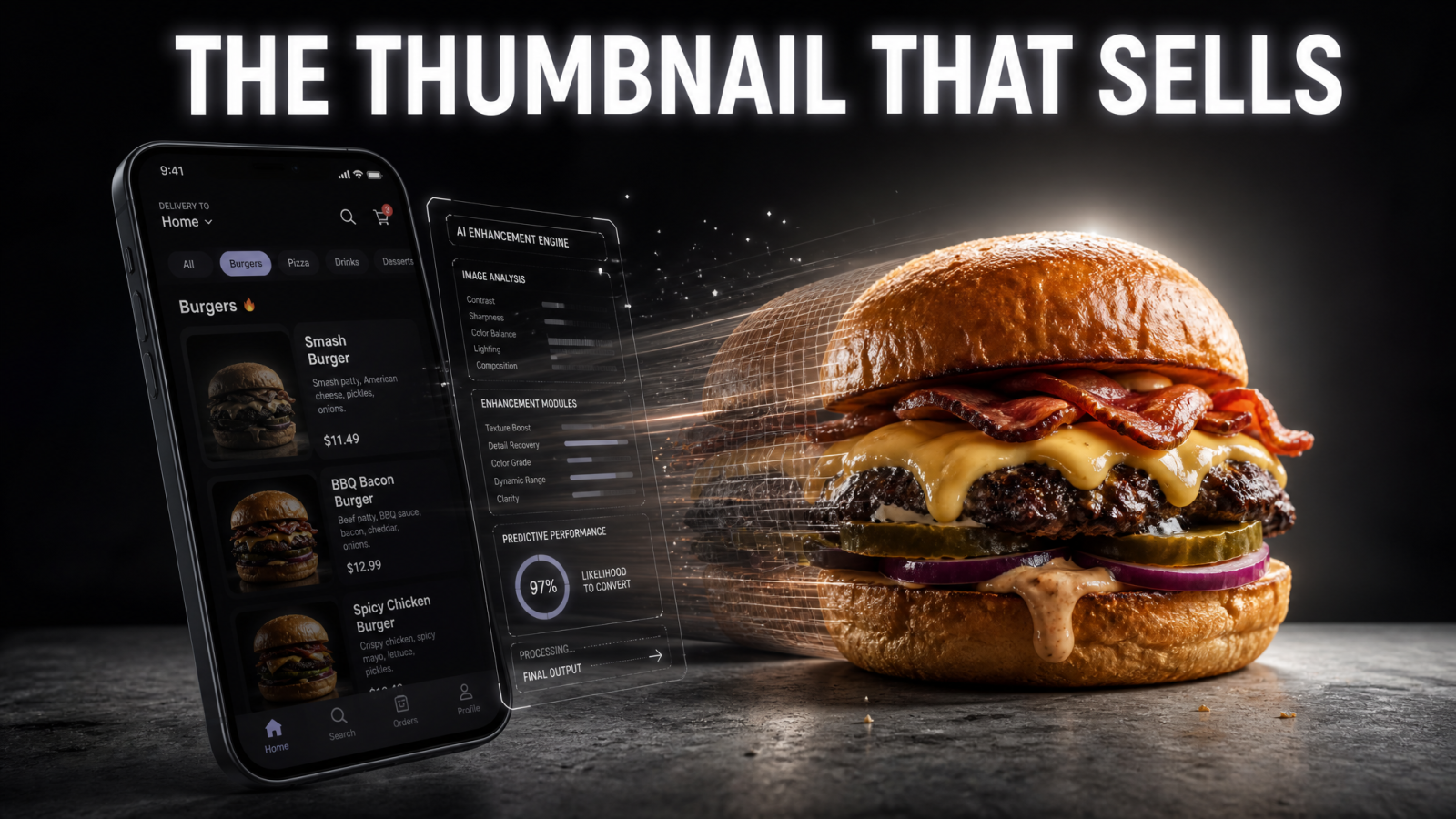
The plate that sells your food isn't the one on the pass. It's the thumbnail a hungry person taps at 8pm on a food delivery app. AI food photography gives restaurants, cafés, and delivery menus a way to make that thumbnail look worth ordering, without booking a food stylist, renting a studio, or reshooting every time you tweak a dish. Shoot a dish on your phone, clean it up, and ship a menu photo that reads well at thumbnail size. That's the whole job.
Most small kitchens are stuck with two bad options: dark phone photos taken between the lunch and dinner rush, or a $400 studio session they can only afford once a year. AI food photography kills both. You get consistent, appetizing menu photos on your own schedule, for a fraction of a single stylist's day rate.
What AI food photography actually does for a menu
AI food photography is the process of turning a raw photo of a dish into a clean, listing-ready image using AI editing and generation tools. You feed it a real photo of your burger, burrito bowl, or flat white. It fixes the lighting, removes the clutter behind the plate, sharpens the food, and gives you a background that matches the rest of your menu. The output is a photo built for a small square on a delivery app, not a magazine spread.
Here's why that matters in numbers you already feel. Online, most of a customer's decision happens on the listing grid before they ever read the description. A dark, tilted photo of a good dish loses to a bright, sharp photo of an average one. When every item on your menu has a photo that reads clearly at 200 pixels wide, more of them get tapped. That's the point of menu photos ai tools: not art, orders.
The enemy: reshoots, stylists, and the once-a-year studio day
A food photographer plus a stylist can run several hundred dollars for a half-day, and you still wait a week for edits. Change the plating, add a seasonal special, or open a second location, and you're back on the phone booking another session. AI food photography breaks that cycle. Shoot new dishes the day you add them, edit in minutes, and keep every photo in the same visual style so your menu looks like one restaurant instead of five different photographers.
The workflow: from phone snap to menu-ready photo
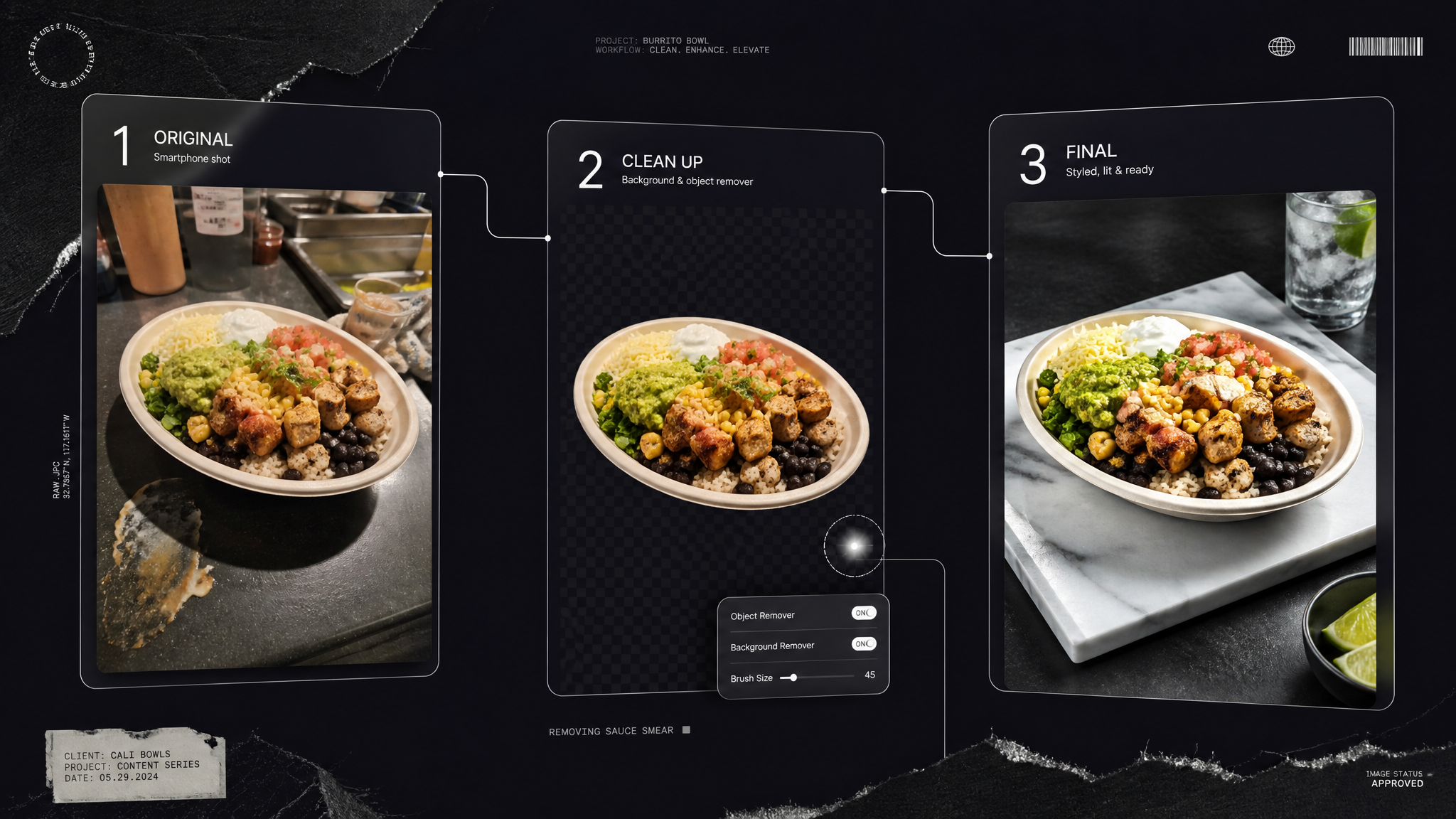
You don't need gear. You need a window, a phone, and about ten minutes per dish. The AI handles the parts that used to require a professional.
1. Shoot the real dish in soft light
Plate the food the way it actually arrives, then shoot near a window with the harsh overhead lights off. Take a few angles: straight down for flat dishes like pizza and bowls, and a low 45-degree angle for anything with height like a stacked burger or a layered dessert. Real food beats any fully generated plate, because customers notice when the photo doesn't match what shows up in the bag.
2. Clean the background and remove clutter
Wipe out the messy prep counter, the stray napkin, or the branded cup you no longer use. A background remover lifts the plate off a busy kitchen and drops it onto a clean, consistent surface. For a single crumb, sauce smear, or a competitor's logo caught in frame, an object remover takes it out without touching the food. If you want a fully styled set — rustic wood table, marble counter, soft restaurant lighting — AI product photography builds the scene around your real dish in one pass, no props or studio required. Consistent backgrounds are what make a menu grid look intentional.
3. Sharpen, brighten, and export at the right size
Push the dish to look fresh: sharper edges on the lettuce, more contrast in the sauce, brighter overall so it pops on a phone screen. If your original photo is small or slightly soft, an image upscaler adds resolution so the food stays crisp when the app crops it into a square. Export, upload, done.
AI food photography for restaurants vs cafés vs delivery menus
The tool is the same. The tone shifts by venue, and getting that right is what separates a menu that converts from one that just exists.
Restaurants: consistency across a long menu
A dine-in restaurant with 60 items needs 60 photos that look like they belong together. The win here is a repeatable style: same background, same angle rules, same brightness across appetizers, mains, and desserts. Shoot in batches, run every plate through the same edit, and the menu reads as one confident brand instead of a scrapbook. New seasonal dish next week? Match the existing look in minutes.
Cafés: the drink shot and the pastry case
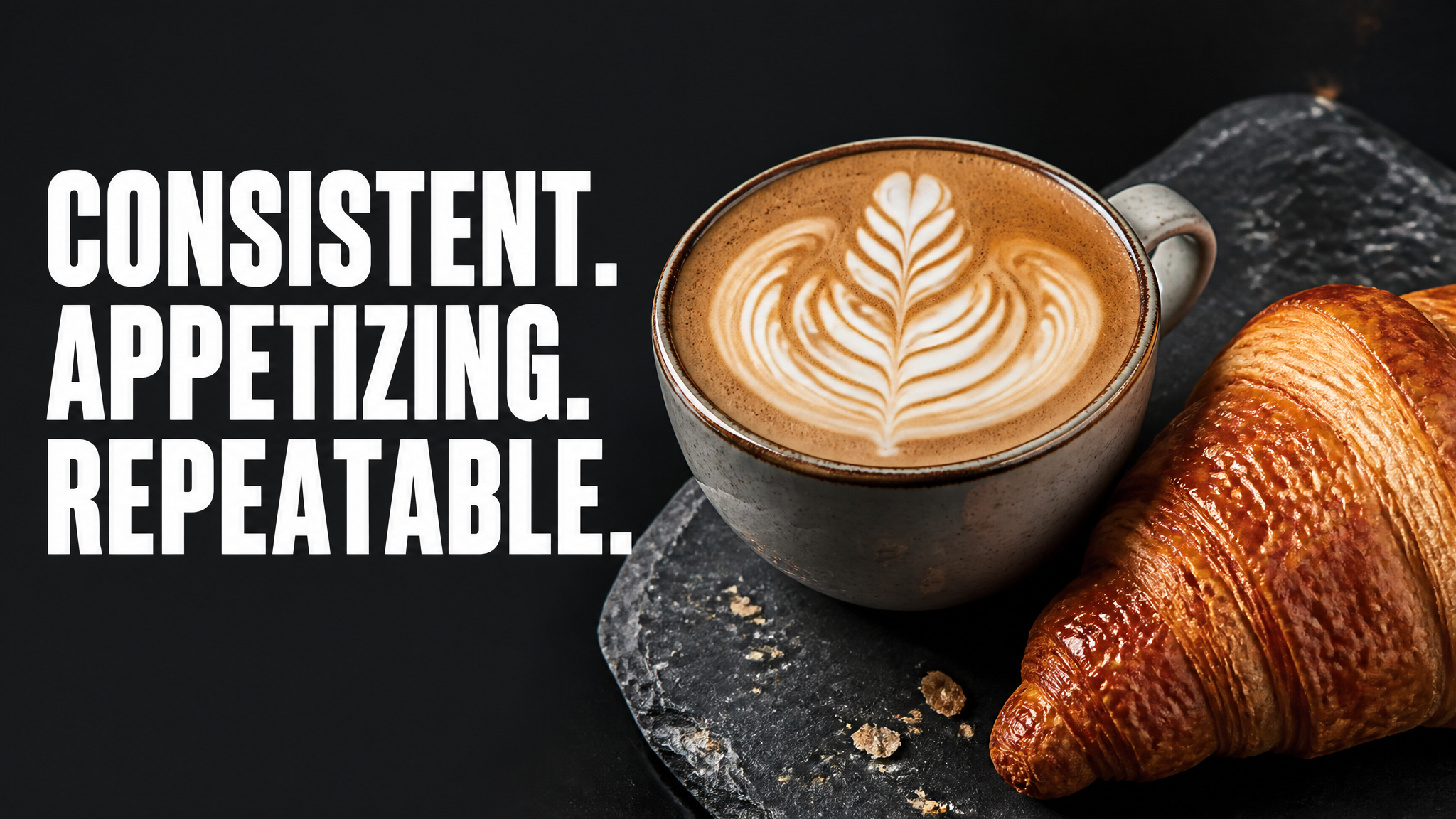
For cafés, the money shots are the latte with clean foam art and the pastry case that looks fresh at 4pm. Coffee is hard to shoot because milk and cream shift color fast. AI editing steadies the color, cleans the cup rim, and keeps the foam looking freshly poured. Do the same for croissants and cakes so the display case online matches the one on your counter.
Delivery menus: built for the thumbnail
Delivery is where photos do the most work, because there's no server, no smell, no ambiance. Just a grid. DoorDash, Uber Eats, and Grubhub listing photos measurably move orders, so every item deserves a photo, not just your top sellers. Bright, centered, high-contrast, and cropped so the food fills the frame: that's the recipe for a delivery thumbnail that earns the tap.
Go beyond stills: video and voice for your food brand
Once your photos are consistent, the same dishes can carry your marketing. A short clip of a cheese pull or a pour-over does more on Reels and TikTok than any static post. Turn a finished menu shot into a ready-to-post promo clip with product to video, animate a single hero photo with image to video, or build snackable clips with an AI video effects generator for your social feed. If you run promo videos, an AI text to speech voiceover reads your daily special without a mic or a second take. Your food photos become the anchor for a full content set.
Keeping it honest: what AI food photography should and shouldn't do
Good restaurant photo editing makes the real dish look its best on a small screen. It doesn't invent toppings you don't serve or double the portion size. The fastest way to earn a bad review is a photo that promises more than the box delivers. Shoot the actual plate, clean and brighten it, and keep the food honest. Customers reward the restaurants whose photos match the meal, and the delivery apps reward the listings customers keep reordering from.
The best menu photo is the true dish on its best day, shot clean and lit right. AI just gets you there without the studio bill.
The takeaway
Menu photos are the cheapest, fastest lever you have on order volume, and most kitchens leave it sitting there. AI food photography lets you shoot on a phone, edit in minutes, and publish menu photos that look like one brand across every dish and every delivery app. No stylist, no reshoot fees, no waiting a week for edits. Start with your five best sellers, match them to a clean style, and roll it across the rest of the menu from there.