Face swapping is an easy way to create memes, experiment with different looks, and produce imaginative photos or videos. This guide compares several free face-swap websites with MagicShot, a paid option for users who want more realistic results, image and video support, and additional AI editing tools.
Top Free and Paid Face Swap Tools to Use Online in 2025
1. MagicShot.ai
Overview
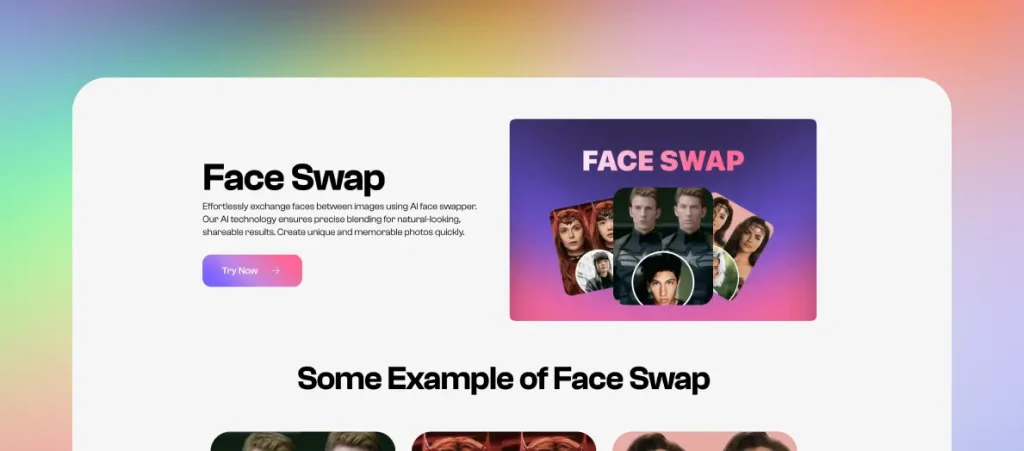
MagicShot.ai offers an easy and realistic way to swap faces online with just one photo. Whether you’re experimenting with a new look or just having fun, it delivers clean results that don’t look edited or artificial.
Pricing:
Paid, credit-based access through a MagicShot subscription.
Key Features:
Upload a single image and apply AI face swap instantly
Swap faces with natural alignment and skin tone matching
Edit your swapped photo afterward (adjust lighting, expression, and more)
Option to animate your swapped face with realistic motion
Runs directly in your browser, no downloads needed
Pros:
Clean and easy interface
Swap faces in images and short videos
High-quality, realistic swaps
Post-editing and animation tools available
Fast processing for image and video face swaps
Cons:
Paid plan required
Generations consume plan credits
Requires login to access features
Limited to one face per photo at a time
Best For:
People who want more than a quick meme - MagicShot is great for realistic face swaps you can refine, edit, or even animate for fun or social use.
2. Magic Hour
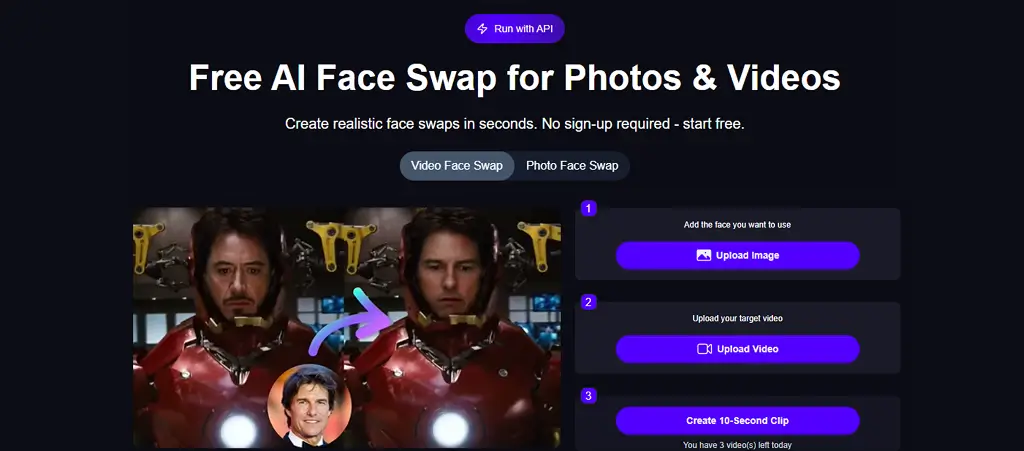 Overview Magic Hour is one of the best web-based AI face swap tools that delivers highly realistic results for both photos and videos. With its interface and quick processing, Magic Hour is ideal for both beginners and creators who want fast and professional edits.Key Features:
Works for both photos and videos (JPG, PNG, JPEG, MP4, MOV)
Produces highly realistic swaps with natural lighting, skin tone, and expression matching
Library of preset celebrity photos for quick try-outs
Offers API integration for developers who want to add face swap features to their own apps
Pros:
Fast processing with a beginner-friendly interface
Runs entirely in your browser
Free to try with no sign-up required
Cons:
No offline mode as it runs in the browser
Requires account creation for extended access
Best For: People who want fast, realistic face swaps for fun experiments, social media content, or professional edits.
3. FreeFaceSwap.ai
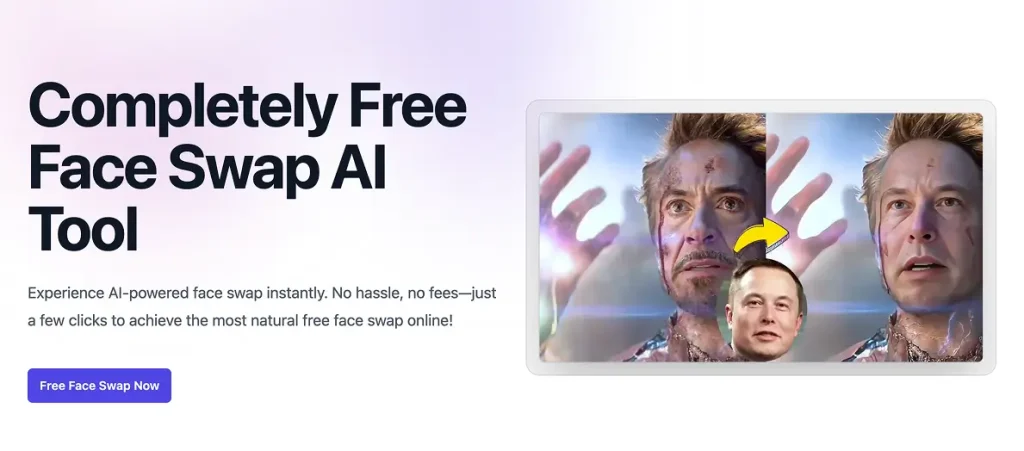
Overview
A browser-based face swap tool that supports photos, videos, and GIFs - all without login or signup.
Key Features:
Swap faces in images, short videos, and GIFs
No account needed, no watermark
Up to 5 free swaps every 12 hours
Pros:
Simple interface and quick swaps
Supports multiple media types
No watermark or signup required
Cons:
Limited use per day per account
Processing speed may vary based on server load
Best For:
Anyone who wants fast, multi-format swaps without any barriers.
4. LoveFaceSwap.com
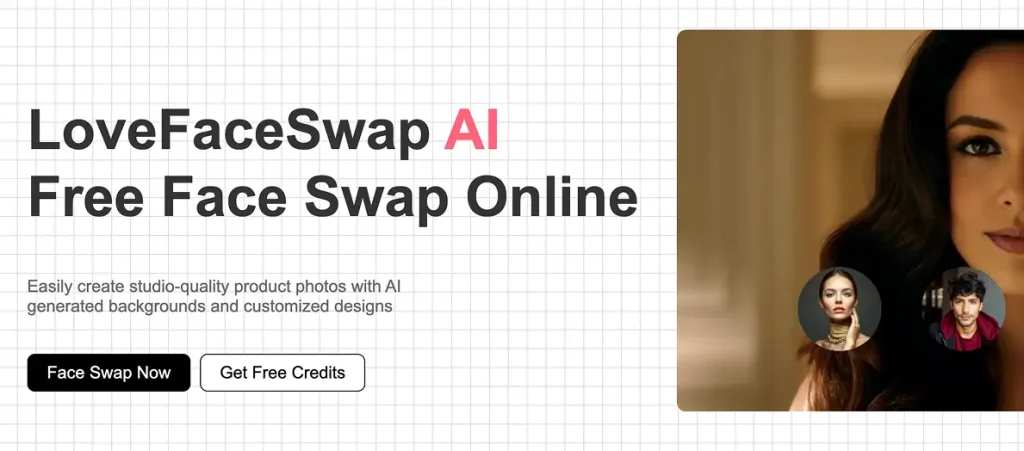
Overview
A completely free online tool that lets you swap faces in photos with no watermark or login requirement.
Key Features:
Drag-and-drop uploads (source and target)
Realistic face detection and blending
Basic image history and repeat functionality
Pros:
100% free and easy to use
No login or watermark
Good realistic algorithm for photos
Cons:
May limit daily swaps to around 10 per day
No support for videos or GIFs
Best For:
Casual users wanting fun face swaps from photo to photo quickly.
5. Remaker.ai
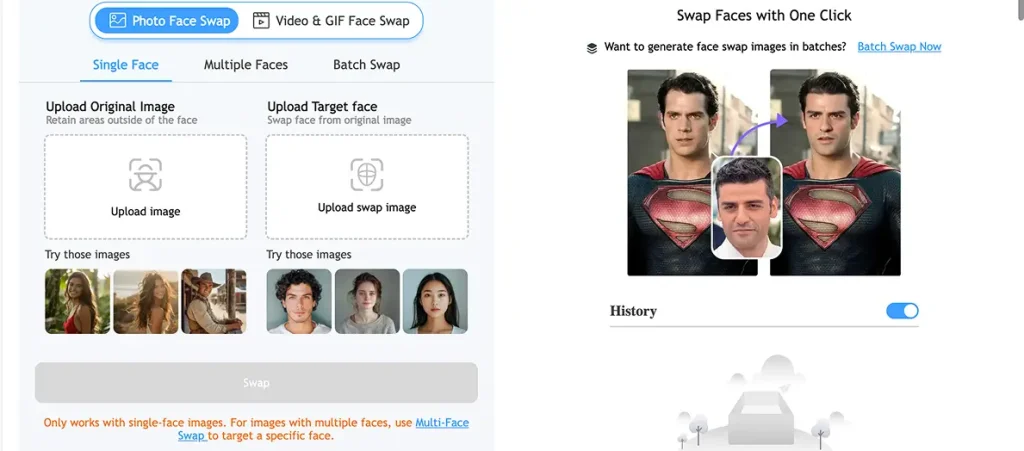
Overview
A free face swap feature integrated into the Remaker AI suite, including additional editing tools like in-painting and background removal.
Key Features:
Swap faces in images and videos
Multiple face swap support
Additional tools: background removal, inpainting
Pros:
Clean and professional results
Additional editing options in one platform
Cons:
Requires account creation for extended access
May feel complex for first-time users
Best For:
Users seeking more control and precision for polished visuals.
What Can You Use Face Swap For?
Face swap tools aren’t just for fun on the internet or as a joke. People use them for many different reasons, including creative, personal, and even work-related ones. Here are some common ways that people use them today:
- Posts on social media: Change the faces in pictures to make funny posts, memes that are popular right now, or reels that get shared.
- Fun and parody: Put your face on a meme, movie character, or famous person for fun or fan content.
- Trying on a new look: You can see how you might look with a different face shape, smile, or even a whole new identity.
- Profile picture tests: Some people use it to see how different facial expressions or features change how people see them online.
- Mockups and creative projects: Sometimes designers, editors, or content creators use face swaps to make moodboards, storyboards, or previews for clients. You don’t need to know how to use photo editing software or have any experience with it to use face swap tools.
Are Free Face Swap Tools Safe to Use?
Free face-swap tools vary in their privacy practices and usage limits. MagicShot is a paid platform that requires an account, giving users access to face swapping and additional creative tools under one subscription.
How MagicShot Compares to Other Face Swap Tools
MagicShot is the paid option in this comparison. Free tools may work for occasional memes or experiments, while MagicShot is better suited to users who want polished face swaps, video support, post-generation editing, and a broader creative workflow.
Want to Learn More About Face Swapping?
If you’re looking for a deeper dive into how face swapping works, the technology behind it, and tips for better results - check out our full guide: Read: What is AI Face Swap And How It Truly Works This guide walks you through everything from what makes a good photo to how to use MagicShot for the best results.