Figma's annual Config conference landed on June 24, 2026, and the product announcements were significant.
Not just one feature. Six of them.
The headline is Figma Motion, a native timeline-based animation system built directly into Figma's canvas. But that's not the whole story. Code Layers, Shader Fills, Generative Plugins, Weave Tools, and a significantly upgraded Design Agent all shipped alongside it. Some are live now. Some roll out through July.
Here's everything that launched, what each thing actually does, and what it means if you work in AI creative tools.
Figma Motion: Native Animation Is Finally Here
This is the one designers have been waiting for.
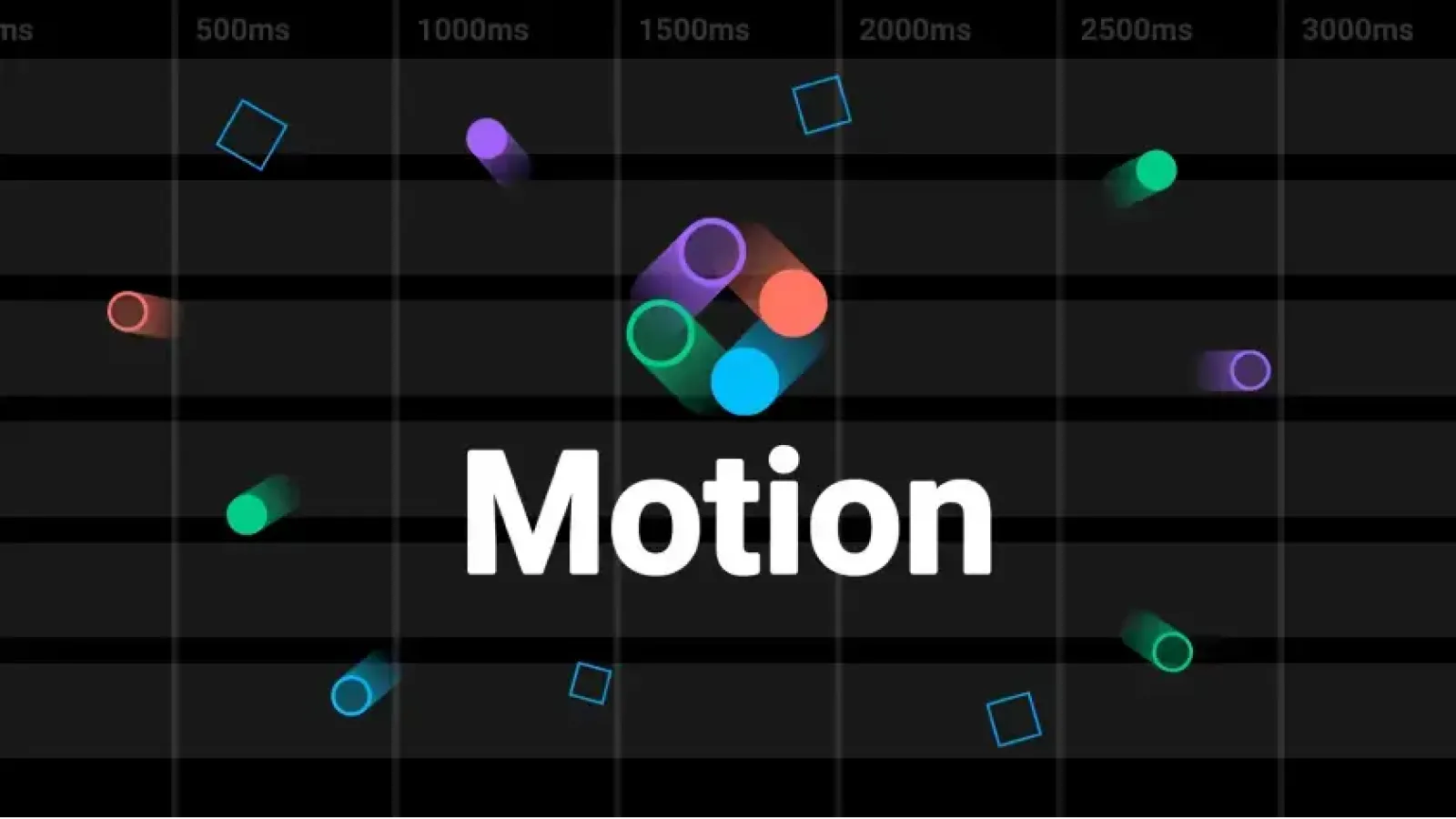
Figma Motion sits alongside Design, Draw, and Dev modes as its own mode on the canvas. You switch a frame into Motion mode, a timeline appears beside your layers, and you start animating. No plugin. No export to another tool. No context switching.
It's available in open beta on all plans, rolling out gradually from June 24.
How the Timeline Works
Switch any frame to Motion mode and a full keyframe timeline appears
Autokey tracks and records movement automatically as you design
Each keyframe is customizable with bezier curves or spring physics
Built-in preset styles: Fade, Rotate, Scale, and Resize
Stack multiple styles on the same element
Custom styles are coming soon
AI-Powered Animation
You don't have to build from keyframes if you don't want to. Describe what you need to Figma's agent and it builds the animation for you. Complex transitions, repeated movements, storytelling sequences. Type it, get it. The output is connected to your design system and fully editable in the timeline afterward.
Why the Design System Integration Matters
Here's what's actually different about Figma Motion versus a standalone animation tool: animate a component once, and that motion travels across every screen in your file. Same way fills and typography do. If you update the easing curve on a button animation in your component, every instance updates. That's genuinely new for design tooling.
Export Options for Developers
Figma Motion is built to hand off to code, not just to video:
CSS - ready to paste
JSON - for animation libraries
React - framework-ready components
MCP-compatible - for AI coding agents
MP4 - for presentations and social
WebM - for web video
Animated SVG - for scalable web graphics
GIF - for quick sharing
Switch to Dev Mode and the full timeline is visible and inspectable. Every timing value, every easing curve, every keyframe. Copy animation code directly from there.
3D Transforms
Coming soon. Add depth to designs and images, combine with motion for realistic object movement. Not live yet but shown at Config.
[IMAGE: Figma Motion timeline interface mockup, dark UI, keyframe dots on multiple tracks, bezier curve editor panel open, animation preview of a button press state, clean minimal design tool aesthetic]
Code Layers: Design and Code in the Same Frame
The second big announcement is Code Layers, rolling out in July 2026.
What It Does
Convert any design layer into a code layer with one click
Code and design sit side by side in the same frame
Edit code, see the visual update instantly
Duplicate a code layer to explore multiple directions at once
Iterate between code and design without leaving the file
Why It's Different
The usual workflow is: design in Figma, hand off to a developer, developer rebuilds in code, designer reviews, repeat. Code Layers collapse that loop. Designers can work in code. Developers can work in design. Both can see the same source of truth.
It's not a low-code builder. It's actual code, inspectable and editable, living inside the design file.
Shader Fills and Effects: AI-Generated Visual Materials
This one is harder to describe without seeing it, but the short version: describe a visual effect, or upload a reference image, and Figma's agent generates it as a parameterized material on your canvas.
What You Can Do With It
Transform existing layers with AI-generated shader effects
Use shaders as new background materials
Describe the look you want in plain language
Adjust parameters directly on the canvas after generation
Apply to any layer, not just backgrounds
Think noise textures, liquid gradients, glass distortion, light refraction. The kind of effects that usually require After Effects or a dedicated tool. Now in Figma, on the canvas, connected to your design system.
Generative Plugins: Build a Plugin Without Code
Figma has always had a plugin ecosystem. Config 2026 changed how those plugins get made.
How It Works
Describe what you want a plugin to do in plain language
Figma's agent builds it, including controls and parameters
No development environment setup required
Share the plugin directly inside a file
Team publishing is coming soon
This isn't building a plugin from a template. You describe behavior. The agent writes it. If you've ever wanted a specific tool that didn't exist in the plugin marketplace, this is how you make it now.
[IMAGE: Figma plugin creation interface, chat prompt box with user typing a plugin description, generated plugin panel appearing on right with custom controls and sliders, clean dark UI]
Figma Weave Tools: Multi-Model AI Workflows
Weave Tools is Figma's take on visual AI workflow building.
What It Is
Node-based workflow editor inside Figma
Connect multiple AI models in sequence
Build workflows for visual content creation and asset transformation
Publish workflows for your team to use
Remix published workflows from others
The practical use case: chain together a prompt, an image model, a style transfer step, and an export format, all inside Figma, without switching to a separate automation tool. Build it once, share it, everyone on the team runs it.
Enhanced Design Agent: Connectors, Skills, and Team Collaboration
The Figma Design Agent got a significant upgrade across several dimensions.
New Capabilities
Skills - save reusable workflow instructions the agent follows on demand
Connectors - the agent now connects to Notion, Slack, GitHub, and Atlassian
Team chat - collaborators can see and join agent conversations in real time
Context-aware attachments - attach specific frames, files, or components for the agent to reference
The connectors are the meaningful change here. An agent that can pull a ticket from Jira, read the brief in Notion, and build a Figma frame from it without manual copy-pasting is a genuinely different tool than what existed six months ago.
What Config 2026 Actually Means for AI Creative Tools
Figma just made a clear statement about where design tooling is going.
Animation is no longer a separate discipline. Code is no longer a separate phase. Visual effects are no longer a specialist skill. All of it is collapsing into one canvas, with AI handling the parts that used to require years of expertise or a separate subscription.
For designers, that's mostly good. Faster iteration, fewer handoff failures, more expressive output.
For anyone building content with AI tools right now, the direction is the same across the industry. Platforms that used to do one thing are expanding to cover more of the creative workflow. MagicShot's already covers video creation the same way Figma Motion now covers animation. The covers images with models that sit at #1 on the Arena benchmark. And under one subscription means you're not building a different stack for each content type.
[IMAGE: AI creative workflow split screen, Figma Motion timeline on left showing a UI animation, MagicShot-style AI product photography on right, representing two sides of modern AI creative tooling]
The Figma announcements are worth watching closely if you're a designer or developer. Code Layers in particular could change the handoff process in a meaningful way once it rolls out in July.
If you're looking at where AI sits inside broader content creation workflows right now, the covers the full picture.
Everything Announced at Config 2026: Quick Reference
Announcement | Status | What It Does |
|---|---|---|
Figma Motion | Live (open beta) | Native timeline animation with AI generation |
Code Layers | Rolling out July 2026 | Design and code in the same frame |
Shader Fills and Effects | Live | AI-generated visual materials on the canvas |
Generative Plugins | Live | Build plugins with natural language prompts |
Figma Weave Tools | Live | Multi-model AI workflow builder |
Enhanced Design Agent | Live | Skills, connectors, team collaboration |
3D Transforms | Coming soon | Depth and 3D motion in designs |