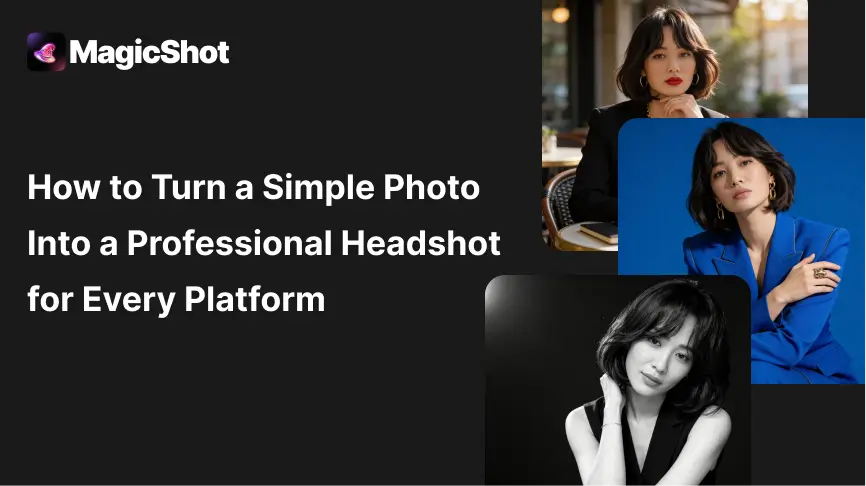
One photo rarely suits every place you use it. A LinkedIn picture, a CV photo, a team page portrait and a speaker bio each have different crops, backgrounds and expectations. The practical approach is to start with one good source photo, make a professional version with the AI headshot generator, and then export a version for each platform. This guide gives the settings and style choices for each.
Start with a good source photo
Face the camera in soft, even light, such as a window or open shade. - Keep the face sharp and the camera at eye level. - Wear what you would wear to a first meeting in your field. - Avoid heavy filters, sunglasses and hats. - Take several shots with a few expressions, and pick the most natural.
Three styles to choose from
The same source photo can be restyled to match different uses.
Environmental headshot

A real-looking workplace or outdoor background, softly blurred. It suits modern companies, consultants and personal brands.
Corporate studio headshot

A neutral studio backdrop with even lighting. It is the safest choice for finance, law and enterprise teams.
Monochrome editorial headshot
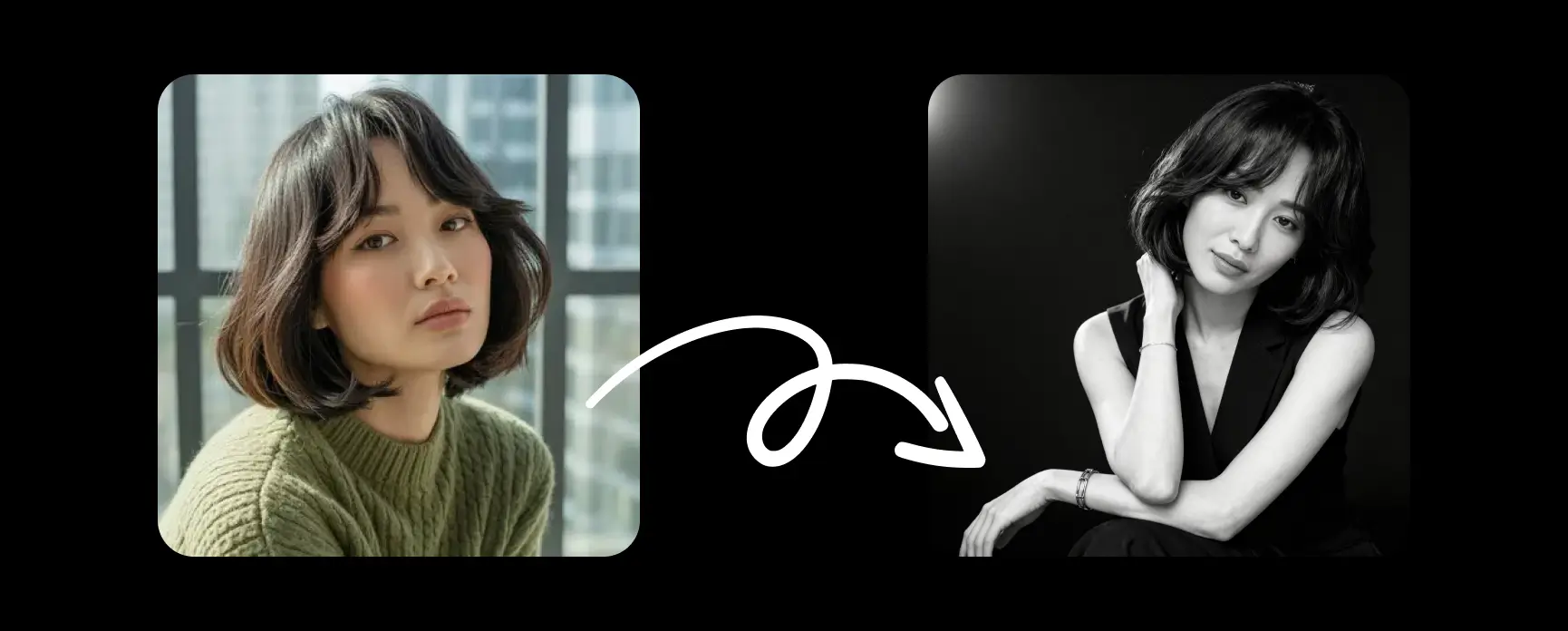
Black and white with strong contrast. It works for creatives, speakers and authors, but it is not the usual choice for a CV.
Crop. Mid-chest upward, with your face filling a good share of the frame. - Size. At least 400 by 400 pixels, square, with a sharp face and light compression. LinkedIn displays it as a circle, so keep the face centred. - Background. Clean, softly blurred or neutral. - Expression. A natural, slight smile is a safe choice. - Clothing. Match your industry.
CV or resume
Crop. Tighter, head and shoulders. - Background. Plain white, light grey or a subtle gradient. - Style. Conservative and timeless. Skip dramatic lighting or stylised edits. - Resolution. Export high enough for print and PDF, such as 600 by 600 pixels or more. - Local norms. Photos on CVs are standard in some countries and discouraged in others, so check the norm for the market you are applying in.
Company website and team page
Use the same framing, background tone and lighting for everyone. - Pick one style for the whole team, environmental for modern companies or studio for more formal ones. - Keep expressions approachable and avoid deep shadows that look odd in a grid.
Personal brand, speaker bio and social
You can use warmer light, wider crops and more personality. - Make sure the face stays readable at small sizes. - Test a circular crop for platforms that display avatars as circles.
Mistakes to avoid
Over-editing. Plastic-looking skin and over-sharpened eyes reduce trust. - One crop everywhere. Each platform needs its own framing. - Mismatched style. A moody editorial photo on a bank's team page looks out of place. - Not looking like you. If someone would not recognise you from the photo at a meeting, pick another version. - Edits that change features. Changing age, face shape or skin tone in ways that misrepresent you is a problem for employers and clients.
Quick workflow
Upload your best source photo and generate a handful of styles. - Choose the version that looks most like you on a good day. - Export a square crop for LinkedIn, a tight crop for your CV and a matching crop for the team page. - Update all profiles at once, so people see the same face everywhere.
Generation on MagicShot uses credits. Pick a photo, try the three styles, and use the platform notes above to export what you need.