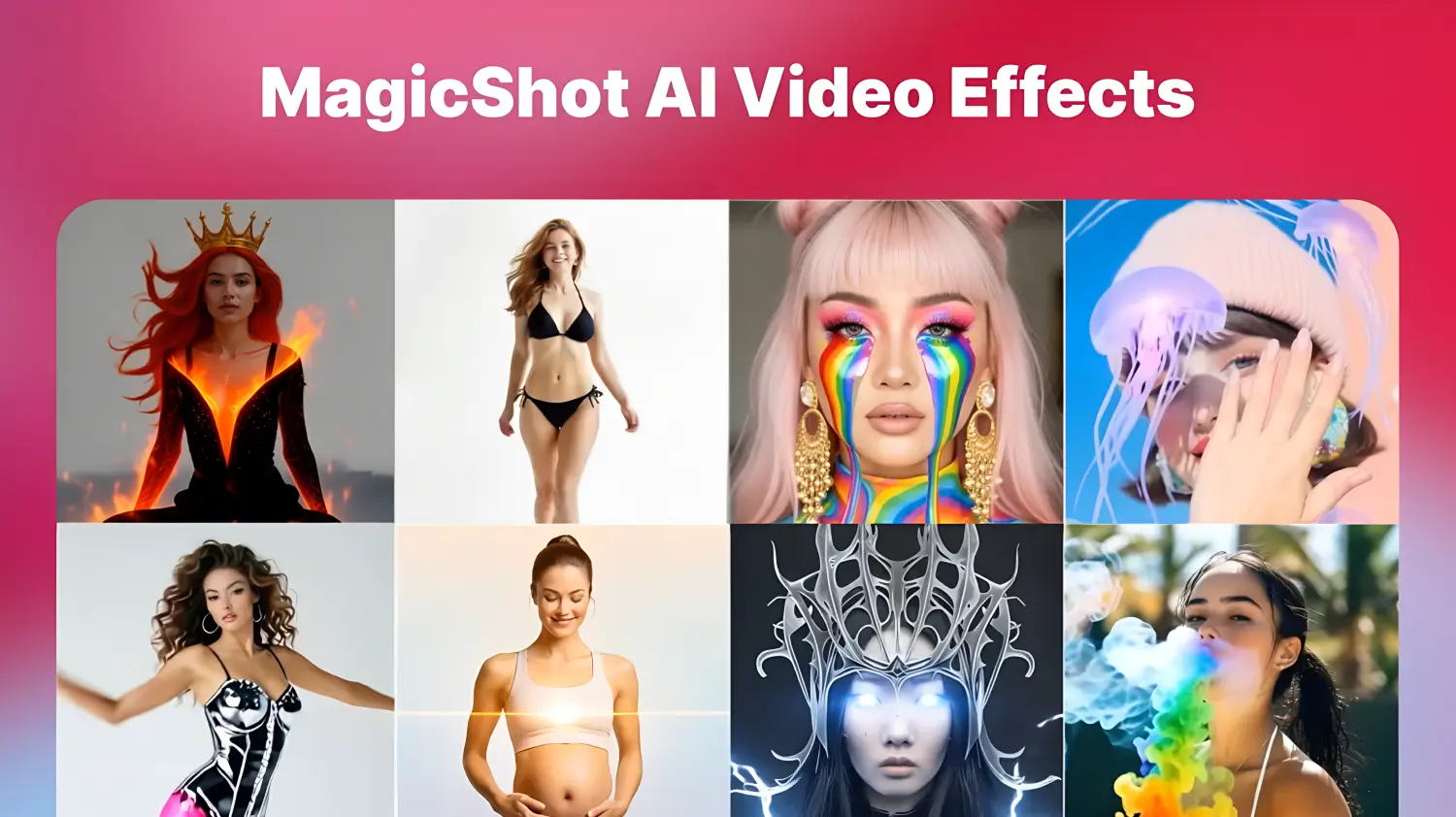
MagicShot's video effects turn an ordinary clip into something a little more cinematic with a single choice: wings, smoke, a runway, a flood. This guide goes through each effect by category, with what it does and how to film for it. You can see the full set on the video effects page, and each effect page has its own example.
Before you start
Use a clear shot. Good light, a steady camera and the subject fully in frame give the best results. - Start short. Short clips render faster and are easier to retry. - Keep the first second calm. Many effects begin from a still pose. - Get consent. Only use effects on people who have agreed to appear, and avoid content involving children. - Label it where needed. If an effect makes a clip look like a real event, say it is edited.
Romantic and emotional effects
Warm, personal effects for anniversaries, Valentine's Day and short films. Use them with the consent of everyone who appears in the clip.
AI Boyfriend Hug
Adds a virtual partner who hugs you in a cinematic way. It suits a cosy cafe or sofa scene with soft light, and it works best when you face the camera and stay still for the first second. Open the AI Boyfriend Hug effect.
Fantasy and mythical effects
For cosplay, fairy-tale reels and dreamlike edits. Plain backgrounds and good light give the cleanest results.
Angel Wings
Glowing wings unfold behind you. A sunlit garden or a plain wall works better than a busy room, and a slow turn toward the camera shows them off. Open the Angel Wings effect.
Mermaid
Turns your legs into a shimmering tail with water splashes. It suits pool, beach and summer travel clips. Open the Mermaid effect.
Thunder God
Lightning and a stormy aura gather around you. Try a wide stance with arms out, and dark or evening footage to make the bolts stand out. Open the Thunder God effect.
Nature and artistic effects
Soft, surreal effects for aesthetic reels, music videos and fashion content.
Garden Bloom
Flowers bloom around you as you move. Good for outdoor and lifestyle clips, especially in parks or gardens. Open the Garden Bloom effect.
Rainbow Tears
A tear that shimmers in rainbow colours. Use it on a steady close-up for music videos and mood-driven edits. Open the Rainbow Tears effect.
Rainbow Breath
Your exhale becomes coloured smoke. It works well for birthday candles, celebration clips and playful skits. Open the Rainbow Breath effect.
Floral Eyes
Pupils turn into blossoms on a slow zoom-in. Keep the face well lit and the camera steady. Open the Floral Eyes effect.
Bloom Mouth
Petals emerge as you speak or sing. It pairs well with lip-sync reels and poetry visuals. Open the Bloom Mouth effect.
Action and superhero effects
Big-screen energy for skits, parodies and intros. These effects look best with a clear, full-body or upper-body shot.
Building Explosion
A virtual explosion goes off behind you as you walk away. Walk slowly toward the camera for the classic action-film look. Open the Building Explosion effect.
Fire Flair
Sparks and flames surround you. Dance and fitness clips shot in low light give the strongest contrast. Open the Fire Flair effect.
Animal Transform
Animal traits, such as wolf eyes or tiger stripes, ripple across your face. Look straight into the camera for a moment. Open the Animal Transform effect.
Metal Effect
Skin turns to reflective silver for a sci-fi look. Strong side lighting helps the metallic shine. Open the Metal Effect effect.
Iron Suit
A suit of glowing armour assembles around you. Stand with your arms slightly out to give the effect room. Open the Iron Suit effect.
Hulk Effect
You bulk up and turn green in a transformation clip. It is meant for comedy skits and fan edits. Open the Hulk Effect effect.
Fashion effects
For outfit reveals, runway edits and glamorous transitions.
Dress Flip
A casual outfit flips into a glamorous one mid-jump. Frame your full body and use a plain background so the change is easy to see. Open the Dress Flip effect.
Cat Walk
Turns a hallway or street into a runway with sparkles and slow motion. Walk toward the camera at a steady pace. Open the Cat Walk effect.
Golden Glow Maternity
Wraps an expectant parent in soft golden light. It suits maternity shoots, milestone clips and announcement videos. Open the Golden Glow Maternity effect.
Creative and fun effects
Playful twists that make viewers stop scrolling.
Smoke Fade
Smoke billows around you as you fade in or out. It is useful for dramatic entrances, exits and outfit reveals. Open the Smoke Fade effect.
Melting
Features appear to drip and dissolve like wax. It is surreal and suits art projects and horror edits. Open the Melting effect.
Zoom Out
Starts on a close-up and pulls back to reveal the setting. It works best when the wider scene is worth showing, such as a view or street. Open the Zoom Out effect.
Jelly Drift
Everything wobbles as if made of jelly. Add it to dance clips and comic moments. Open the Jelly Drift effect.
360 Rotation
The camera spins around you in a smooth loop. Good for outfit checks, dance clips and intros. Open the 360 Rotation effect.
Text and motion effects
For titles and quirky transitions.
ARC Left and ARC Right
Text glides across the screen from the left or right. Use them for intros, names and call-to-action captions. Open the ARC Left and ARC Right effect.
Mouth In
Objects, letters or shapes fly into your mouth. Time it to a beat for comedy and trend clips. Open the Mouth In effect.
Epic environments effects
Effects that change the scene around you.
Flood
Water rushes in and rises around you in a disaster-movie twist. Slow motion and dramatic music make it more effective. Open the Flood effect.
Tips for better effect videos
Match the effect to the story. An effect that fits the moment lands better than one added for its own sake. - Pair effects with sound. Music or a sound effect makes the change feel intentional. - Keep captions short and clear of the main action. - Export in the shape your platform uses, vertical for Reels, TikTok and Shorts. - Try one effect per clip. Stacking several usually makes the result harder to read.
Bottom line
Effects are most useful when they serve a clip you already have an idea for. Choose the category that fits your content, film it with the effect in mind, and use the example on each effect page as a guide. Video generation and effects on MagicShot use credits.