Most people building content today have the same messy setup: one tool for image generation, another for video, a third for background removal, plus a separate subscription for upscaling and yet another for AI headshots. It's expensive, it's fragmented, and it slows you down. MagicShot AI was built to fix that. It's an AI creation platform that brings the world's leading models for images, video, editing, audio, and product photography together in one place, so you can create anything from a single account instead of juggling half a dozen tools.
The short answer to "what is MagicShot AI?" is this: it's an all-in-one AI creative studio that gives you access to top models and tools, including top-tier engines from across the AI world plus exclusive models MagicShot trains itself, under one subscription. Below, we'll break down exactly what's inside, why it matters, and who gets the most out of it.
Why an all-in-one AI creation platform beats a stack of separate tools
The AI space moves fast. A model that leads the pack this quarter can be leapfrogged next month. If you're tied to a single provider, you're stuck waiting for them to catch up, or paying for another subscription when a better model launches elsewhere.
An AI creation platform solves that problem by design. Instead of betting on one company, you get a curated collection of the best models available, continuously updated as new releases roll out. That means:
One subscription, not five. You stop paying separately for image tools, video tools, editing suites, and headshot generators.
One workflow. Generate an image, animate it into a video, upscale it, and swap the background without exporting and re-importing between apps.
Always current. When a new state-of-the-art model drops, it shows up in your toolkit, you don't have to hunt for it or sign up somewhere new.
That's the core promise: the best of the AI ecosystem, organized so you can actually use it.
There's also a hidden cost to the fragmented approach that's easy to overlook: context-switching. Every time you move a file from one app to another, you re-learn an interface, re-upload assets, and re-export in the right format. Those minutes add up across a busy week. Consolidating everything into a single AI creation platform removes that friction, and for teams it also means one place to manage billing, one set of credentials, and one dashboard everyone already knows.
Image generation: the leading models, all in one place
Image generation is where most people start, and MagicShot AI puts an unusually deep lineup at your fingertips. Rather than locking you into one aesthetic or one engine's quirks, it lets you pick the right model for the job.
The image models you can use
Grok Image: strong at bold, expressive, and highly detailed prompts.
Seedream: known for photorealistic results and clean composition.
Qwen Image: reliable text rendering and versatile styles.
WAN Image: flexible, high-fidelity generation across subjects.
FLUX models: a favorite for realism, prompt accuracy, and fine detail.
Recraft: excellent for design work, logos, icons, and vector-style output.
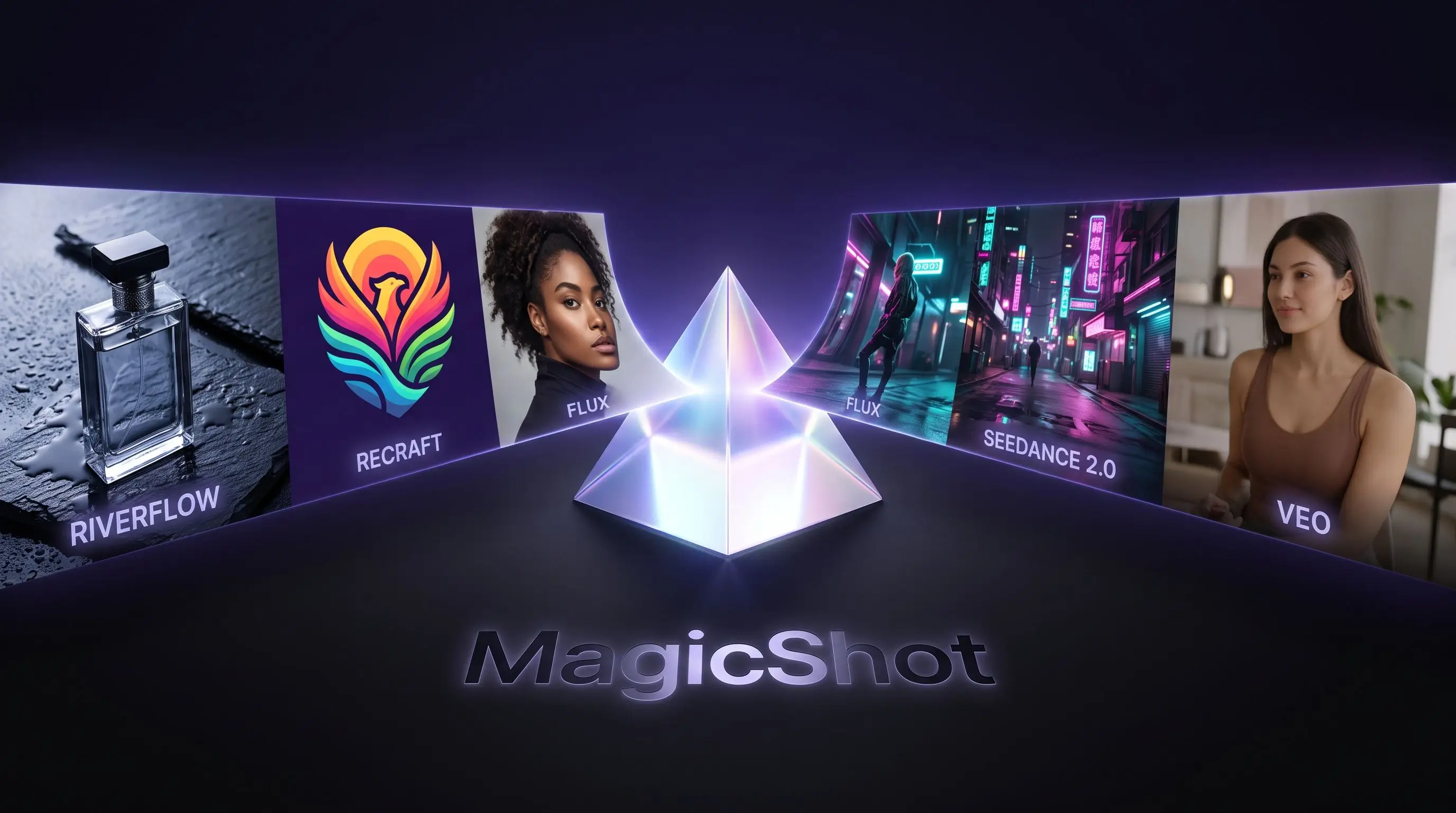
Because each model has its own strengths, having them side by side is a genuine advantage. Need a crisp product hero shot? Reach for a photorealism specialist. Designing a brand mark? Switch to a model tuned for vector and typography, the same thinking that powers a dedicated Logo Generator for clean, on-brand marks. You're not compromising to fit one tool, you're choosing the best one for each task, then moving on. If you're leaning into more expressive, painterly output, an AI Art Generator lets you explore styles far beyond straight photography.
Beyond the named engines, the platform keeps a rotating roster of other top-tier image generators, so you're never limited to a fixed handful. A practical way to work is to run the same prompt through two or three models and compare, one might nail the lighting while another gets the composition right, and seeing them together makes the choice obvious. That kind of quick A/B comparison is nearly impossible when each model lives behind a different paywall. The same versatility carries into niche projects too, from a playful Sticker Maker to a high-resolution Wallpaper Generator for your devices.
Video generation: from a still idea to motion
Video is the fastest-growing corner of AI creation, and it's where a single subscription saves the most money, since standalone video generators are often the priciest tools in a creator's stack. MagicShot AI gathers the leading engines so you can turn prompts and images into polished clips.
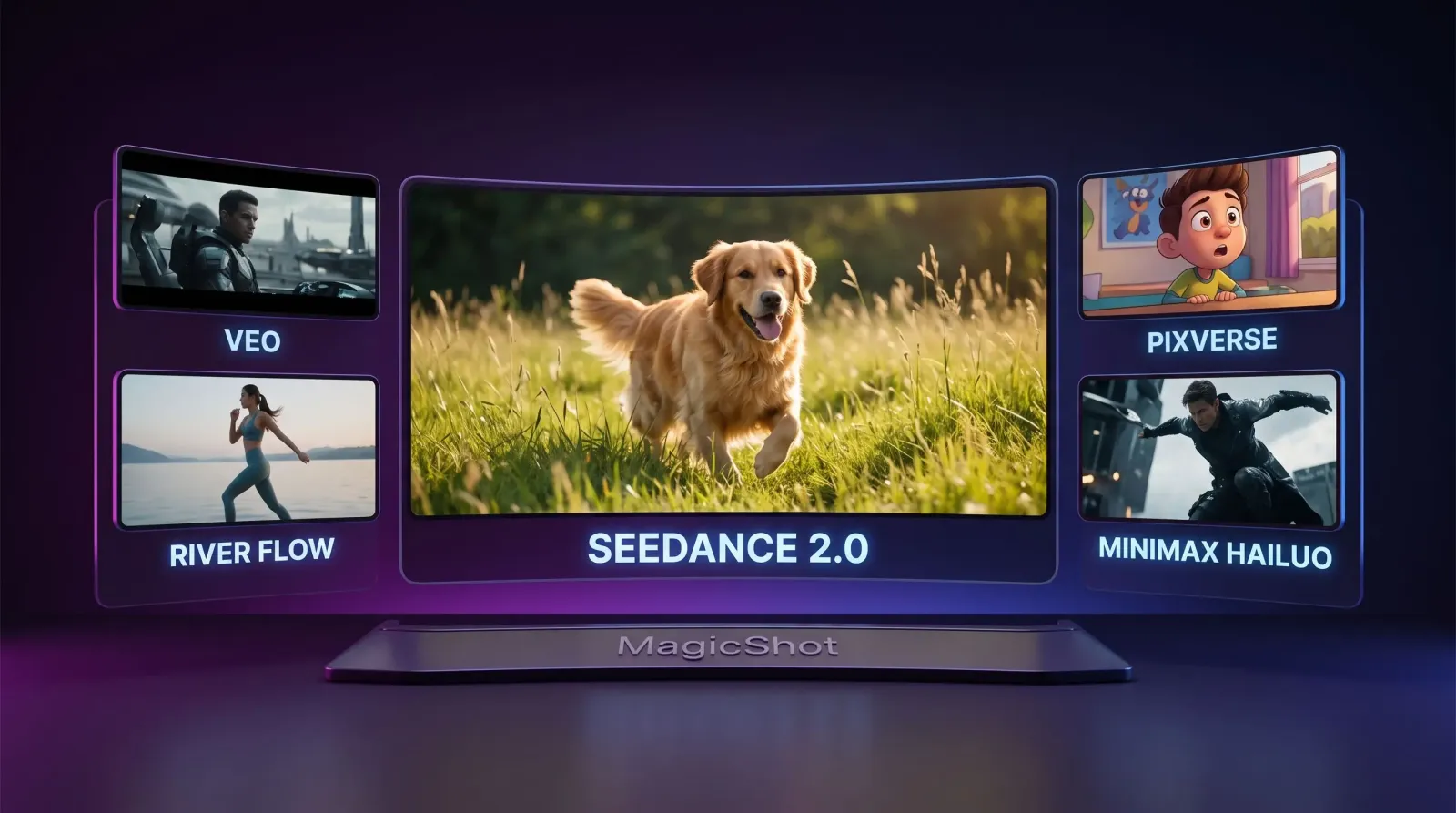
The video models you can use
Grok Video: dynamic, prompt-driven video generation.
Veo models: cinematic quality with strong scene coherence.
WAN Video: versatile motion across a wide range of styles.
River Flow: smooth, natural movement for lifelike sequences.
PixVerse: popular for stylized and social-ready clips.
SeeDance 2.0: one of the world's best AI video models, built for realism and expressive motion.
MiniMax Hailuo: high-fidelity output with impressive detail and control.
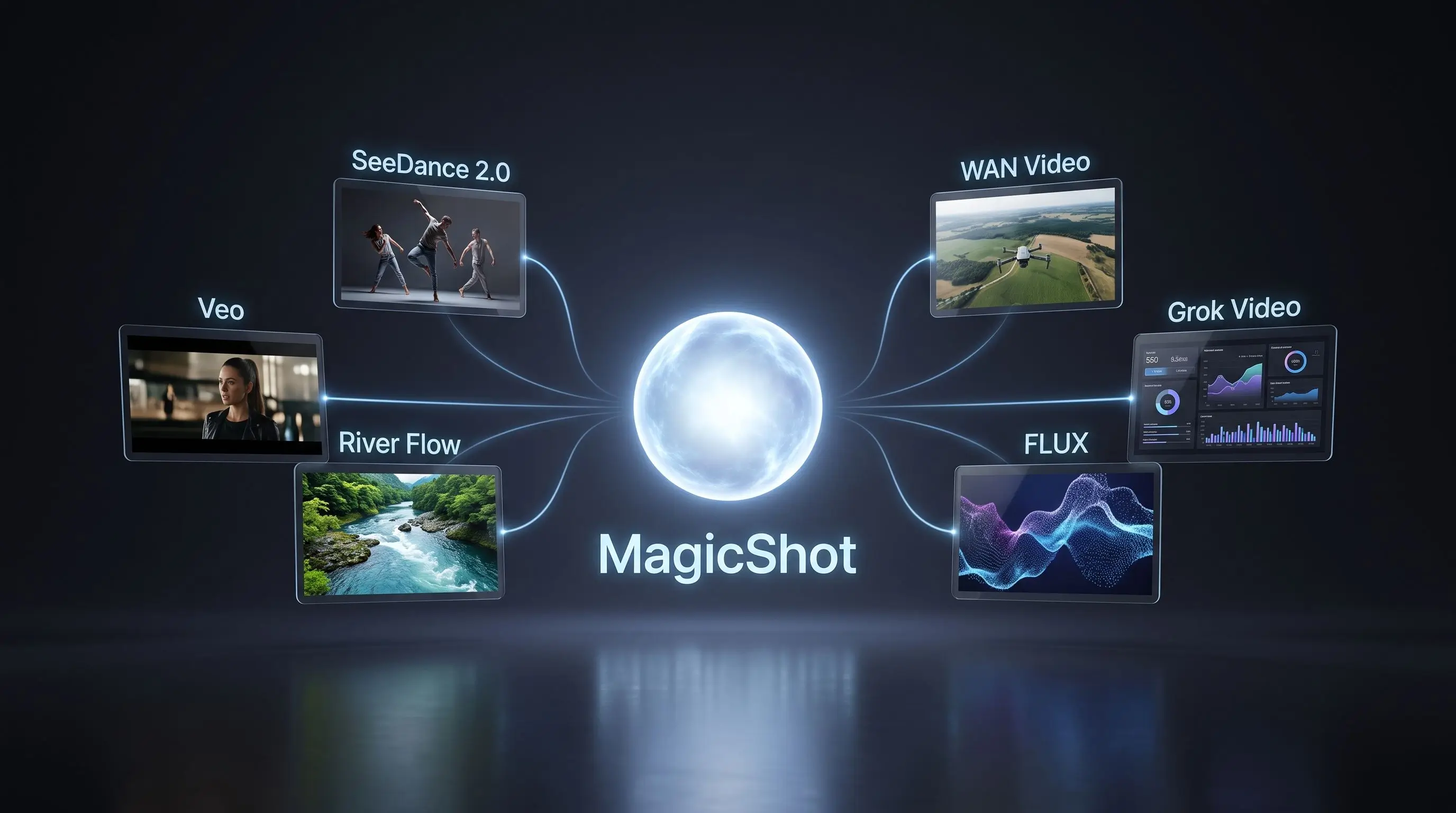
The practical win here is range. A marketer can produce a slick product teaser with a cinematic model, then create a punchy, stylized clip for social with a different one, all from the same dashboard. Both text-to-video and image-to-video live in the same workspace, so a still you generated this morning can become a moving shot this afternoon. If your content leans on presenters or on-camera personalities, you can also spin up an AI Avatar Video or produce authentic-feeling UGC videos without booking talent.
Editing and creative AI: finish what you started
Generating a great asset is only half the job. Real projects need cleanup, refinement, and polish. MagicShot AI covers the full editing pipeline so you never have to leave for a separate suite.
AI image editing: adjust, restyle, and refine images with text prompts.
AI background removal: cut subjects out cleanly in seconds with the Background Remover, perfect for product shots and portraits.
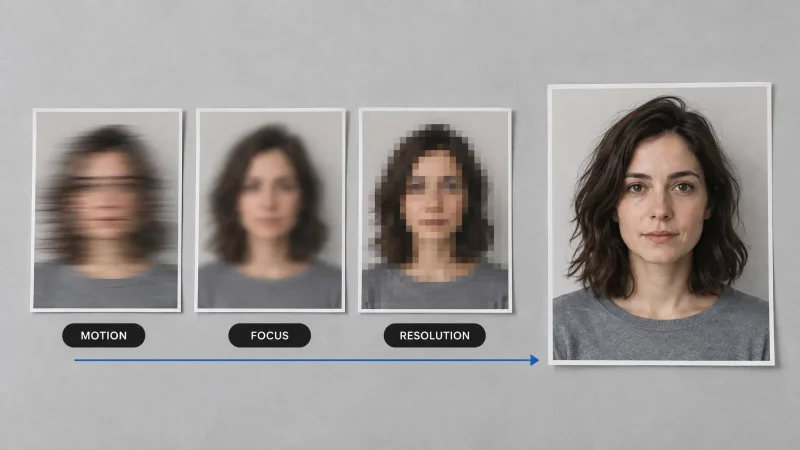
AI upscaling: increase resolution and sharpness with the Image Upscaler for print, ads, or large displays.
AI inpainting and outpainting: use the Object Remover to erase unwanted objects, fix details, or extend a scene beyond its original frame.
AI photo restoration: bring old or damaged pictures back to life with the Photo Restorer.
AI audio and sound generation: add voice with Text to Speech, score a scene with the AI Music Generator, or layer in sound effects to bring content to life.
Product photography tools: use the Product Photo Generator to create studio-grade product images without a physical shoot.
AI photoshoot tools: generate professional-looking sets of portraits and lifestyle shots.
Put these together and a full workflow lives under one roof: generate a product image, remove and replace the background, extend the canvas for a banner, upscale it for print, and add a soundtrack if it's headed into a video. That end-to-end flow is exactly what a complete AI creation platform should deliver.
MagicShot exclusive AI models you won't find bundled elsewhere
Here's what sets MagicShot AI apart from a simple model aggregator: it develops and trains its own specialized models, purpose-built for the results people actually want. These aren't generic engines, they're tuned for specific, high-demand use cases.
AI Model Photoshoot: generate on-model fashion and lifestyle imagery with the AI Fashion Model tool, without booking talent or a studio.
AI Baby Generator: imagine what a baby might look like from parent photos.
AI Baby Photoshoot: create adorable, themed baby portraits with the Baby Photoshoot tool in a range of styles.
AI Tinder Profile Generator: produce flattering, authentic-looking dating profile photos.
Professional headshots: studio-quality corporate professional headshots from ordinary selfies.
Fashion AI: visualize outfits, styles, and apparel concepts fast.
Product photography: turn a plain product photo into a polished commercial shot.
Pet portraits: create charming, characterful pet portraits from everyday snapshots.
These exclusive tools are where the platform's ownership of its own models pays off. Because MagicShot trains them, it can fine-tune quality and consistency for each specific job, a headshot that actually looks like you, a product shot that looks studio-lit, a photoshoot that holds a consistent face across every frame.
Consistency is the quiet detail that separates usable AI imagery from throwaway novelty. A corporate headshot is only worth it if the person is recognizable; an AI photoshoot is only useful if the same face carries through every pose and outfit. Purpose-trained models are far better at holding that identity than a general-purpose engine asked to do everything, which is why these specialized tools tend to be the ones people come back to week after week.
What you actually get with MagicShot AI
Stripped down to the essentials, here's the value proposition:
Top AI models and tools accessible from one platform.
One subscription instead of paying for a stack of separate AI services.
Continuously updated with the latest state-of-the-art models as they launch.
High-quality outputs powered by the best models available today.
Fast, affordable, and easy to use: no steep learning curve, no piecing tools together.
Who MagicShot AI is built for
The breadth of the platform means it fits a wide range of people, not just one niche:
Creators and social media managers who need fresh images, videos, and avatars on a constant schedule.
Marketers producing campaign visuals, ad variations, and product teasers at speed.
Businesses and e-commerce sellers who want studio-grade product photography without a studio.
Designers who need logos, concepts, and visual assets on demand.
Developers looking to tap a broad set of models without integrating each one separately.
Photographers using AI editing, upscaling, and retouching to accelerate their work.
Everyday users who just want fun, high-quality results like baby photos, headshots, or profile pictures.
Getting the most out of the platform
A few habits will help you move faster once you're inside:
Match the model to the task. Use a photorealism model for realistic scenes and a design-focused model for logos and graphics. The variety exists so you can specialize.
Chain your tools. Generate, then edit, then upscale, then animate, treat the platform as a pipeline rather than a set of isolated features.
Write specific prompts. Details about lighting, angle, mood, and style consistently produce stronger results across every model.
Revisit the lineup. New models arrive regularly, so it's worth checking whether a fresh release handles your use case better than your old go-to.
How MagicShot AI fits into a real project
To make this concrete, imagine launching a small product on a tight deadline. On a fragmented setup, you'd generate the product image in one app, remove the background in another, upscale in a third, animate a teaser in a fourth, and add sound somewhere else, five logins, five exports, five bills.
On an AI creation platform like MagicShot AI, that entire sequence happens in one session. You generate the hero image with a photorealism model, clean up the background instantly, extend the frame for a wide banner with outpainting, upscale the final version for a print flyer, then feed the same image into a video model for a short teaser and drop in a soundtrack. What used to be a day of tool-hopping becomes an afternoon of focused creating, and every asset shares a consistent look because it came from a connected workflow.
That's the difference between a collection of features and a true platform: the pieces are designed to work together, so momentum builds instead of breaking every time you switch tasks.
The bottom line
Creating with AI shouldn't mean managing a tangle of subscriptions and hoping each one keeps up. MagicShot AI pulls the leading image and video models, a full editing suite, audio tools, product photography, and its own exclusive trained models into a single AI creation platform, so you can go from idea to finished asset without leaving the tab. Whether you're shipping a campaign, launching a product, or just making something cool, it's the most complete way to create with AI in one place.