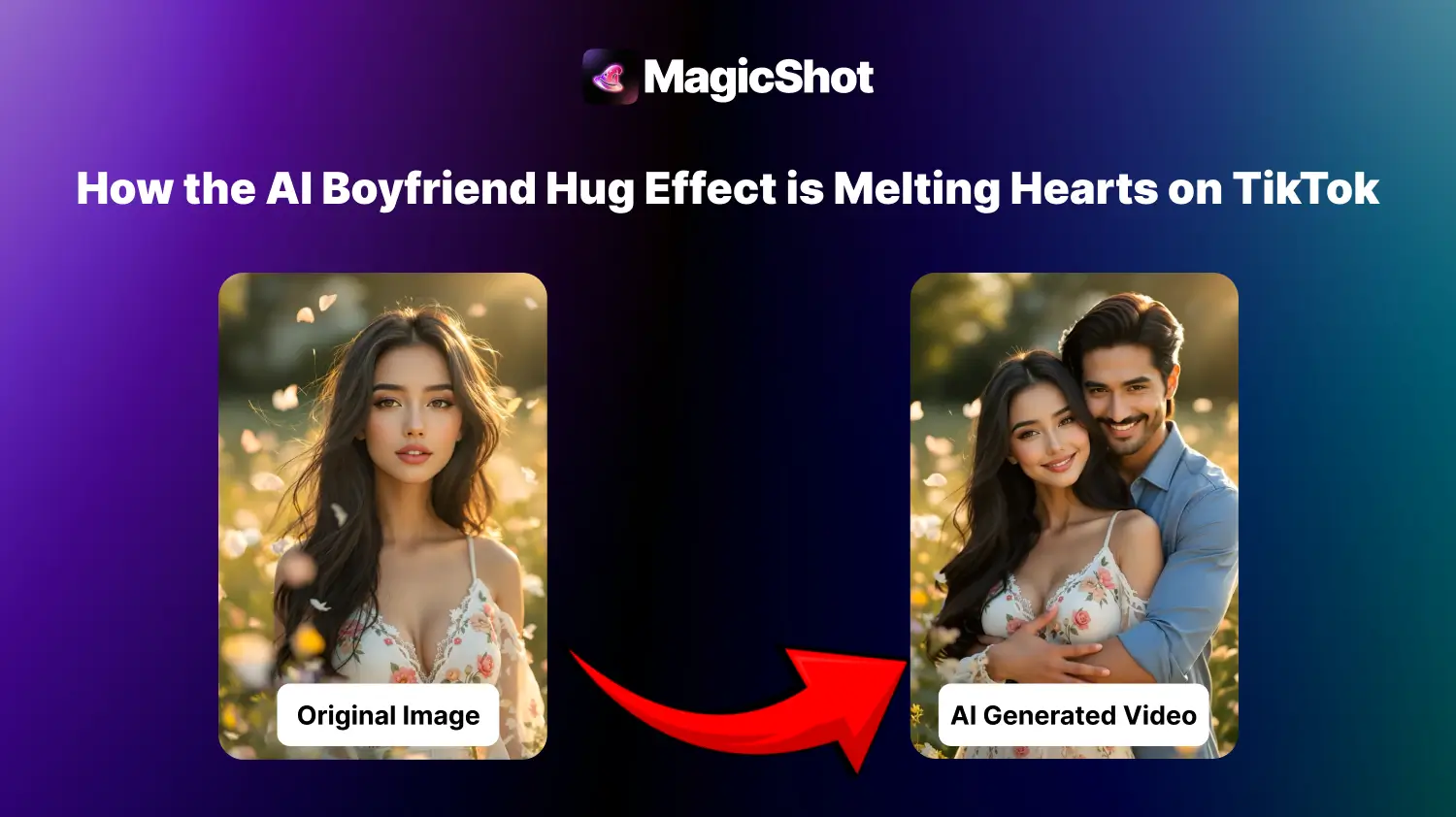
Scroll TikTok for a few minutes and you will probably hit one: a girl stands alone in frame, then a man steps in from behind and wraps his arms around her. It is the AI boyfriend hug effect, and it is not filmed at all. It is built from a single still photo.
Here is what the effect actually does, why it spreads so easily, and how to get a result that looks less uncanny.
What Is the AI Boyfriend Hug Effect?
It is an AI video effect that takes one photo of a person and animates a hug around them. A generated figure appears, moves into position and puts their arms around the subject, while the person in your photo keeps their face and pose. The clip runs for a few seconds, which is the right length for TikTok, Reels and Stories.
Under the hood it works like other image-to-video tools: the model predicts motion for each frame from your picture, so the quality of the starting photo matters more than any setting.
Why This Trend Took Off
Three things make it easy to spread. It needs only one photo, so there is no filming and no editing app. The result is short and emotional, and short emotional clips are what people share. And it is personal: people use it for fun, for fantasy, for a joke with friends, or as a gentler way to play with an idea of closeness.
That last use is worth saying plainly. Some users post it as a lighthearted gag, and some use it because they like the feeling. Neither is wrong, but a good rule is to use only photos of yourself or people who have agreed to it, which also keeps you clear of consent problems.
How to Make an AI Hug Video
Pick a clear, front-facing photo with the whole upper body visible and good light.
Open the hugging booth and upload it.
Choose the boyfriend hug effect and generate the video.
Preview it, then download or share it straight to TikTok or Reels.
Tips for a Better Result
Avoid photos where your arms are crossed or hidden. The model needs room to place the hug.
Plain, uncluttered backgrounds produce fewer odd artifacts.
If the first try looks off, change the photo rather than regenerating the same one. A different pose usually helps more than a retry.
Post it with a caption that says it is AI-made. It builds trust and avoids confusion.
Try It Yourself
The effect is live on MagicShot and needs one photo. Try the AI boyfriend hug effect.