Text-to-image models are no longer a one-horse race. Two families you will see often are Flux, from Black Forest Labs, and Stable Diffusion, from Stability AI. They overlap in what they can do, but they differ in how they are released, how fast they run, and which kinds of prompt they handle best. This post explains the difference in plain terms and shows how to choose between them by testing, rather than by trusting a ranking.
Flux in brief
Flux is a family of image models from Black Forest Labs, a company founded by researchers who previously worked on Stable Diffusion. It is known for following detailed prompts closely and for producing sharp, realistic results, including readable text in many images. The line includes several tiers, from lighter models aimed at speed to larger ones aimed at quality. Model names and versions change quickly, so check the current list on the platform you use.
Flux examples
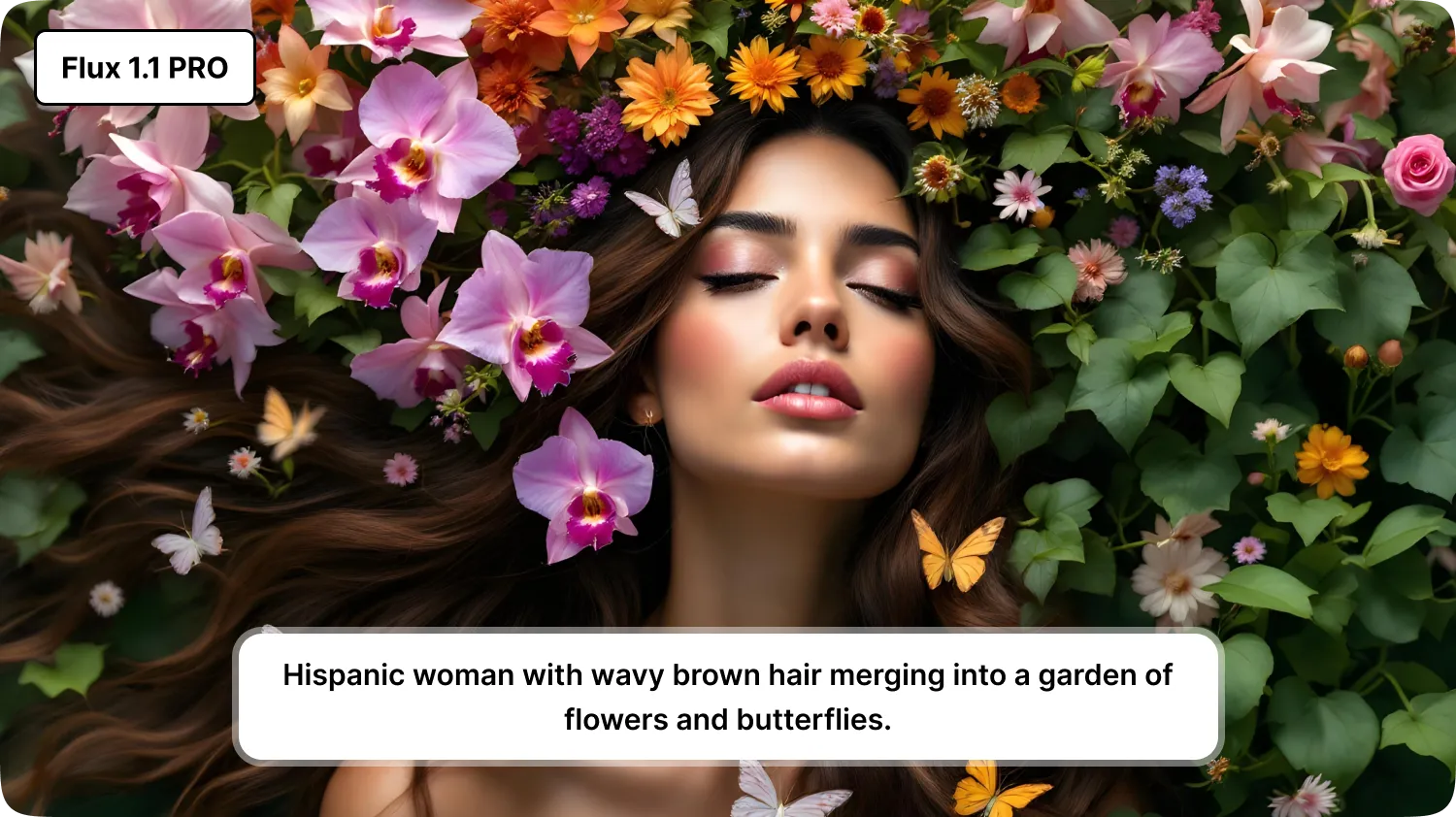
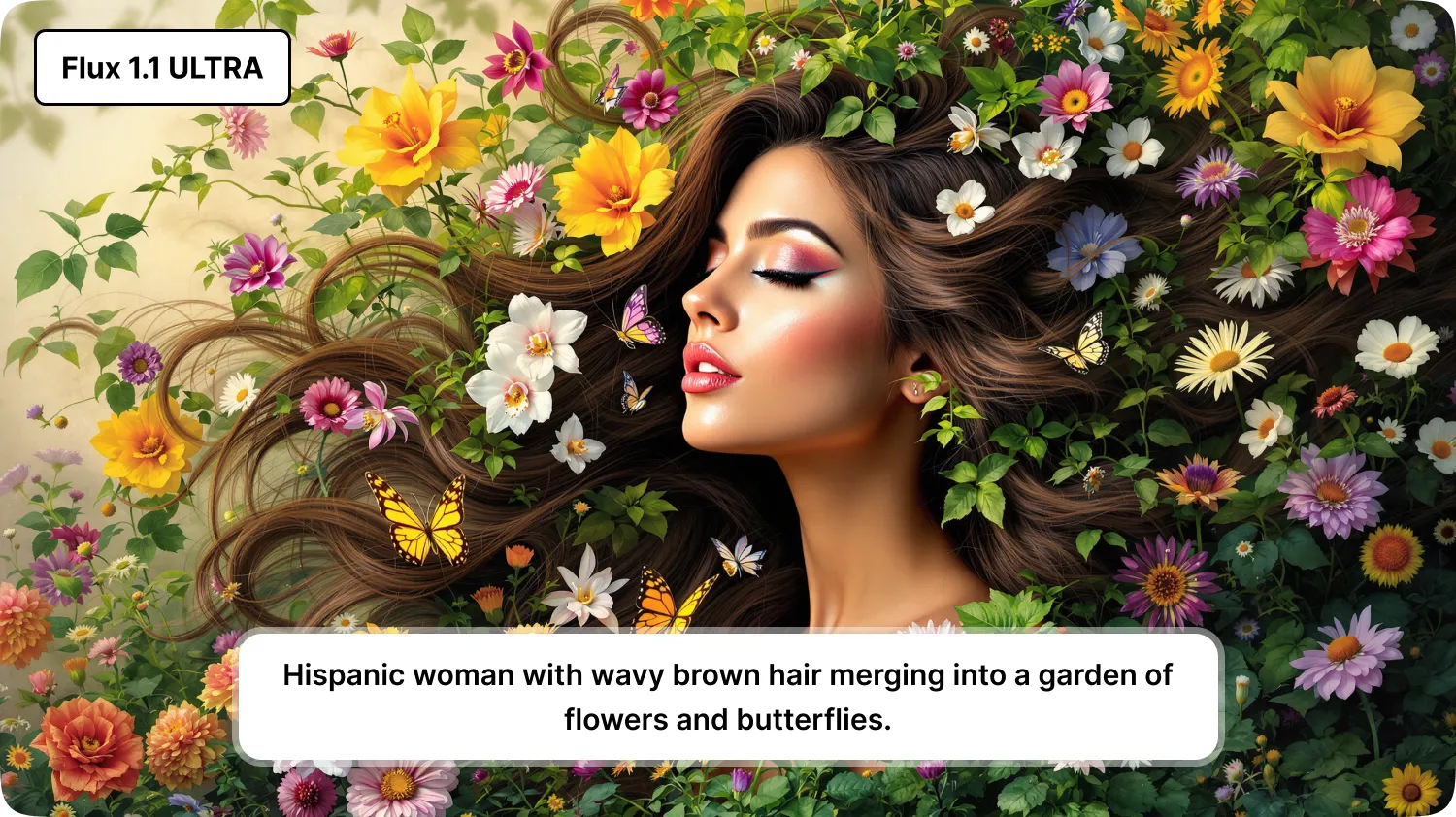
These images were produced with the Flux variants available on MagicShot.
Flux
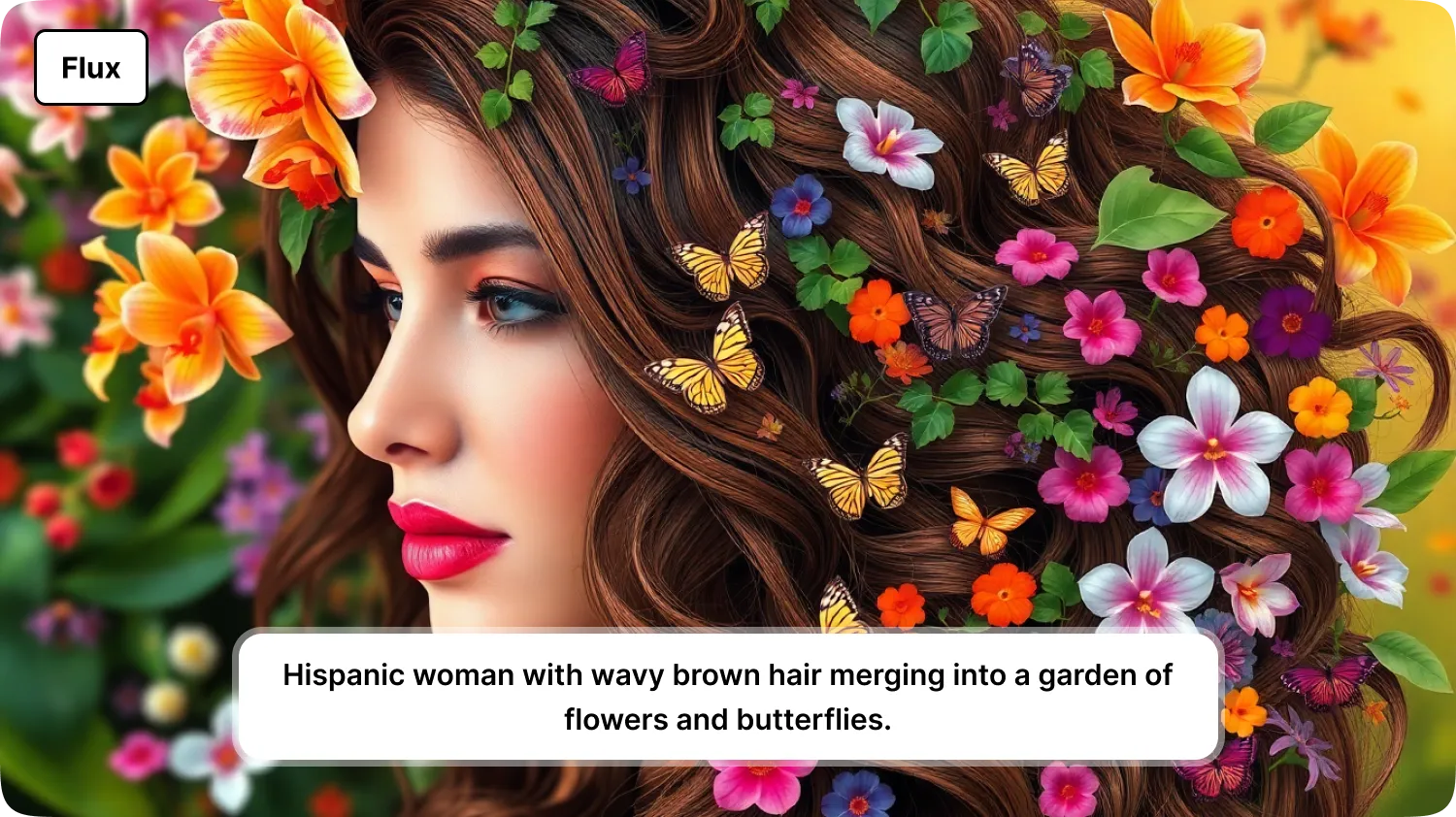
Flux Pro
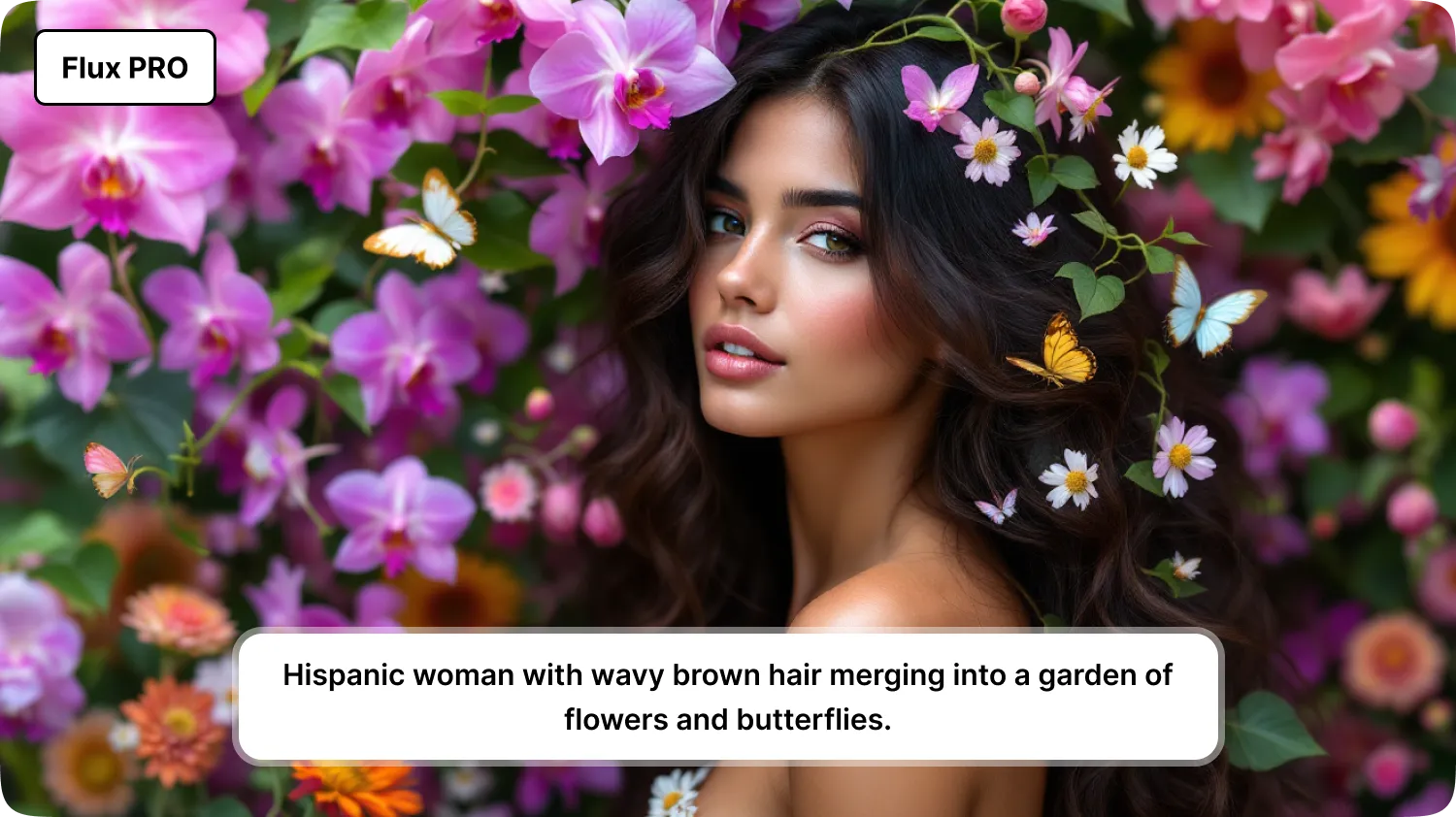
Flux 1.1 Pro
Flux 1.1 Ultra
Stable Diffusion in brief
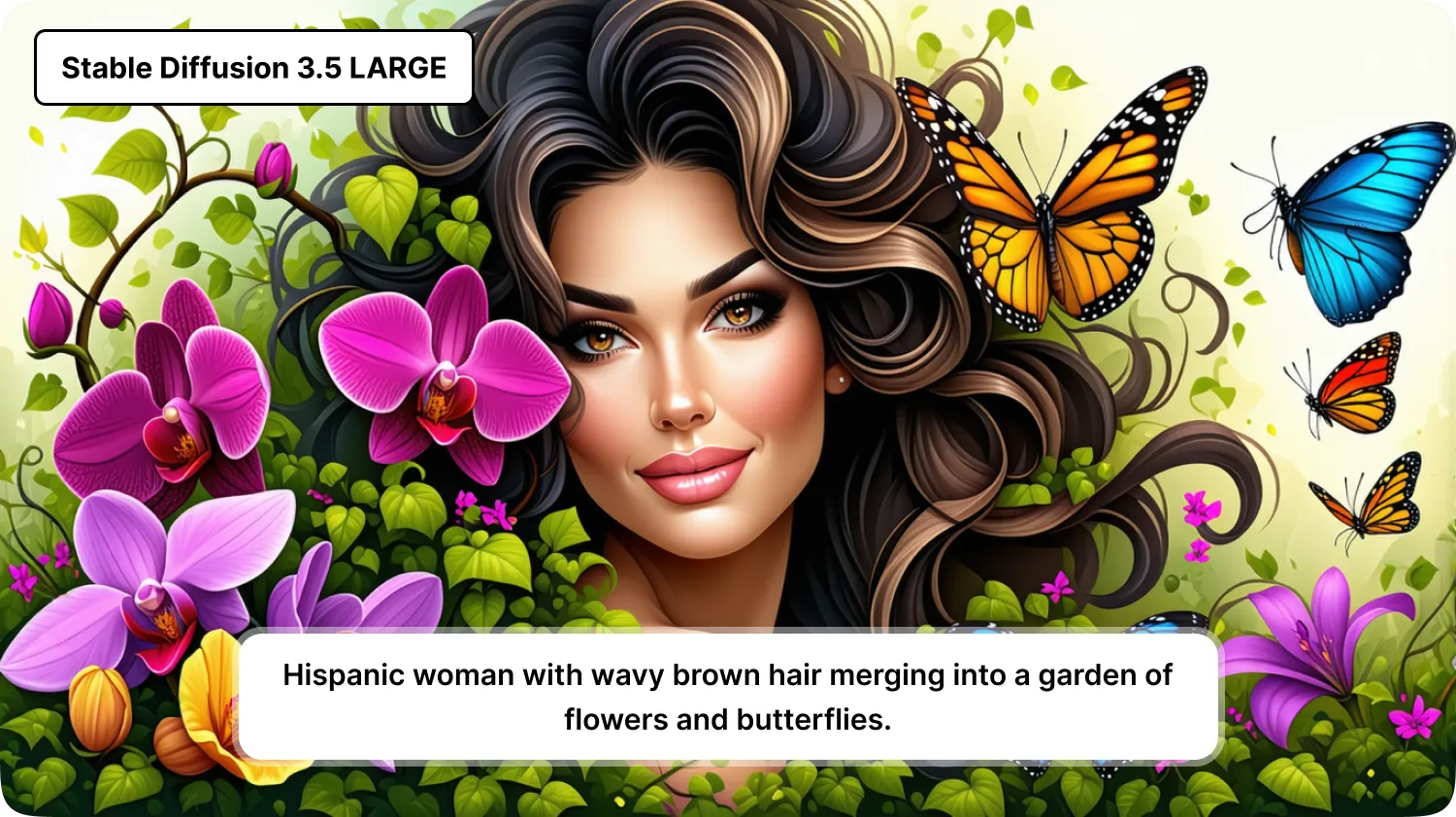
Stable Diffusion is Stability AI's family of image models. Its earlier versions became popular partly because their weights were released for people to run and adapt themselves, which created a large community of fine-tunes and tools. Later releases, such as Stable Diffusion 3 and the 3.5 series, come in different sizes, with larger models aimed at detail and smaller or distilled ones aimed at speed. Licence terms vary by model and by how you use it, so read them if you plan commercial work.
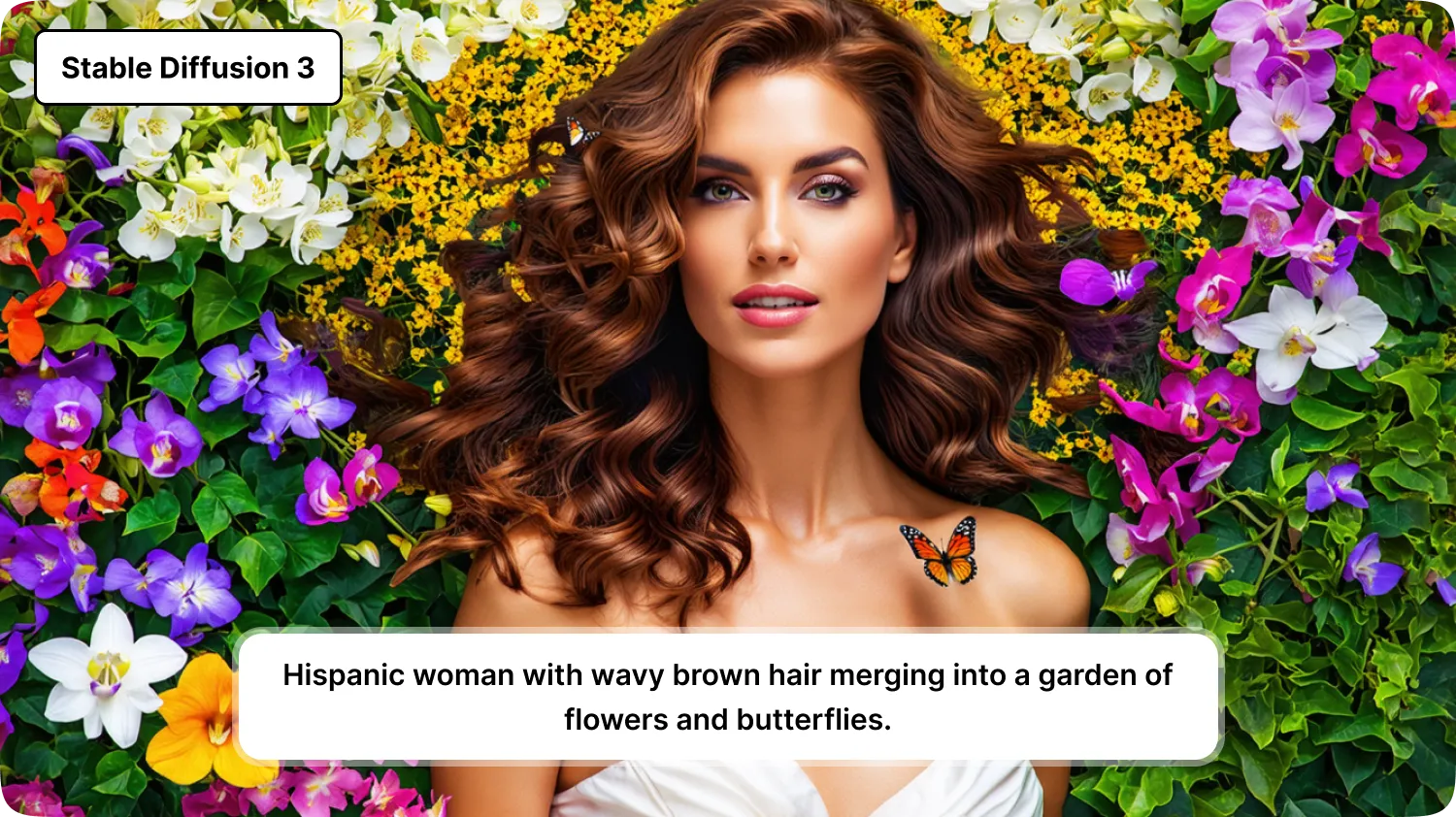
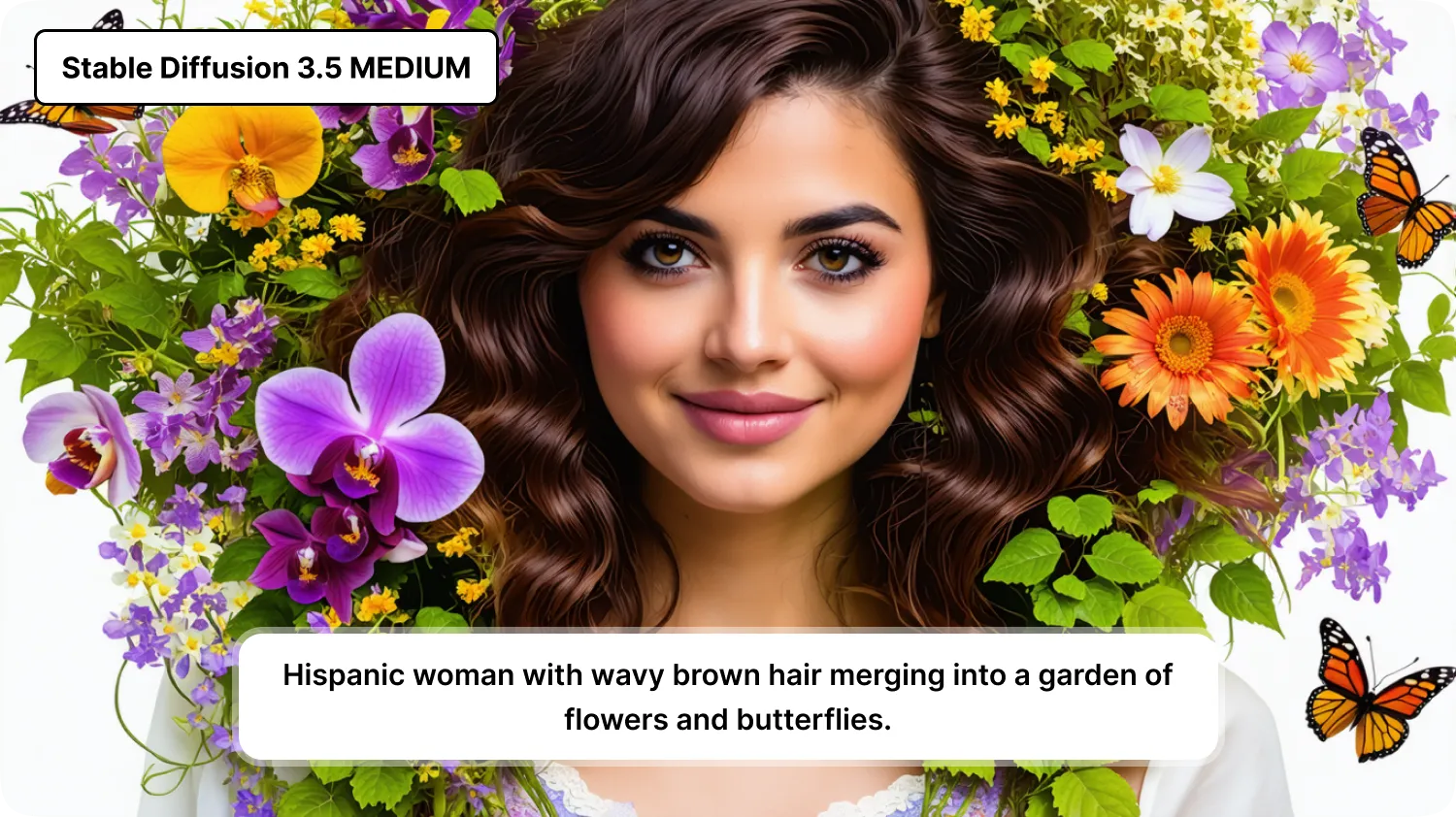
Stable Diffusion examples
Stable Diffusion 3
Stable Diffusion 3.5 Medium
Stable Diffusion 3.5 Large
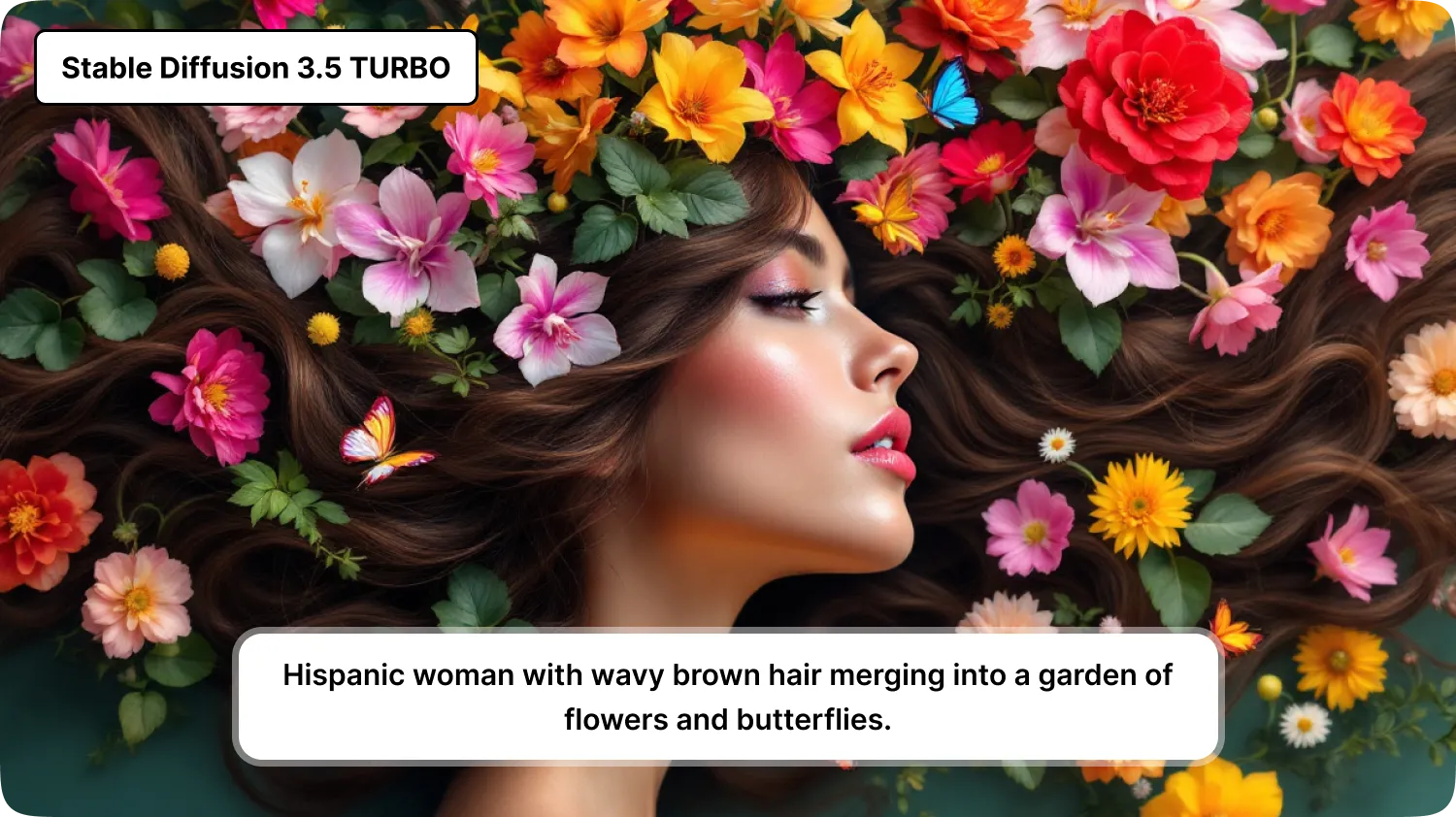
Stable Diffusion 3.5 Turbo
Where they tend to differ
Prompt following. Flux is often praised for staying faithful to long, specific prompts. - Speed. Smaller or distilled variants, including the Turbo type of model, trade some detail for much faster generation. - Openness and tooling. Stable Diffusion has a long history of community tools and fine-tuned versions. - Text in images. Both families have improved here, but results still vary, so check any lettering. - Cost. Larger models usually cost more per image on platforms that charge by credit.
These are tendencies, not rules. Each release changes the picture, which is why a fixed rating table goes stale within months.
How to compare them yourself
Pick three prompts from your real work: a portrait, a product shot and a scene with text. - Run each prompt on two or three models with the same settings. - Compare detail, how well each followed the prompt, and how many attempts you needed. - Note the speed and credit cost, then choose per job: a fast model for drafts and a larger one for finals.
Using several models in one place
The practical advantage of a multi-model platform is that you can switch without changing tools. MagicShot's AI art generator lets you try different models on the same prompt, and generation uses credits that vary by model.
Prompt tips that work across models
Describe the subject, setting, light and style in plain sentences. - Put the most important element first. - Specify camera framing, such as close-up or wide shot, for realistic images. - Rewrite one detail per attempt, so you can see what changed the result.
Bottom line
Flux and Stable Diffusion are both strong choices, and the better one depends on your prompt, your budget for time and credits, and your licence needs. Test on your own work, use faster models for drafts, and keep larger ones for final images.
Try Countless AI Image, Video, and Audio features on MagicShot.ai
Generate realistic photos of anything. Imagine, describe and create those images within seconds. Enhance your existing photos with our advanced AI engine.