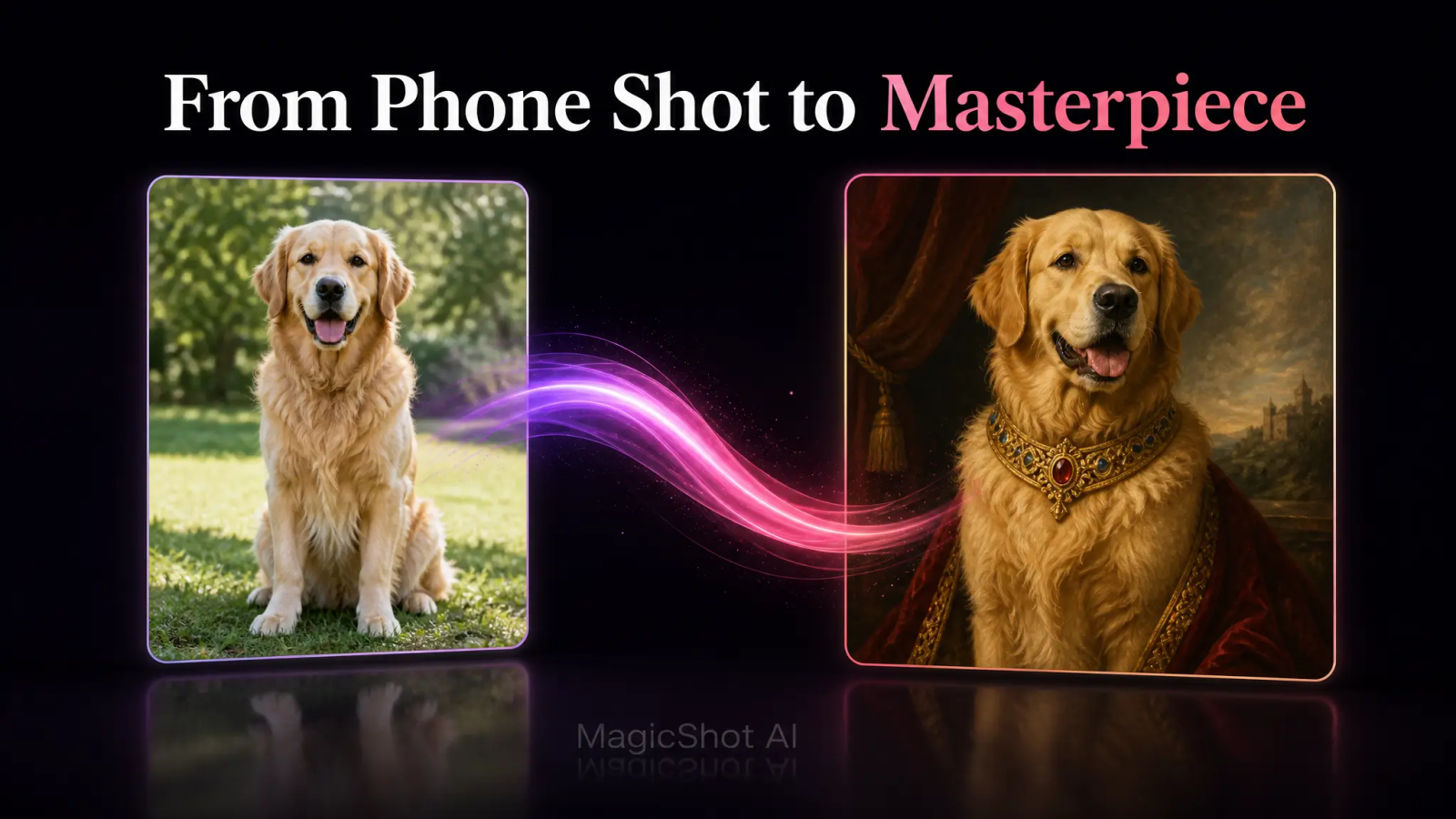
A blurry phone shot and a painted pet portrait from an Etsy artist used to be the only two options. One looked bad. The other took three weeks and cost $250 and up. Dog AI tools close that gap. Upload a decent photo, pick a style, and you have a portrait in minutes instead of a mail-order wait. The catch: the AI can only work with what you give it, so the photo you start with decides how good the result looks.
This guide covers the part nobody mentions in the ads: how to shoot a photo that actually works, which styles suit which breeds, and what size to order if you want it on a wall instead of just a phone screen. If you want to skip ahead and try it, MagicShot's pet dress-up generator is built for exactly this.
What Is a Dog AI Portrait, and Why Skip the Photographer?
A dog AI portrait is a photo of your dog run through an AI model that repaints it in a chosen style, oil painting, cartoon, royal costume, fantasy scene, while keeping your dog's actual face and markings recognizable. It's not a filter. It's a full re-render, which is why a golden retriever comes out looking like your golden retriever and not a generic stock dog.
The old way meant booking a pet photographer, paying a sitting fee, then paying again for a hand-painted version if you wanted something framed. That's two invoices and a couple of weeks before you see anything. A dog AI generator collapses that into one upload and a few minutes of processing. You're not paying for a photographer's schedule or an illustrator's backlog, you're paying for a subscription that also happens to cover 500+ other AI models if you ever need headshots, product shots, or anything else.
Getting a Usable Pet Photo Before You Touch an AI Pet Portrait Generator
Every ai pet portrait generator is only as good as the photo you feed it. Dogs move, light changes, and phones auto-focus on the wrong thing constantly. Three things fix most bad uploads:
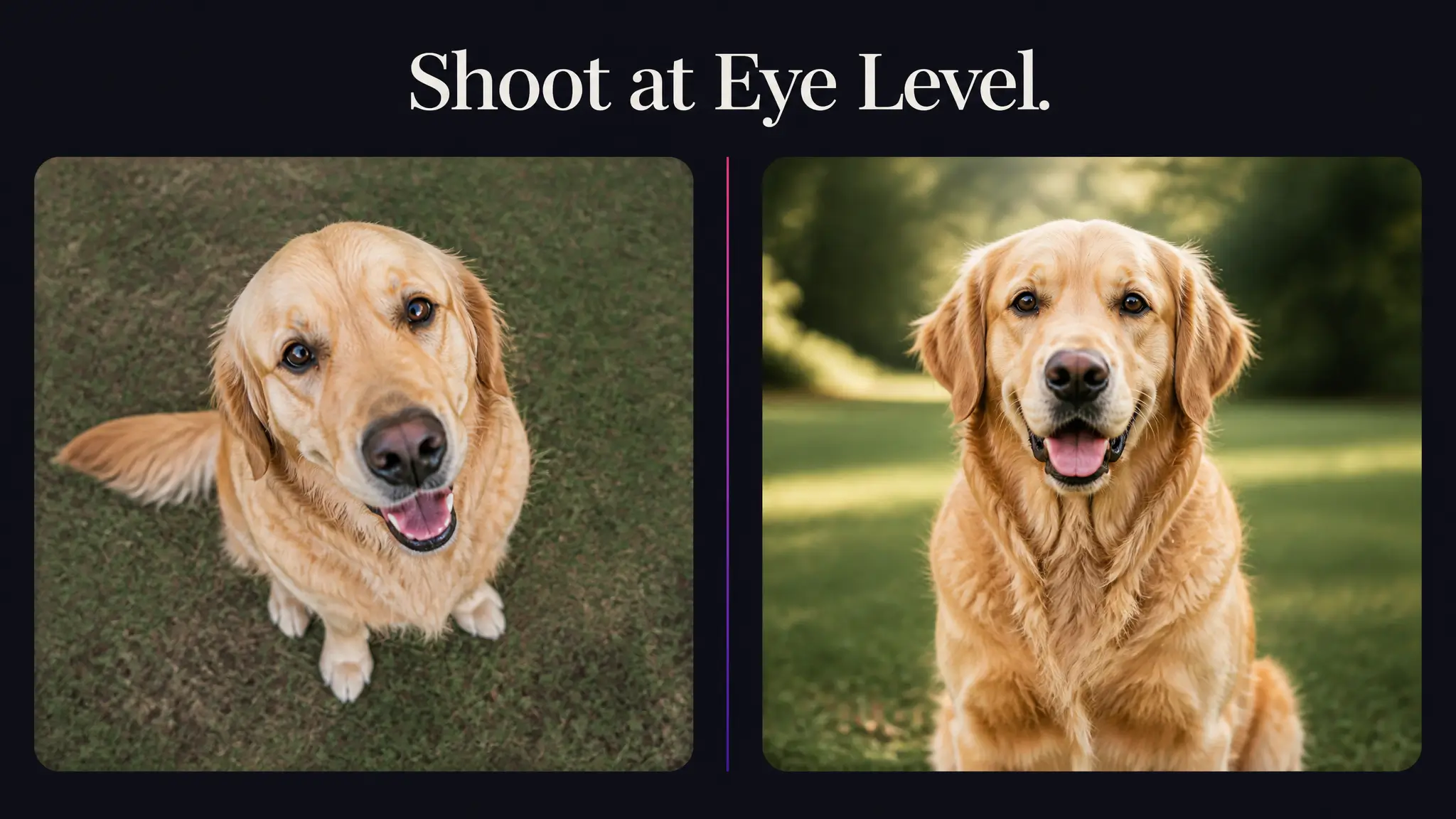
Get to eye level. Shooting down at your dog from standing height distorts the head and shrinks the body. Crouch or sit so the camera is roughly level with your dog's eyes. This is the single biggest fix for portraits that come out looking "off."
Shoot in daylight, not lamp light. Natural window light or an overcast afternoon outside gives even, soft light with no yellow cast. Indoor bulbs push orange tones into fur color and confuse the AI's read on coat detail.
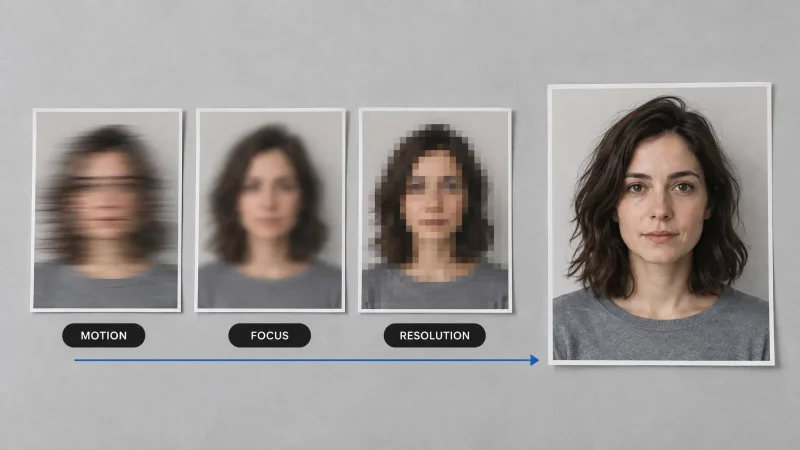
Catch your dog still, not mid-motion. A sit or a calm stand beats a running shot every time. Motion blur erases the fine detail around eyes and whiskers that makes a portrait actually look like your dog rather than a similar-looking one.
One more thing worth doing: take five or six shots in a row and pick the sharpest. Phones rarely nail focus on the first frame, especially with a dog that won't hold still. If your dog only sits still for treats, have someone else hold the camera while you handle the bribery, a two-person job beats ten failed solo attempts.
Pet Portraits From Photos: What the AI Actually Needs to See
Good pet portraits from photos start with a clear, uncluttered source image. A few habits make a measurable difference:
Fill the frame with your dog. If your dog is a small part of a big background, the AI has less face and fur detail to work from. Get closer or zoom in on the crop before you upload.
Keep the background simple. A plain wall, a lawn, or a couch beats a busy room full of furniture and other pets. Clutter behind your dog sometimes bleeds into the final render.
Skip sunglasses, costumes, and props in the source shot. Let the AI apply the styling. If your dog is already wearing a bandana or a hat in the original photo, some styles will keep it, others won't, and the result gets inconsistent.
One dog per photo works best for a single portrait. Multi-pet shots are great for family portraits later, but for a clean single-subject render, one dog, front and center, gives the most reliable output.
Portrait Styles That Suit Different Breeds
Not every style flatters every dog. This is the part most generators don't tell you, and it's the difference between a portrait you frame and one you delete.
Long-coated and fluffy breeds
Golden retrievers, huskies, samoyeds, and other dogs with heavy coats hold up well in classic oil-painting styles and regal, robe-and-crown looks. The style has room to render texture in the fur, and the dramatic lighting common to painted styles plays well with a full coat.
Short-haired and sleek breeds
Boxers, dobermans, and greyhounds tend to look better in cleaner, modern styles, think bold color-block backgrounds or minimalist line art, rather than heavily textured painterly looks. There's less coat detail for a busy style to grab onto, so simpler styles read as more intentional.
Small and toy breeds
Chihuahuas, pugs, and shih tzus often do well in whimsical or cartoon-leaning styles. Their features are already expressive, so a stylized render tends to amplify the personality rather than flatten it the way a stiff, formal painting style can.
Mixed breeds and rescues
If your dog has a coat pattern or build that doesn't fit a neat category, run the same photo through two or three different styles before committing. It costs you a few minutes, not a reprint fee. For a broader side-by-side of style options built specifically for animals, MagicShot's pet portraits tool is worth comparing against the dress-up generator before you pick a final look.
Pet AI Print Sizing: From Phone Wallpaper to a Frame on the Wall
Most pet ai portraits are generated at a resolution built for screens, which is fine if you're setting it as a phone wallpaper or posting it. Printing is where sizing actually matters:
Up to 8x10 inches: Standard AI-generated resolution usually prints cleanly at this size without visible softness, assuming the source photo was sharp.
11x14 to 16x20 inches: This is where source photo quality starts to show. A crisp, well-lit original holds up; a low-resolution or cropped-in phone shot can look soft at this size.
18x24 inches and larger: Reserve the biggest prints for your sharpest source photo and the cleanest render. If you're set on a large canvas, generate the portrait first, view it at full size on a monitor, and check for soft edges before you send it to a print shop.
A rule of thumb from framing: if the image looks sharp on a laptop screen at 100% zoom, it will generally hold up printed at 11x14. If it looks soft on screen, it will look softer on paper.
None of this is dog-specific, either. The same eye-level, daylight, still-frame approach works for cats, rabbits, and pretty much any pet with a face you want rendered clearly. Pet ai tools read fur, feathers, and features the same way regardless of species, so the prep advice above carries over even if your model is a tabby instead of a terrier.
Choosing a Pet Portrait Style for Your Space
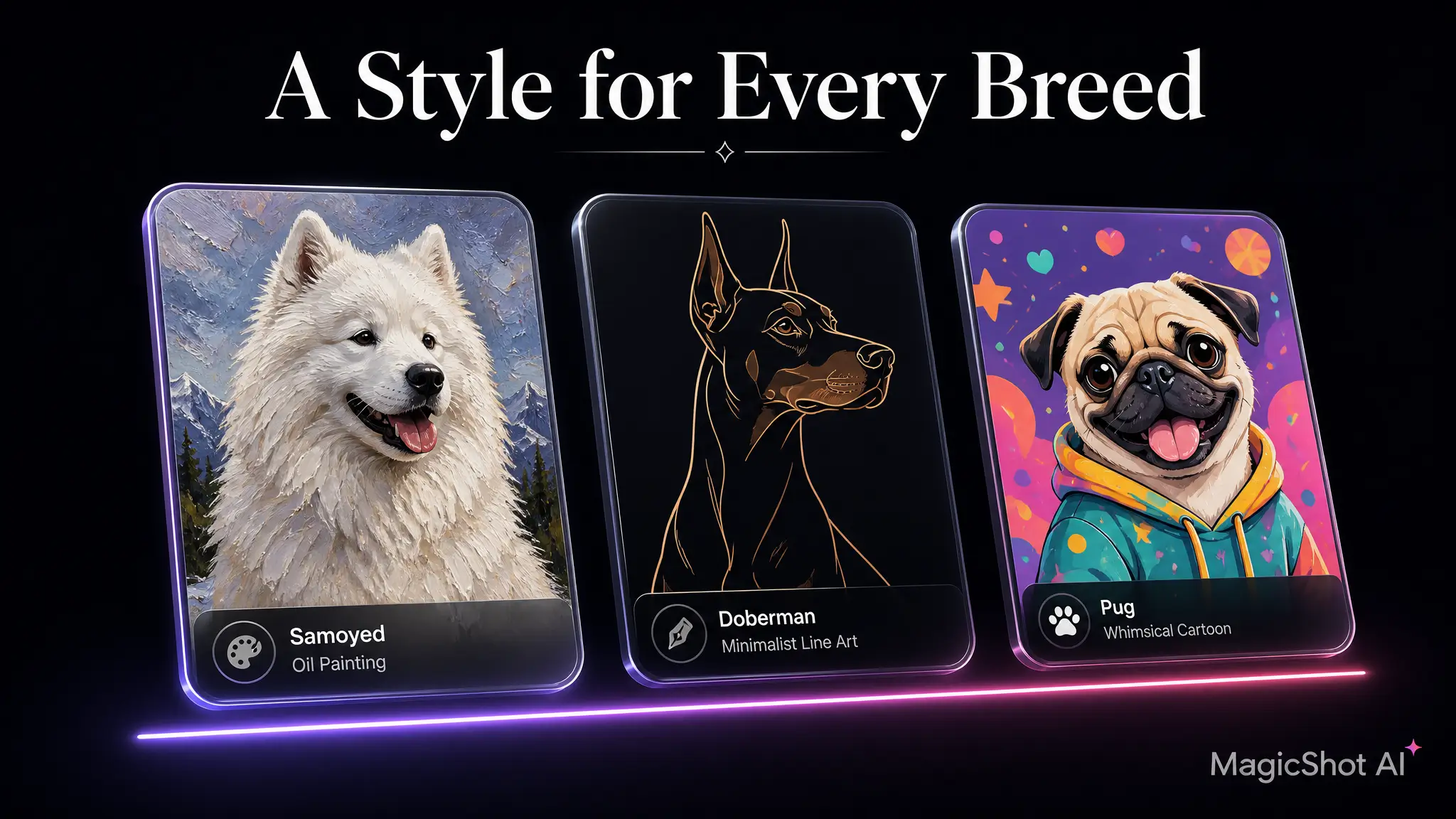
A single pet portrait works differently depending on where it's going. A moody oil-style portrait suits a living room gallery wall. A bright, cartoon-leaning style fits a kid's bedroom or a phone case. If the portrait is a gift, ask what room it's going in before you pick a style, a formal portrait looks out of place in a casual mudroom, and a playful cartoon can feel too light for someone's home office.
If you're building out a full pet-themed gift, like a portrait plus a matching accessory, generating two or three style variations from the same photo takes a few extra minutes and gives whoever's receiving it an actual choice instead of a single guess.
Try a Dog AI Portrait for Yourself
The fastest way to see if a style works for your dog is to just run the photo. Follow the eye-level, daylight, still-frame rules above, upload to MagicShot's pet dress-up generator, and compare a couple of styles side by side before you print or frame anything. Your subscription also covers MagicShot's other tools, so the same plan that turns your dog into a portrait can handle headshots, product photos, or anything else on your list.