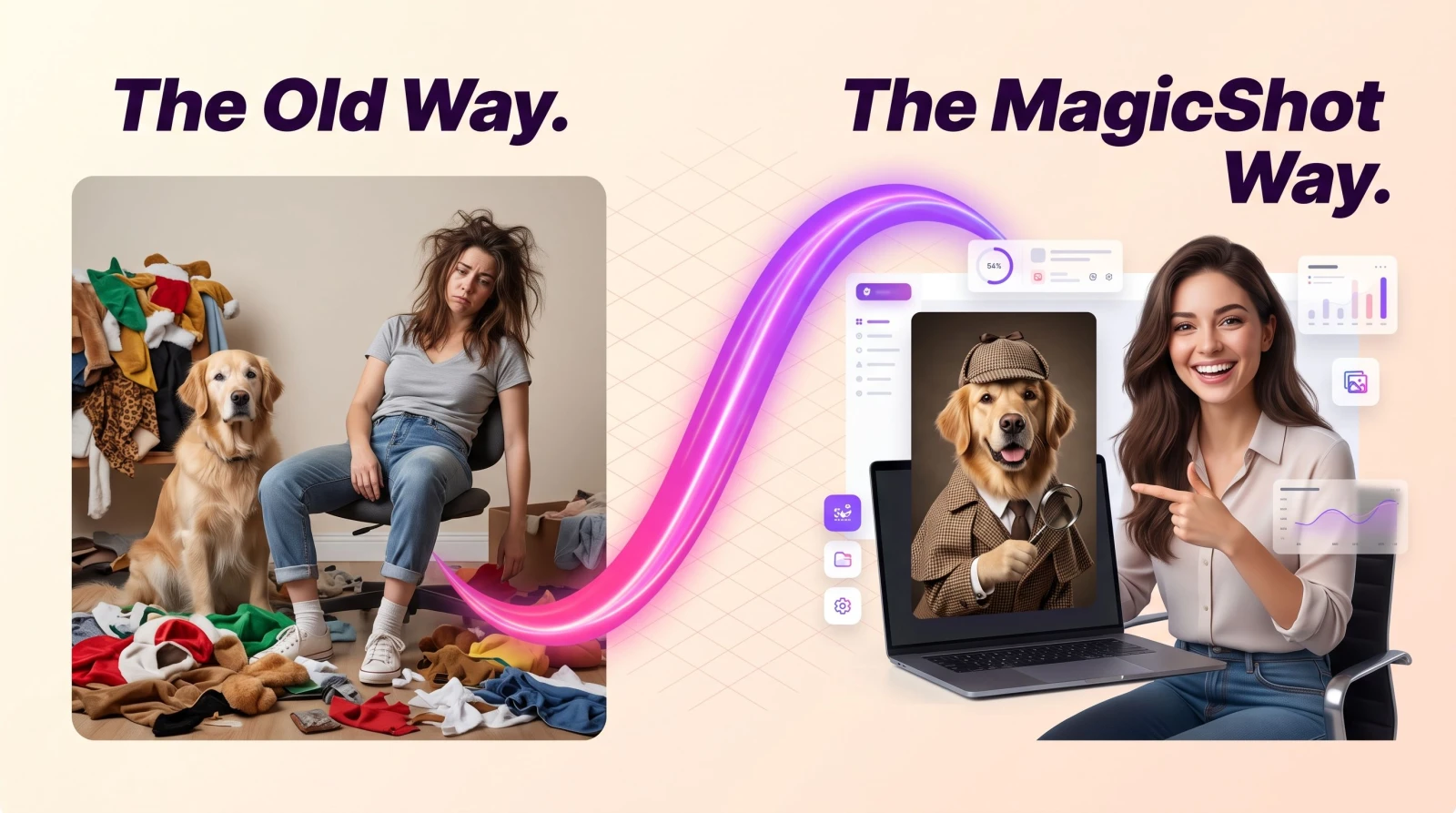
Your pet already has the face. What they don't have is a tuxedo, a birthday hat, a tiny detective coat, or a Santa suit. AI pet dress up fixes that from a single photo you already own. Upload one clear shot of your dog or cat, choose an outfit and a setting, and you get a costumed portrait in seconds. No sewing, no squirming pet who hates fabric, no photographer, no ruined afternoon trying to keep a hat on a Border Collie.
This guide walks through how AI pet dress up works, the occasions and categories worth trying, how to pick a source photo that actually looks good, and where these portraits earn their keep. If you have ever wanted your cat in a wizard hat without the scratches, keep reading.
What is AI pet dress up?
AI pet dress up is a tool that takes one uploaded photo of your pet and renders it wearing a costume or outfit you select, while keeping your pet's real face, fur, and markings recognizable. You are not dressing a stock animal. You are dressing your dog or cat, so the tabby stripes, the one folded ear, the gray muzzle all stay. Pick a theme, and the outfit is composited onto your pet with matching light and angle.
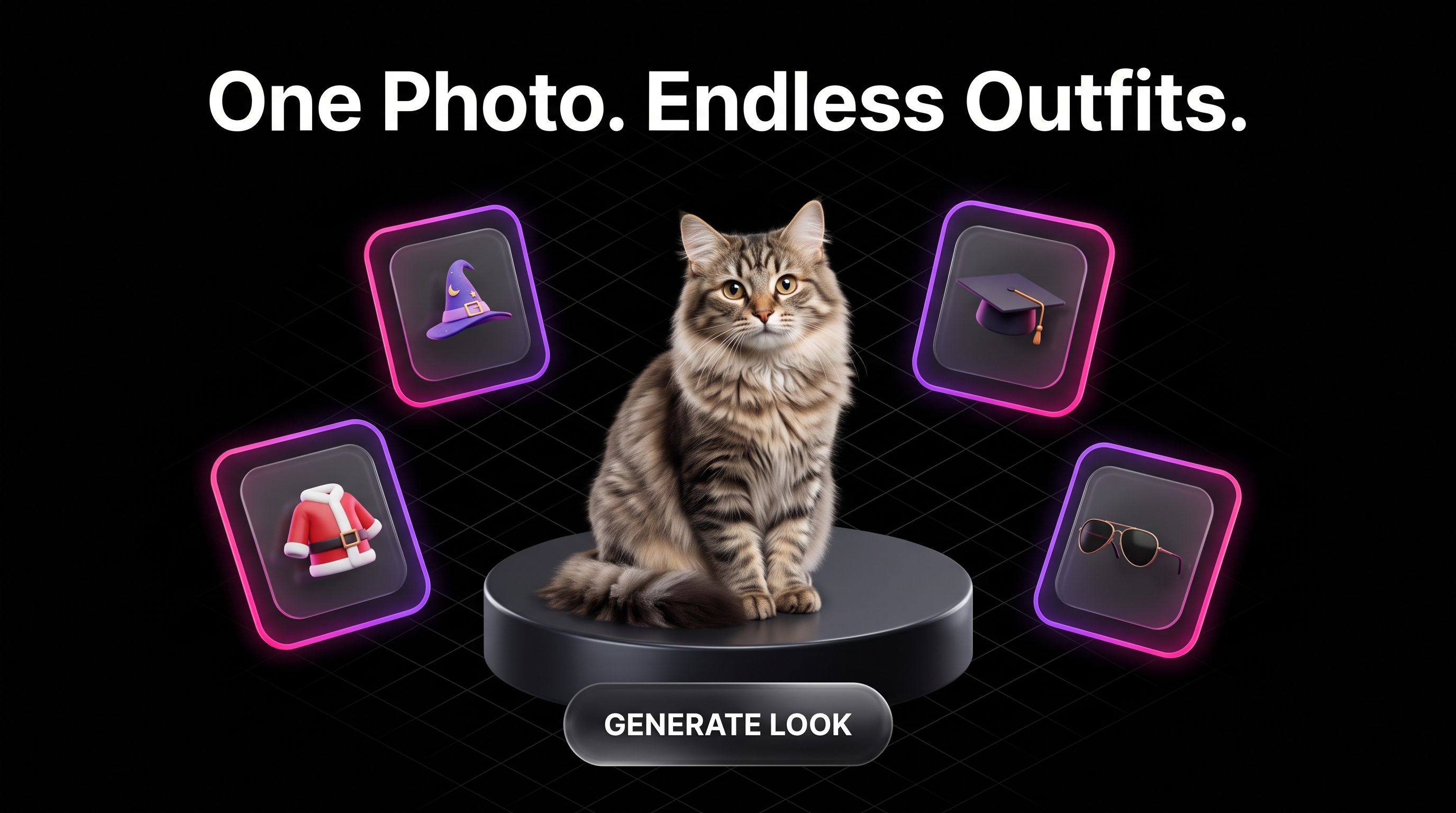
The point is simple: one photo in, a whole closet of looks out. Instead of buying a $30 costume your dog wears for four minutes on Halloween, you get a birthday knight, a beach lifeguard, a graduation cap, and a business suit from the same picture. Change the outfit, not the pet.
How AI pet dress up works
The flow is short on purpose. Here is the whole thing.
Upload one clear photo. A front-facing shot where your pet's face and body are visible works best. Good light, no heavy blur.
Pick an outfit and occasion. Choose a category, birthday, holiday, formal, fantasy, career, and the tool dresses your pet in that look.
Generate and download. You get your costumed portrait in seconds. Try another category from the same upload without starting over.
Because everything runs from one upload, you can test ten themes in the time it takes to brew coffee. No reshoot, no second photo session, no coaxing a nervous cat back onto the sofa.
Occasions worth dressing up for
The reason to use pet dress up is not the outfit itself. It is the moment you are marking. Here are the occasions people actually generate for.
Birthdays
A party hat, a bow tie, a little "birthday boy" banner. A dressed-up birthday portrait beats another blurry phone snap of your dog next to a cupcake he is not allowed to eat.
Holidays
Santa suits and reindeer antlers in December, a spooky witch or pumpkin look for Halloween, a bunny outfit at Easter. Holiday cards write themselves when your Golden Retriever is dressed as an elf.
Formal and milestone moments
Graduation caps, tuxedos, wedding "ring bearer" collars. If your pet is part of the family photo lineup, give them a look that matches the dress code.
Everyday fun
No occasion needed. A cat in a chef's hat, a dog in aviator sunglasses, a pug in a superhero cape. These are the ones that get sent to the group chat at 11pm.
Categories to try in AI pet dress up
More categories means more reasons to keep going from the same photo. A few directions that render well:
Career looks: business suit, lab coat, chef, pilot, police officer.
Fantasy and film: wizard, knight, superhero, pirate, royal robes and a crown.
Seasonal: Christmas, Halloween, Easter, Thanksgiving, summer beach.
Formalwear: tuxedo, gown, bow tie, pearls, top hat.
Cozy and casual: sweaters, denim jackets, hoodies, scarves.
Cultural and festive: outfits for weddings, festivals, and celebrations.
Because you change the outfit and not the pet, a single good headshot of your dog can carry all of these. Save the ones you love, ignore the ones you don't.
How to pick a photo your pet looks great in
The output is only as good as the upload. Three quick rules save you a lot of retries.
Face the camera. A front or three-quarter angle gives the outfit something to sit on. A shot from behind fights the costume.
Light the face. Window light or outdoor shade beats a dark room. You want to see the eyes and fur clearly.
Fill the frame. Get close enough that your pet is the main subject. If the photo is a wide shot, crop it first.
If your best photo has a messy background, run it through the background remover first, then dress up a clean cutout. If your only good picture is small or grainy, the image upscaler gives the tool sharper detail to work from, which usually means a cleaner costumed result.
Where these portraits actually get used
Dressed-up pet portraits are not just phone wallpaper, though they make excellent phone wallpaper. People turn them into:
Holiday cards and birthday invites.
Framed prints for the hallway.
Custom mugs, tote bags, and phone cases.
Profile pictures and posts on TikTok, Instagram, and Facebook.
Gifts for the pet owner who has everything.
If you want to keep the theme going, drop your favorite look into image to video to give your costumed pet a short bit of motion for Reels or a group chat. It is the same picture, now moving.
Pet dress up vs a real costume shoot
A physical costume shoot means buying an outfit, wrestling it onto an animal that did not sign up for this, and hoping the hat stays on long enough for one usable frame. Most pets tolerate about four minutes of that. AI pet dress up removes the fabric, the wrestling, and the four-minute limit. You get the look without the standoff, and you can change the outfit as many times as you want from the photo you already took.
It also beats commissioning a custom illustration, which can run into real money and days of waiting. Here the turnaround is seconds, and the result still looks like your specific pet.
Beyond dress up: more pet content from one photo
Once you have a great photo of your pet, the dress up tool is one of several ways to use it. Try clean, natural pet portraits when you want a polished shot without a costume, ideal for a framed print or a vet-office-worthy headshot. The same face carries across styles, so you can keep one strong upload and build a whole set: a birthday knight one day, a calm studio portrait the next.
The habit is the same across MagicShot tools: get one good source image, then let the tools do the outfit changes, the cleanup, and the format shifts. No five subscriptions, no design software, no learning curve.
Quick tips for better results
Match the occasion to the outfit. A tuxedo reads formal, a party hat reads fun. Pick the mood first.
Try more than one category per photo. The second or third look is often the keeper.
Keep the original upload sharp. Detail in equals detail out.
Crop tight before you upload so the costume lands on the pet, not the couch.
The wrap
AI pet dress up gives you a full wardrobe for your dog or cat from a single photo, no sewing and no reshoot. Pick an occasion, choose a category, generate, and download. Change the outfit as often as you like while your pet's real face stays front and center. Whether you are building a holiday card, a birthday post, or a gift for a friend, it is the fastest way to see your pet in a costume they would never actually wear.