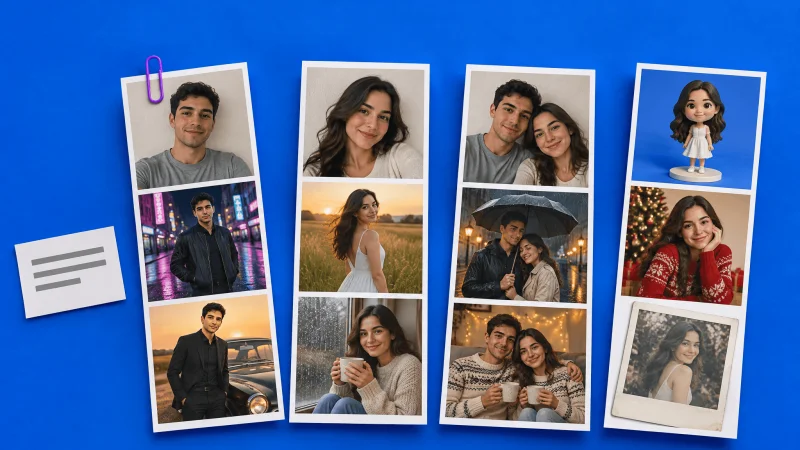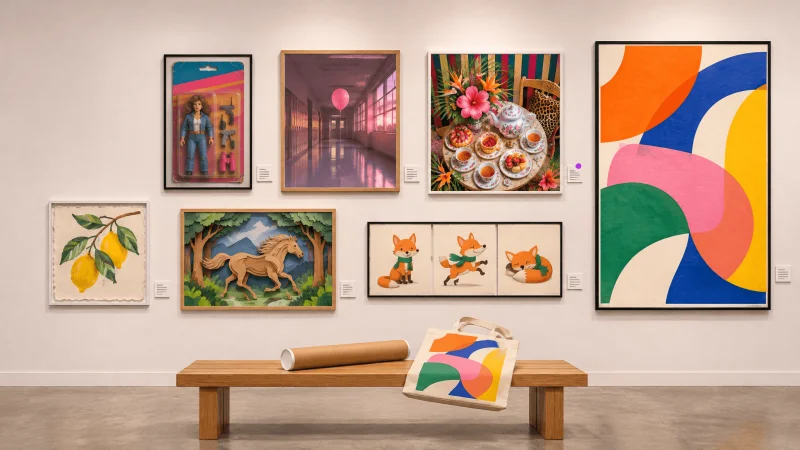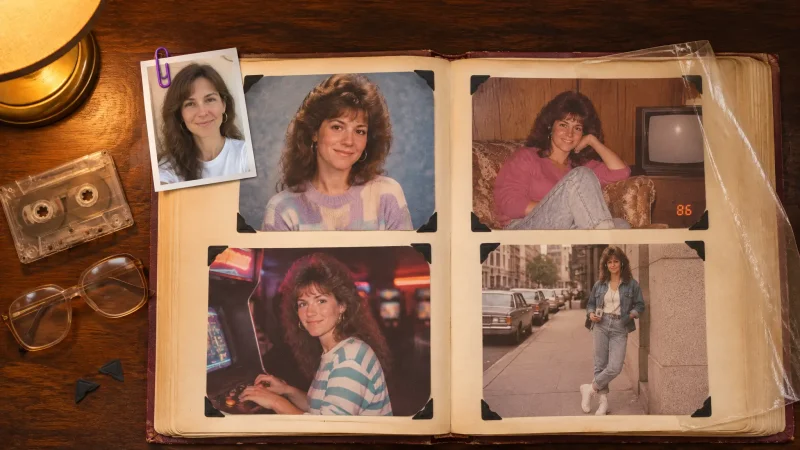

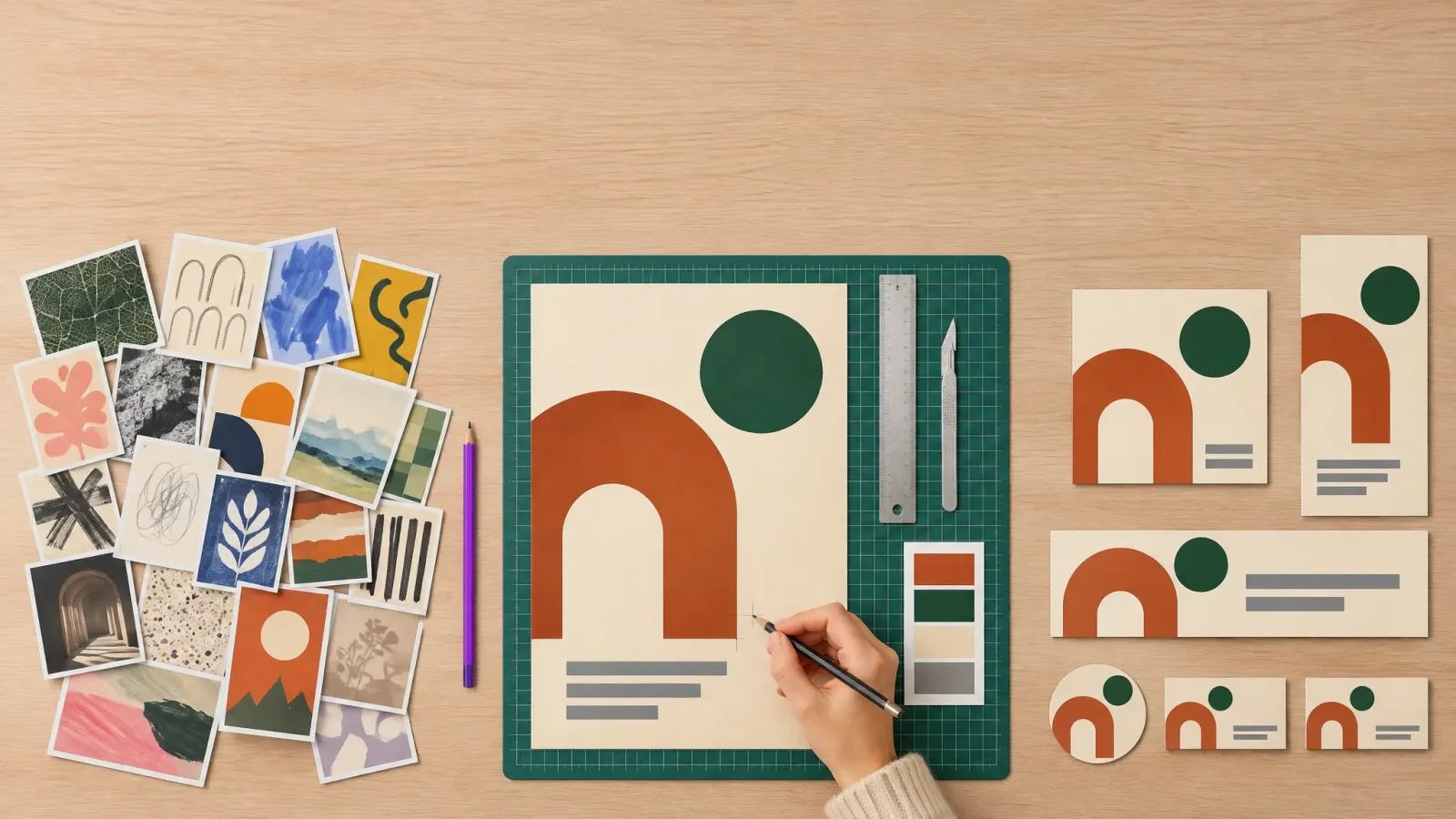
Graphic designers use AI mostly at the two ends of a project: at the start, to collect references and sketch ideas quickly, and at the end, to produce the many sizes and versions a finished design needs. The middle of the job, which is choosing a direction and deciding when the work is good, is still done by people. That split is what the 2026 surveys show, and it is the pattern to plan around for 2027.
What designers use AI for right now
Adobe surveyed nearly 2,000 creative professionals in the US, UK and Japan and published the results in June 2026. The two most common uses of AI were researching references and inspiration (85.8%) and brainstorming (83.3%). Neither of those is final artwork. In practice the daily list looks like this:
Reference and mood boards. Generating twenty rough images of a mood is faster than searching stock sites for an hour.
Concept sketches. A few generated directions give the client something to react to in the first meeting.
Variations. One approved layout becomes ten colour or crop options for testing.
Cleanup. Removing backgrounds, extending a photo to fit a banner, sharpening a low-resolution logo a client sent by email.
Mockups and product shots. Placing a label on a bottle or a design on a shirt without booking a shoot.
Short copy. Placeholder headlines and alt text.
What the numbers say, and why they disagree
Two surveys from 2026 give very different figures, and both are right about the people they asked.
The AI in Design Report 2026 from Designer Fund and Foundation Capital surveyed 906 designers in more than 60 countries in March 2026. In that group, weekly AI use rose from 54% in 2025 to 91% in 2026, and 75% used it every day. The average designer went from three AI tools to seven in one year. The authors say plainly that their sample probably leans toward teams that already adopted AI, and most respondents work on digital products.
Adobe's research covered a wider creative population. There, 38% of all respondents used AI daily, and graphic designers were the heaviest users of any profession at 40.9%.
So the honest reading is this: in software and product teams, AI is close to universal. Across graphic design as a whole, including print, packaging and branding studios, roughly four in ten designers use it every day. If you are a freelancer wondering whether you are behind, the second number is the fairer comparison.
Where designers still do the work by hand
In the Designer Fund survey, about 80% of designers said they rely on their own judgment for quality checks, the final look of the work and creative direction. The same report names output quality as the main limit of current tools: results arrive fast but are not consistent enough to ship without review.
Four areas come up again and again when designers explain what they will not hand over:
Brand consistency. A generator does not know that the client's blue is a specific Pantone or that the logo needs clear space around it.
Typography. Image models still misspell words and distort letterforms, so type is set by hand.
Production files. Print needs vectors, bleed and correct colour profiles. Generated images are flat pixels.
The decision itself. Picking one direction out of thirty is the part clients pay for.
A workflow that fits a real brand project
Brief and references. Write the brief first. Then generate reference images to test moods, using an AI image generator with several models so you can compare styles from the same prompt.
Rough concepts. Make quick logo or layout directions to discuss. A logo generator is useful here as a sketching partner, and the chosen idea is then redrawn properly as a vector.
Choose and refine by hand. Set the type, fix the grid, build the real file in your design software.
Supporting images. Create product scenes with a product photo generator and repair weak source photos with an image enhancer.
Versions and motion. Resize for each channel, and turn the key visual into a short clip with an AI video generator when the campaign needs one.
If the project is a whole identity and not a single asset, MagicShot's Brand Studio covers the first two steps in one pass. You describe the business and it returns several complete brand looks, each with its own logo, colour palette and font pair. The logo comes as SVG and PNG, and there is a handoff pack for designers and printers, so the chosen direction can go straight into your design software for step 3.
Steps 1, 2, 4 and 5 are where AI saves hours. Step 3 is where the design is actually made.
What changes in 2027
Three shifts are already visible in the 2026 data.
Fewer tools, not more. Going from three AI tools to seven in a year is not sustainable for a small studio paying for each one. The Designer Fund report notes that no standard tool set has formed yet. Expect designers to settle on one or two platforms that cover several models, and drop the rest.
The job description widens. The same report describes designers taking on more of the deciding: what to make, how to combine generated pieces, how to test them. It also says hiring criteria and team processes have not caught up. Portfolios in 2027 will need to show judgment and process, because polished images alone no longer prove skill.
Disclosure becomes part of client work. The EU AI Act's transparency rules for realistic AI-generated images and video have applied since 2 August 2026. If your campaign runs in Europe and includes a generated image that could pass as a real photo of a real person or place, check the labelling duty with the client before launch. Stylised illustration is a lower risk than photoreal scenes.
Is this bad news for design jobs?
The people doing the work are mostly not worried. In Adobe's research, 84% of creative professionals said they were optimistic about their careers and 86% said AI had been positive for their work. Concern was highest among video professionals, where about a quarter saw AI as a threat to their profession. The pressure is real at the low end, on tasks like simple resizing and stock-style imagery that clients now do themselves. Designers who own the brief, the decision and the final file are in a stronger position than they were two years ago, because they can deliver more with the same hours.