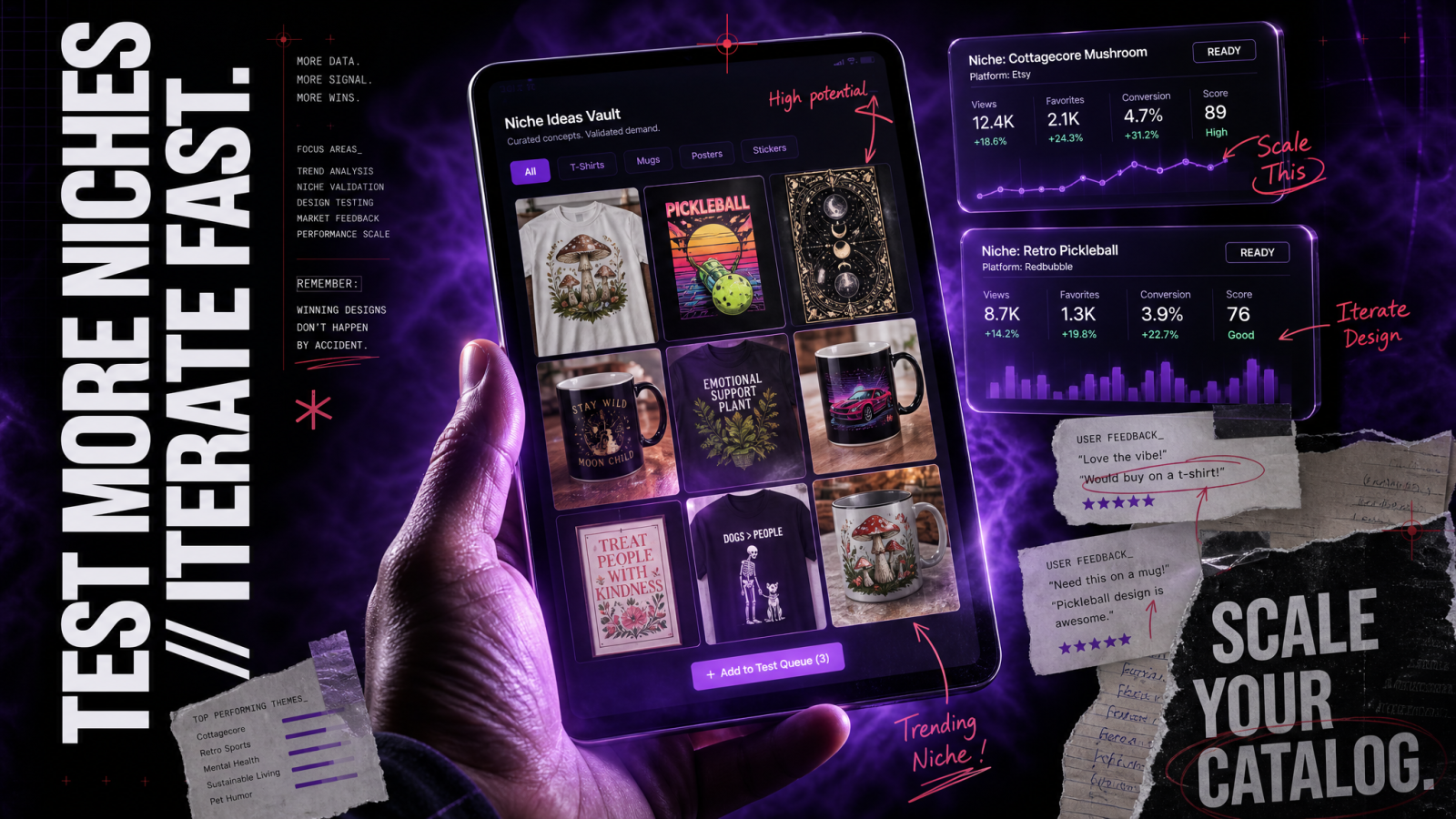
Print-on-demand lives or dies on your catalog. More designs means more listings, more search coverage, and more chances to sell the same blank shirt. That's exactly where AI designs for print-on-demand change the math: instead of paying an illustrator per graphic or waiting days for a freelancer, you generate a dozen tee, mug, and poster concepts in an afternoon and push the winners live. The catch is that "looks good on screen" is not the same as "prints clean at 300 DPI on a black shirt." This guide covers both halves: making art that sells, and making files that actually print.
If you sell on Etsy, Redbubble, Amazon Merch, or your own Shopify store, your enemy is the blank listing and the empty afternoon. You know the niches that convert. You just can't draw fast enough to feed them. AI closes that gap.
Why AI designs for print-on-demand actually work
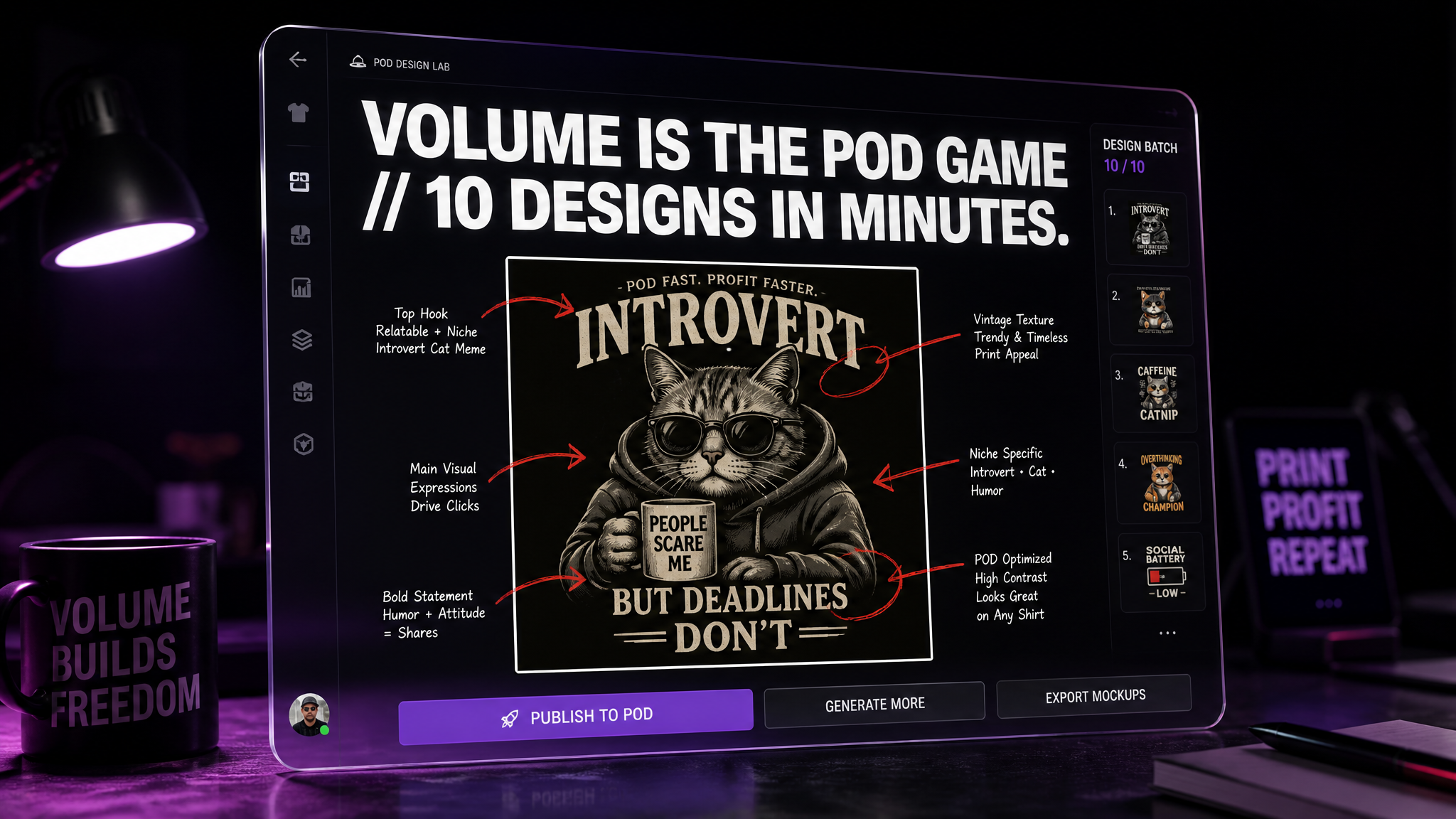
A traditional graphic runs you $30 to $150 from a designer, plus a revision cycle. Ten designs is a real invoice and a real week. With an AI merch design generator, the cost per concept drops toward pennies of compute and minutes of your time, which means you can afford to test ideas that might flop. That volume is the whole POD game. You don't need every design to sell. You need enough at-bats to find the three that do.
The other shift is iteration speed. See a trending phrase for cat lovers or pickleball dads? You can have five ai t-shirt design variations, a matching mug wrap, and a poster crop before lunch. When a niche cools off, you cut it and move on without having sunk a designer budget into it.
The volume-plus-margin story, in plain numbers
Cost per design: a freelancer graphic often lands at $30 to $150. AI generation makes another concept cheap enough that a "maybe" is worth trying.
Speed: a niche brief to a printable file goes from days to minutes, so you test while a trend is still hot.
Coverage: more listings across more phrases and niches means more organic search surface on Etsy and Amazon.
Transparent PNGs: the file format POD runs on
Here's the technical thing that trips up new sellers. A t-shirt graphic needs a transparent background, saved as a PNG. If your design has a white box around it, that white box prints on a navy shirt as an ugly rectangle. Transparency tells the printer "put ink only where the art is, leave the fabric everywhere else."
Some generators hand you a design already sitting on flat white. That's fine for a poster, useless for apparel. The fix is to knock out the background so only the artwork remains. Run the flat image through a background remover to strip the backing to true transparency, then export as PNG. Do a quick check by dropping the file onto a dark canvas: any stray halo or gray fringe around the edges will show up on a real shirt, so clean it before you upload.
When you have stray objects, not just a background
Sometimes the problem isn't the whole background, it's one distracting element inside the art: a smudge, a texture blob, a stray line the model added. An object remover lets you delete that one piece without regenerating the whole design and losing the version you liked.
DPI and print size: get this wrong and it looks cheap
Print resolution is measured in DPI, dots per inch. The industry standard for POD is 300 DPI at the physical size you're printing. A design that looks crisp at 1024 by 1024 pixels on your monitor can turn into a soft, pixelated mess when a printer stretches it across a 12-inch chest print.
Do the math once and it sticks. For a 12 by 16 inch print area at 300 DPI, you need roughly 3600 by 4800 pixels. Many AI models generate at smaller native sizes, so the raw output is often too small for large-format apparel and posters. That's where an image upscaler earns its keep: push the design up to print dimensions while keeping edges and text sharp, then verify the final pixel count matches your product's requirement.
Quick DPI targets by product
T-shirts: aim for a 12 by 16 inch print area, roughly 3600 by 4800 px at 300 DPI, transparent PNG.
Mugs: wrap templates vary by supplier, but a common target is around 2700 by 1050 px at 300 DPI for an 11 oz mug. Check your printer's exact template.
Posters: an 18 by 24 inch poster wants roughly 5400 by 7200 px at 300 DPI. Posters can keep a background, so a solid or full-bleed image is fine here.
These are starting points. Every fulfillment partner publishes its own template dimensions, so always pull the spec sheet for the exact product before you finalize a file.
Designing for each product type
T-shirts
Apparel art wants bold shapes, thick line weight, and high contrast. Fine gradients and hairline details tend to muddy on fabric, especially on colored blanks. Design with the shirt color in mind: a design built for white will disappear on black unless you add an outline or a light stroke. If a phrase or slogan is the hook, make the type the hero. You can generate the illustration in an AI art generator and treat readability as the pass-fail test.
Mugs
Mugs are a wrap, not a flat panel, so the art curves around the cylinder and part of it hides behind the handle. Keep your key elements centered and avoid pushing critical text to the far edges where the curve distorts it. A repeating pattern or a centered single motif both work well. Transparent PNGs matter here too if you want the mug's own color to show through the gaps in your design.
Posters and wall art
Posters give you the most creative room because they keep their background and print large. This is where full-bleed illustration, rich color, and detail pay off. If you sell decor niches, a series of matching pieces sells better than one-offs, and a tool like the wallpaper generator can spin coordinated art for a themed set. Just upscale to poster dimensions before listing.
The trademark trap: the mistake that gets shops banned
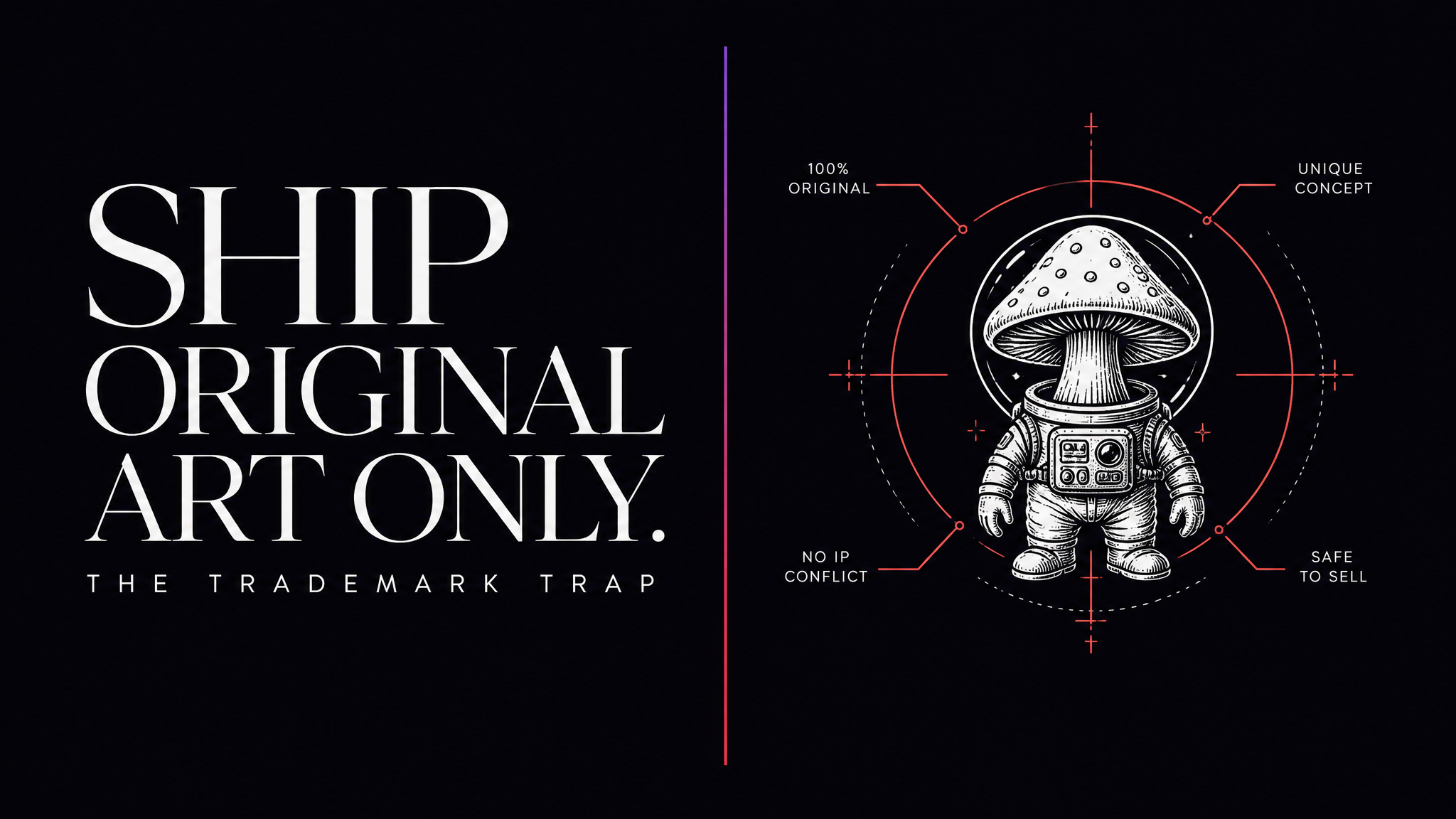
This is the section that saves your store. AI models were trained on huge image sets, and they will happily generate a Disney-style mouse, a football team logo, a movie catchphrase, or a celebrity likeness if you ask. Printing and selling that is trademark or copyright infringement, and POD platforms enforce it hard. Amazon Merch and Etsy suspend accounts over it, sometimes permanently, and you can face takedowns or legal claims.
The rules that keep you safe:
No brand names, logos, or slogans you don't own. That includes team names, band names, and product brands.
No character likenesses from film, TV, games, or comics, even "in the style of."
No real people's faces or names without rights, including public figures and athletes.
Watch registered phrases. Common sayings can be trademarked for apparel. Search the USPTO database before you build a design around a slogan.
The safe lane is original art in a general style: your own phrases, generic motifs, and niche themes that don't lean on someone else's property. AI is great at that. A "cottagecore mushroom" print is fine. A named cartoon mushroom is a suspension waiting to happen. When in doubt, cut it.
A repeatable workflow from idea to listing
Pick a niche with buyers. Start from a phrase or theme you already know converts, not a random idea.
Generate several concepts. Make five to ten variations so you have real choices, not one forced pick.
Clean the file. Remove the background for transparency, delete any stray objects, and check the edges on a dark canvas.
Upscale to spec. Push the design to the printer's exact pixel dimensions at 300 DPI.
Clear the trademark check. No brands, characters, faces, or registered slogans.
Mock it up and list. Preview on the real product color, then publish and let the data tell you what sells.
Once you've validated a design, you can extend the same look into product photos and short promos. Pair your best sellers with a product photo generator for clean listing shots, and consider short clips for social to drive traffic to the listing.
Where AI helps beyond the graphic
Selling POD is more than the print file. Your listings need photos, your social needs motion, and your store needs a face. Generate branded marks for a shop identity with a logo generator, then bring products to life for TikTok and Reels with image to video. The same design that sells a shirt can become a scroll-stopping promo without a camera or a film crew.
Wrapping up
AI turns the slowest part of print-on-demand into the fastest. You can test more niches, list more products, and skip the per-design invoice entirely. Just remember the two rules that separate a real POD business from a suspended account: ship transparent PNGs at 300 DPI, and never print someone else's intellectual property. Get those right and the volume takes care of the rest.