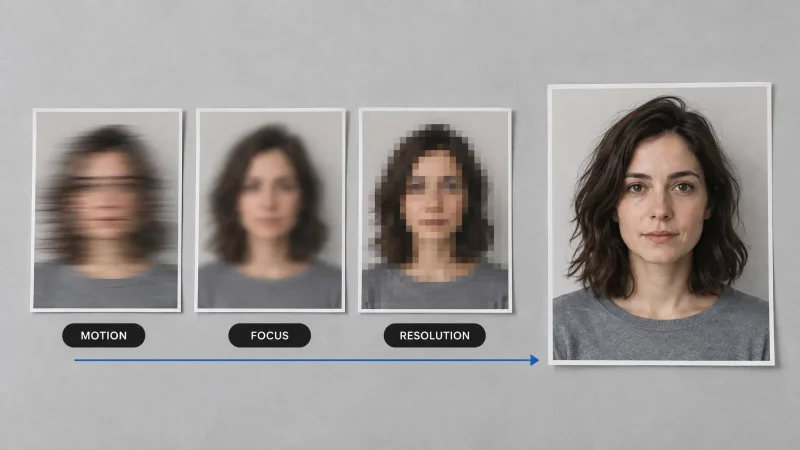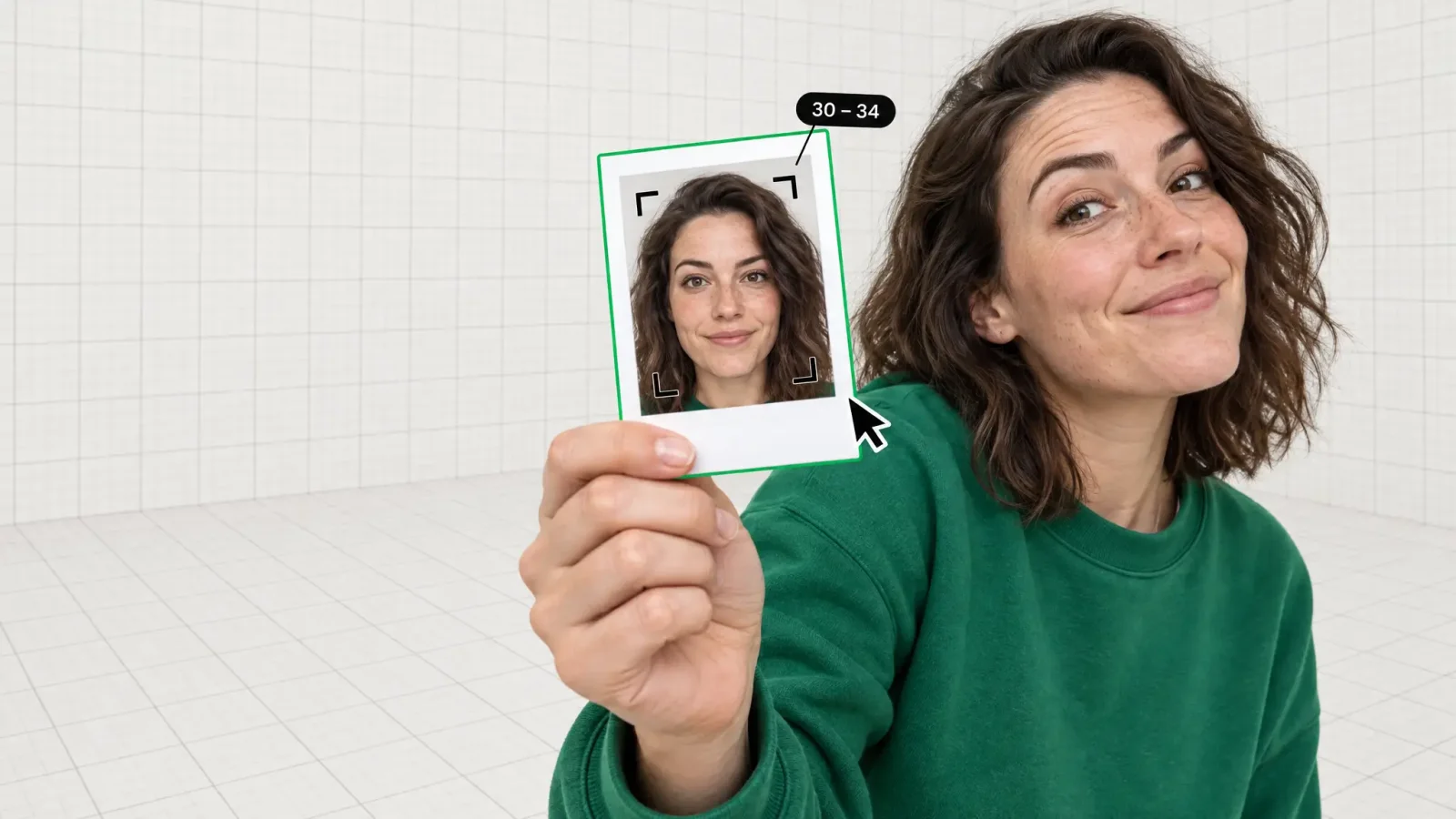
Type "age calculator" into Google and you'll get two very different kinds of people in the results: someone who wants to type in a birthday and get an exact age in years, months, and days, and someone who wants to upload a picture and see what age a face looks like. This page is for the second person. An age calculator by photo reads a face in an image and returns an estimated age range, no birth date required.
Key takeaways
An age calculator by photo analyzes facial features in an uploaded image and returns an estimated age range, while a date of birth calculator does simple arithmetic on a known birthday.
The output is an "apparent age," a guess at how old someone looks, not a "chronological age," which is the actual number of years since birth.
A margin of roughly 3 to 5 years is a normal, expected result for face-based age estimation, and the estimate shifts with lighting, angle, resolution, and grooming.
No photo tool, including MagicShot's AI Age Predictor, can return a verified or legal date of birth from a picture.
Uploading a clear, front-facing, well-lit, unfiltered photo gives the most consistent estimate.
Age calculator by photo vs date of birth calculator
These are two unrelated tools that happen to share a search term, and that overlap is exactly why so many searches for this phrase end without a click: people land on a birthday-math widget when they wanted a face reading, or a face-scan gadget when they wanted to work out an age from a known date. A date of birth calculator takes a day, month, and year you already know and subtracts it from today's date. There's no ambiguity, no model, no photo. It's a math problem.
An age calculator by photo is a different category entirely. It takes an image, usually a face, and asks a trained model to judge how old that person looks based on visible features. There is no known birthday in this process at all. If you already have a date of birth, you don't need this tool. If all you have is a picture, this is the one you want, and the rest of this page covers how it works, what to expect from it, and where its limits are.
How a photo age calculator works
The process starts with face detection: the model locates a face in the frame and crops in on it before it looks at anything else. From there, it reads a set of visual cues that tend to correlate with age, including skin texture and fine lines, the eye area, the depth of the nasolabial folds (the creases running from nose to mouth), jawline definition, and hairline position or recession. None of these are looked at in isolation. The model weighs them together, the same rough way a person sizes up a stranger at a glance, just with more consistency and less bias toward assumptions about clothing or context.
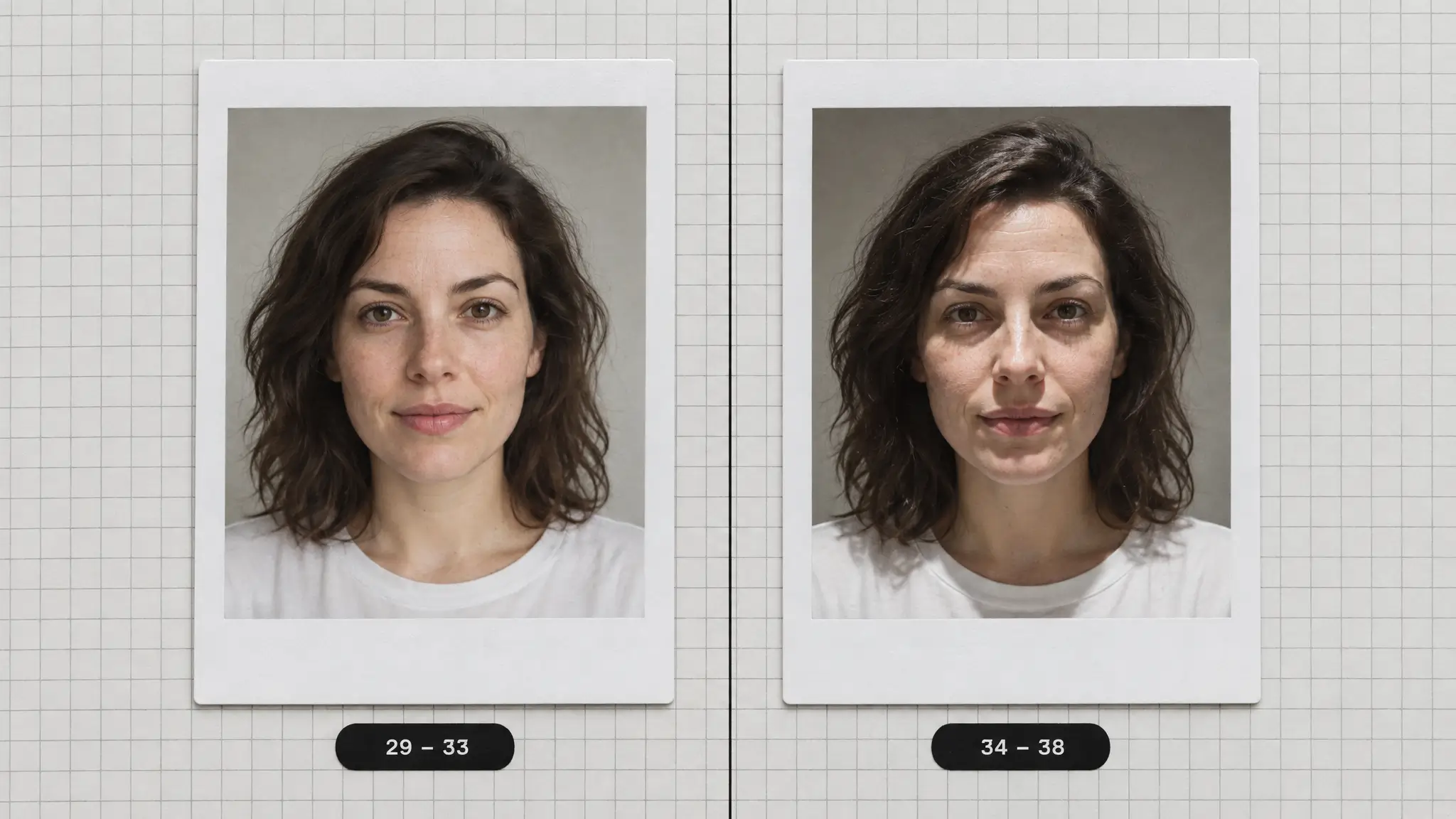
It's worth being precise about what the output actually is. Researchers in this field draw a firm line between apparent age and chronological age. Apparent age is how old a face looks to an observer, human or machine. Chronological age is the actual count of years since someone was born. A photo age calculator can only ever estimate the former. Two people born in the same year can present very differently depending on genetics, sun exposure, sleep, stress, and a dozen other factors that have nothing to do with a birth certificate, and a model trained on faces will reflect that reality back at you rather than correct for it.
How to use it
Getting a reading takes a couple of minutes from start to finish. Here's the process:
Pick a photo. Choose a recent, well-lit picture where the face is unobstructed and facing roughly toward the camera.
Check the framing. Make sure the whole face is visible, including the hairline and jaw, since cropped-out regions can't be read.
Remove heavy filters. Skip photos with beautifying filters or heavy retouching already applied, since these smooth out the texture cues the model relies on.
Upload the image. Open the AI Age Predictor tool in MagicShot and upload the photo you've prepared.
Review the estimate. Read the result as a range or a best guess, not a verified figure, and try a second, different photo of the same face if you want to see how much the number moves.
How accurate is an age calculator by photo
A realistic expectation is a margin of about 3 to 5 years in either direction on a clear, well-lit photo. That's not a flaw specific to any one tool; it's the nature of estimating from visual cues alone. Researchers working on facial age estimation commonly measure model performance using mean absolute error (MAE), the average size of the gap between the estimated age and the true age across a large test set, and studies in this space often use a window of about five years as the bar for "close enough" when scoring how well a model performs, as detailed in the age estimation literature on deep residual decision making for age estimation. A 3 to 5 year miss on a single photo sits comfortably inside that kind of range, and it's typically tighter than the rough guess a stranger would make from a quick glance at your face in a photo.
Accuracy is not flat across every photo or every face, either. Lighting matters a lot: harsh overhead light exaggerates shadows under the eyes and around the mouth, while soft, even light tends to smooth them out, and the same face photographed both ways can return two different estimates. Skin tone and image quality also interact with accuracy, since texture-based cues like fine lines and skin detail are harder for any model, human or automated, to read consistently in low-resolution, poorly lit, or heavily compressed images. Estimates also tend to drift more at the very young and very old ends of the age range than they do in the middle decades, where there's more visual data to draw on. None of this means the tool is unreliable, it means you should treat the number as a considered estimate rather than a verified fact. No photo-based tool, from MagicShot or anywhere else, can return a legally verified age or date of birth from an image alone.
What changes the result
The same face can return a different estimate from one photo to the next. The variables that move the number most are:
Lighting direction and harshness
Camera angle (straight-on vs. tilted or from below/above)
Image resolution and compression
Makeup, especially around the eyes and under the cheekbones
Facial hair, which can hide or add years to the jawline
Glasses, which can obscure the eye area the model reads
Expression, since a wide smile changes the fold lines around the mouth
Hairstyle and hairline visibility
Sun exposure and skin texture changes over time
Filters or retouching already baked into the photo before upload
If you want a clear before-and-after read on how much lighting alone can move the number, try uploading the same face under two different setups (window light versus overhead light, for example) and compare the two estimates side by side. If your source photo is old, low resolution, or a little soft, running it through an image upscaler before uploading can help preserve the fine detail the model needs to work with.
What people use a photo age calculator for
The reasons people reach for this kind of tool are pretty consistent across the searches we see:
Curiosity and sharing. Plenty of people just want to see the number and post the result, often alongside a video clip made from the same photo for a bit of extra fun.
Dating old family photos. When there's no date written on the back of a print, an age estimate on the faces in it can help narrow down roughly when it was taken, especially once you've used a photo restorer to bring back detail lost to fading or damage.
Skincare progress tracking. Some people run the same face through the tool every few months as a rough, informal check on how visible aging cues are shifting over time.
Casting and modelling. Agencies and photographers sometimes use an apparent-age read as a quick sanity check on how a subject reads on camera, alongside more formal materials like professional headshots.
Whatever the reason you're uploading a photo, the honest way to use this tool is as a fun, fast estimate rather than a document. If you need a legally confirmed age, that comes from an ID, not a picture, no matter which tool reads it. For everything else, from settling a friendly argument to seeing how a face has changed over the years, MagicShot's age predictor gets you an answer in about as long as it takes to upload a photo.