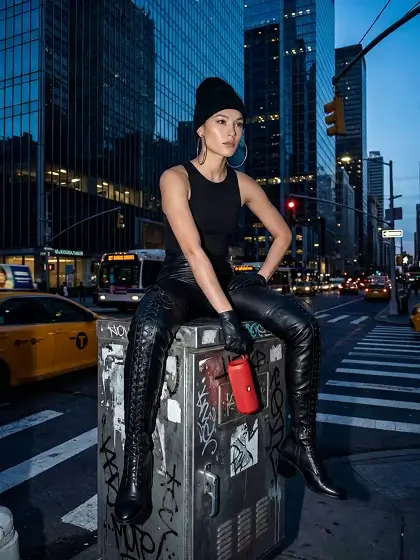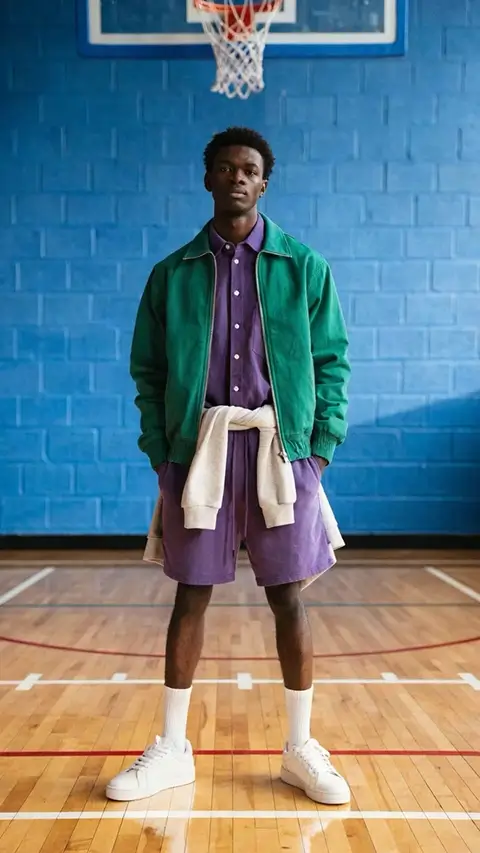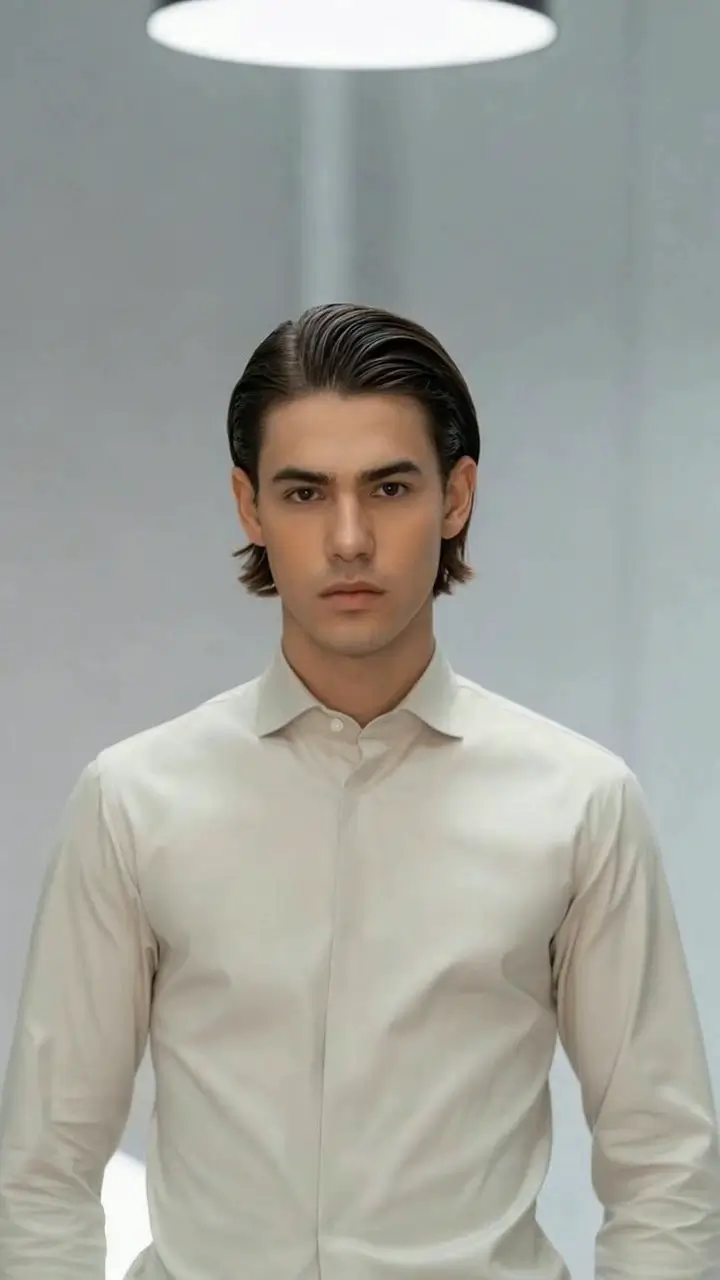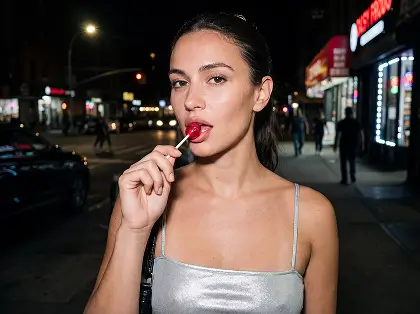
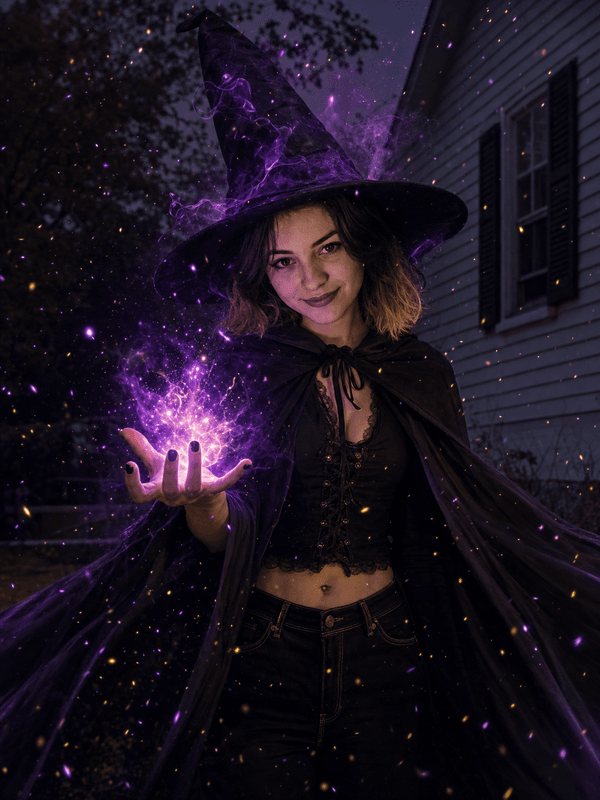
What the Witch Cast video effect does
Witch Cast runs a two-part change. First the costume: a wide-brimmed hat lands on your head, a cloak gathers at your shoulders, and the light in the scene shifts cooler and greener. Then the spell: energy pools in your palms, crackles up your fingers, and releases toward the lens as a swirl of sparks, embers and smoke when you raise or push your hands. The glow lights your face from below, and the hat and robes follow every turn of your head and body.
What to film
The spell is triggered by your hands, so make sure the camera sees them. A waist-up frame with your palms visible and one clear gesture gives the effect its cue.
Hands up and open. Raise both palms toward the lens, or push one hand forward, so the energy has somewhere to gather and go.
One decisive gesture. A single cast reads cleaner than waving continuously, which spreads the sparks thin.
Room above the head. Leave space for the hat so it is not cropped at the top of the frame.
Where people post it
Halloween transformations, witchy aesthetic edits, fantasy and cottagecore content, spell-of-the-day skits, book and film fan edits, and party invites that need a magic moment. It also works as a transition when the sparks fill the frame.
How to use it
Open the Witch Cast effect in the MagicShot app on your plan.
Upload a short waist-up clip with your hands visible and one clear gesture.
Let the AI dress you and cast the spell, then download and post.
No hat that will not stay on, no sparkler that goes out mid-take, no compositing a glow on your hands in After Effects. One upload, one cast.