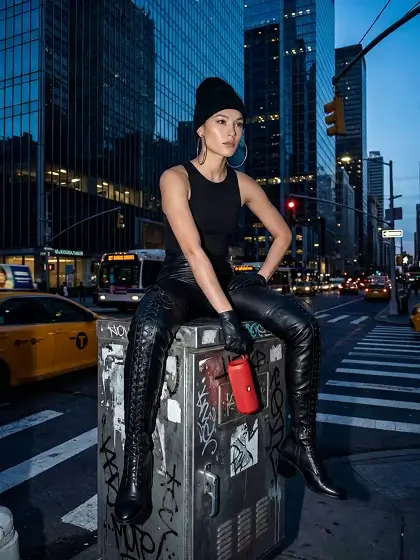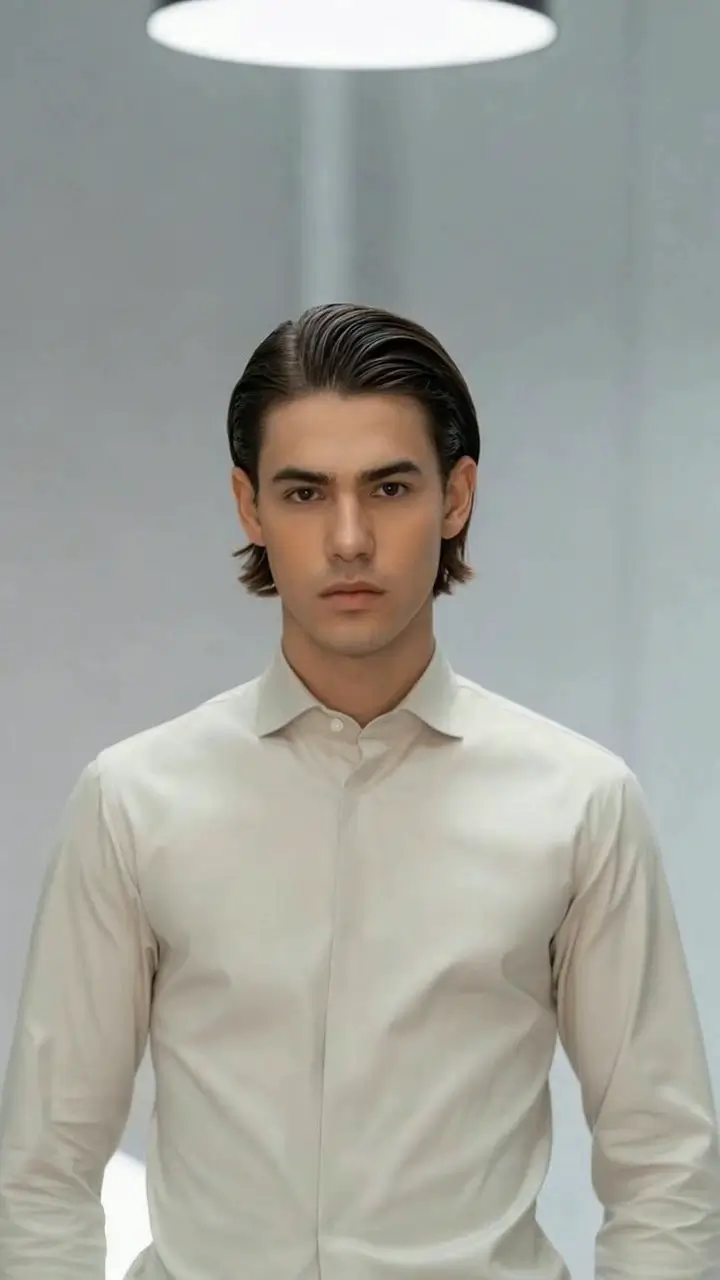
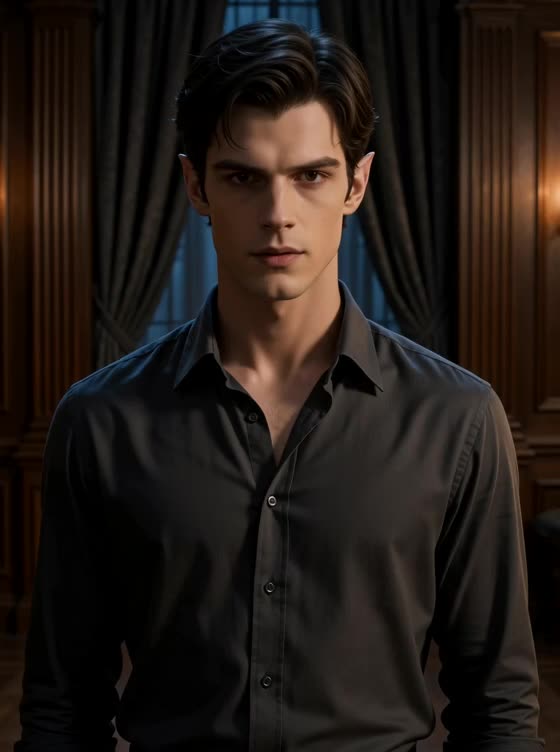
What the Vampire Awakening video effect does
Vampire Awakening is built around a rise. The clip opens on you still, eyes closed or lowered, then the change runs: colour leaves the face, veins show cold under the skin, the eyes open red and catch the light, and the fangs push past the lip as the chin lifts. A dark collar or cape settles across the shoulders and the shot ends on a direct look into the lens. It plays as one continuous awakening inside your own footage, not a cut to a costume.
Clips that wake up well
The effect wants the arc from stillness to attention, so give it both ends. Start calm and finish looking at the camera.
Begin with your eyes closed or down. The red-eye reveal lands harder when the clip opens without it.
Lift the head slowly. A deliberate rise from a tilt or a lie-down gives the fangs and eyes time to appear.
Low, moody light. A single lamp or window from the side suits the pale skin and keeps the red eyes from washing out.
Where people post it
Halloween reveals, vampire and gothic aesthetic edits, dark romance book content, costume-party invites, and slow-build TikToks that end on a stare. It also pairs well with Bat Burst for a two-part transformation.
How to use it
Open the Vampire Awakening effect in the MagicShot app on your plan.
Upload a short clip that starts still and ends with you facing the camera.
Let the AI run the awakening, then download and post.
No fang kit glued in with dental wax, no contacts you cannot get out, no makeup artist on call. One upload and you wake up as the thing people lock their windows against.