
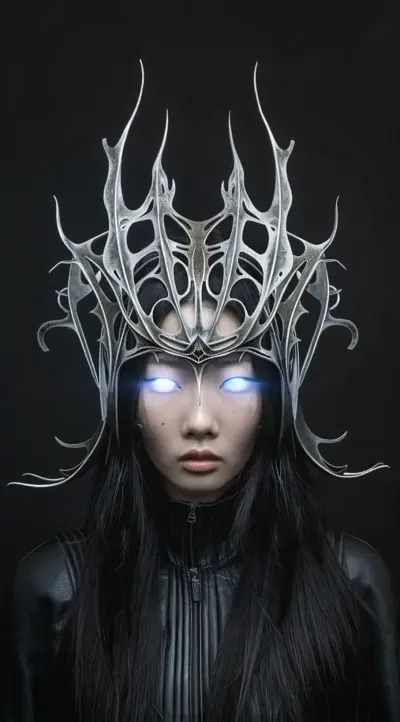
What the Thunder God video effect does
Upload a short clip and the Thunder God video effect rewrites the weather around you. Storm clouds roll in over the original background, bolts crack across the frame, and charged arcs trace your arms, fists, and silhouette while the lighting in the shot flickers to match each strike. That is the part that usually costs a freelance VFX pass: masking the subject, layering the bolts, then relighting the whole plate so the lightning does not look pasted on. The AI Thunder God generator inside MagicShot handles it from one upload.
The footage that suits it
- A deliberate movement. Raising both hands, throwing a punch, or slowly turning to camera gives the arcs something to follow.
- Headroom in the frame. Sky above you means the storm has somewhere to happen.
- A steady shot. Locked-off or slow handheld reads cleaner than a shaky pan.
- Clear separation from the background. The more your outline stands out, the tighter the electricity wraps.
Where creators post it
It runs on the clips people already film: gym sets, cosplay reveals, martial arts drills, band intros, D&D character posts, esports and stream openers. Vertical footage comes back ready for TikTok, Reels and Shorts, and it works as the payoff frame in a transition edit where you walk in normal and walk out crackling.
Thunder God sits in the video effects library inside the MagicShot app on a paid plan. Pick the effect, upload your clip, download the rendered version and cut it straight into your edit.



