
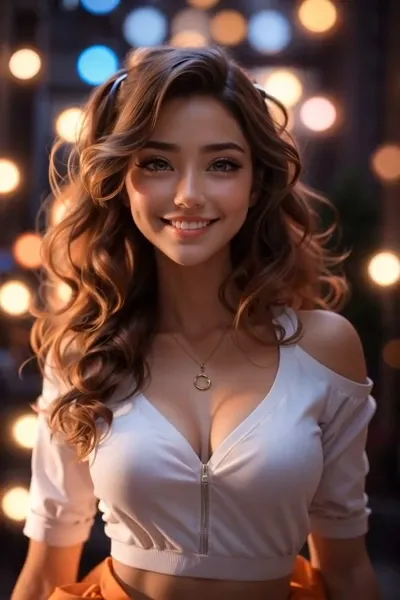
What the Smoke Fade video effect does
The Smoke Fade video effect takes the clip you upload and burns your subject away into smoke. The dissolve starts at the outline, spreads inward, then drifts off frame as gray wisps that keep moving after the body is gone. MagicShot's AI follows the subject inside your footage, so the smoke bends with the pose instead of sitting on top of the shot like a sticker.
The kind of footage that suits it
- One clear subject. A single person, pet, or object with space around them gives the smoke room to spread.
- A held pose or a slow move. A turn of the head, a step back, arms dropping. Calm motion reads better than a blur of movement.
- A darker or plain background. Smoke shows up strongest against night streets, plain walls, or low light instead of busy patterns.
- A clip that ends on a beat. Trim so the moment you want to disappear lands at the end, and the fade becomes the punchline.
What creators do with it
It is the exit shot. Editors use the AI smoke fade generator to close a TikTok dance, cut between two outfits in a Reels transition, end a rap snippet on the last bar, or drop a mysterious final frame on a YouTube Short. It also works as a reveal in reverse: fade one clip out in smoke, cut straight into the next, and the two halves feel like one shot.
Where it lives
Smoke Fade is one of the AI video effects inside the MagicShot app, available on a paid plan. Upload your clip, pick the effect, and let the render come back. No keyframes, no masking passes, no learning a compositing timeline for one three-second moment.



