
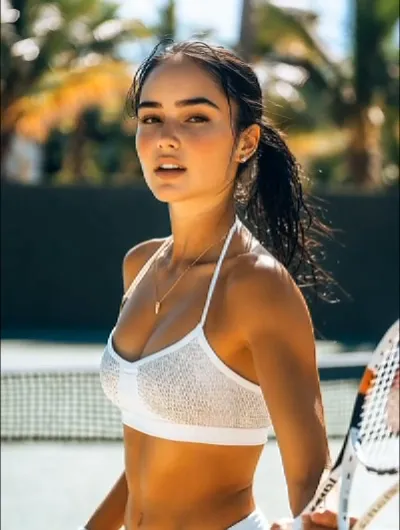
What the Rainbow Breath video effect does
The Rainbow Breath video effect takes an ordinary clip of someone breathing out and fills the air in front of them with a stream of rainbow colored light. MagicShot's AI finds the mouth, follows it frame by frame, and layers glowing prismatic vapor that spreads with the breath instead of sitting on top of the shot like a sticker. You get a single reveal moment: lips part, color spills out, the frame changes mood. No VFX artist, no smoke plate, no evening spent keyframing particles in After Effects.
The source clip that works best
This one rewards simple footage. Feed the AI Rainbow Breath generator a clip where the mouth is clearly visible and the background is not fighting for attention.
- Close or medium shot of one face, roughly chest up, camera steady.
- A real exhale, sigh, or slow mouth opening so the color has a beat to land on.
- A darker or plainer backdrop, night street, black tee, bare wall, so the rainbow reads instantly.
- Even light on the face, front or side, rather than a hard silhouette.
- Short and deliberate. A few seconds of one clean breath beats a long take.
Where people post it
Rainbow Breath is built for the scroll: TikTok transitions where the breath wipes into the next scene, Reels and Shorts hooks in the first second, Pride and festival edits, moody music clips, and dragon-energy jokes with pets and kids. It also works as a beat drop marker, since the color burst gives editors an obvious frame to cut on.
How to get it
Rainbow Breath sits in the video effects library inside the MagicShot app on a paid plan. Upload a clip, pick the effect, and let the AI handle the tracking and the color.



