
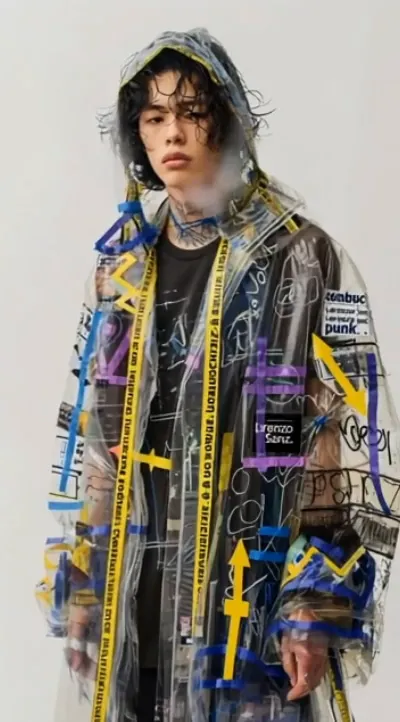
What the Melting video effect does
The Melting video effect softens everything in your footage and pulls it downward. Skin, hair, hoodies, walls, a coffee cup on the desk behind you: it all loses its shape and runs toward the bottom of the frame while the motion of your original clip keeps playing underneath. The result is that horror-adjacent, half-funny look people scroll back up to watch twice. Rotoscoping and warp-mesh keyframes used to be the only way to get there. Here you upload the clip and the AI melting generator handles the deformation for you.
The footage that melts best
- A face-to-camera shot. Talking heads melt hardest because viewers know exactly what the shape should be.
- Good, even light. Bright, well-lit clips give the drips clean edges instead of muddy smears.
- A simple background. A plain wall or a single-color backdrop keeps the attention on the subject as it collapses.
- Short and steady. A few seconds, filmed with the phone braced or propped, beats a long handheld wander.
Where creators actually use it
It lands on TikTok reaction cuts, the punchline at the end of a Reel, a Halloween post, a video meme where someone hears bad news and physically dissolves, a band's lyric video, a horror-lite short. Anywhere the joke is I cannot handle this, Melting says it faster than a caption.
Melting sits with the rest of the video effects inside the MagicShot app, so it's there on your paid plan next to every other clip transformation. Upload, pick Melting, get the render back, post it.



