
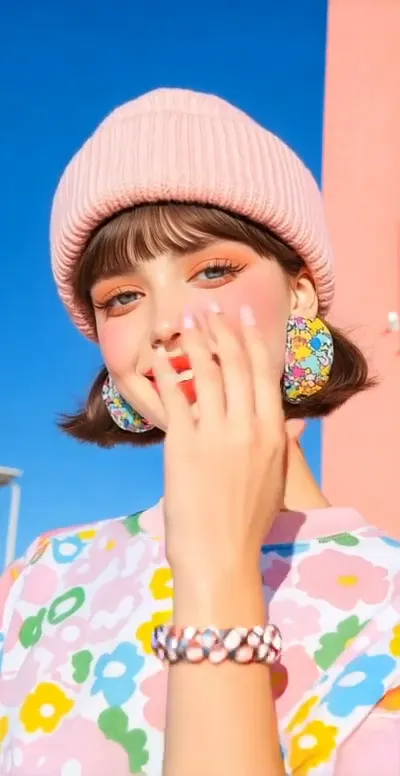
What is the Jelly Drift video effect?
The Jelly Drift video effect takes a clip you already shot and makes the whole frame behave like set jelly. Lean toward the camera, turn your head, flick a wrist, and the image bulges, ripples, then drifts back into shape a moment after the motion stops. MagicShot's AI reads the movement in your footage and builds the wobble around it, so you skip an evening of mesh warps and keyframe stacks in After Effects and the plugin subscription that usually comes with them.
The footage that wobbles best
- One clear subject. A face, a pet, a sneaker, a drink. Simple shapes read as jelly far better than a busy crowd scene.
- Real movement. A walk toward the lens, a head snap, a hand reaching in. The drift needs something to push against.
- Steady light and a clean background. The ripple is easier to see when the edges of your subject are obvious.
What you walk away with
A short, loop-friendly clip where reality has gone slightly rubbery: perfect as a beat-drop moment on TikTok, a transition between two Reels, or the first two seconds of a Short that stops the scroll. Dancers use it to make choreography bounce, pet accounts use it because a wobbling dog is inherently funny, and editors use it as a cut point when a hard jump would feel flat. Run it through the AI Jelly Drift generator in the video effects library inside the MagicShot app on a paid plan, upload your clip, and let it do the distortion pass for you.



