
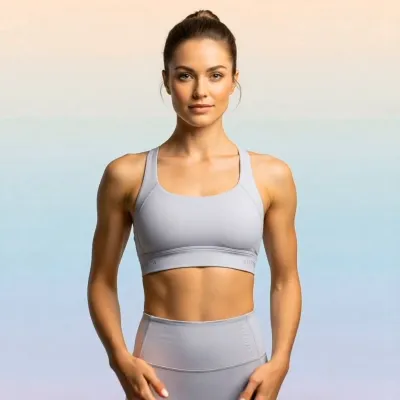
What the Golden Glow Maternity video effect does
The Golden Glow Maternity video effect relights your footage in warm, low-sun light. It reads the shape of your bump, adds a bright rim along the shoulders, arms and belly, then pushes the background into a soft amber wash so the silhouette separates. Skin stays warm rather than orange, and the highlights drift as you move, so the clip looks lit instead of filtered.
A real maternity shoot means booking a photographer, chasing the twenty minutes before sunset, and hoping the weather holds. The AI Golden Glow Maternity generator inside MagicShot does the lighting part on a clip you already filmed, in a bedroom, a hallway, or a hotel window at noon.
The source clips it likes best
- A slow, simple movement. Hands resting on the bump, a gentle turn, fabric lifting in a breeze.
- A clean background. A blank wall, curtains, a window, or open sky. Less clutter means a smoother glow behind you.
- A clear silhouette. Fitted dresses, a wrap, or flowing fabric read better than a busy print.
- Even, soft light to start. Overcast window light gives the effect more to work with than harsh overhead bulbs.
- Vertical framing. Shoot in portrait if the clip is going to Reels, TikTok, or a Stories announcement.
What you walk away with
One short clip that carries the whole announcement: a pregnancy reveal post, a gender reveal caption, a countdown to the due date, or the piece of footage you actually send to family instead of the eleven blurry takes. Creators use it for maternity reels, baby shower slideshows, and the video that opens a photo dump.
Golden Glow Maternity is one of the video effects in the MagicShot app, available on a paid plan. Upload the clip, apply the effect, download the result.



