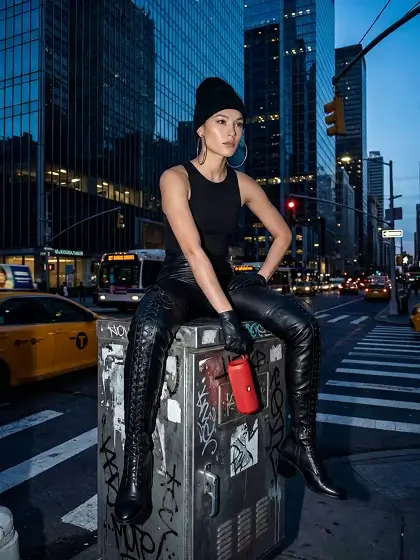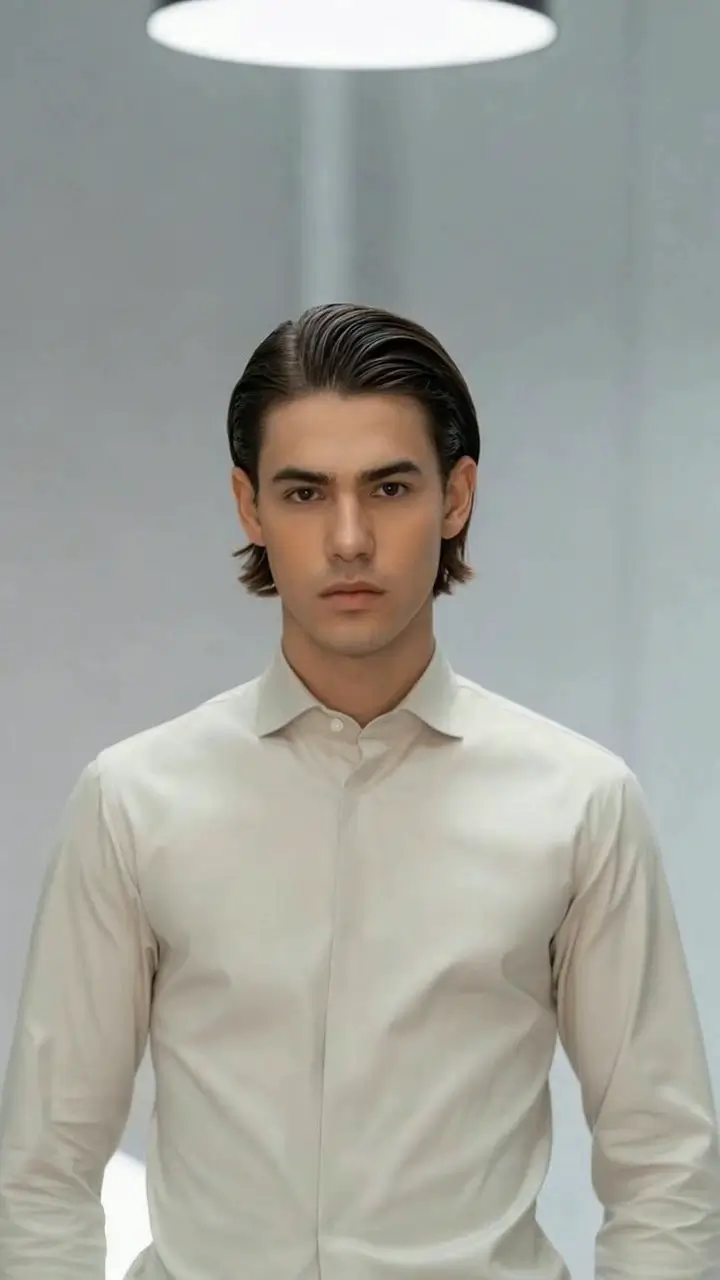
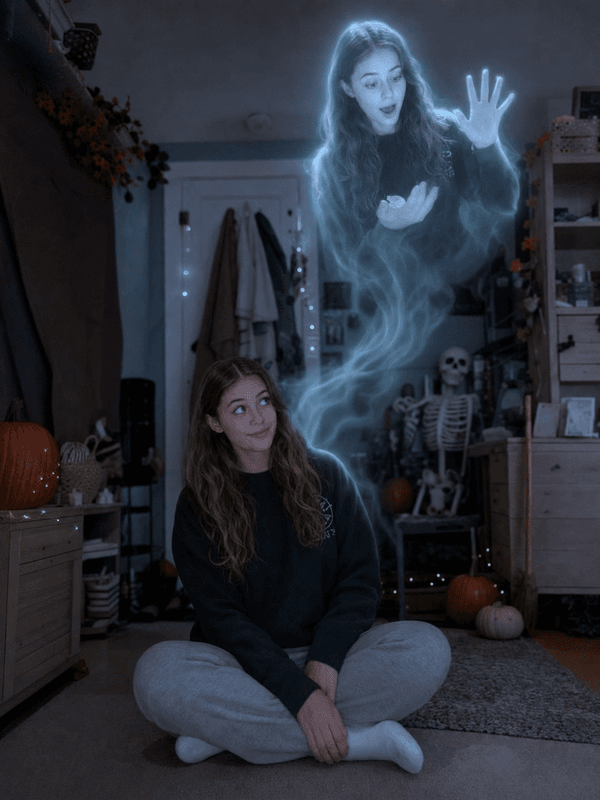
What the Ghost Out video effect does
Ghost Out runs a slow departure. First the warmth leaves your skin and clothes, then the edges of your body begin to show the room behind them, then your feet lift and your outline loosens into a pale drift. By the end of the clip you are a faint shape hanging in the frame, or gone completely, while the furniture, walls and light stay exactly where they were. It is the opposite of a jump scare: a quiet exit that feels like a loss.
Footage that fades well
The effect separates you from the background to make you transparent, so it helps to give it a clear edge to work with.
Contrast with the background. Light clothing against a dark room, or the reverse, keeps your outline clean as it thins.
Stay in one place. Standing still or moving gently lets the lift and fade build without fighting your motion.
Keep the whole body in frame. The float reads clearest when the camera can see your feet leave the floor.
Where it gets posted
Halloween stories, ghost-tour and haunted-location content, sad-edit and nostalgia posts, music videos for slower tracks, and the goodbye-at-the-end moment in a vlog. It also works as a soft transition out of a scene.
How to use it
Open the Ghost Out effect in the MagicShot app on your plan.
Upload a short full-body clip with good contrast against the background.
Let the AI run the fade, then download and share.
No bedsheet, no double exposure trick, no masking yourself out frame by frame. You leave the shot the way a ghost would.