
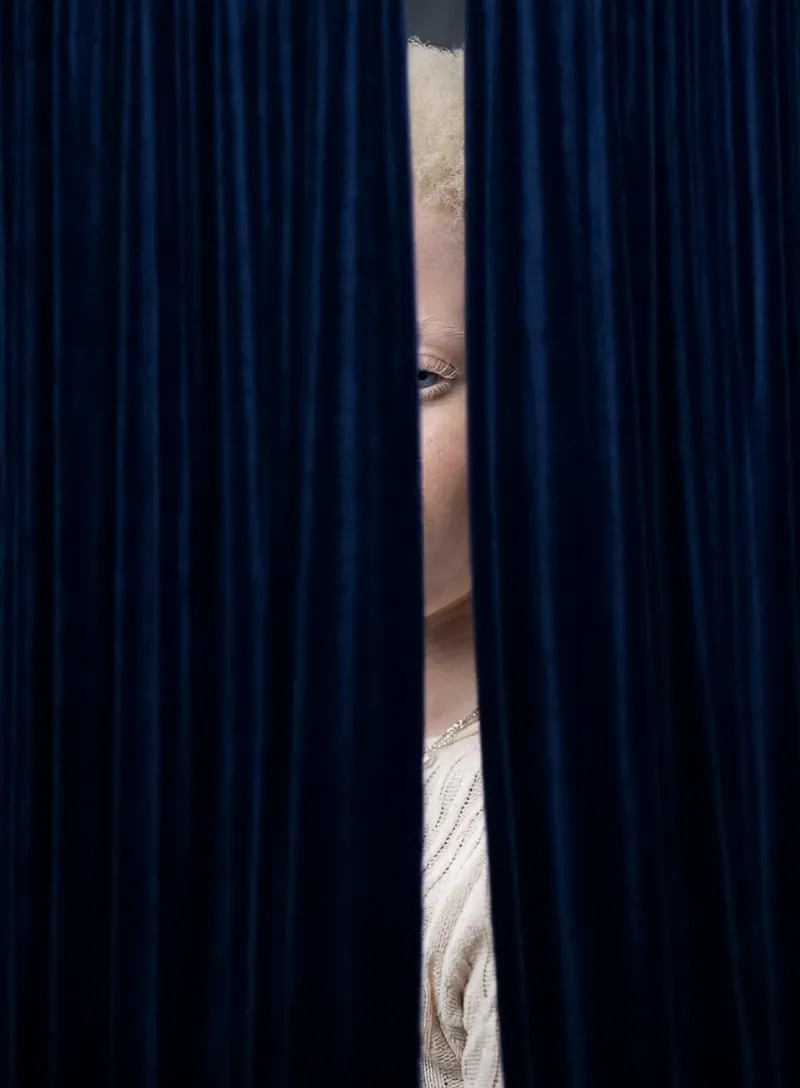
What the Curtain Reveal video effect does
The Curtain Reveal video effect takes a clip you already have and gives it a curtain-up moment. MagicShot builds heavy stage curtains across the first beats of your footage, then parts them from the center so your subject arrives instead of just appearing. You get the drama of a theater opening without renting a stage, hanging drapes, or paying an editor to key it frame by frame.
The clips it flatters most
This one rewards a still, centered subject. Think a product sitting on a table, a dancer holding first position, a face looking straight down the lens, a new outfit, a cake, a car in a driveway. Shoot a second or two of calm at the head of the clip so the curtains have something to open onto, keep the background simple, and let the light fall on whatever you want the audience to gasp at.
What you walk away with
An opening shot that earns the first three seconds on TikTok, Reels, and YouTube Shorts
Product drops and menu reveals that feel like a launch instead of a photo dump
Announcement videos, dance intros, and band posts with a built-in ta-da
A repeatable intro you can run across a whole series so every upload matches
How it fits into MagicShot
The AI Curtain Reveal generator lives inside the MagicShot app on a paid plan, alongside the rest of the video effects library. Upload your clip, pick Curtain Reveal, and let it render. No timeline, no masking, no reshoot to get the framing right.



