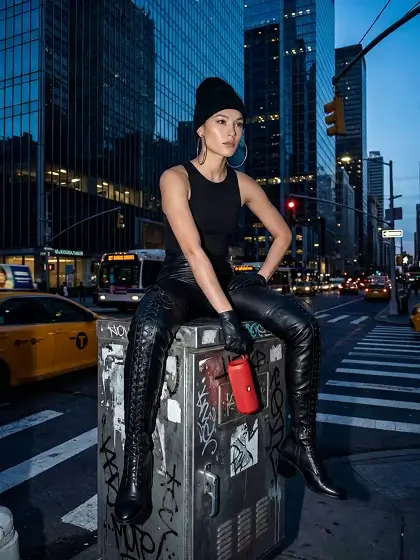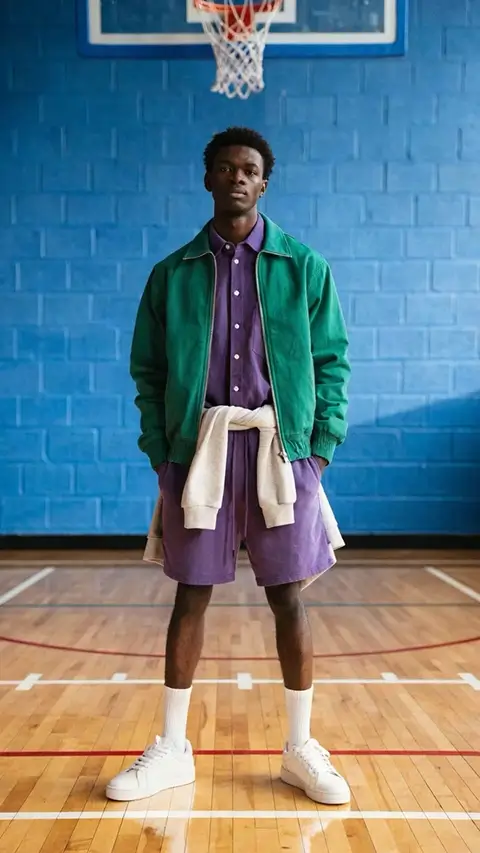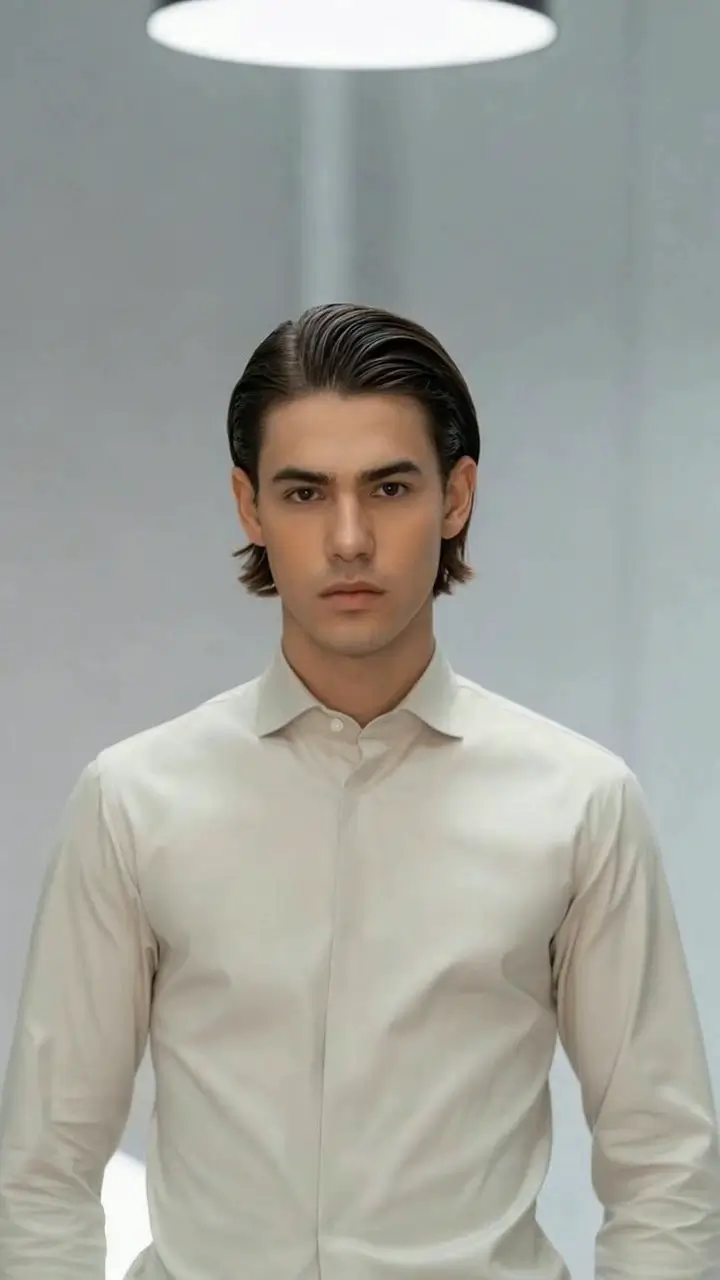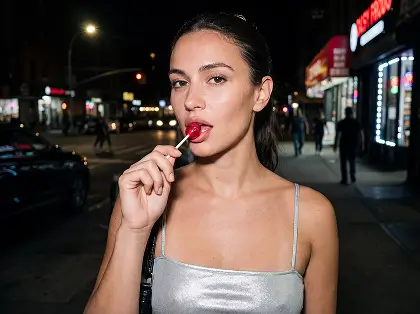
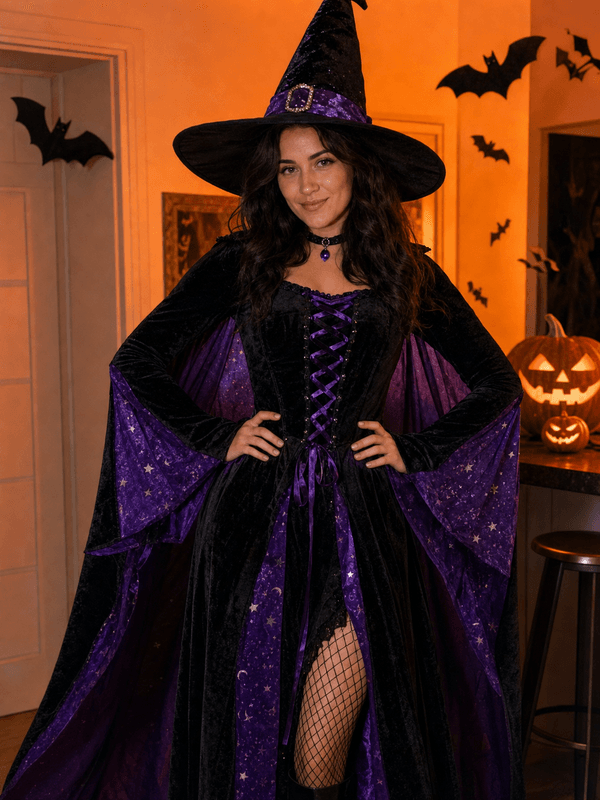
What the Costume Spin video effect does
Costume Spin is an outfit reveal built around a single turn. The AI reads your pose through the clip, waits for the rotation, and replaces your clothes with a complete costume as your body passes the camera: cape, armour, gown, robe, whatever fits the frame. Fabric, fit and shadows match your movement, so the reveal plays as one continuous shot rather than a cut between two takes.
The turn that works
This effect is driven by motion, so give it a clear spin. Film yourself in a full-body or three-quarter frame, start facing the camera, and turn once at an even pace.
One clean rotation. A single turn gives the AI a defined moment to swap on. Half turns and fidgeting make the reveal arrive late or twice.
Room around the body. Leave space above the head and below the knees so capes, hats and skirts have room to appear.
Plain, well lit background. Busy patterns behind you compete with the new outfit's edges.
Where people post it
Halloween costume reveals, get-ready-with-me videos, party invites, costume-contest entries, and before-and-after transitions for Reels and TikTok. It also works year round for cosplay reveals and themed party content.
How to use it
Open the Costume Spin effect in the MagicShot app on your plan.
Upload a short full-body clip where you turn once toward the camera.
Let the AI swap the outfit mid-spin, then download and post.
No sewing, no rental return, no changing in a bathroom stall between takes. The spin does the wardrobe work.