
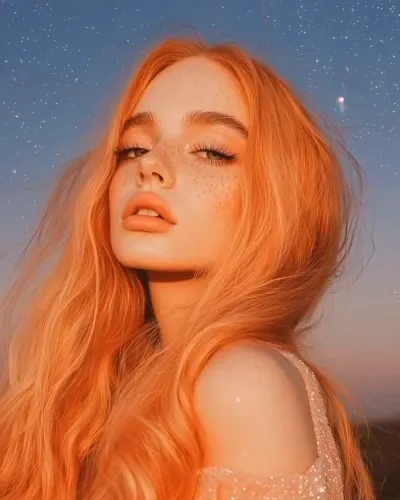
What is the Bloom Mouth video effect?
The Bloom Mouth video effect takes a short clip of you opening your mouth and grows flowers out of it: petals easing past the lips, stems unfurling, a small garden where a yawn used to be. Upload the clip inside MagicShot, choose the effect, and the AI tracks your mouth across the frames so the bloom stays locked to your face while your head moves. No rotoscoping, no frame-by-frame masking, no VFX freelancer charging by the hour.
The clips it likes best
- A steady close-up. Face centered, shoulders up, phone on a stack of books or a small tripod.
- A clear mouth opening. Start with lips closed, then open slowly. That gives the AI Bloom Mouth generator something to grow into.
- Even light on the face. Window light or a ring light beats a dim room, so the petals read against your skin instead of muddying into shadow.
- A few seconds, not a monologue. Short clips keep the bloom as the moment, not background noise.
What you walk away with
One vertical clip you can post as-is: the kind of surreal flower mouth video that gets replayed twice before anyone scrolls on. Creators use it for TikTok transitions, Reels and Shorts hooks, spring and floral trend audio, poetry and lyric edits, and the opening beat of a longer edit where you need something strange in the first two seconds.
Why people use it instead of an editor
Doing this by hand means masking lips, sourcing flower stock, matching the light and hoping the track holds. Bloom Mouth is one of the AI video effects in the MagicShot app, available on a paid plan, so the whole job is upload, apply, download. Bring the clip. It handles the garden.



