
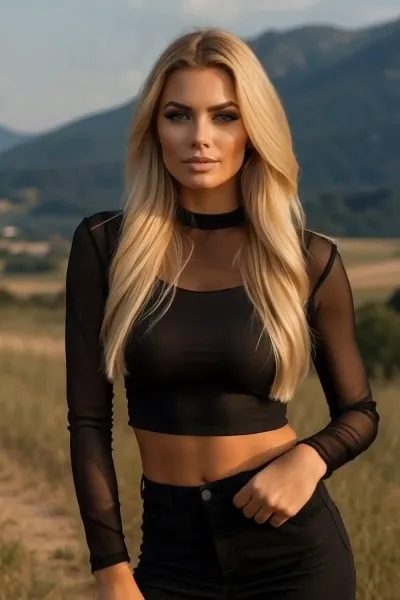
What is the ARC Right video effect?
The ARC Right video effect adds a camera move you never shot. Upload a clip, and MagicShot's AI ARC Right generator arcs the virtual camera to the right around your subject, holding them locked in frame while the background slides past with real depth. No gimbal, no dolly track, no assistant walking a circle around you on take seven.
It's the move that makes a static phone clip look directed. Because the camera curves instead of sliding sideways, foreground and background separate as it travels, so a product on a table gains a visible edge and a person gains shape.
The source clips that work best
- A single, clear subject. One person, one product, one car, one plate of food, centered and well lit.
- A steady shot. Tripod or propped phone footage arcs cleanest, since the AI is adding the motion instead of fighting yours.
- Some room around the subject. Space at the edges of frame gives the orbit somewhere to travel.
- Depth behind the subject. A room, a street, a shelf. Parallax needs something to move against.
Where creators use it
Reveal shots for TikTok and Reels, the opening two seconds of a product video before the voiceover starts, a real estate walk-around, a fit check that needs more than a mirror, or a talking-head clip that needs motion to hold attention. Pair it with a left-arcing move on the next cut and you have coverage that looks like a two-camera shoot from one upload. ARC Right is one of the camera-move effects inside the MagicShot app on a paid plan.



