
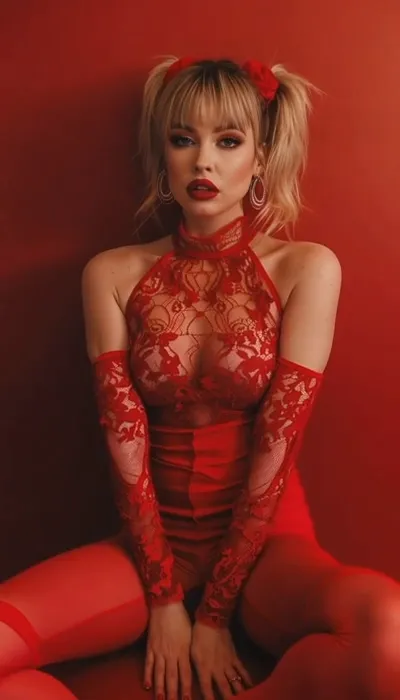
What the ARC Left video effect does
The ARC Left video effect takes a clip you upload and rebuilds the camera move: instead of sitting still, the frame travels along a left-hand arc around whatever you pointed the lens at. The subject holds the center of frame while the background rotates behind them, so a five-second phone clip reads like a shot someone planned with a gimbal operator and a marked-out floor path. No rig rental, no crew, no reshoot in the same light.
MagicShot's AI ARC Left generator works from your footage, not a prompt, so the move is applied to the scene you already have. Upload the clip, apply ARC Left, and the AI handles the parallax: near objects sweep past faster, the far background drifts slower, and the subject stays the anchor. It's part of the AI video effects library inside MagicShot on a paid plan.
The source clips that arc best
- A person standing or sitting still, framed at half or full body, looking toward camera or slightly off-axis.
- A product on a surface, a sneaker, a bottle, a candle, where the orbit sells the shape and the depth.
- A locked-off tripod or handheld shot with minimal existing camera motion, so the new arc is the only move in the frame.
- Clear separation between subject and background, which gives the parallax something to work with.
- Short clips, three to eight seconds, the length an arc actually needs to land.
Where the arc shot earns its keep
It's the opening two seconds of a TikTok or Reel, the beat where a static talking-head cut would lose the scroll. It's the reveal in a product drop, the transition into a hook line, the shot that makes a one-take clip look like coverage from a real shoot. Pair it with a matching right-hand orbit and you can cut between two angles from a single upload.



