
A transparent background is not white and it is not the grey-and-white checkerboard you see in editors. It is the absence of any colour at all, so whatever the image sits on, a web page, a slide, another photo, shows through. The checkerboard is only how software draws "nothing". This guide covers what transparency really needs, which file formats can hold it, and how to get a clean result.
Why JPG Cannot Be Transparent
JPG stores a colour for every pixel and has no alpha channel, the extra layer that marks which pixels are see-through. So a JPG can never contain an empty area. PNG does have an alpha channel, which is why PNG is the normal choice for logos, product cutouts and stickers. If you need a smaller file for the web, WebP can also hold transparency.
Remove a Background in a Few Steps
Upload your photo to the Background Remover, or use the background option in Image Editing.
The tool finds the subject automatically.
Zoom in on the edge and check anything fine or complex.
Export as PNG. A JPG export fills the empty area with solid colour.
Hair, Fur and Fabric
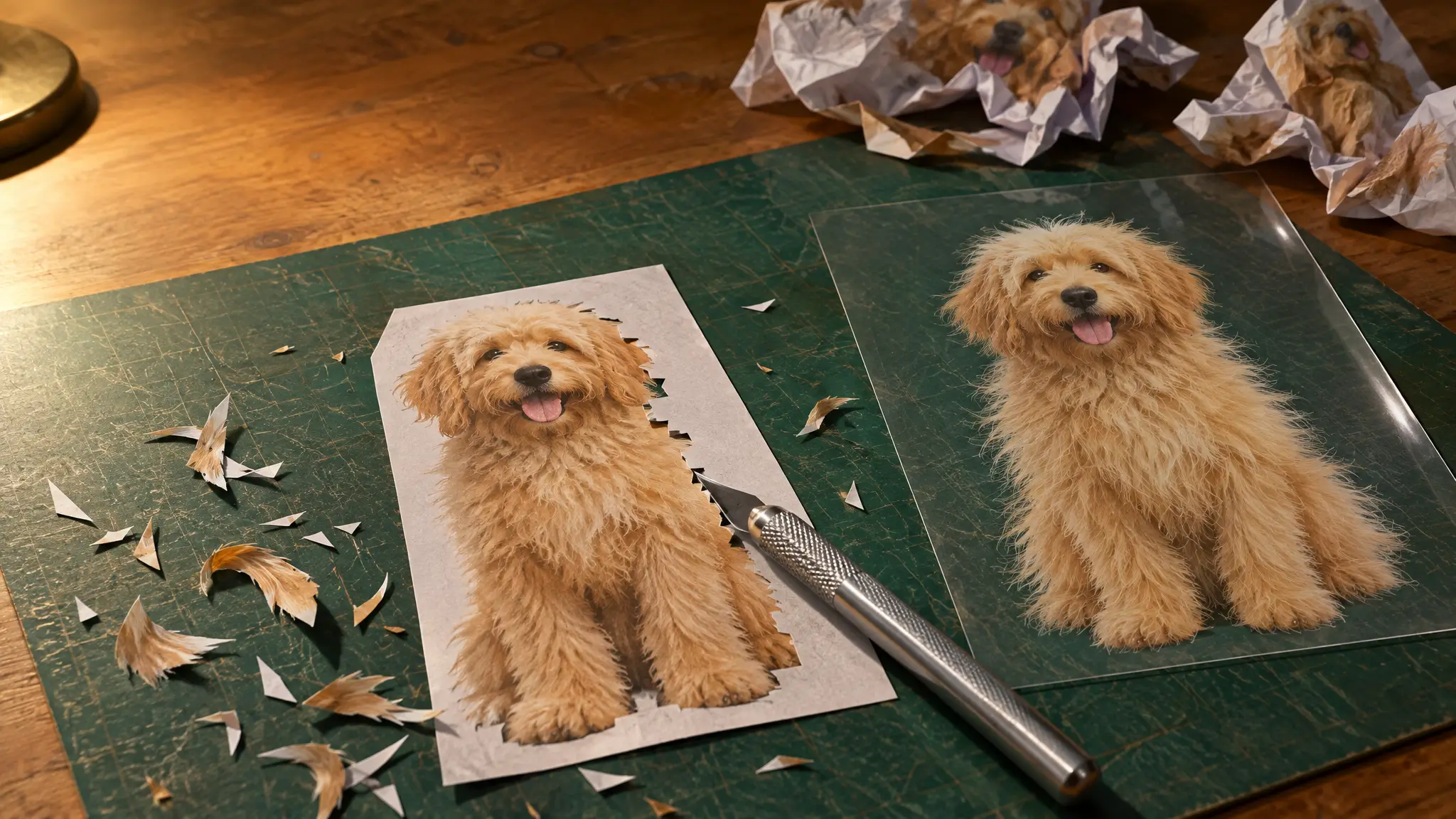
Smooth objects such as a bottle or a box cut out cleanly. Hair, fur and sheer fabric are harder because the edge is soft and each pixel is partly subject and partly background. Results vary most here. Start from a sharp, high-resolution photo with a background that contrasts with the subject, and you will spend less time fixing edges.
Where a Transparent Image Helps
Product photos: place the cutout on a marketplace's required background or in a styled scene without reshooting.
Profile pictures: remove a busy background so the subject reads the same on any layout.
Stickers and print: a clean edge with no leftover background colour is needed for die-cut stickers or elements placed over other artwork.
Once the background is gone, you can add a solid colour, a scene or another photo, or leave it transparent if your layout supplies its own.
File Size
A PNG with transparency is usually larger than a comparable JPG, because it is lossless and carries the alpha data. For one image the difference rarely matters. For a whole product catalogue it adds up, so check sizes before you upload hundreds of them.