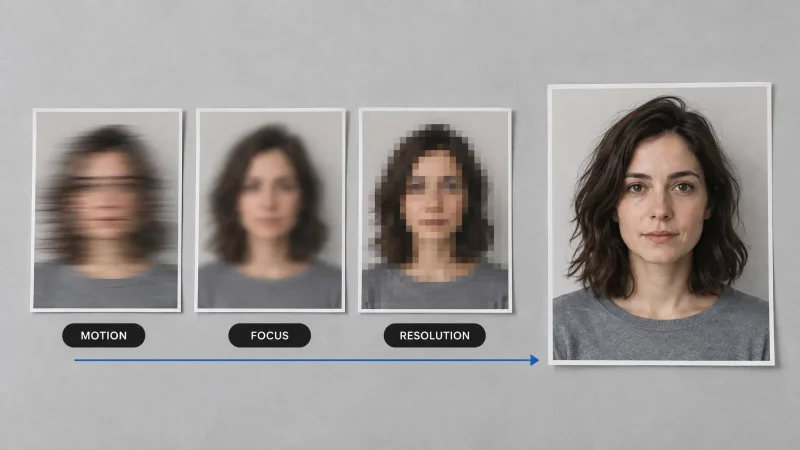
Traditional editing software asks a beginner to learn a timeline, tracks, keyframes and export settings before they can finish a single clip. AI video tools skip most of that. You describe what you want, or start from a photo or clip, and the tool does the heavy lifting. This guide covers what these tools do well, what they still cannot do for you, and how to pick one if you have never edited before.
What AI changes for a beginner
Three jobs that used to eat hours are now fast: creating footage from a prompt, adding motion to a still image, and applying a look or effect with one click. You still need an idea and a sense of what looks good. The software just removes the technical hurdle between the two.
Features that matter most
Text-to-video. Type a scene and get a short clip. Good for concept shots, explainers and b-roll. - [Image-to-video](https://magicshot.ai/ai-video-generator/image-to-video). Upload a photo and add realistic motion. Reliable when you want the look fixed and only need movement. - One-click effects. Cinematic looks and playful transformations for social posts. - Aspect ratio presets. Vertical for Reels, TikTok and Shorts, and wide for YouTube, without manual cropping. - A simple loop. Describe, generate, adjust the prompt, repeat. Beginners should look for tools that make this loop quick.
What AI will not do for you
Write a good script or choose a strong hook. - Decide what to cut. Short clips still need to be arranged in a sensible order. - Fix weak audio. Narration and music matter as much as visuals. - Guarantee a perfect result on the first try. Plan on a few attempts per shot.
Who gets the most from it
Social creators, who need short clips often and cannot spend hours per post. - Small businesses, who want product videos and promos without hiring a crew. - Teachers and trainers, who can replace static slides with short animated explanations. - Personal brands, who want a consistent intro or highlight reel.
A simple first project
Pick a single idea, such as a 10-second product teaser. Write the shot as one sentence with a subject, an action and a camera move. Generate three versions, keep the best one, and add a caption and a call to action. Doing this once teaches the workflow better than reading about it.
Where MagicShot fits
MagicShot's AI video tools cover text-to-video, image-to-video and effects in one place, which keeps a beginner from juggling several apps. Generation uses credits, and you can see the options on the pricing page before deciding how much you need.
How to choose a tool
Ease of use. Can you finish a clip within your first session? - Output quality. Judge the result on your own prompt, not the sample reel. - Control. Check for duration, aspect ratio and style options. - Cost per usable clip. Count the attempts it took, not only the price of one render. - Commercial rights. Confirm the licence if the clips will be used in ads.
Bottom line
AI video tools lower the skill barrier, not the bar for good ideas. Start small, keep clips short, judge the tool on your own project, and let the software handle the technical parts so you can spend your time on the story.