Three years ago you could get away with one or two tools. A camera. Maybe Canva. Done. Now? The bar is somewhere in the stratosphere and your competitor is publishing six pieces of content while you're still picking a thumbnail.AI didn't ask for permission to take over content creation. It just did. And honestly? The creators who figured this out early are eating. The ones still doing everything manually are wondering why their reach feels stuck.This isn't doom. It's just where things are. So let's walk through the best AI tools for content creators in 2026, what each one actually does, and how to build a real workflow that doesn't drain your bank account or your weekends.
Why content creators can't keep up without AI tools in 2026
The numbers are kinda wild. In 2026, artificial intelligence has moved from novelty to necessity, with 85% of marketers now using AI tools in their workflows, up from 61% just three years ago. That's a generational shift compressed into 36 months. For creators specifically? 84% of creators use AI tools in 2026, with top earners using AI twice as frequently and achieving 2-5x higher engagement. Read that again. The top earners aren't using AI a little more. They're using it twice as much. And their engagement reflects it. The market underneath all this is exploding too. The global creator economy market size was estimated at USD 252.33 billion in 2025 and is projected to reach USD 1,345. 54 billion by 2033, growing at a CAGR of 23.3% from 2026 to 2033. More money, more creators, more noise. Standing out without AI isn't just hard. It's nearly impossible. And here's a fun stat that surprised me: 68% of creators now prefer AI built directly into their existing platforms over standalone web apps. High-definition text-to-video generation costs also dropped 40% between 2025 and 2026. Creators want fewer tabs open, not more. Makes sense.
Category breakdown: the five pillars of AI content creation
Before we talk specific tools, you need to know the categories. Most creators bounce between five. Before we talk about specific tools, you need to know the categories. Most creators bounce between five.
Writing: Scripts, captions, blog drafts, SEO briefs, email sequences. The foundation of every piece of content before anything visual happens.
Image generation: Text-to-image, photo editing, product shots, thumbnails, illustrations, logos. The whole visual layer. This is where most creators start because it's the easiest win.
Video creation: Text-to-video, image-to-video, AI actors, viral effects, product ads. Used to need a studio. Now you need a prompt and a coffee. This is the category that exploded hardest in 2026.
Audio production: Voice cloning, music generation, sound effects, podcast cleanup. Less crowded than image and video, but moving fast.
Editing and post-production: Background removal, upscaling, face enhancement, color grading, multi-angle generation. The polish layer. Often skipped by beginners. Always used by pros.
The 8 Best AI Tools for Content Creators in 2026
Okay, the tactical part. I've tested a lot of these. Here's what actually performs.
1. ChatGPT or Claude
Category: WritingI
Won't pretend there's a secret weapon here. Use whichever feels right. Claude tends to write more naturally, which makes it the better pick for long-form scripts, blog drafts, and anything where tone matters. ChatGPT has the broader feature set, deeper plugin ecosystem, and tends to be faster for structured outputs like lists, tables, and email sequences. Both will draft scripts, captions, and SEO briefs in seconds. The difference only shows up when you push them into nuanced territory. Claude stays coherent longer. ChatGPT improvises better. Either way, this is your starting point for every piece of content before you touch anything visual.
What it handles: Scripts, video captions, blog posts, email sequences, social copy, SEO briefs, content ideas, interview questions.
Free tier: Yes, both have usable free plans. Limits apply on the advanced models.
Paid: ChatGPT Plus at $20/month. Claude Pro at $20/month.
Real use case: Drop your niche, your audience, and three trending topics into the chat. Ask for 20 content angles. Pick three. You've got a week of content in four minutes.
2. Jasper
Category: Writing
Jasper fills the gap for creators who need platform-specific, repeatable content at volume. Where ChatGPT and Claude are flexible but require you to do a lot of the structuring yourself, Jasper is built around marketing workflows. Brand voice training, templated outputs for ads, product descriptions, landing pages, and long-form content all live inside a purpose-built system.It's not as flexible as the big models for open-ended creative work. But for creators who publish across multiple channels with consistent brand guidelines, Jasper cuts the back-and-forth down significantly.
What it handles: Ad copy, product descriptions, social media posts, blog outlines, campaign briefs, brand-consistent content at scale.
Free tier: Limited trial only.
Paid: Starts around $39/month.
Real use case: Script your video in ChatGPT, then pull five platform-specific captions and three ad variants from Jasper in the same session without rewriting anything from scratch.
3. MagicShot
Category: Image Generation
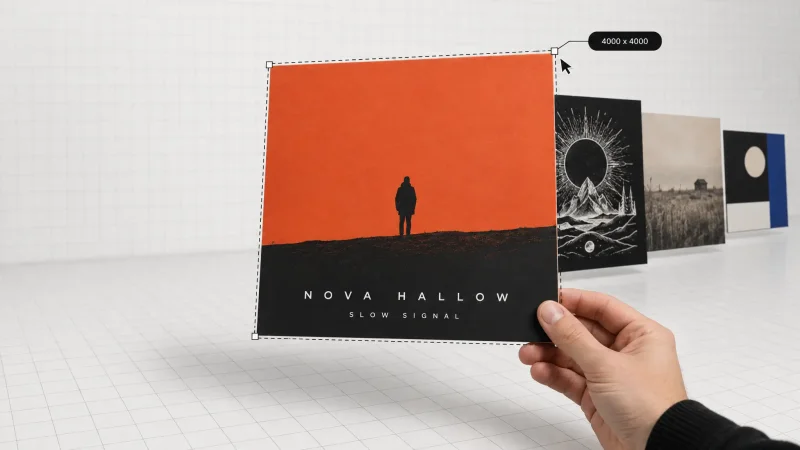
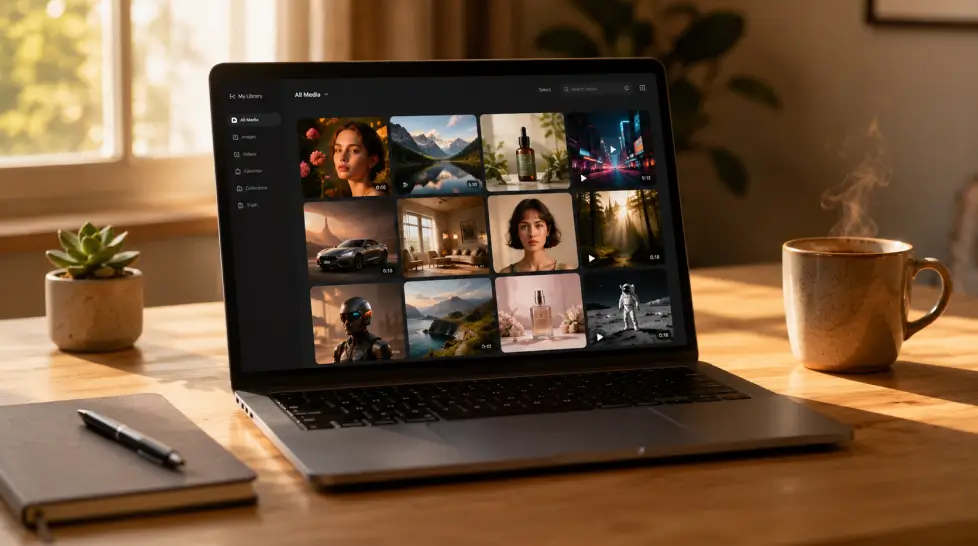
Most platforms pick one model and lock you in. MagicShot runs multiple top-tier models so you can switch based on what the job actually needs. Need photorealism? Use one. Need accurate text inside the image? Switch to another. Need editorial illustration? There's a model for that too. The AI image editing tools handle restyles, color swaps, and element changes without you needing to know layers or masks. Upload an image, describe what you want changed, get the output. The background remover, face enhancer, and image upscaler are all built in.The biggest advantage isn't any single feature. It's the fact that 56+ tools live under one login. No subscription juggling. No relearning five different UIs every week.
What it handles: Text-to-image, product photography, portrait generation, thumbnail creation, background removal, image upscaling, face enhancement, image editing, multiple views.
Models included: GPT Image 2.0, Nano Banana 2, Seedream 5 Lite, Imagen 4.
Free tier: Yes.
Paid: Starts at $9/month for the full suite.
Real use case: A skincare creator batching 30 product images in under an hour. Used to take a full day with a photographer.
4. Midjourney
Category: Image Generation
Midjourney is the benchmark for pure artistic image output and nothing has knocked it off that pedestal yet. If you're creating illustrated content, mood boards, campaign concepts, or anything that needs that editorial-art feel, the output quality is still hard to match.The workflow is Discord-based, which some people find annoying and others don't mind once they're used to it. What matters is what comes out the other end. And what comes out is consistently the most visually striking AI imagery available right now.
What it handles: Artistic image generation, concept art, editorial illustration, mood boards, campaign visuals.
Free tier: No longer available on standard plans.
Paid: Starts at $10/month.
Real use case: A lifestyle brand creating weekly campaign imagery without a creative director or a photo studio.
5. MagicShot Video Stack
Category: Video Creation
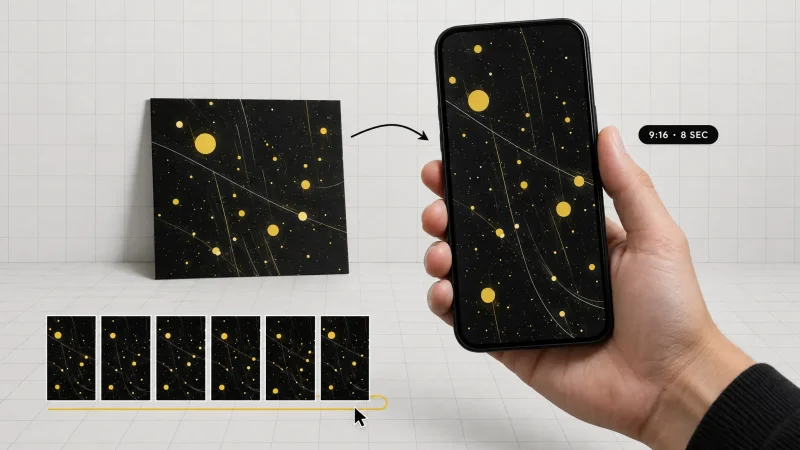
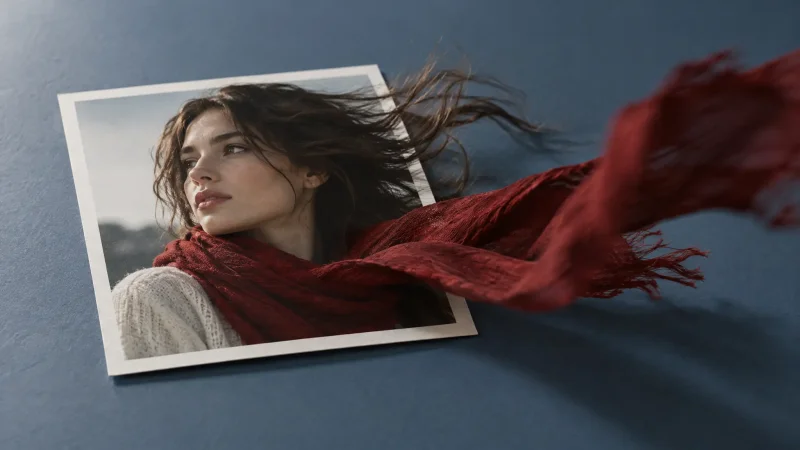
Same logic as the image side. Multiple models, one platform. MagicShot's video generator covers everything from cinematic text-to-video to product ads to viral short-form effects. You're not locked into one model's strengths and weaknesses. VEO 3.1 handles cinematic, photorealistic video. Kling Omni is strong on motion quality and character movement. Seedance 2.0 is the pick for short-form social content. Wan 2.6 is fast and handles stylized outputs well. Pick based on the job. Switch in two clicks.On top of generation, there are 28 viral video effects built in. Angel Wings, Mermaid, Hulk Effect and more. Product to Video lets you drop a product image and get a cinematic ad out the other side. Image to Video animates stills. The Video Sound Generator adds synchronized audio without a separate tool.
What it handles: Text-to-video, image-to-video, product video ads, viral social effects, AI avatar videos, video sound effects.
Models included: VEO 3.1, Kling Omni, Seedance 2.0, Wan 2.6. & many more
Free tier: Yes.
Paid: Included in the $9/month MagicShot subscription.
Real use case: A solo TikToker making 4 to 6 viral videos a week using the built-in effects. She films once. AI does the rest.
6. RunwayML
Category: Video Creation
RunwayML is the go-to when you need advanced editing controls on top of AI generation. It's stronger on the editing side, with tools like motion brush, background extension, and frame interpolation that give you precise control over what moves and what doesn't.Better for creators who need precision post-production on existing footage rather than generating from scratch. If you're a YouTube creator working with talking-head videos, brand interviews, or any scripted content, RunwayML handles cleanup, background work, and style transfers at a level most other tools don't touch.
What it handles: AI video editing, motion control, background extension, frame interpolation, style transfer, video-to-video generation.
Free tier: Limited free credits.
Paid: Starts at $15/month.
Real use case: A YouTube creator removing background distractions, extending the frame, and fixing lighting inconsistencies across a 12-minute video without hiring an editor.
7. MusicGPT
Category: Audio Production
MusicGPT is the easiest AI song maker for creators who need original background tracks without the copyright headache. Instead of spending an hour sifting through royalty-free libraries hoping something fits the mood, you describe the vibe you want, the tempo, the instrumentation, the energy level, and MusicGPT generates it.It's a genuinely easy way to generate songs that match your video content without touching a single instrument or paying a musician. Every track is original and royalty-free, which matters the moment you're monetizing on YouTube or running ads.
What it handles: Original music generation, background tracks, mood-matched audio, royalty-free soundtracks, AI song creation.
Free tier: Yes.
Paid: Starts at $11.99/month.
Real use case: A travel creator generating custom ambient tracks for every video instead of reusing the same five royalty-free loops everyone else uses.
8. ElevenLabs
Category: Audio Production
ElevenLabs for voice cloning that actually sounds like you, not a robot pretending. The voice models in 2026 have gotten to the point where most listeners genuinely can't tell. You clone your voice once, then generate narration, ads, or dubbed versions of your content in any language without recording again.It's become a standard part of the workflow for creators who repurpose content across markets, run faceless YouTube channels, or produce podcasts at volume. The output quality at the paid tiers is genuinely impressive.
What it handles: Voice cloning, text-to-speech narration, multilingual dubbing, AI voice characters, podcast audio.
Free tier: Yes, with watermarks and limited characters per month.
Paid: Starts at $5/month.
Real use case: A travel creator dubbing her English content into Spanish and Portuguese without re-recording a single word.
9. Movavi Video Editor
Category: Editing and Post-Production
As a beginner-specific desktop editor, Movavi Video Editor helps make awesome videos easily instead of navigating confusing menus.The one-click AI tools do the heavy lifting. Auto Subtitles instantly turn speech into on-screen text for your vlogs or tutorials. If you filmed outside, Noise Removal cleans up background sounds. A messy room in the background? Background Removal can clean that up. Need a label or arrow to follow a product, person, or moving object? That's where Motion Tracking helps.Movavi Video Editor is built for the kind of editing most people actually need. Upload the clips, trim, move scenes, add audio to video or some effects, and export. It works best for videos that don't need a heavy pro setup, such as a family trip, a vlog, a product demo, or a quick social post.
What it handles: Video trimming, auto subtitles, noise removal, background removal, motion tracking, color correction, export for social platforms.
Free tier: Free version available with watermark.
Paid: Starts at $22.98/year.
Real use case: A parent turning 40 minutes of raw family footage into a clean, captioned 3-minute video with background music in under an hour.
10. MagicShot Editing Suite
Category: Editing and Post-Production
Polish matters and it's where most creators lose time. MagicShot bundles the editing layer into the same platform as the generation tools. Background Remover, Image Upscale, Face Enhancer, Multiple Views. All there. No separate Topaz Labs or Remove.bg subscription needed.The Multiple Views feature is worth its own callout. Upload one product image. Get that product rendered from eight different angles. An Etsy seller going from one photo to a full listing without touching the actual product again is a real use case, not a demo.
What it handles: Background removal, image upscaling to 4K, face enhancement, multiple view generation, portrait series, fashion try-on.
Free tier: Yes.
Paid: Included in the $9.00/month MagicShot subscription.
Real use case: An Etsy seller turning one product photo into 8 different listing angles without ever touching the actual product again.
11. Lenso.ai
Category: Image Search and Visual Research
Creating images is only part of the job. Sometimes you need to know where an image came from, whether someone else is using your work, or where the same photo appears online. Lenso.ai is an AI-powered reverse image search tool built for that side of the workflow. Upload an image and it searches for matching or visually similar pictures across the web. You can use it to look for copies of your photos, graphics, product images, or other visual content and find the websites where they appear.
What it handles: Reverse image search, duplicate image detection, face search where available, image source research, similar image discovery, visual monitoring.
Free tier: Yes, searches are available for free.
Paid: Paid plans unlock additional results, image sources, advanced search and more.
Real use case: A photographer uploads one of their published images and finds copies appearing on other websites. Instead of manually searching Google, they can use Lenso.ai to find matching versions and trace the pages using them.
Free vs paid: what you actually get without spending
What you get free | What paid unlocks |
|---|---|
5-10 image generations/day | Unlimited or 1000+/month |
Watermarks on outputs | Clean, commercial-use files |
Slow queue times | Priority processing |
720p video at best | 4K video, full motion control |
Limited model access | All top models |
No commercial license | Full commercial rights |
MagicShot lands around $9/month for the full suite. Compare that to stacking 8 separate subscriptions and the math is embarrassing.
Side-by-side: top AI tools for content creators in 2026
Tool | Category | Best for | Starting price |
|---|---|---|---|
ChatGPT Plus | Writing | Scripts, ideas, structured content | $20/mo |
Jasper | Writing | Brand-consistent marketing content | $39/mo |
MagicShot | Image, Video, Editing | All-in-one creative platform | $9/mo |
Midjourney | Image | Artistic, editorial image quality | $10/mo |
RunwayML | Video | Advanced video editing with AI | $15/mo |
ElevenLabs | Audio | Voice cloning and narration | $5/mo |
MusicGPT | Audio | Original royalty-free music | $11.99/mo |
Movavi Video Editor | Editing | Beginner desktop video editing | $22.98/year |
Lenso.ai | Image Search and Visual Research | Photographer | $19.99/mo |