
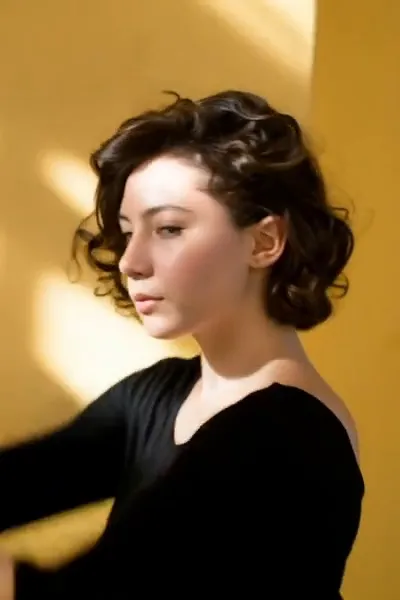
What the Mermaid video effect does
Upload a clip and the Mermaid video effect sinks the whole shot underwater. Your legs fuse into a scaled tail that flexes as you move, your hair floats up instead of down, caustic light ripples across your skin, and bubbles trail off toward the surface. The color grade shifts blue-green with depth, so the finished clip reads as one continuous underwater take rather than a body swapped onto a background.
The kind of footage it likes
Feed the AI mermaid generator a steady clip where your body is easy to read: full-body or waist-up, one person in frame, decent light, and slow movement. A twirl, a walk that turns into a glide, a hair flip, a simple pose held for a few seconds. Busy backgrounds and fast, blurry motion give the tail less to hold onto. Shoot against a wall, a pool edge, a plain sky, then let the effect do the water.
Why people run it
An underwater shoot means a tank rental, an underwater housing, a silicone tail, and a photographer who can hold their breath. This is a phone clip and a few minutes. It's a favorite for TikTok transitions, Reels hooks, birthday and costume posts, and Halloween content where the reveal has to land in the first two seconds. The Mermaid effect lives in the video effects library inside the MagicShot app, on a paid plan, next to the rest of the transformation set.




