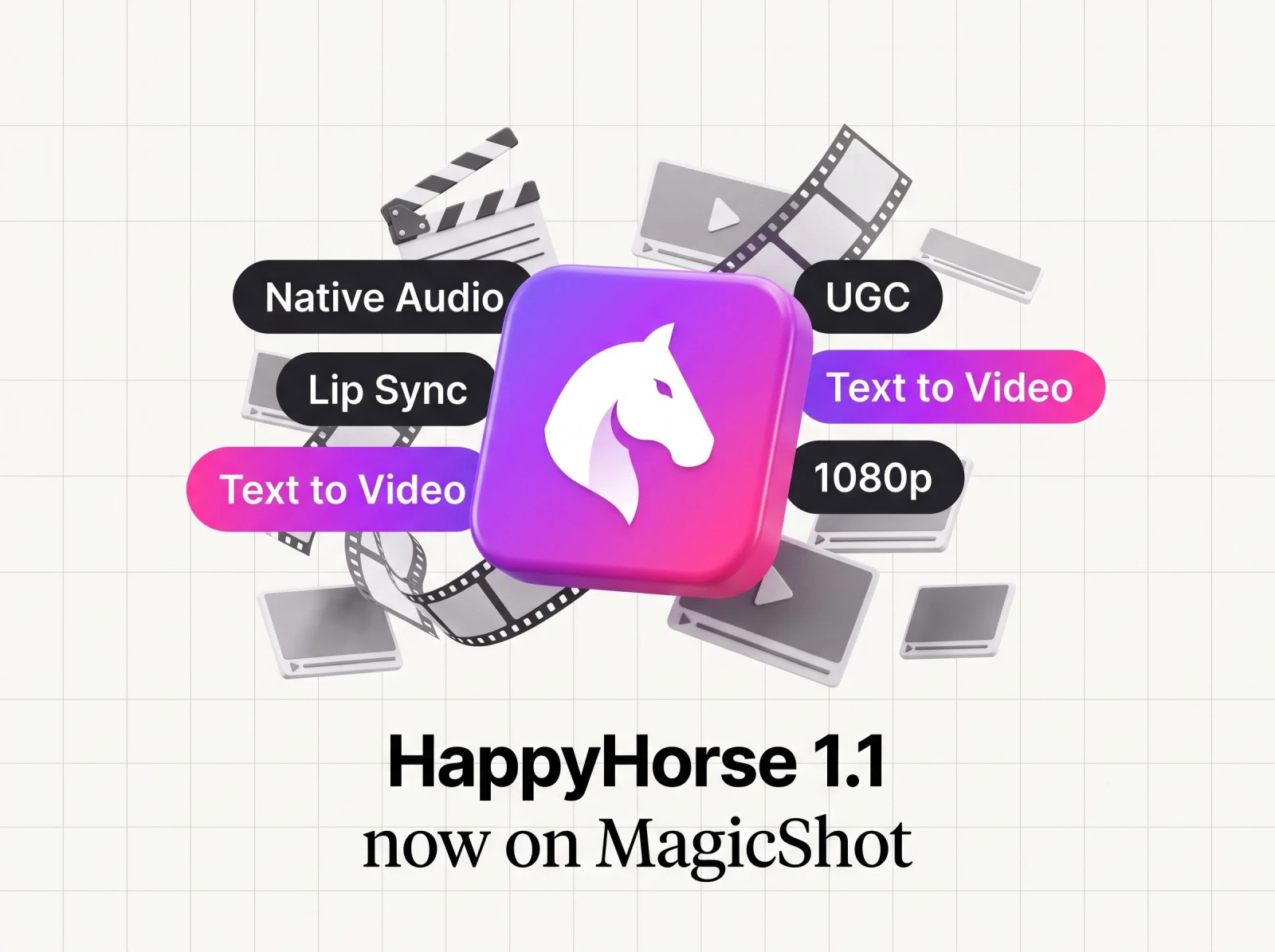
MagicShot has added Happy Horse 1.1, Alibaba's top-ranked video model, to its text-to-video lineup. The headline for anyone who makes video for a living: Happy Horse 1.1 builds a complete 1080p scene from a written prompt alone, with synchronized native audio and multilingual lip-sync, so a talking-head clip no longer needs an actor, a mic, or a second pass to match sound to picture.
The model is a text-to-video endpoint. You describe the scene, the camera move, the dialogue, and the ambience in one prompt, and Happy Horse 1.1 renders the picture and the sound together. That means ambient noise, effects, and spoken lines arrive in the same clip, with mouth movement matched to speech. No input image is required, though the model will accept an optional first-frame still if you want to drive motion from a photo you already have.
What Happy Horse 1.1 does
Happy Horse 1.1 is a text-to-video generator that outputs cinematic clips at 720p or 1080p, running 3 to 15 seconds. The distinguishing feature is native audio: instead of generating silent footage you have to score and dub later, the model writes speech and sound alongside the frames. Type a spoken line into the prompt and the model renders it as dialogue, with lip movement synced to the words.
That lip-sync is multilingual. Alibaba's model handles English, French, Spanish, Turkish, Japanese, and more, so a single prompt can produce a presenter speaking in the language your audience actually uses. For anyone who has ever paid for a voice actor, a reshoot, or a separate captioning pass, that combination is the point.
The specs
Resolution: 1080p or 720p output.
Duration: 3 to 15 seconds per clip.
Aspect ratios: 16:9, 9:16, 1:1, 4:3, and 3:4, plus 21:9, 9:21, 5:4, and 4:5. That covers a widescreen YouTube cut, a vertical Reel or TikTok, a square feed post, and a cinematic 21:9 letterbox from the same model.
Native audio: ambient sound, effects, and spoken dialogue are generated with the picture, not added after.
Multilingual lip-sync: mouth movement stays matched to speech across dozens of languages.
Optional first-frame image: start from text alone, or feed a still to drive motion from an existing shot.
Why the text-to-video model matters for creators
The old way to shoot a spokesperson clip: book talent, rent a room, capture clean audio, then edit sound to match lips in post. Happy Horse 1.1 collapses that into a prompt. Write who is speaking, what they say, and how the camera behaves, and the model returns a finished talking-head take with audio already in sync.
The cinematic side is just as practical. The model responds to shot direction like camera moves, shallow depth of field, and film grain, so you can build shot-by-shot sequences rather than one static clip. That makes it a fit for social ads, game cinematics, product demos, and broadcast-style talking heads. If you already work with our text to video tools, Happy Horse 1.1 slots in as the option to reach for when you need dialogue and sound baked into the output.
Where each output format fits
The nine aspect ratios are not a spec-sheet flourish. A 9:16 vertical clip drops straight into TikTok, Instagram Reels, and YouTube Shorts. A 16:9 cut works for a YouTube pre-roll or a landing-page hero. Square 1:1 suits an in-feed ad, and 21:9 gives a game cinematic or a trailer its widescreen frame. One model, one prompt, and you can request the exact ratio the placement needs instead of cropping a compromise.
How to use Happy Horse 1.1 on MagicShot
The workflow is short because the model does the heavy lifting. Three steps get you a finished clip:
Write the prompt. Describe the scene, the camera movement, the ambience, and any spoken lines. If you want a presenter to talk, put the dialogue in the prompt exactly as it should be spoken.
Set the output. Choose 720p or 1080p, pick a duration between 3 and 15 seconds, and select the aspect ratio for where the clip will live. Add an optional first-frame image if you want motion to start from a still.
Generate. The model renders picture and sound together, with lip-sync matched to the language you wrote in.
Prompting for talking-head clips
For a spokesperson, anchor, or instructor scene, name the speaker, the setting, and the exact words. Because audio is native, you do not script a separate voiceover. Write the line once in the prompt and the model speaks it. If you need a standalone voice track for another project, our text to speech tool covers that job separately.
Prompting for cinematic sequences
For film-style shots, lean into direction. Call out the camera move (a slow push-in, a pan, a handheld tilt), the lens feel (shallow depth of field), and the grade (film grain). Happy Horse 1.1 reads that language and builds the shot around it, which is what makes shot-by-shot cinematics workable from text.
Where Happy Horse 1.1 sits in MagicShot's video lineup
MagicShot runs a range of video endpoints for different jobs. Happy Horse 1.1 is the one to use when dialogue and synced sound have to come out of the box. When you want to start from a photograph and add motion, our image to video tool is built for that path, and Happy Horse 1.1's optional first-frame input covers the same starting point inside a single generation. For creator-style ad content, the UGC video generator is tuned to that format.
The short version: Happy Horse 1.1 earns its place because it removes two costs at once, the voice actor and the sound-sync edit, and it does it for talking heads and cinematic shots alike. For a small team shipping social ads on a deadline, that is time and money back.
The takeaway
Happy Horse 1.1 brings Alibaba's top-ranked video model to MagicShot as a text-to-video endpoint that generates 1080p clips with native audio and multilingual lip-sync from a prompt alone. It covers nine aspect ratios, runs 3 to 15 seconds, and handles both cinematic sequences and spokesperson clips. Write the scene, write the dialogue, pick the format, and get a finished clip with sound already in sync.