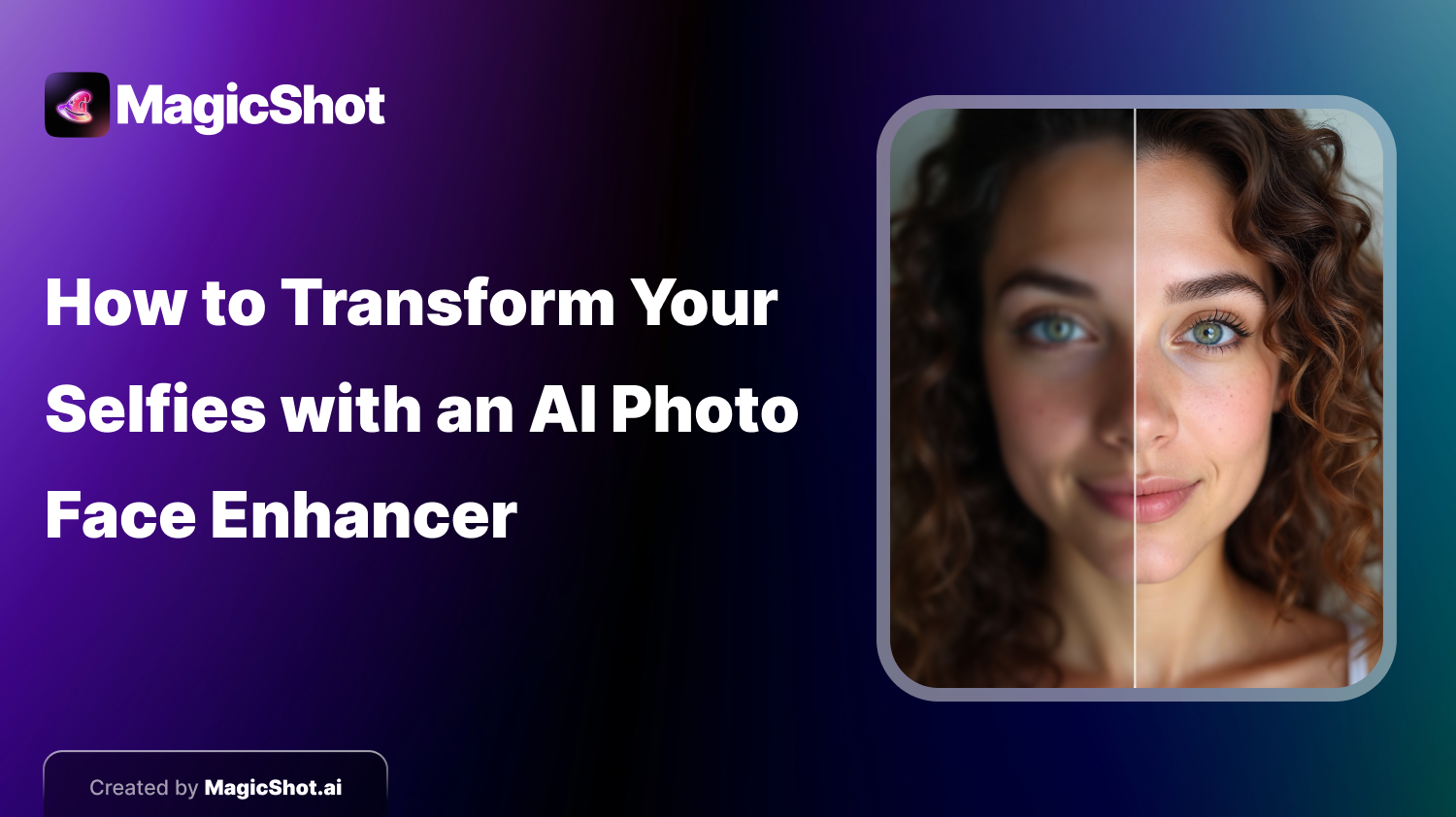
What Is an AI Photo Face Enhancer?
AI photo face enhancers are AI-powered tools that improve photo quality by focusing on the face. They enhance skin tone, texture, lighting, and facial features to create polished images. Unlike traditional editing software that requires manual adjustments and technical skills, AI enhancers use algorithms to automatically detect and correct imperfections like blemishes or uneven lighting in seconds, delivering professional results without effort.Why Use an AI Photo Face Enhancer for Your Selfies?
Selfies have become more than just casual pictures. They’re often used for professional reasons, whether on social media, for online dating, or job profiles. Having a polished selfie can really change how you’re seen by others. Using an AI photo face enhancer ensures your photos always look their best, quickly and easily. AI tools can perfect your selfies without needing you to learn complex editing software like Photoshop. The AI takes care of everything, from smoothing your skin to adjusting the lighting in your image. You don’t have to spend hours making adjustments. With AI, you can get excellent results in just a few seconds. This is ideal for those who want their selfies to look great without losing time or sacrificing quality. Another key benefit of using AI enhancers is consistency. These tools ensure your selfies are always polished, professional, and clean. You won’t have to worry about some photos turning out better than others. And best of all, AI-enhanced selfies look natural. Unlike manual editing that sometimes makes pictures look too retouched, AI focuses on subtle adjustments. Tools like MagicShot.ai enhance your selfies while keeping your face looking real and natural.How AI Face Enhancers Work
AI photo face enhancers work by analyzing your image and identifying key facial features like the eyes, nose, mouth, and skin texture. The software then improves the photo using algorithms designed for enhancement. Common enhancements include skin smoothing, where blemishes and wrinkles are minimized for a more even complexion. AI also adjusts lighting to brighten dark areas and balance the image. It can subtly fix facial symmetry, making your selfies look more balanced. Eye and teeth whitening is another popular feature, giving your face a brighter look. Some tools even offer makeup applications or hair retouching for a polished finish.How to Transform Your Selfies with MagicShot.ai
When it comes to AI photo face enhancers, MagicShot.ai offers some of the most advanced features available. Its user-friendly interface and powerful algorithms make it easy for anyone to transform their selfies with just a few clicks. Here’s how you can enhance your selfies using MagicShot.ai:Step 1: Upload Your Selfie
The first step is to upload your selfie to MagicShot.ai. The tool accepts various image formats, so you don’t have to worry about compatibility. Simply drag and drop your photo into the platform, and the AI will begin analyzing the image.Step 2: Choose Your Enhancements
Once your photo is uploaded, It will present you with several enhancement options. These might include skin smoothing, lighting adjustments, and facial symmetry corrections. You can choose to apply all the enhancements or customize the edits based on your preferences.Step 3: Review and Fine-Tune
After the AI has processed your image, you’ll get a preview of the enhanced selfie. You can make additional manual adjustments if needed, or simply approve the AI’s edits if you’re satisfied with the results.Step 4: Download and Share
Once you’re happy with the final image, you can download it in high resolution. From here, it’s easy to share your enhanced selfie on social media or use it for a profile picture. It ensures that the final image looks sharp and professional, whether viewed on a small mobile screen or a larger desktop display.Tips for Getting the Best Results with AI Photo Enhancers
While AI photo face enhancers can do wonders for your selfies, there are a few things you can do to ensure the best results:- Start with Good Lighting: Although AI tools like MagicShot.ai can improve lighting, starting with a well-lit photo can make a big difference in the final result. Natural light is often the best option for selfies, as it reduces harsh shadows and creates a softer look.
- Use a High-Quality Camera: While AI can enhance your selfies, starting with a high-resolution image will give the tool more data to work with, leading to better results. Most smartphones today have excellent cameras, so take advantage of their capabilities.
- Keep It Natural: AI tools are designed to make subtle, natural enhancements. Avoid over-editing by sticking to minimal changes. Remember, the goal is to look like the best version of yourself, not a completely different person.
- Experiment with Different Styles: Some AI photo enhancers, like MagicShot.ai, offer different editing styles. Don’t be afraid to experiment with them to see which one works best for your selfie.
The Future of Selfie Editing: Why AI Is Changing the Game
AI is revolutionizing the world of photo editing, particularly when it comes to selfies. These advancements mean that professional-quality photo editing is no longer reserved for those with technical skills or access to expensive software. With AI, anyone can enhance their selfies with ease. As AI technology continues to improve, we can expect even more sophisticated tools that can automatically detect and enhance specific facial features, apply more nuanced adjustments, and even suggest creative edits tailored to your personal style. It is already leading the way by providing a range of customizable features that make editing your selfies quick, easy, and fun. What’s more, AI photo face enhancers are becoming smarter with every update, learning from user preferences and image trends. This means that the more you use tools like MagicShot.ai, the better they become at understanding your unique style and preferences, delivering edits that feel personalized to you.Conclusion
Not happy with your selfies? AI can fix that! Special tools can smooth your skin, adjust lighting, and enhance your features in seconds. Get stunning, natural-looking selfies with minimal effort, perfect for social media or anywhere you share photos online. These AI editors are easy to use, so you don’t need to be a photo editing whiz. Try MagicShot.ai and see how AI can take your selfies to the next level!
Try Countless AI Image, Video, and Audio features on MagicShot.ai
Generate realistic photos of anything. Imagine, describe and create those images within seconds. Enhance your existing photos with our advanced AI engine.
Download App Now