
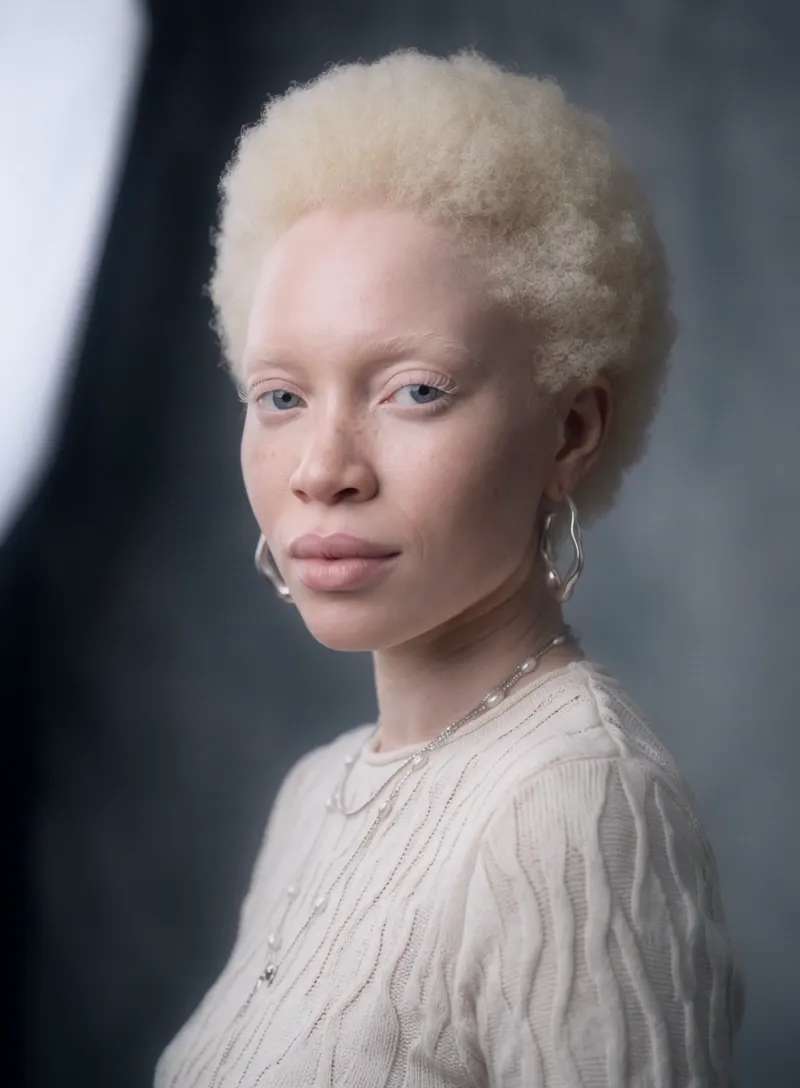
What the Runway Turn video effect does
The Runway Turn video effect takes a short clip you upload and rebuilds it as a catwalk moment: the stride toward camera, the pause, the pivot, the exit. MagicShot handles the movement, the posture and the framing, so a five-second clip of you standing in your hallway comes back looking like it was shot at the end of a runway with photographers on both sides. No crew, no fashion week ticket, no reshoot in better clothes.
The kind of clip that works best
- Full body or three-quarter framing. The walk and the turn need room, so give the camera your whole outfit rather than a tight head-and-shoulders shot.
- A steady phone on a tripod or propped against something. Locked-off footage gives the AI runway turn generator a clean base to build the motion from.
- Even light and a plain-ish background. A wall, a doorway, a blank studio corner. Busy rooms fight the effect.
- One clear subject. Solo clips read best, since the turn is built around a single person owning the frame.
What creators do with it
This is the effect for outfit reveals, thrift hauls, hair transformations, capsule-collection drops and "getting ready" posts on TikTok and Reels. Stylists use it to make a lookbook feel like it moves. Small clothing sellers use it to show how a piece falls without booking a model. Anyone with a good outfit and no photographer uses it because a still photo cannot show a hemline swinging. Runway Turn lives inside the MagicShot app on a paid plan, next to the rest of the AI video effects, so you can run an outfit through several looks in one session and post the one that hits.



