
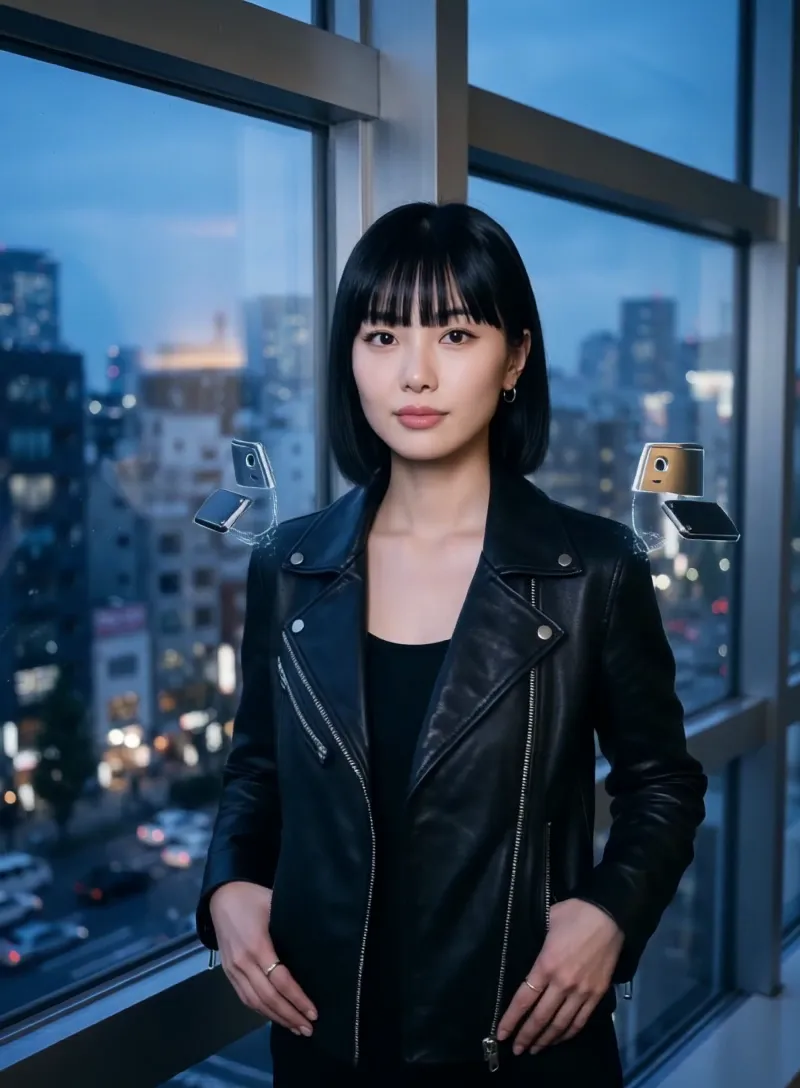
What the Exo Armor video effect does
The Exo Armor video effect turns a plain phone clip into a mech suit reveal. Upload a few seconds of footage, and MagicShot builds armor onto the subject: chest plating, shoulder guards, articulated joints, glowing accents along the seams. The armor follows the body as it moves, so a shrug or a step forward reads like servo motors kicking in. No VFX artist, no 3D rig, no costume rental.
The source clips that work best
The AI Exo Armor generator has the most to grab onto when the body is clearly visible and the motion is deliberate. Think of it as giving the armor something to wrap.
- Half or full body in frame, so the plating has shoulders, arms, and a torso to build across.
- Slow, confident motion: a turn toward camera, a walk-in, arms lifting out to the sides.
- Clean separation from the background, since a busy wall behind you makes the armor edge harder to read.
- Even lighting, which helps the metallic panels and glow lines land instead of muddying together.
- Three to ten seconds, long enough for the reveal to hit before the loop restarts.
What you walk away with
A short, shareable clip where you are the one in the suit. Creators use it for TikTok transitions, Reels intros, gaming channel openers, cosplay teasers, and anime-style edits where the character armors up before the drop. It sits alongside the rest of the AI video effects inside the MagicShot app on a paid plan, so you can run the same clip through more than one look and keep whichever one lands.
Point the camera at yourself, keep it steady, and let the armor do the rest.



