
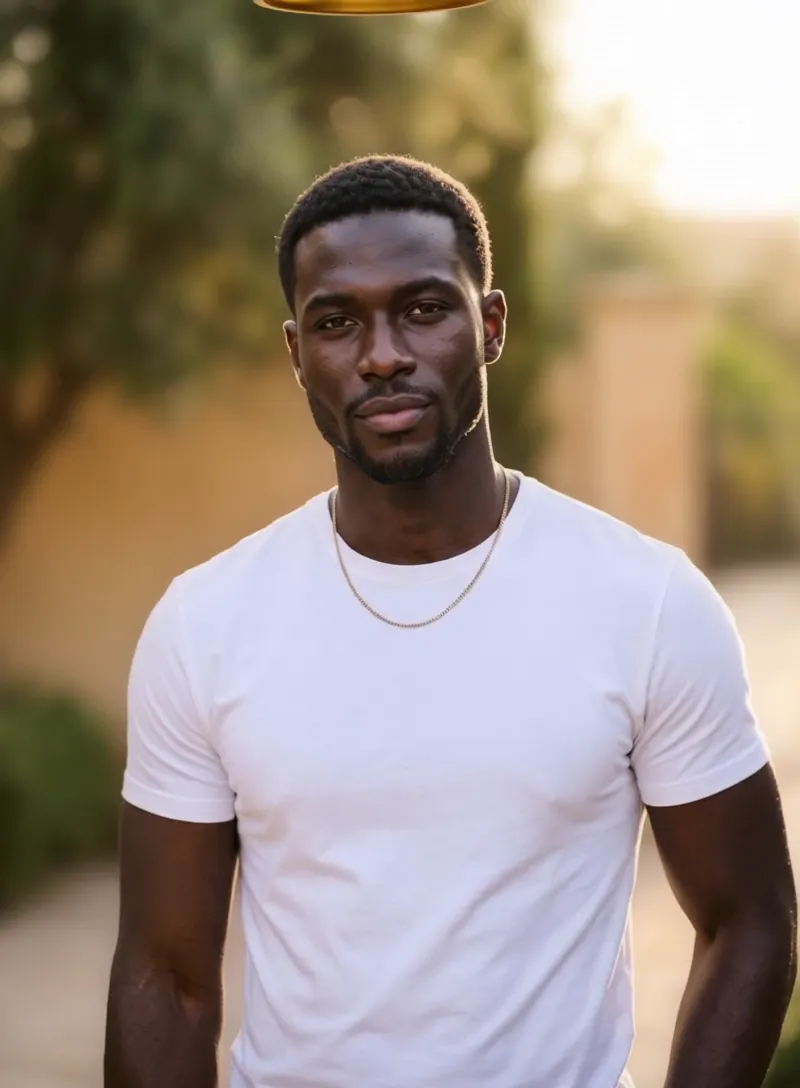
What the Crown Moment video effect does
The Crown Moment video effect takes a clip you already shot and gives your subject a crown. AI tracks the head through the frame, brings the crown down into place, adds the light bloom around it and keeps it locked there as the person moves, turns or laughs. No prop crown from a costume shop, no VFX artist, no evening lost to keyframing in After Effects. You upload the clip, the crown arrives.
The clips it flatters most
This one rewards footage with room above the head and a face you can actually see. A few that land well:
- A slow turn toward camera, so the crown lands right as the eyes hit the lens.
- Graduation, birthday and engagement clips, where the moment already feels like a win.
- Get-ready-with-me and outfit reveals, with the crown as the punchline at the end.
- Pet clips, because a cat that accepts a crown is a guaranteed repost.
- Team and group shots, if you want one obvious main character.
What you walk away with
A short vertical-ready clip where the crown reads as part of the shot instead of a sticker slapped on top. Creators use it as the hook in the first two seconds of a TikTok, the payoff frame of a Reel, or a birthday post that gets more replies than a plain video would. The AI crown video effect generator lives inside the MagicShot app alongside the rest of the video effects library, available on a paid plan, so you can run a clip through it and try a second take without booking anything or hiring anyone.
Best result comes from one clear subject, steady framing and headroom. Crowded frames confuse the crown.



