Instagram is harder than it was two years ago. Reach is down. Algorithm shifts every other month. And every single creator you follow is posting more, not less. So how are they doing it?
AI. Mostly. The honest creators will tell you.
The thing is, not all AI tools are worth your time. Some are slow. Some give you weird six-finger hands. Some cost $40 a month and do one thing badly. This post breaks down the AI tools that actually move the needle for Instagram creators in 2026 — based on what works, what doesn't, and what I've burned hours testing.
Let's get into it.
What kind of content actually performs on Instagram right now
Before you pick a tool, you need to know what you're feeding it. Because the wrong content in the wrong format dies fast, no matter how clean the AI render looks.
Here's the data that matters. Reels achieve an average reach rate of 30.81%, and the average engagement rate for Reels is 1.23%, which is higher than for photos (0.70%) and carousels (0.99%). Reels are eating the platform. Instagram Reels reach over 2 billion monthly users, command a 30.81% average reach rate, and account for 50% of time spent on Instagram, with over half of all Instagram ads now running in Reels.
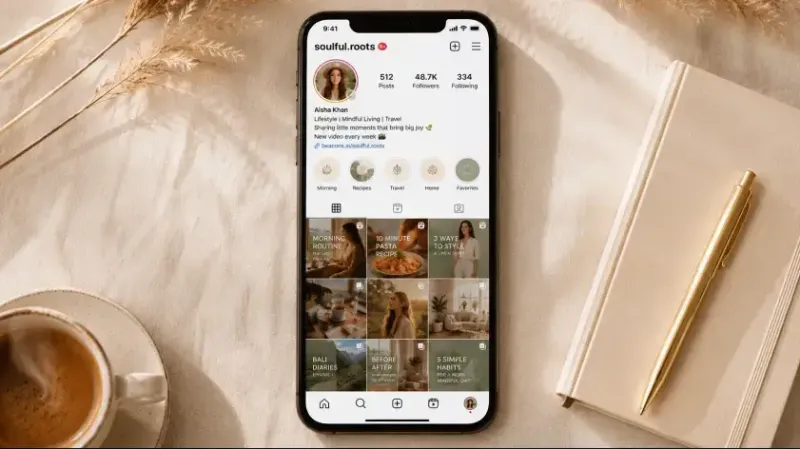
But raw reach isn't everything. Carousels still outperform single photos on saves. Stories drive DMs. Photos build the aesthetic of your grid — which is what people see when they land on your profile and decide if they're staying.
So the smart move? Not Reels-only. Not photos-only. A mix.
Niche matters too. Entertainment and comedy Reels see the highest engagement rates, often 7% to 12%. Educational and how-to content averages 3% to 6%. Fashion and lifestyle Reels average 2% to 4%. Know your number before you measure yourself against someone else's.
Here's what's working in 2026:
Lifestyle photos with story — not just pretty, but pretty with context. A coffee shot with a caption about your morning. A travel photo with a real opinion.
Reels under 15 seconds — hook in the first second. No intro. No "hey guys."
Carousels that teach something — 7-10 slides. Slide one is a hook. Slide ten is a save trigger.
Stories with polls, sliders, and questions — interaction beats broadcast.
Behind-the-scenes vertical photos — raw, real, slightly imperfect.
Now the tools.
The best AI tools for Instagram creators in 2026
I'm splitting these by use case. Because nobody needs ten tools that do the same thing. You need the right tool for each kind of post.
For lifestyle photos and feed aesthetic
This is where most creators waste the most time. Coffee shots. Outfit shots. "Caught candid" shots that took 47 minutes to set up. AI fixes this.
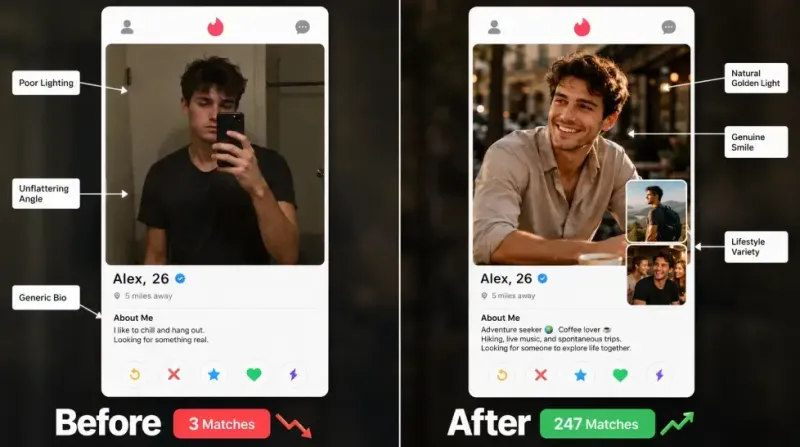
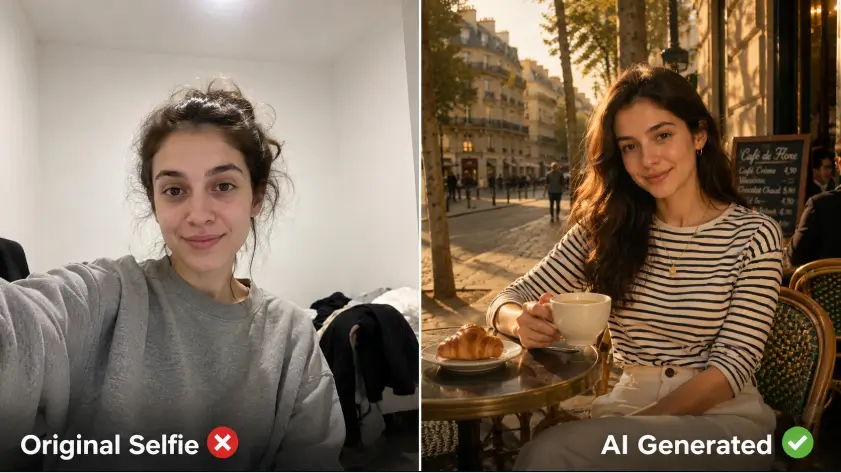
MagicShot's AI Instagram Lifestyle tool generates aspirational lifestyle photos of you in locations you've never been, wearing outfits you don't own, doing things you weren't doing. Sounds dishonest? It's not — it's just stock photography for your own face. Brands have done this forever. Now creators can too.
You upload a few selfies. Pick a vibe. Done. The output is usable across feed and grid.
For model shots and fashion content
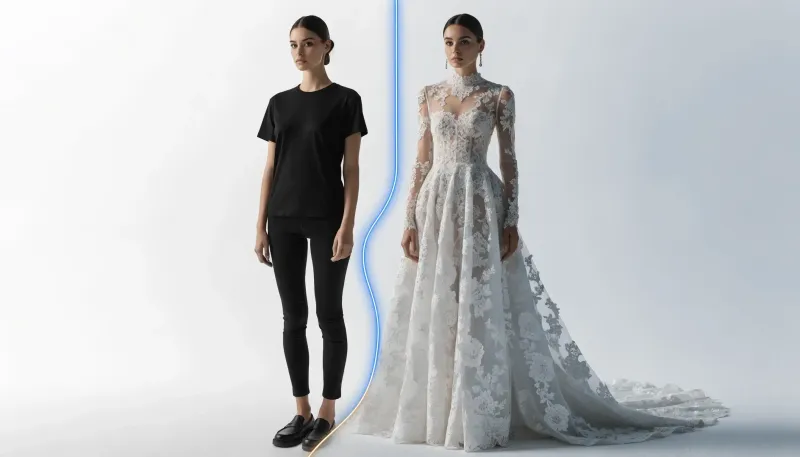
If you sell anything — clothes, beauty, fitness programs — model shots matter. A studio shoot runs $500-2000 per session. AI Model Shoot drops that to roughly the cost of a coffee.
It generates editorial-quality fashion photos from your selfies. Multiple outfits. Multiple settings. One face. Consistent. And the consistency part is what used to break AI tools — different render, different face, every time. Not anymore.
The full breakdown of how influencers use AI Model Shoot gets into the actual workflow. Worth a read if fashion is your niche.
For Reels and short-form video
Reels are where the reach lives. Reels generate 200+ billion plays per day. That's the prize. But making them is the problem.
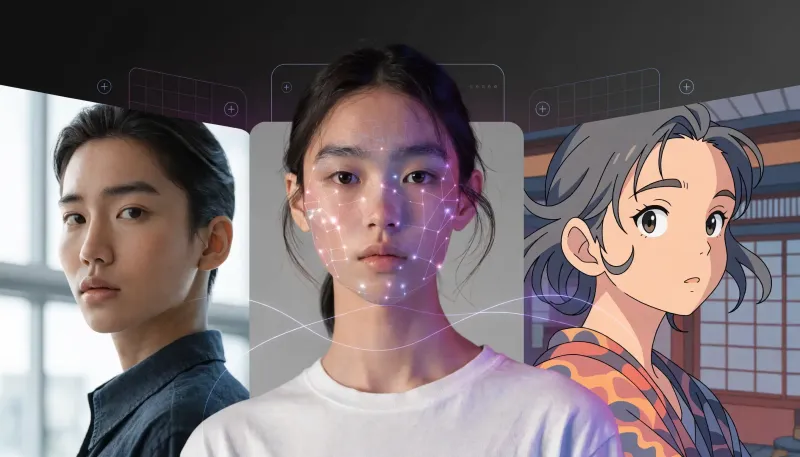
You don't always have time to film. You don't always have something visually interesting in your real life. So AI fills the gap. Image-to-video, text-to-video, and viral effect tools turn a still photo into a 5-second clip that performs.
I'd point you to the guide on turning photos into viral videos with AI effects here. It walks through 28+ effects that work specifically on Instagram and TikTok formats.
The key models worth knowing: VEO 3.1 for cinematic quality. Seedance 2.0 for motion realism. Kling Omni for speed. You probably won't use all three. You'll pick one and stick with it.
For Stories
Stories are underrated. Most creators throw together a screenshot with a doodle and call it done. That's a missed opportunity — Stories drive more DMs than feed posts in most niches.
The Instagram Story Maker generates 9:16 graphics that don't look like everyone else's. Backgrounds, layouts, text overlays — all formatted correctly for the vertical canvas without needing to crop or resize.
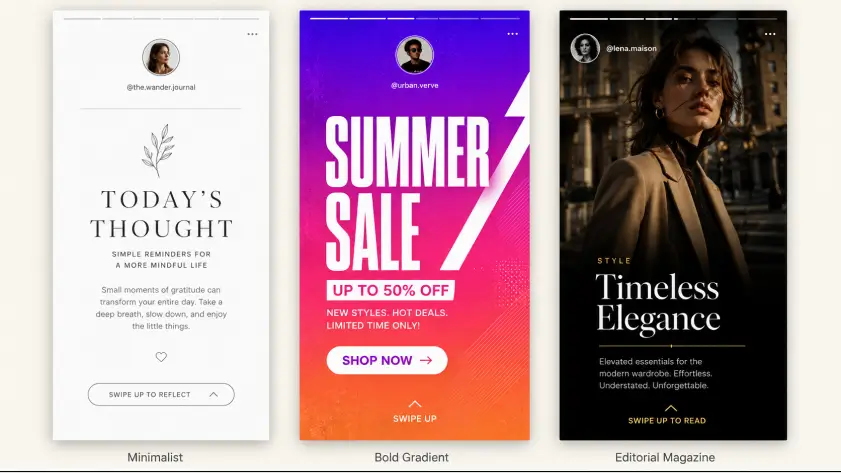
And honestly? Templates are great. But the AI version lets you keep your brand consistent without copying the same five Canva templates everyone else is using.
For carousels
Carousels are the dark horse of 2026. Saves are king. Algorithms reward saves more than likes. And carousels get saved more than any other format.
For carousel content, you want consistent design across 7-10 slides. AI image generators with strong text rendering — like Ideogram or GPT Image 2.0 — handle this well. Type each slide's content, apply the same visual style, export. Twenty minutes of work that used to take two hours in Photoshop.
Actually, scratch that — it used to take longer if you weren't a designer. Now it doesn't matter if you are or aren't.
Why MagicShot beats the multi-tool stack
Here's the thing. Most creators run a frankenstein setup. Midjourney for photos. RunwayML for video. Canva for Stories. ChatGPT for captions. CapCut for editing. Five logins. Five subscriptions. Five learning curves.
It's exhausting. Worse — the styles don't match. Your AI photos look one way, your video looks another way, your Stories look like a different brand entirely.
MagicShot puts 56+ features under one subscription — that's not me being dramatic, that's the actual count. Lifestyle photos. Model shoots. Story Maker. Reels generator. Carousel design. Image-to-video. All inside one tab.
One login. One style. One bill.
That's the part nobody talks about. The mental cost of switching tools. Every time you open a new tab, you lose creative momentum. By the time you've logged into your fifth tool, you've forgotten what you were trying to make.
For a wider walkthrough of every tool inside the platform, the full MagicShot content creation guide covers everything in one place.
How to batch a full week of Instagram content in 2 hours
This is the workflow I've been using. It's not magic. It's just intentional.
Set aside one block — Sunday afternoon works for most people. Two hours. Phone on silent. One cup of coffee, maybe two.
Step 1: Plan your week (15 minutes)
Write down seven post ideas. Just rough concepts. Not captions. Not visuals. Just ideas like "morning routine," "product launch teaser," "behind-the-scenes," "client testimonial," "quick tip," "weekend mood," "week recap."
Assign each to a format. Two Reels. Three photos. One carousel. One Story set.
Step 2: Generate your photos (30 minutes)
Open the lifestyle photo tool. Run three to five variations per concept. Pick the best one of each. Save them to a single folder.
This is where AI saves the most time. Real photo shoots are gone. You're done before you'd have finished commuting to a studio.
Step 3: Build your Reels (30 minutes)
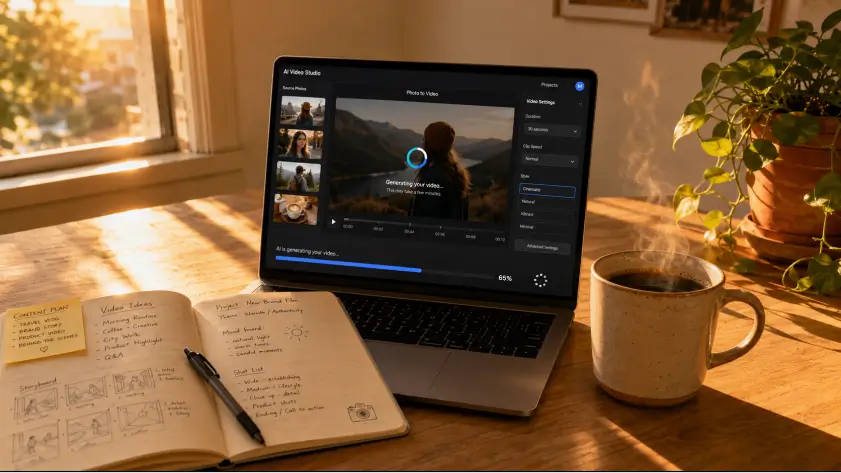
Take your best photos. Run them through image-to-video. Pick a viral effect for one. Add subtitles auto-generated. Export at 9:16.
Two Reels. Twenty-five minutes. Done.
Step 4: Design your carousel (20 minutes)
Open the carousel tool. Type your hook into slide one. Type your points into slides two through nine. Slide ten gets a CTA.
Apply one visual style across all slides. Export as PNG.
Step 5: Stories (15 minutes)
Use Story Maker to crank out backgrounds for each day of the week. Save them as drafts. Then mid-week, you just open one and add your real-time content over the top.
Step 6: Caption and schedule (10 minutes)
Drop your visuals into your scheduler. Add captions. Add hashtags. Pick post times.
Two hours. Done. Seven posts ready. You can now ignore Instagram all week and still grow.
The first time you try this, it'll take three hours. Maybe four. By week three, it's two. By week six, you'll wonder why you ever filmed a coffee cup with a tripod.
Comparison table: AI Instagram tools worth your money in 2026
Tool | Best for | Price range | Weakness |
|---|---|---|---|
MagicShot | All-in-one creator stack — photos, Reels, Stories, model shots | $9/mo | Newer to the scene than Canva |
Midjourney | Artistic photo generation | $10-60/mo | Discord-only, no video, no Stories |
Canva AI | Templates and basic graphics | $15/mo | Limited AI video, weak photo realism |
RunwayML | AI video generation | $15-95/mo | Steep learning curve, no Story tools |
Adobe Firefly | Photoshop integration | $23/mo (with CC) | Best inside Adobe ecosystem only |
Picsart | Mobile editing and quick filters | $13/mo | Not built for serious creators |
The honest take? If you're already deep in Adobe, Firefly works. If you live in Discord, Midjourney is fine. Everyone else — and especially anyone who wants photos AND video AND Stories from one place — should test MagicShot first. The free trial is real. No credit card upfront.
What AI still can't do for Instagram
I'd be lying if I said AI replaces everything. It doesn't.
AI can't write your voice. It can draft captions, but the captions sound like a robot trying to sound human. Edit them. Always.
AI can't fake authenticity in talking-head Reels. You still need to show up on camera sometimes. Audiences smell it when you don't.
AI can't replace real moments. Your kid's first steps. Your wedding. Your client's reaction the moment they opened the box. Don't AI-generate that stuff. People can tell. And it cheapens the moments that actually matter.
So. Use AI for the volume. Use yourself for the soul.
Free AI tools for Instagram creators worth trying
Before you pay for anything, test the free stuff. Most paid tools have free trials that are enough for a few weeks of content.
MagicShot — full access to 56+ features.
Canva free plan — limited but workable for Stories and basic carousels.
Bing Image Creator — free DALL-E access, fine for one-off images.
CapCut — free video editing with built-in AI features.
Adobe Express free — basic Firefly access.
The free tier trap is real though. You'll spend three weeks fighting watermarks and credit limits before realizing you should've just paid $29 for the thing that works. Don't be that person.
The wrap
Instagram in 2026 rewards volume and consistency, not perfection. AI lets you have both without burning out. Pick two or three tools. Stop chasing every new launch. Batch your content. Show up.
And remember — the tool isn't the strategy. The tool is just the brush. You still have to know what you're painting.
If you want to test the simplest version of this stack, the Instagram Story Maker is a fast first stop. Make a Story in five minutes. See if the output feels right. Then expand from there.
Now go batch your week.