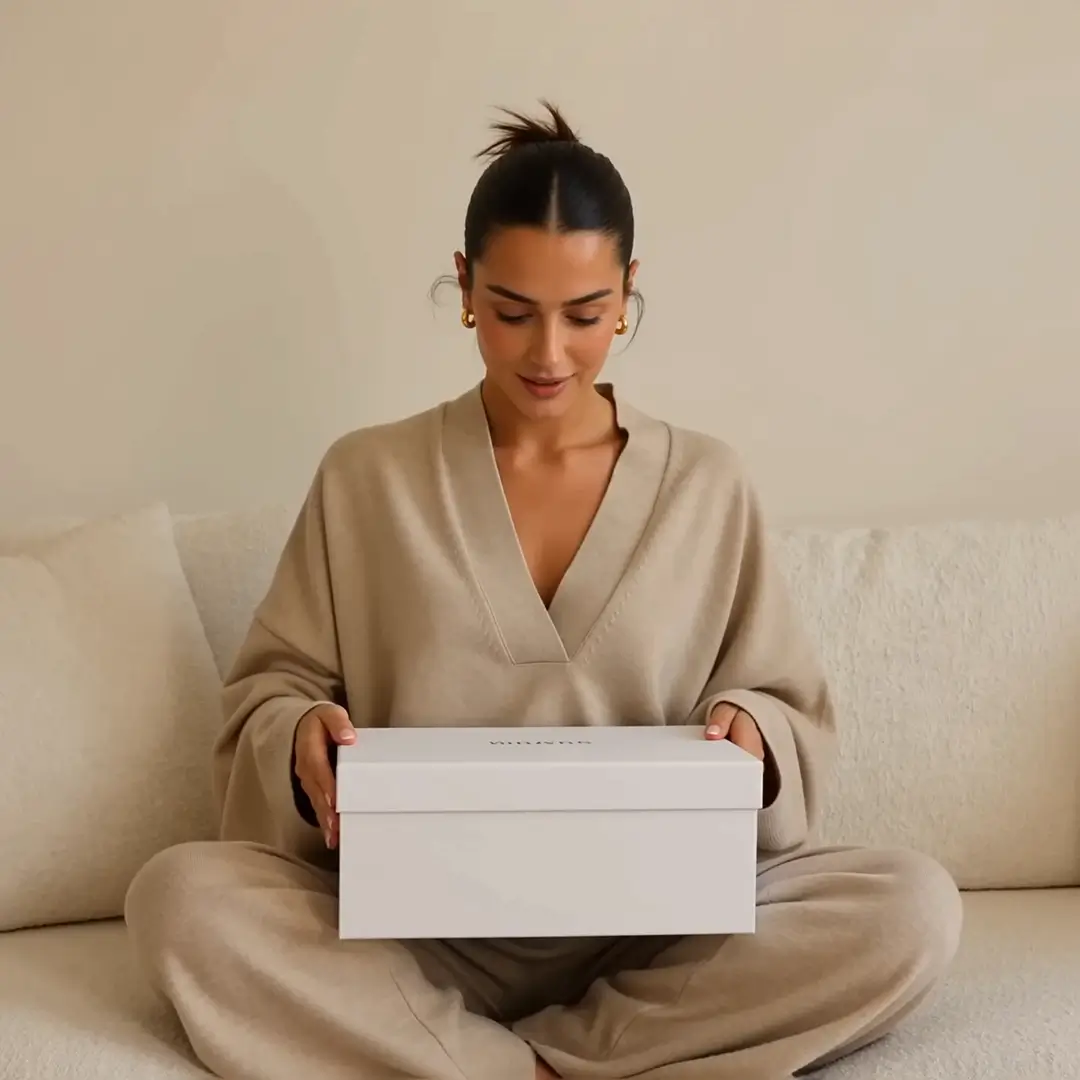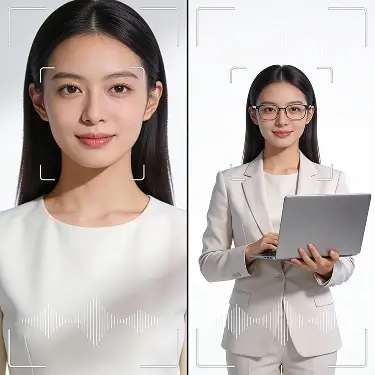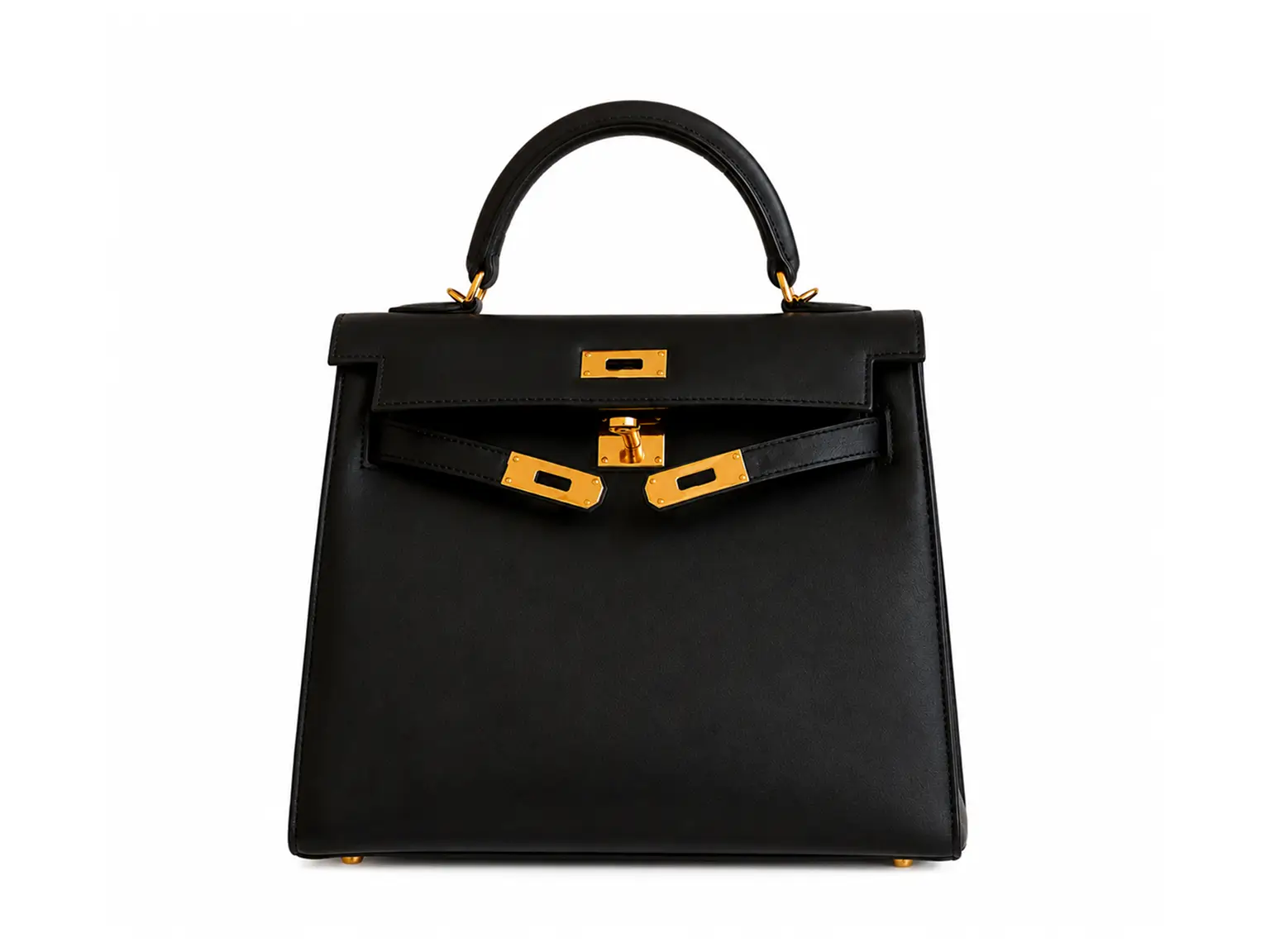
Why You'll Love It
Instant Videos
Turn product images into scroll-stopping AI videos in seconds.
Multiple Styles
Choose from unboxing, tutorials, reviews, lifestyle, and more.
Skip The Shoot
No camera, crew, or studio required. Just upload and create.
Real UGC Feel
AI builds natural, creator-style content your audience trusts.
Voice And Audio
Pick a male or female AI voiceover and add it to your video.
High Quality Output
Generate your video in 480p, 720p, or 1080p for the best quality.
What Users Are Saying
Frequently Asked Questions
The UGC Video Creator is an AI tool on MagicShot that turns your product images into authentic-looking, creator-style videos. It handles everything from format to voiceover so you get a post-ready video without filming anything.
You upload your product images, choose a content format (like Unboxing or Honest Review), set a tone and vibe, and the AI generates your video in seconds. You can also upload a short reference video to guide the style.
You can choose from six formats: Honest Review, Unboxing, Tutorial/How-To, Try-On Haul, Lifestyle Moment, and Cinematic Ad. Each one produces a different style of UGC video suited to different products and platforms.
Yes. You can toggle on an AI voiceover and select either a male or female presenter voice. It’s a one-click option right in the creation form before you generate.
The UGC Video Creator supports a wide range of product categories including cosmetics, clothing, tech gadgets, food, home decor, footwear, jewellery, and more. If your product is visual, it works well here.
Completely. You don’t need any video editing skills, design knowledge, or technical background. If you can upload an image and fill out a short form, you can create a great-looking UGC video.
Yes, videos created on MagicShot can be used for commercial purposes including paid social ads, product listings, and brand content. Check the current plan details on MagicShot.ai for any usage limits that apply to your account.