How to Create Stunning AI Wedding Photos Without a Photographer
- How-to Guides
- 10 min read
- Published: June 7, 2026
- Harish Prajapat
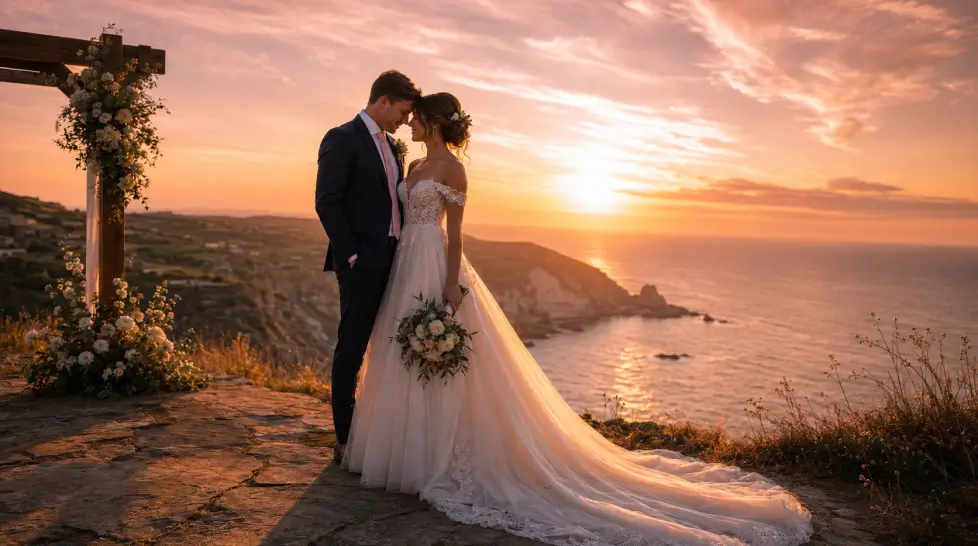
Wedding photographers in my city quoted me $4,800. For eight hours. That number sat in my head for weeks.
Then I started messing with AI wedding photography and the math broke completely. Not because the AI replaces a real photographer (it doesn’t, more on that below) but because suddenly the budget conversation changes. Engagement shoots, save-the-dates, styled portraits, those dreamy ‘what if we eloped in Santorini’ images? All possible. Without booking flights or studios.
This is the actual workflow. What works, what doesn’t, and where AI wedding photos still fall flat.
The case for AI wedding photos
Let’s start with the obvious. Real wedding photography is expensive. A photographer in any decent metro charges $2,500 minimum, often $5,000 to $10,000 for full coverage. Add an engagement session, second shooter, prints, album. The number keeps climbing.
Now here’s the thing most couples don’t realize. A huge chunk of what you want from a wedding photographer isn’t the wedding day itself. It’s:
- Save-the-date cards (3 months before)
- Engagement announcements on Instagram
- ‘How we’d look if we got married in Italy’ fantasy shots
- Pre-wedding teaser content for guests
- Anniversary throwbacks
- Themed shoots you can’t physically pull off
None of those need a real photographer. None.
An AI wedding photo generator handles all of it for the cost of a streaming subscription. And it does things a photographer can’t. Like putting you in a venue you’ve never visited. Or generating 40 outfit variations in an afternoon. Or aging you both 20 years for a ‘still in love’ anniversary post.
The economics aren’t even close.
But. There’s always a but. AI can’t replace the actual ceremony. It can’t capture your grandmother crying. It can’t catch the unplanned laugh when your dad says something weird during the toast. Those moments are why photographers exist. Don’t confuse the two.
Use AI for the stuff that doesn’t need to literally happen. Hire a human for the stuff that does.
What MagicShot produces (honestly)
I’ve tested every AI wedding tool I could find. Most are bad. Faces drift between shots, fabric looks plastic, hands have six fingers (yes, still). MagicShot isn’t perfect either, but the gap is noticeable.
What it gets right:
- Facial consistency across multiple shots in a series
- Realistic fabric texture on dresses and suits
- Lighting that matches the venue type (cathedral light reads different from beach light)
- Skin that doesn’t look airbrushed into oblivion
- Outfit variations using the same face
What it struggles with:
- Complex hand poses (rings exchanging, hand-holding closeups still glitch occasionally)
- Highly specific cultural attire if you don’t prompt carefully
- Large group shots (more than 4 people gets messy)
- Text on signs or invitations within the photo
That last one is fixable using the AI Ideogram Generator for any text-heavy compositions. But for pure portrait work? The main wedding shoot tool handles it.
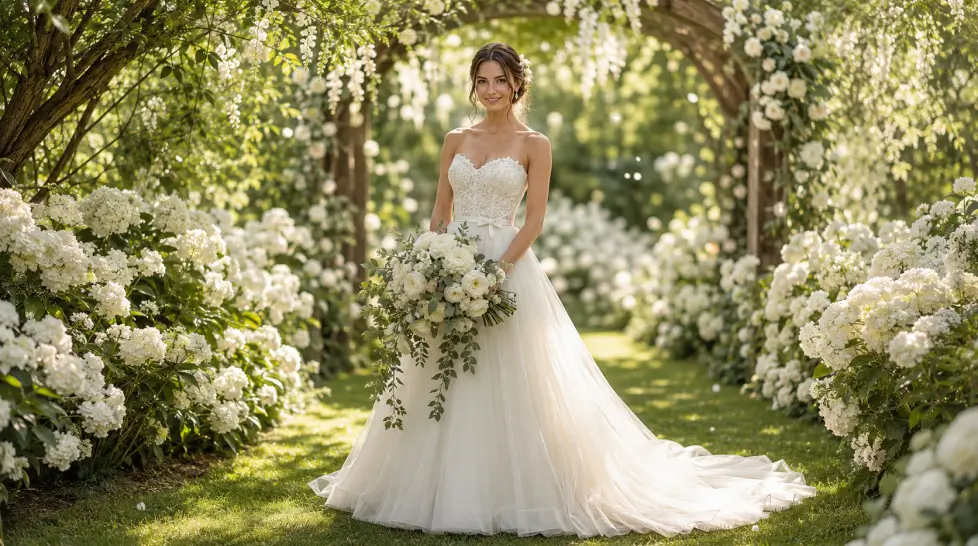
Step-by-step: how to create realistic AI wedding photos without a photographer
Here’s the actual workflow. I’ve done this maybe 50 times now. Skip steps at your own risk.
Step 1: Get your source selfies right
This is where most people fail before they even start. Garbage in, garbage out.
You need 1-3 clear photos of each person. Front-facing. Good lighting (window light works great, harsh overhead light doesn’t). No sunglasses, no heavy filters, no group shots where your face is tiny. The AI is going to study these to lock in your features. If your selfie is blurry, your AI bride will look blurry too.
Pro tip nobody mentions: take fresh selfies. Don’t use your favorite Instagram photo from 2022 where you had different hair. Recent. Clear. Slightly smiling, not stone-faced.
Step 2: Choose your shot type before prompting
Don’t just type ‘wedding photo.’ That’s how you get generic stock-looking results.
Pick one of three categories first:
- Ceremony shot — altar, vows, walking down the aisle, first kiss
- Portrait shot — posed couple or solo, often pre-ceremony or styled outdoor
- Candid-style — laughing, dancing, walking together, looking away from camera
Each needs a different prompt structure. We’ll get to specifics below.
Step 3: Write the prompt like you’re directing a photographer
This is the part that separates okay results from results that actually look real.
Bad prompt: ‘wedding photo of bride and groom’
Good prompt: ‘Couple in classic wedding attire, bride in fitted ivory silk gown with cathedral veil, groom in charcoal three-piece suit, photographed in a sunlit Tuscan vineyard at 4pm, soft golden backlighting, shallow depth of field, shot on 85mm lens, editorial style’
See the difference? You’re describing the venue, the time of day, the outfit specifics, the lens, the mood. The AI fills in the gaps it can fill, but it needs structure to work with.
If you want to go deeper on this, the prompt writing guide has more on this exact problem.
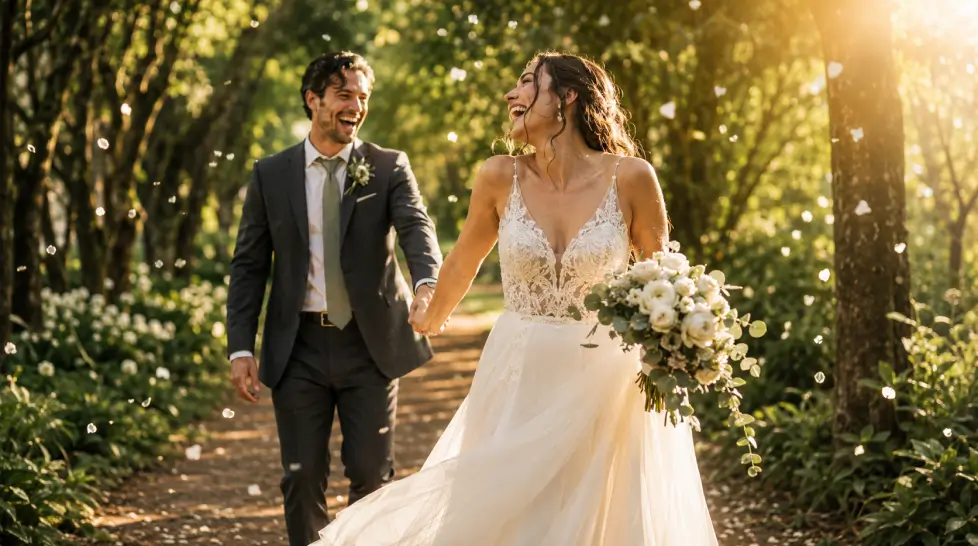
Step 4: Generate in batches, not one at a time
Don’t try to nail it in one shot. Generate 4-6 variations of the same prompt. Pick the best one. Then iterate.
The first batch tells you what the AI is interpreting from your prompt. Maybe the venue is wrong. Maybe the bride’s hair color drifted. Maybe the lighting is too harsh. Adjust and regenerate.
This is the part people skip. They get one mediocre result and assume that’s the ceiling. It isn’t. The ceiling is much higher if you iterate.
Step 5: Upscale and enhance the keepers
Once you have a winner, run it through the AI Image Upscale tool. The base resolution is fine for screens but if you want to print anything (and you might, for save-the-dates), upscale to 4K.
The Face Enhancer can also sharpen up facial details if anything looks soft. Use it sparingly. Over-enhancing creates that uncanny plastic look.
The three types of AI wedding shots (and how to prompt each)
Ceremony shots
These are tricky because they involve specific moments. Vows, kiss, walking down the aisle, ring exchange.
What works in prompts:
- Specify the venue type clearly (cathedral, beach, garden, courthouse, barn)
- Time of day matters more than you think
- Describe the moment, not just the people (‘exchanging rings while smiling at each other’)
- Mention guests in soft focus background if you want context
What to avoid:
- Complex hand-on-hand interactions (rings being placed on fingers often fail)
- Multiple specific guests with named relationships
- Text on programs, signs, or banners
Portrait shots
This is where AI shines hardest. Static posed couple portraits are basically the AI’s wheelhouse.
Prompt structure that works:
- [Outfit details] + [Location] + [Lighting] + [Pose] + [Photo style]
Example: ‘Bride in mermaid lace gown, groom in navy tuxedo, standing at the edge of a Santorini cliff overlooking blue ocean, golden hour sidelight, bride leaning into groom’s chest, fine art wedding photography style’
For consistent variations of the same couple in different settings, the Portrait Series feature handles outfit and location swaps while keeping your faces locked in. This is huge for content series, like a ‘we got married in 5 different cities’ Instagram post.
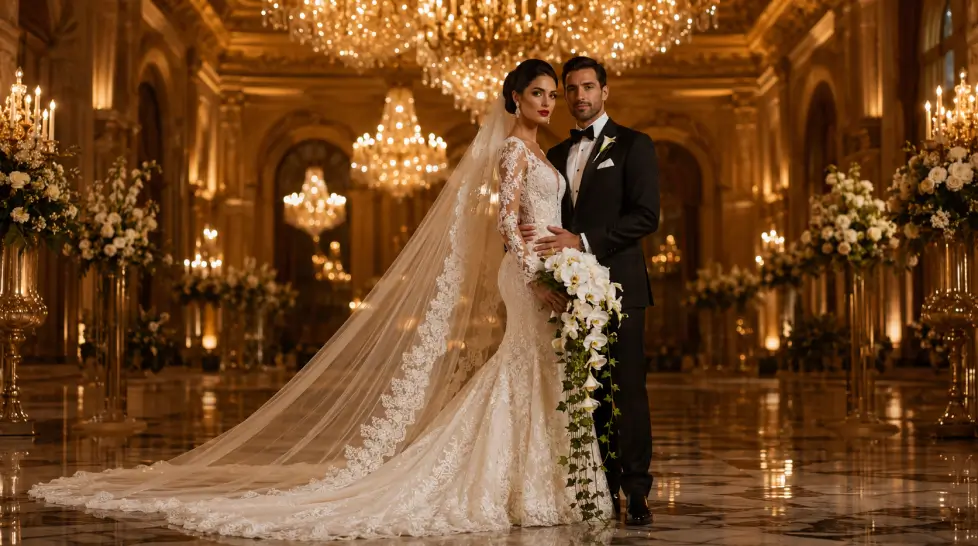
Candid-style shots
The hardest to fake convincingly. Real candids have motion blur, awkward angles, half-closed eyes. AI tends to over-perfect everything.
To force a candid feel:
- Prompt for ‘caught mid-laugh’ or ‘walking away from camera’
- Add ‘documentary style’ or ‘photojournalism’ to the prompt
- Specify ‘natural light’ and ‘unposed’
- Ask for ‘subjects not looking at camera’
You’ll still get something more polished than a real candid. But it’ll read as candid-adjacent, which is usually enough for social posts.
For more ideas on the candid approach and venue selection, this guide on realistic 4K wedding photos without a photographer goes deeper into specific scene setups.
When to pair AI with a real photographer for day-of
Okay. Real talk. The wedding day itself? Hire someone.
I know I just spent 1,500 words explaining why AI wedding photography is great. And it is. But the actual ceremony, the reception, the unscripted moments, those need a human with a camera.
Here’s what I tell friends now:
| Use Case | AI or Photographer? |
|---|---|
| Save-the-date cards | AI |
| Engagement announcement | AI or photographer |
| Pre-wedding styled shoot | AI |
| Ceremony | Photographer |
| Reception candids | Photographer |
| First look | Photographer |
| Anniversary throwback content | AI |
| ‘What if we eloped’ fantasy shots | AI |
| Honeymoon-style content | AI |
The smart move? Use AI to slash your overall photography budget without losing the day-of coverage. Instead of hiring a photographer for engagement + wedding + portraits + everything, hire them just for the ceremony and reception. Maybe 4-6 hours instead of 10. Use AI for everything else.
That alone can save $2,000-$3,000.
And honestly, some of the styled AI shots will outperform the engagement session anyway. You can put yourself in Paris. In Iceland. On a yacht. In a cathedral you’ve never visited. A real photographer can’t do that without flights and venue fees and weeks of planning.
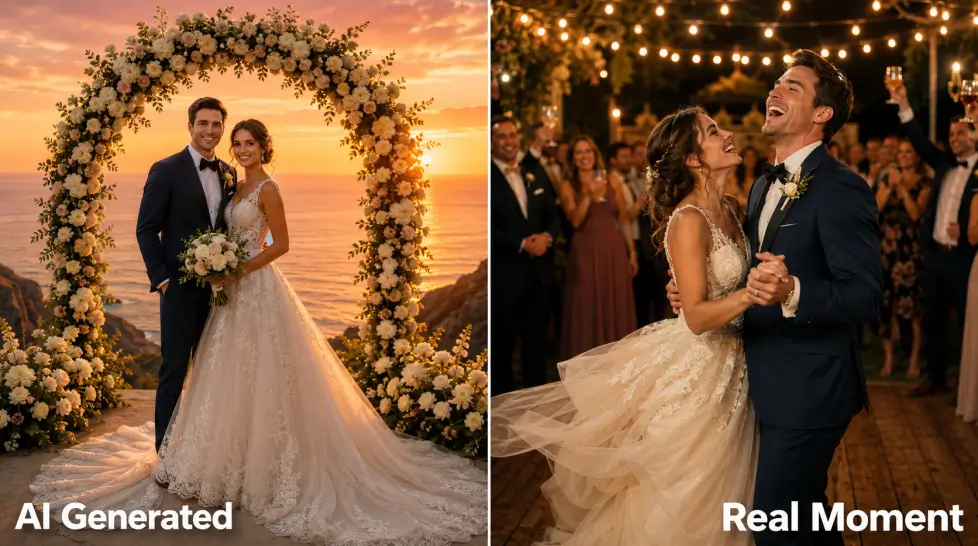
A few honest limitations
Things I want you to know before you spend 3 hours on this:
Sometimes the AI just doesn’t get your face right. Especially if your features are very specific or if you have a less common ethnicity that’s underrepresented in training data. It’s getting better but it’s not solved.
Group shots beyond 3-4 people are still rough. Wedding parties? Forget it for now. Stick to couple portraits.
Veils, very long trains, and detailed lace patterns can come out weird. The AI sometimes confuses fabric with surrounding elements.
And one more thing. Don’t lie about it. If someone sincerely asks if these are real wedding photos, just be honest. ‘These are AI-generated styled shots’ is a perfectly fine answer. Trying to pass them off as real ceremony photos gets weird fast.
The bottom line on AI wedding photography
The math has changed. A $29 subscription gives you unlimited styled wedding shoots. A photographer gives you the actual day. Both have a place.
If you’re getting married in 2026, here’s what I’d do: book a photographer for ceremony and reception only. Cut their hours. Use AI for everything else, the engagement content, the save-the-dates, the styled portraits, the social media buildup.
You’ll save thousands. You’ll have more variety. And you’ll still have real photos from the day that matters.
That’s the play.
Frequently Asked Questions
Yes, if you feed the AI good source selfies and write specific prompts. The skin, fabric texture, and lighting on modern models like Nano Banana 2 and FLUX hold up at full resolution. Bad inputs still produce bad outputs though, so the selfie quality matters more than people think.
A wedding photographer runs $2,500 to $10,000+ depending on your city. A MagicShot subscription is roughly $29 a month and you can generate hundreds of variations. So it’s basically the difference between one nice dinner and one nice car.
Not instead of. Use AI for engagement shoots, save-the-dates, pre-wedding teasers, and styled portraits you don’t need to literally happen. Hire a real photographer for the actual ceremony day. They capture real moments AI can’t fake convincingly.
Two clear selfies (one of each person if it’s a couple), good lighting in those source photos, and a detailed prompt describing the venue, outfit, and mood. That’s basically it. The whole process takes under 10 minutes per photo set.
Of your own face and your partner’s face with consent, yes. Just don’t pass them off as real ceremony photos if anyone’s asking honestly. Most couples label them clearly or just enjoy them as creative content. Check MagicShot’s terms for commercial use specifics.