25 Holiday Portrait Ideas You Can Create at Home with AI
- Festival
- 8 min read
- Published: June 9, 2026
- Harish Prajapat
Family photoshoots during the holidays are a special kind of chaos. Someone’s hair is wrong. The dog won’t sit. Your sister is two hours late. And the studio charges $400 for an hour you’ll spend mostly wrangling.
So skip it.
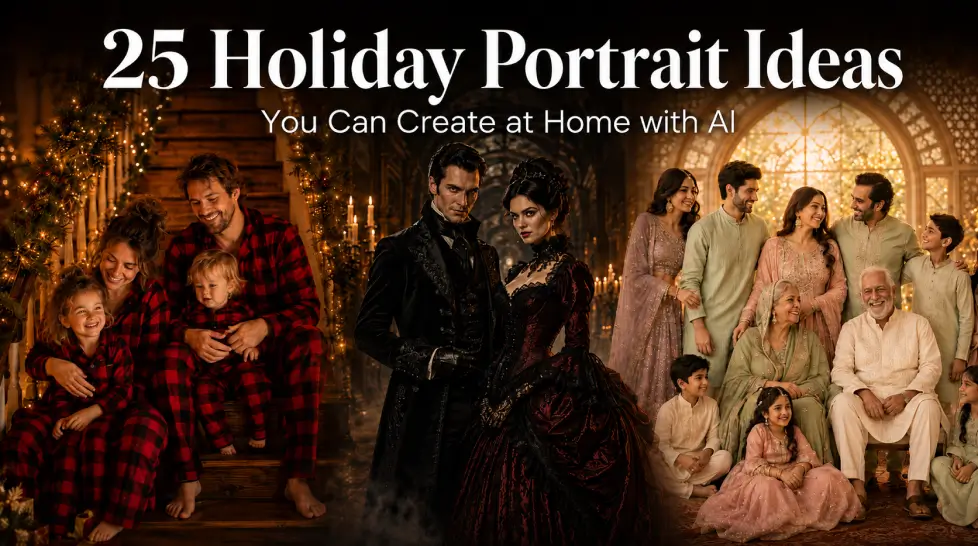
AI holiday portraits handle the styling, the location, the lighting, and the impossible group choreography in a few minutes. Christmas AI photos with matching pajamas? Done. Diwali portraits in gold-trimmed silk? Done. Eid family shots, Halloween costumes, New Year glam — all from a few uploaded selfies and a prompt.
Here’s how to actually pull it off, holiday by holiday.
Why AI Holiday Portraits Make Sense This Year
Quick reality check before the ideas. Traditional holiday photoshoots cost anywhere from $200 to $1,200 depending on the photographer, the season, and the props. Studios book out by October for December slots. Outfit shopping eats another weekend.
AI flips that math. One subscription. Unlimited tries. Outfits that exist nowhere in your closet. Backdrops you’d need a plane ticket to reach.
And the quality? Honestly, two years ago I’d have said don’t bother. Now? The output from Portrait Series with a properly trained face model gets confused for real photography all the time. Not always. But often.
The trick is knowing what prompts to write and which features to use for which holiday. That’s what the rest of this post is about.
1. Christmas AI Photos: Festive Backgrounds and Matching Outfits
Christmas is the easy one. The aesthetics are universal — fairy lights, fireplaces, pine trees, snow, red and green palettes. Every AI image model has trained on a million Christmas images.
What actually works well:
- Matching pajama family shots. Plaid, red, white, candy cane stripes. Sitting on stairs or by a tree.
- Fireplace scenes with stockings, warm tungsten lighting, mugs of cocoa in hand.
- Outdoor snow portraits in coats and scarves, with bokeh string lights in the background.
- Vintage Christmas card looks — 1950s styling, painted backdrop feel, slightly desaturated.
Prompt example: “Family of four in matching red plaid pajamas sitting on wooden stairs decorated with garland and white fairy lights, warm fireplace glow, shallow depth of field, photographic, Christmas morning aesthetic.”
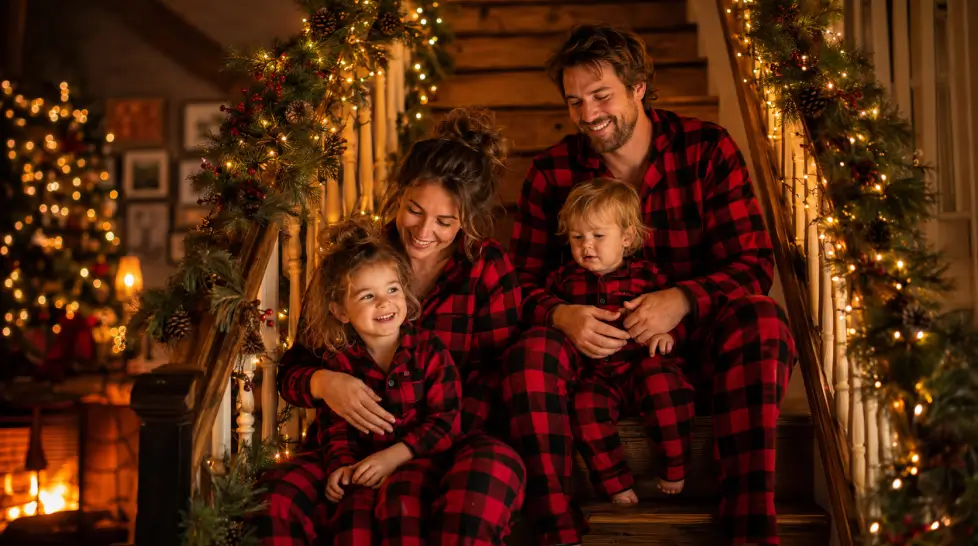
For families with members in different cities — and there are a lot of those right now — AI fixes the impossible scheduling problem. Upload everyone’s selfies separately, build the group portrait digitally, send it as the family card. Nobody knows you’re 2,000 miles apart.
2. Diwali AI Portraits: Traditional Wear and a Gold Theme
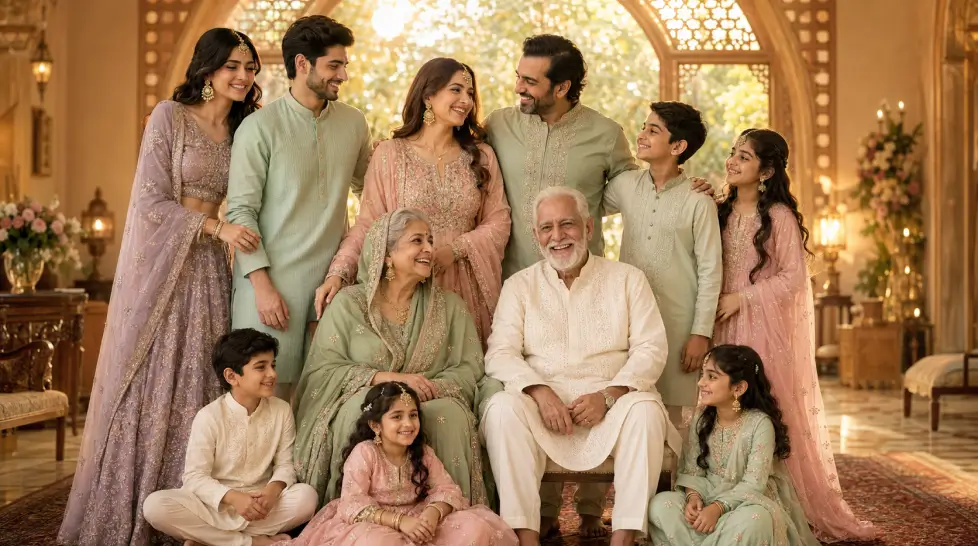
Diwali portraits are where AI really shines, because the costumes and settings are detailed in a way most stock photography misses. Embroidered lehengas, sherwanis, gold jewelry, diya lamps, marigold garlands, rangoli patterns underfoot.
Get specific in your prompts. The more cultural detail you write, the better the output gets. “Indian outfit” gives you a generic mess. “Royal blue silk lehenga with gold zari embroidery, matching gold jhumka earrings, henna-stained hands” gives you something that actually looks like a portrait.
Themes worth trying:
- Diya-lit indoor portraits with warm amber tones and saree drape close-ups
- Family on a marble balcony with fireworks behind
- Rangoli floor with the family seated around it, top-down or low angle
- Gold and emerald color palette for a more editorial Diwali shoot
Already wrote a whole separate breakdown for this — the Diwali themed portraits guide goes deeper if you want specific prompt templates and outfit references.
3. Halloween AI Costumes: Spooky Without the Mess
Halloween is where AI gets fun. And weird. Mostly fun.
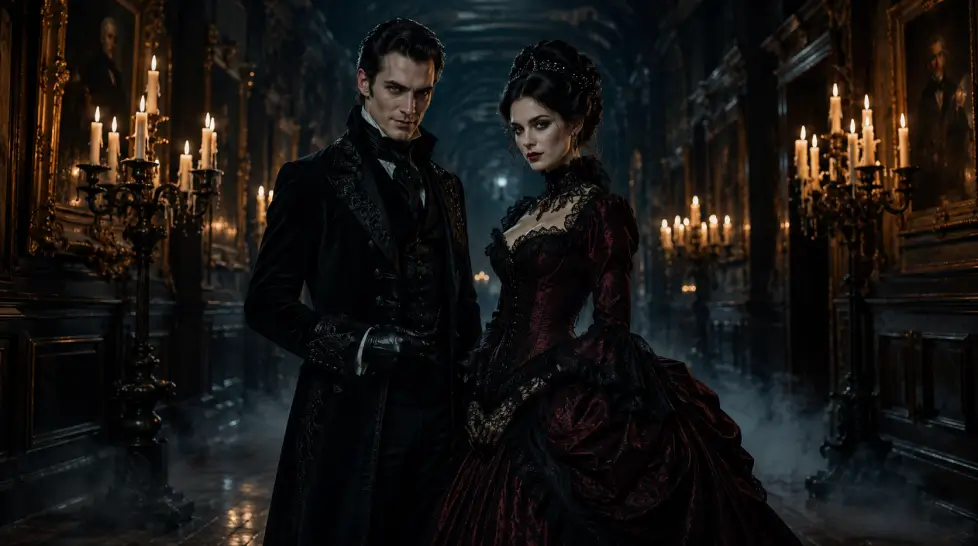
The cool thing about Halloween AI portraits is you don’t need to actually own the costume. Want to be a Victorian ghost? A vampire? A 1920s flapper haunting a mansion? A whole family of skeletons sitting down to dinner? All possible from your existing selfies plus a prompt.
Best Halloween directions:
- Gothic horror portraits — fog, candlelight, period costumes, slightly desaturated palette
- Cute kid costumes — pumpkin patch settings, sunset light, no actual spookiness
- Movie reference shots — recreate a horror movie poster aesthetic with your face on it
- Couple costumes — Morticia and Gomez, Wednesday and Enid, vampires
For full character transformations — not just adding a costume to your existing photo, but turning you into the character — use Become Image. It rebuilds the whole portrait around a concept while keeping your face recognizable.
4. New Year AI Portraits: Glam and Party Energy
New Year’s Eve portraits split into two camps. Sparkly party glam with confetti and champagne. Or moody black-tie editorial vibes that look like a magazine spread.
Both work great in AI. The party shots especially benefit from motion and bokeh, two things that are expensive to capture in real photography but free in prompts.
What to ask for:
- Gold confetti mid-air, fairy lights bokeh background, champagne flute in hand
- Sequined dress in a rooftop setting at midnight with city skyline
- Black-tie group shot with deep navy or burgundy palette, shot like a magazine cover
- “Last second of the year” cinematic moment with motion blur
One thing to watch: AI sometimes butchers champagne glasses and hands. Generate three or four versions and pick the cleanest. Always.
5. Eid and Other Cultural Holidays
Eid portraits have their own visual language — soft pastels, intricate embroidery, family gatherings, mosque silhouettes at golden hour, henna detail close-ups.
The AI handles this well when you describe it precisely. Mention the specific garment names. Salwar kameez. Abaya. Kurta. Hijab in specific colors. Mention the architectural details if you want a setting — mashrabiya screens, arched doorways, lantern light.
Other cultural holidays worth shooting:
- Hanukkah — menorah-lit portraits, blue and silver palette, family table scenes
- Lunar New Year — red and gold palette, qipao or hanbok outfits, paper lantern backdrops
- Thanksgiving — autumn outdoor portraits, warm earth tones, full table family shots
- Kwanzaa — kinara candles, traditional African textile patterns, warm portrait lighting
6. Step-by-Step: Creating AI Holiday Portraits on MagicShot
Enough theory. Here’s the actual process.
Step 1: Pick the right feature
For likeness-based family portraits where everyone has to look like themselves, use Portrait Series. For transformations into characters or scenes — Halloween, especially — use Become Image. For inserting yourself into specific iconic backdrops, use Iconic Locations.
Step 2: Upload reference photos
Eight to fifteen clear photos per person. Different angles. Different expressions. Good lighting. No sunglasses, no heavy filters, no group shots — single-person photos only at this stage. The training step takes about 5 to 10 minutes.
Step 3: Write your prompt
Be specific. Boring prompts give boring outputs. Mention:
- Outfit details (color, fabric, style)
- Setting (indoor/outdoor, specific objects, decorations)
- Lighting (warm tungsten, soft natural, candlelit, golden hour)
- Mood (candid, posed, editorial, cinematic)
- Composition (full body, waist up, group arrangement)
If you’re new to writing prompts, the prompt writing guide covers the structure that actually works.
Step 4: Generate multiple variations
Don’t pick the first output. Generate 6 to 10 versions of each concept. AI image generation has natural variance — one prompt gives you everything from amazing to garbage. Pick the best two or three.
Step 5: Polish
Run your favorites through Face Enhancer if any facial details look soft. Then upscale to 4K if you’re printing or sending as cards. This last step matters more than people think.
What AI Holiday Portraits Won’t Fix
Honest moment. AI doesn’t always nail hands. Sometimes it gives a kid six fingers, sometimes it merges two people’s arms into one weird limb. You’ll throw out a fraction of every generation batch.
It also struggles with very specific religious objects or ceremonial details that aren’t in its training data well. A generic Christmas tree? Perfect. A specific menorah branch count? Sometimes wrong. Check before printing.
And large groups — like six-plus people — still get tricky. Faces start drifting from the references when there’s too much going on. Smaller groups, or a few separate portraits stitched together, work better.
Why It’s Worth the 30 Minutes
Holiday portraits used to mean a Saturday lost. Outfit coordination, a drive across town, fake smiles for an hour, $400, and three weeks of waiting for proofs.
Now it’s coffee on the couch and a prompt. Different holiday next month? Same trained model, new prompt. Different family member couldn’t make the original shoot? Add them in.
The studio era’s not dead. But for casual holiday content — cards, social posts, framed prints for the wall — AI is just better at this now. Cheaper. Faster. Weirdly more flexible.
Pick a holiday. Open MagicShot. Start with one prompt and see what happens.
Frequently Asked Questions
Upload 8 to 15 clear photos of each family member to MagicShot’s Portrait Series, train a quick model, then prompt a Christmas scene with matching outfits, a decorated tree, and warm lighting. You’ll get full family portraits in under 10 minutes.
MagicShot covers most holidays in one place with Portrait Series, Become Image, and Iconic Locations. One subscription handles Christmas, Diwali, Eid, Halloween, and New Year shoots without juggling separate apps.
Yes. Once your face model is trained, you can switch prompts for any cultural or seasonal theme. Same face, different outfits, different backdrops, no retraining needed.
The good ones, yes. Stick to high-resolution outputs, run the final image through AI Image Upscale if you want a 4K print, and pick prompts with specific lighting details for a photographic feel.
They do. Kids need a few more reference photos for likeness to lock in, and pets work best with the Pet Dress Up feature if you want costumes. Family group shots with kids and pets together are completely doable.