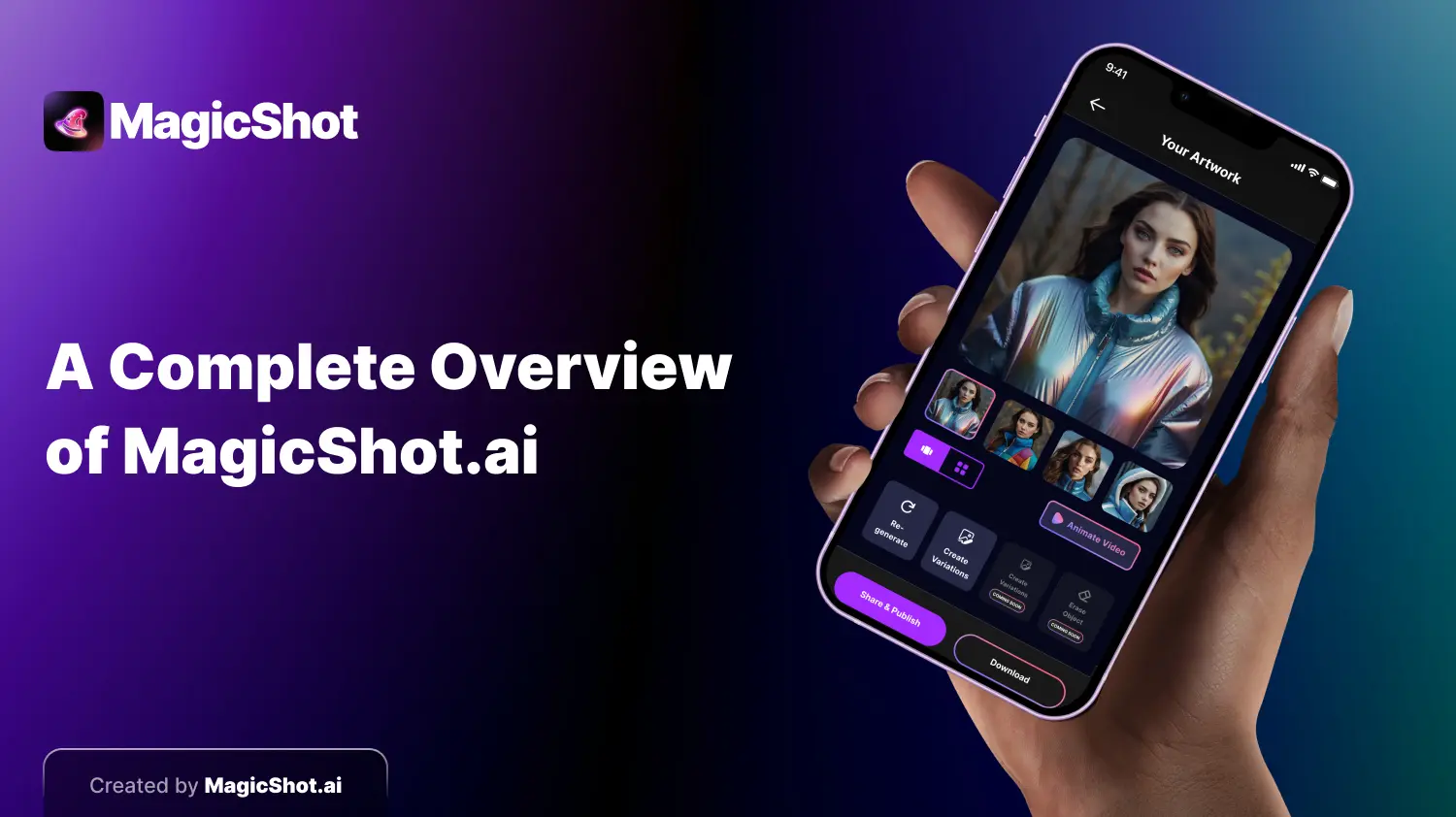
MagicShot is an app and website for making and editing images, video and audio with AI. Most people arrive for one job, such as removing a background or turning a prompt into a picture, and then find the other tools. This guide walks through what is in it, what each tool is good for, and which one to reach for first.
Making images from text
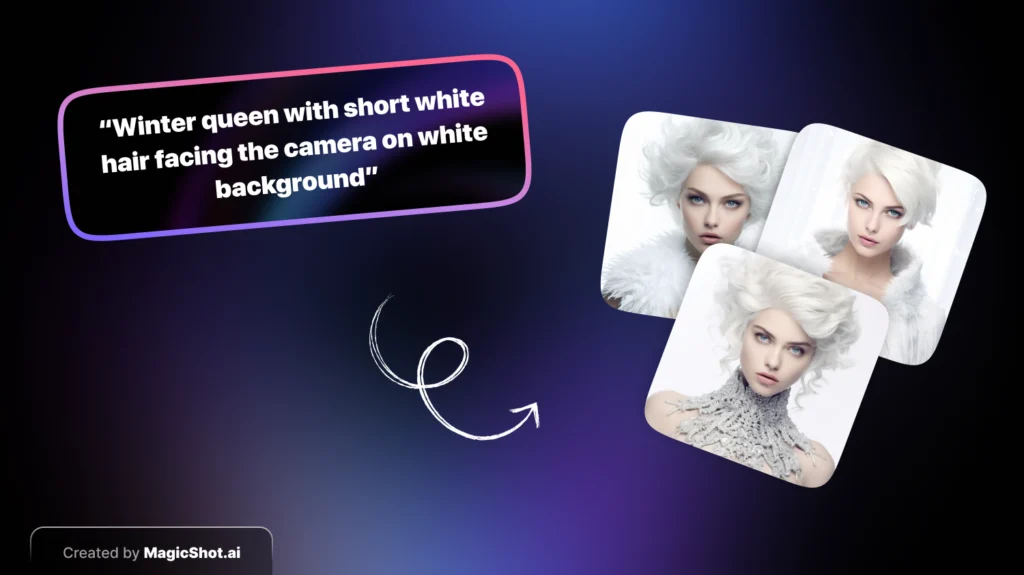
Type what you want, choose a style such as realistic, painting or cartoon, and the app returns several options to pick from. It is the fastest way to get a concept, a social post image or a visual for a story. The AI art generator is the main tool for this. Specific prompts work better than short ones: say the subject, the setting, the light and the mood.
AI avatars and headshots
Upload a selfie and the avatar tools create stylised portraits of you, from playful to polished. They suit profile pictures, creator branding and fun experiments. For work profiles, the professional headshots tool is aimed at a cleaner, business-ready look, and the avatar generator covers the more creative styles. Use clear, well-lit photos for the best results.

Editing the photos you already have
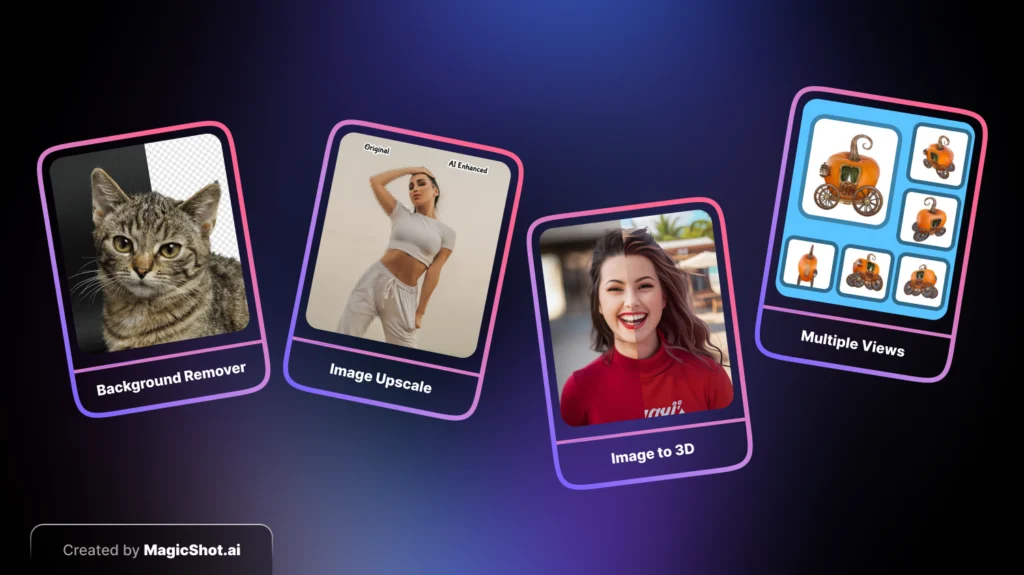
[Background remover](https://magicshot.ai/ai-photo-editor/background-remover): cut out the subject for product shots, profile pictures and collages.
Image upscaler and enhancer: sharpen low-resolution or blurry photos and recover detail from old images.
[Image editing](https://magicshot.ai/ai-photo-editor/image-editing): describe a change in words and let the AI apply it to your picture.
Image to 3D and multiple views: turn a flat picture into a 3D-style result or see the same subject from another angle.
Creative mixing tools
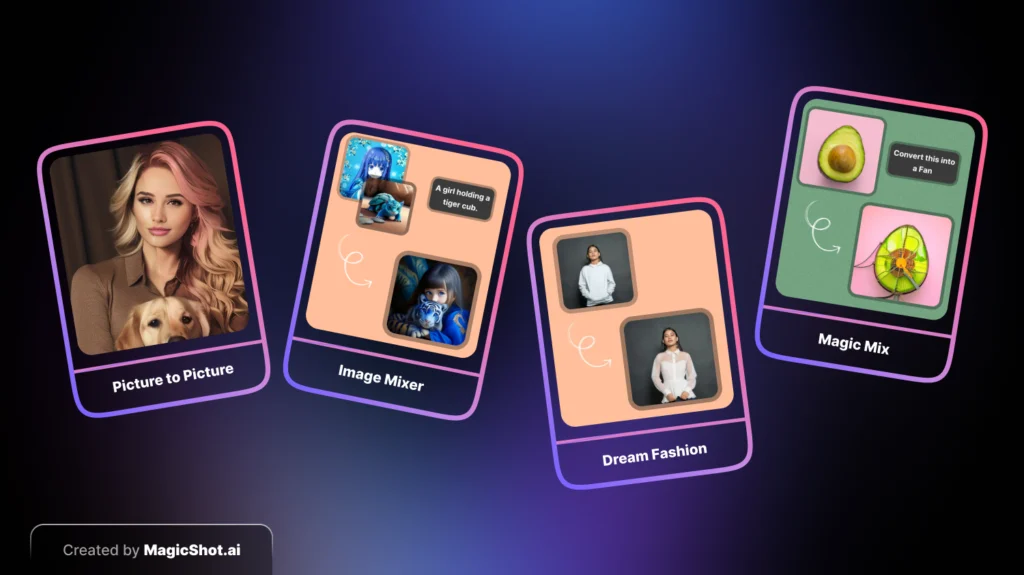
Some tools combine pictures instead of fixing them. Image Mixer blends several images into one, Dream Fashion lets you try an outfit on your own photo, and Magic Mix changes parts of a picture from a text description. These are playful, and they work best when the source images are clear and similar in lighting.
Video and audio
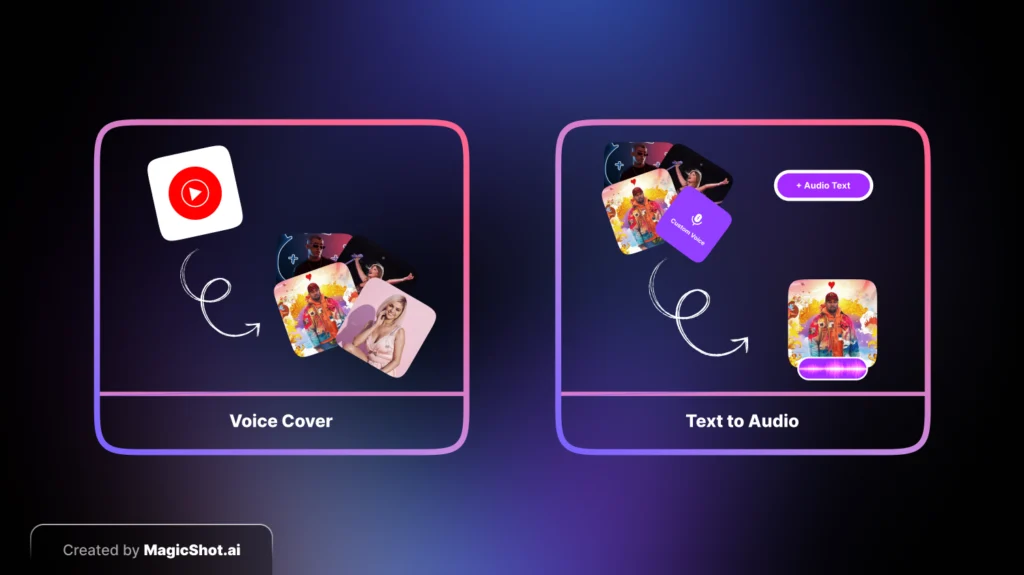
MagicShot also turns pictures into short video clips, with effects such as the hugging booth and kissing booth, and product to video for simple ads. On the audio side, text to audio reads a script in a chosen voice, which is handy for voice-overs and presentations, and the AI music generator creates tracks from a description. If you use a real person's voice or likeness, make sure you have their permission.
Which tool should you start with?
Need a picture from an idea: AI art generator.
Need a new profile photo: professional headshots or avatar generator.
Need to clean up a photo: background remover, then the upscaler.
Need a short clip for social: image to video effects.
Need a voice-over: text to audio.
Plans and getting started
MagicShot is a paid product, with plans that give you credits to generate. Check the pricing page for the current options before you subscribe, since plans and trials can change. You can download the iOS app or use the website, and your account works across both.
Tips for better results
Start with one clear goal per session, write specific prompts, and generate several options instead of judging the first one. Save prompts that worked, and use your own photos where accuracy matters, since generators can alter faces and products. The full list lives on the features page.