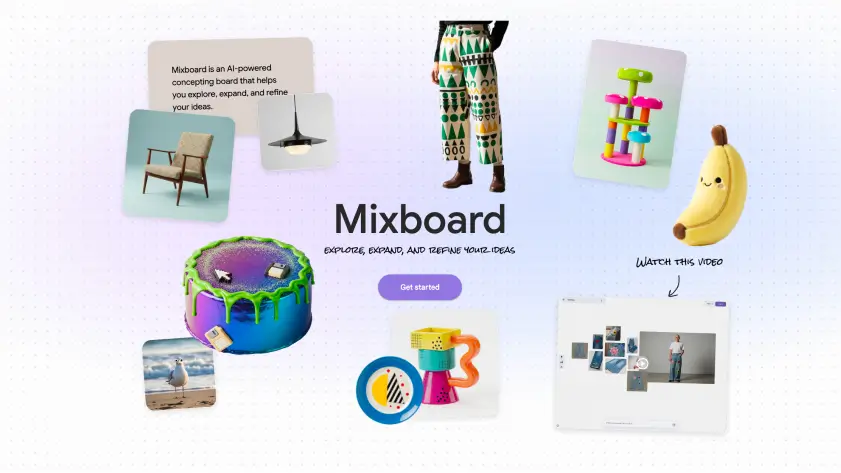
Google Introduces Mixboard: A New Way to Explore Ideas
Google Labs has launched Mixboard, an experimental tool designed to help people think visually. Instead of starting with a blank document, Mixboard gives you an open canvas where ideas take shape through images, text, and AI-powered suggestions.
The goal is simple. Make it easier for anyone to explore ideas without needing design skills or complex software. Whether you are planning a room makeover or brainstorming a new product, Mixboard is built to help ideas grow naturally.
This experiment reflects a broader trend at Google Labs, where early-stage tools are released publicly to learn how people actually use AI in creative work.
What Can You Use Mixboard For?
Mixboard is flexible by design. It works best during the early stages of thinking, planning, and inspiration.
Some common use cases include:
Home decor mood boards
Event themes and party planning
New product or packaging concepts
DIY projects and craft ideas
Creative brainstorming for teams
For example, you could type a prompt like “cozy modern living room with warm lighting” and instantly get a visual board you can refine and expand.
How Mixboard Works
Mixboard combines an open canvas with generative AI tools that respond to natural language.
You can start in a few different ways:
Enter a text prompt to generate a new board
Choose from pre-populated example boards
Upload your own images and build from there
Once your board is created, you can interact with it like a conversation. You might ask it to adjust colors, combine visuals, or generate matching text based on what’s already on the canvas.
AI-Powered Image Editing With Nano Banana Pro
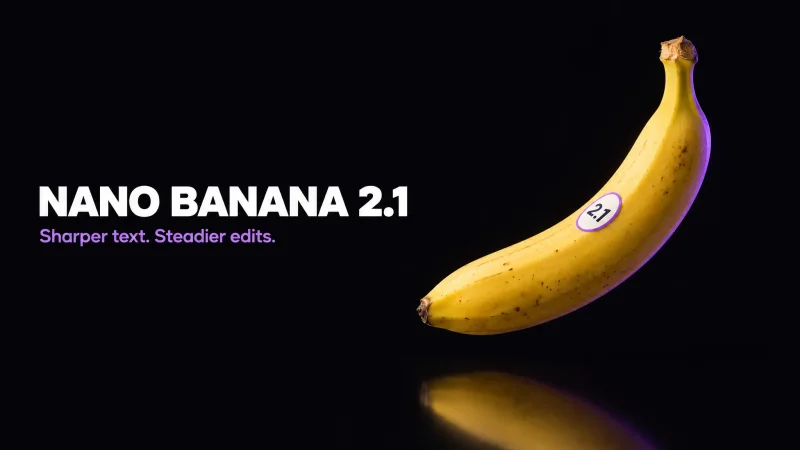
One of Mixboard’s standout features is its new image editing model called Nano Banana Pro.
This model allows users to:
Make small visual edits using plain language
Combine elements from multiple images
Refine details without starting over
For example, you could say “make this room brighter” or “combine these two styles” and Mixboard handles the changes visually. This removes a lot of friction that usually comes with traditional image editing tools.
One-Click Creativity: Regenerate and More Like This
Mixboard includes quick action buttons that help ideas evolve faster.
Key options include:
Regenerate: Create a fresh version of an idea
More like this: Expand on a style or concept you like
These features are especially helpful when exploring variations. Instead of manually tweaking every detail, you can quickly see multiple directions and choose what works best.
Context-Aware Text Generation
Mixboard does not just work with images. It can also generate text based on what’s already on your board.
This means you can:
Create descriptions inspired by visuals
Add notes or summaries automatically
Align written ideas with visual themes
According to Search Engine Journal, multimodal AI tools like this help users move faster by reducing context switching between text and visuals.
Availability and Community Access
Mixboard is now available worldwide as a public beta, making it accessible to creators, planners, and teams across the globe. As an early Google Labs experiment, the product will continue to evolve as Google learns how people use it in real creative workflows.
Google encourages users to:
Try Mixboard at labs.google/mixboard
Join the Google Labs Discord community
Share feedback, ideas, and real-world use cases
This open beta approach allows Google to improve Mixboard based on how people actually explore and develop ideas, rather than how tools are traditionally designed.