
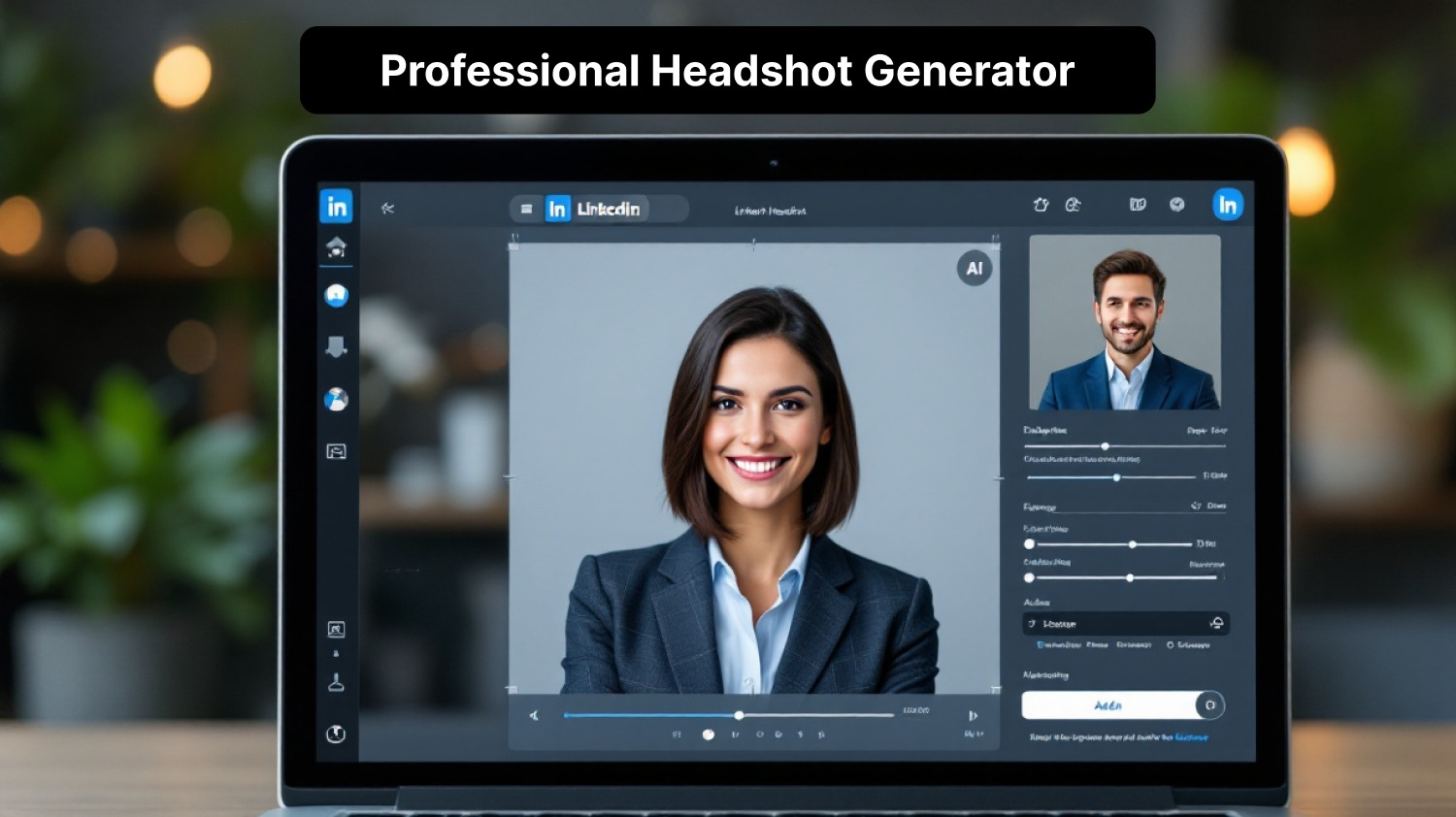
Your LinkedIn photo is the first thing a recruiter or client sees, and it is shown small, so a clear, friendly face matters more than a fancy backdrop. A studio shoot is the traditional answer, but it means booking, travel and waiting for edits. AI headshots offer a faster route. This guide shows how to create a LinkedIn headshot with AI, what makes one look right, and how to avoid the mistakes that make AI photos look fake. You can start with MagicShot's professional headshot generator.
What a Good LinkedIn Headshot Looks Like
Your face fills most of the frame. LinkedIn shows the photo as a small circle, so a wide shot turns you into a dot.
Soft, even light with no harsh shadows across the eyes.
A simple background that does not compete with your face.
A natural, friendly expression. Relaxed and approachable beats stiff.
Looks like you today. It should match how you appear on a video call.
For examples across industries, see our guide to professional headshot examples.
How to Create a LinkedIn Headshot With AI
Upload a clear selfie. Use a recent, well-lit, front-facing photo with no filters.
Pick a style. Choose a background and attire that suit your field.
Generate and compare. Create several versions and look at them at thumbnail size.
Choose the one that looks most like you, not the most polished one.
Download and upload it to LinkedIn. LinkedIn recommends a square image of at least 400 x 400 pixels.
AI Headshot vs Traditional Studio Shoot
Time: minutes with AI, days or weeks for a studio.
Cost: usually much lower with AI, though prices vary.
Control: AI lets you try different looks from one photo. A photographer captures real expressions and can direct you.
Best for: AI suits job seekers, freelancers and teams that need a consistent set. A studio suits executives and anyone who needs a photo with a story.
Mistakes That Make AI Headshots Look Fake
Over-smoothed skin that removes all texture.
A face that looks different from your real one. Colleagues will notice.
Strange details in hair, ears, jewelry or collars.
Backgrounds that look like a stock office instead of a real place.
Check each image at full size before you use it, and ask a friend whether it looks like you.
Is It Okay to Use an AI Headshot on LinkedIn?
LinkedIn expects your profile photo to be a real picture of you. An AI headshot generated from your own selfie that still looks like you fits that spirit. A generated face that is not yours does not. When in doubt, choose the version that is most faithful to your actual appearance.
Tips for the Best Result
Start with a high-resolution selfie in daylight.
Keep a neutral expression with a slight smile.
Avoid hats, sunglasses and busy patterns.
Use the same headshot across your profiles for consistency.
Read more: Create AI headshots in minutes.
Get the App
Download the MagicShot app to create headshots from your phone.


